40+ Adobe After Effects Best of Tutorials & Resources
- By Noupe Editorial Team
- Posted in Graphics, TUTORIAL
- 41 comments
For months, we have been bookmarking interesting, useful and creative Adobe After Effects tutorials and Resources, so you can now rest assured that you will have the necessary tools to get the job done.
Whether you want to learn how to create vibrant motion graphics, breathtaking special effects or cinematic footage, today we got it all.
In this post, we want to showcase some of the best After Effects tutorials around to make your message stand out. You will find After Effects tricks and techniques that should appeal to all users from beginners all the way to the most seasoned and advanced users of After Effects.
- Create a MoGraph Urban Jungle
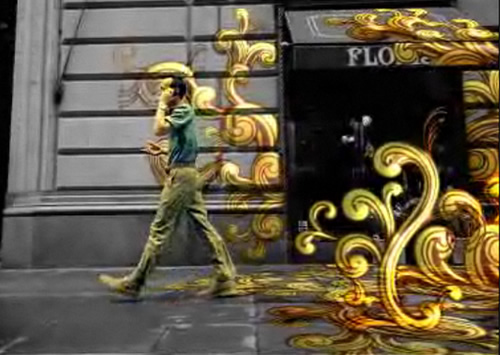
This is a 2 part tutorial. In part1 you will learn how to do a track using Boujou (although any matchmoving software will work for this) and then import and apply that information in After Effects successfully. In part 2, Naim show us how to setup the vector graphics in Illustrator then track the man on the phone in Mocha AE. Finally, to wrap things up we jump back into After Effects to finalize the composite.
- Futuristic HUD
Learn how to Create 3D interface display as seen in Iron Man’s helmet and build self-animating components and artificial lighting
- Cinematic Opening Title Redux
In this 2 part tutorial AETUTS editor Lloyd Alvarez features a clever use of freely available scripts and expressions to create what would normally be a very complicated and time-consuming animation. In day 1 Lloyd covers cunning techniques to harness a large amount of text and quickly formats and animates it in a cinematic style.
- Growing 3D Vines
Learn how to create growing 3D Vines in this amazing tutorial using only After Effects.
- Building and animating a CGSnake
Learn how to create a dynamic animation based on a “chain rig”. Animate one layer using keyframes, expressions, or both, and make other layers follow the leading layer. See how you can texture the rig and find out how flexible it is. Find out how flexible this technique is and how you can turn the rig into a snake.
- Ink Bleeding Effect in After Effects (Like Gnarls)
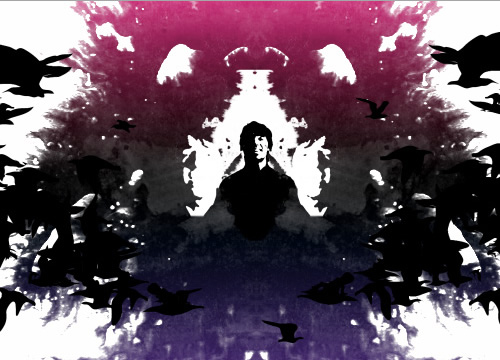
This tutorial will focus on using Alpha and Luma Mattes in After Effects, Frame by Frame animation using CS3’s Illustrator, Photoshop, and After Effects
- Smokey Type Effect in After Effects
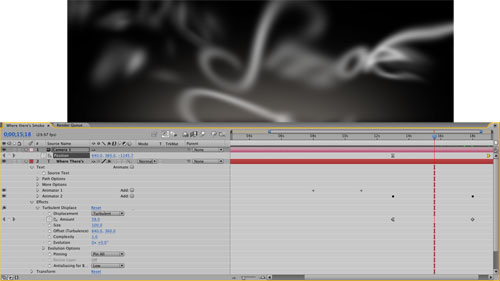
Type animation is one of the most wonderful functions to play with in After Effects, With CS3 adding per-character 3D control, typographic motion design has never been more fun. In this tutorial you will learn how to create cool smoky type.
- Creating Fire in After Effects CS3
One of the toughest things to achieve in After Effects is a true feeling of space, environment, and temperature even. One way to infuse your scene with reality is to add light—and not simply a spotlight with a feathered edge and a few shadows here and there, but a realistic light cast from the very essential form of illumination: fire!
- Create a TV bumper in After Effects

This tutorial will allow you to develop a deeper understanding about mattes, and how they can be used to apply texture and transparency to your layers in After Effects, by putting together a five-second television bumper in Adobe After Effects.
- Animated Swirls in Adobe After Effects
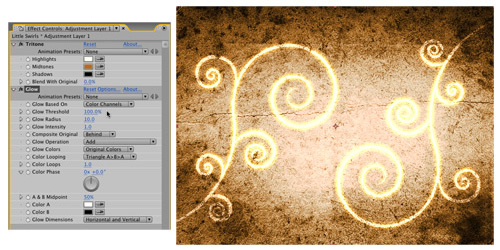
Animated swirls are all the rage in the motion graphics world, and there are some pretty cool things that can be done with them. But creating and animating such elements is really not as difficult and time-consuming as it would seem, even if the shapes are detailed and intricate. Bring on the swirls!
- Flaming Chrome Text in After Effects
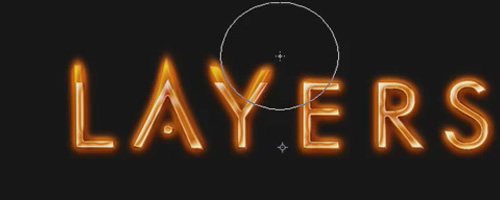
In this tutorial J Schuh creates some flaming chrome text in After Effects using the glow and liquefy effects.
- Animating Spray Paint and Stencil Effect in After Effects
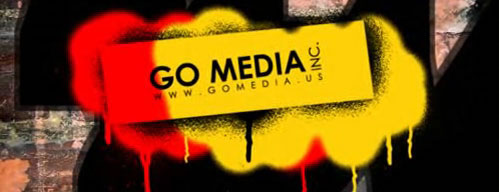
In this tutorial you will learn how to create a spray paint effect using After Effects.
- Energy Wipe
Learn how to: 1)Create a fluid energy wipe with built-in particles 2) Blend title using turbulent displacement
- The Top Ten Things After Effects Users Love and Hate about Motion

Here are Top Ten lists for what After Effects Users love and hate about Motion.
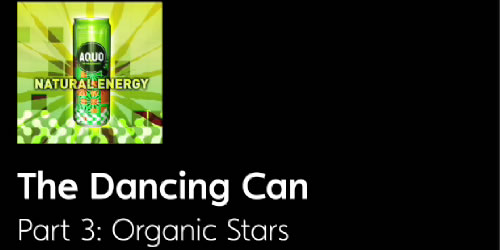
- The Dancing Can
Learn how to use After Effects Shape Layers to add dynamic and organic, self-animating elements to the background.
- Create a “Light-tastic” Logo Reveal Animation

In this tutorial you will learn how to break down the science behind creating a simple expression that drives the light streak emitter and shows you how easy it is to create infinite variations with ease.
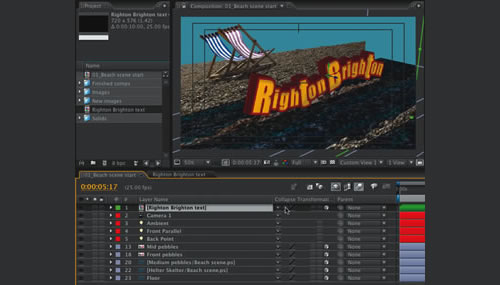
- Make your text 3D in After Effects
Make your message stand out by transforming text with 3D extrusions in After Effects
- Create the Aurora Borealis
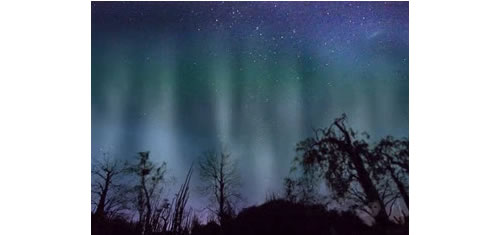
Learn how to create the Aurora Borealis, also known as the Northern Lights.
- DVD motion menu design
Creating multi-dimensional, interactive menus from pen-and-paper sketches is simple, here is how to do it.
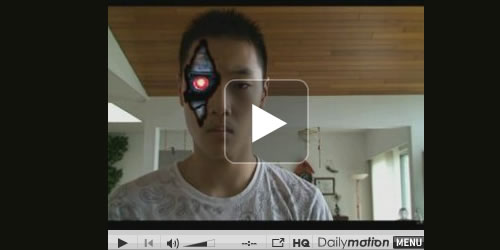
- Creating Terminator
Learn how to turn yourself, or anyone else, into Terminator, as seen in the movie Terminator
- Advanced track and clone in AE
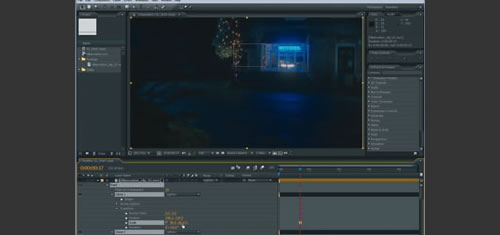
Visual-effects and motion-graphics specialist Angie Taylor shows how to use After Effects’ Clone Stamp tool to convincingly add to moving footage.
- 3D Text
Learn how to Create 3d text in After Effects using a simple technique of positioning the 3d layers in Z-space
- 3D Orbit Tool
Learn how to: 1)Create a dynamic space world with light streams. 2) Use an expression to create a 3D orbit.
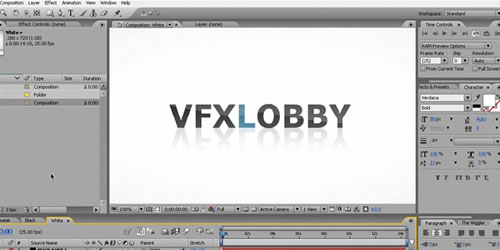
- Web 2.0 Glossy Text
Learn how to Create stylish Web 2.0 Glossy text inside After Effects
- Stabilizing and Reverse Stabilizing a Footage in After Effects
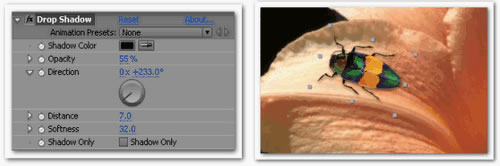
Tracking and stabilizing footage plays important role in composition. This tutorial covers stabilization of the footage and reverse stabilization of the footage to eliminate the black areas that caused due to stabilization operation.
- The Ring
Learn how to: 1)Build a silver ring in After Effects with a particle wipe. 2)Use valueAtTime expression to automate over time.
- Having fun with Light Ray’s
24. Car Light Trails
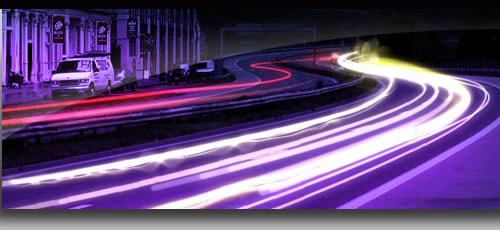
Learn how to: 1)Create car light trail effect in After Effects 2) Play around with 3d stroke effect to achieve great results
Getting Started With Adobe After Effects
- Learning the Basics
In this Video Training Series, you’ll learn everything you need to know to start using After Effects. This is not an overview of the software, this is a real training series that covers advanced techniques for Motion Tracking, Color Keying and even 3D Title Design.
- Basic Motion Tracking in After Effects CS3
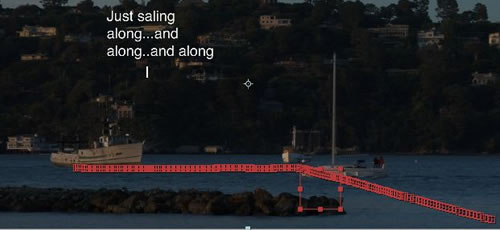
The basic concept behind Motion Tracking and Stabilization is to follow an object as it moves around from frame to frame in a piece of footage. Once you understand how it works, you can…
- After Effects for Beginners: Advanced Techniques
This part of the Essential Training series will teach you some advanced techniques in After Effects. You will learn all the basics you need to be able to use After Effects and understand the cool tutorials out here.
- Lighting Basics
Without lights in a scene, After Effects will automatically illuminate all 3D layers equally. It makes sure the lighting stays consistent and you can focus on your project, however, adding a 3D ligh can considerable enhance the mood of a scene.<
- How to track motion in Adobe After Effects CS3?
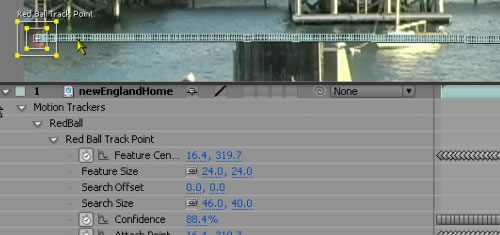
In this tutorial we will understand how motion tracking works inside of after effects.
- Rendering
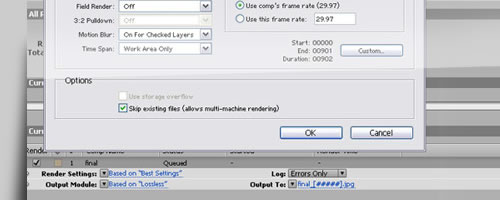
Learn how to render heavy files safely in After Effects and explore”Skip Existing Files ( multi – machine rendering)” option in rendering panel


Desizntech, 18 February 2009
Wow …really nice collection. Thanks
Danno, 19 February 2009
And nice gravatar to you. :-P
insicdesigns, 20 February 2009
how to get this kind of avatar?
slaphost, 18 February 2009
There’s some more After Effects stuff over at CartoonSmart with particles and 3d.
http://www.cartoonsmart.com/ae_index.html
insicdesigns, 18 February 2009
nice list you have here. aetuts is my favorite among all.
Dharesh, 20 February 2009
u r true evan i likethes all
rocky, 20 November 2009
hey u looking so cute
Matt, 18 February 2009
Excellent! Thanks for the list.
Patternhead, 19 February 2009
Some great links here, thanks.
Bajzito, 19 February 2009
I´m just started to learn After Effects, so this is very helpful for me :) thx a lot
alizee, 19 February 2009
nice list you have here. aetuts is my favorite among all!!
care, 19 February 2009
Nice job done by your end. Its really informative for me.
Julio Fragoso, 19 February 2009
Andrew Krammer is the guy !
Nice list
Flowiesowieso, 19 February 2009
So Great, You guys just keep on droppin those super tutorials. Best of the Web! Love it and keeps me bookmarking…and running out of free time :)
Julie Beck, 19 February 2009
WICKED! Bookmarking!!!
jeremy, 19 February 2009
^^^^ sorry, should’ve been more specific… the one titled “Make your text 3D in After Effects” is linked up wrong.
Steve, 19 February 2009
This is great!, lots of good techniques here. If you’d like to see some of them in action or find some new techniques, http://motionspire.com is a great resource for inspiration for After Effects.
John Dangerous, 19 February 2009
The only ones really worth mentioning are:
videocopilot.net,
and maybe aetuts and maxafter although they don’t have many tutorials available.
Keith, 19 February 2009
Video Copilot ROCKS! Andrew Kramer has some Awsome Tuts out there and he makes it entertaining to boot.
criss, 19 February 2009
shame some of the links don,t link where they say,, but good effort
website templates, 20 February 2009
thanks great post. i found it really useful thanks a lot
on_air, 20 February 2009
amazing! thanks! i met some pages!
lionel, 20 February 2009
Andrew is the guy !!! VC = the best !!!
covax, 20 February 2009
The only ones really worth mentioning are:
videocopilot.net,
Jan Henk Speelman, 20 February 2009
Excellent. A real treasure. Thanks…
elcoronelblueberry, 20 February 2009
Amazing post!!!! thank you so much, there is so much to learn about this programm and im just beggining :P
Dharesh, 20 February 2009
i like all videocopilot tutorials he is star of after effect
some dude, 20 February 2009
yeah, what that guy said! /\
/ \
I
I
I
Firestorm, 04 March 2009
thanks for the research and the resource!
J, 09 March 2009
Good ones !!!!!!!!!!!!!!
Crystal, 17 March 2009
Nice collection which is a realy useful collection :) Thanks!
brian, 02 April 2009
Excellent piece of work and well documented
nizam, 30 October 2009
tankkkkkkkkkkkkkkks
Scott, 08 November 2009
Thanks for this list of tutorials. It is a great resource that I will use. Thanks again.
sara, 10 November 2009
you guys should try this site google 1001 after effects tutorials click on the link that says 1001 Adobe After Effects Tutorials
graphic design classes, 16 January 2010
Great tutorial roundup was looking to brush up on after effects this weekend!
Rednax, 07 February 2010
Hi There! Thank You. Wonderful Collection!!!
Mario Shamhon, 19 May 2010
Really good tutorials Bookmarking this site for sure
jordano, 18 June 2010
excellent tutorial I’ve got a problem, thanks!!!
Kay Fall, 09 July 2010
Great list and pretty up to date. Have a similar one on my site!
Kris, 06 January 2011
Awesome. Cheers.