
Pushing Photoshop to the Limit: 13 Most Advanced tutorials
Adobe Photoshop is probably one of the most popular graphic editing program used extensively. There is one simple reason for that. Photoshop is easy to learn and offer a variety of advanced tools to optimize and emphasize some impressive results.
That's why many designers use it to compliment other programs like Flash, Illustrator, Cinema 4D and After Effects. But wait it doesn't stop here, there is more! If you need to design an impressive layout, you will sure use Photoshop to do the design and slice it into XHTML later.
This article provides 13 Advanced Adobe Photoshop tutorials which can enrich your design skills and improve the quality of your works whether you are using Flash, Illustrator, After Effects or Web design.
Photoshop wih Cinema 4D
1. Creepy Ghost in Photoshop & Cinema 4D

In this tutorial you will learn how to create a nice ghost using Photoshop mixing an image created in Cinema 4D with some photos. You will also learn how to use the Cloth feature in Cinema 4D.
2. How to Create Explosive Typographic Effects in Cinema 4D

“In this tutorial I will walk through the steps I used to create this illustration to bring alive the word “collide.” While you may not find yourself needing to recreate the word “collide,” I hope you will find useful the techniques I will cover: extruding text in Cinema 4d, using displacement maps in Cinema 4d, using the explosion deformer in Cinema 4d, exporting to photoshop from Cinema 4d, unique color enhancing techniques in Photoshop, various layer modes applied in Photoshop for great light effects”
Photoshop wih Flash
3. Parallax Gallery

In this tutorial, you will learn how to make a Flash parallax scrolling gallery from scratch. You will learn how to create and add decorative items using photoshop after that the PNG file will be imported to flash file where all the magic begins.
4. Importing Photoshop Files Into Flash
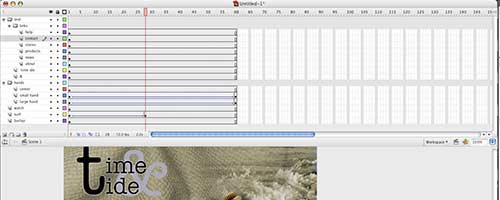
“As developers who live and breathe Photoshop, we always hated how hard it was to move Photoshop assets into Flash, but Adobe Flash CS3 has seduced us and transformed hate into passionate love. Specifically, we’re head over heels about Flash’s new ability to import Photoshop files, keeping layer (and most other) info intact.”
5. Animated Zoom Blur in Flash CS3
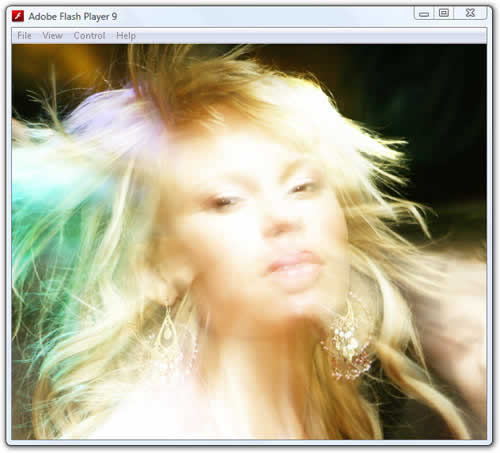
“Some Flash effects never seem to go out of style. One such classic is a zoom-blur effect used on photographs that’s much more eye-catching than simply zooming in or out on the image. In this tutorial, we’ll combine Flash CS3 with Photoshop CS3 to create a similar zoom-blur effect on a photo. These techniques can be applied to any Photoshop filters and experimentation is the key here.”
Photoshop wih Illustrator
6. Create a Dream Design with 3D Typography

“In this tutorial, you will learn how to create a 3D Typography based design. All the elements will revolve around the centerpiece and theme: dreaming. The word will dictate the entire layout and control the space by allowing everything else to emerge from within. The trees will grow out of the letters; the mountains will show themselves behind the word and overshadow the glowing moon.”
7. Trendy Geometric Lines Design Tutorial
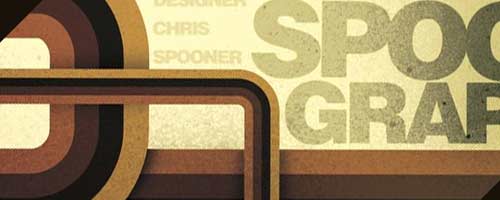
“Starting with the design application of Adobe Illustrator create a group of vector based geometric lines at dynamic 45 degree angles, then follow the walkthrough to rough them up with brush textures in Adobe Photoshop resulting in a cool and trendy design style.”
8. Pseudo-Sugar Skull: From Start to Finish

A great start to finish essay on the creation of an illustrated pseudo-sugar skull using Photoshop and Illustrator.
Photoshop wih After Effects
9. Ink Bleeding Effect in After Effects (Like Gnarls)
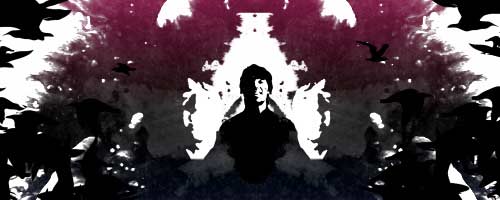
“In this tutorial I’ll recreate a similar look from an older Gnarls Barkley video. The principles I’ll cover are foundational and can be used for some incredible animations other than simply imitating a great music video. I will focus on the following in this tutorial: Using Alpha and Luma Mattes in After Effects, Frame by Frame animation using CS3’s Illustrator, Photoshop, and After Effects”
10. Animate the Splash Using Photoshop and After Effects
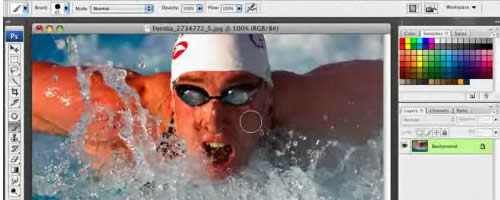
“In this Olympic-inspired tutorial, Corey teaches an effect where he extracts areas of an image in Photoshop and then animates them using After effects in order to create a 3D movement effect with the image.”
Photoshop wih Web Design
11. How to Convert a PSD to XHTML

A screencast that shows you exactly how to convert a PSD into perfect XHTML/CSS. You can view a demo here
12. Converting a Photoshop Mockup
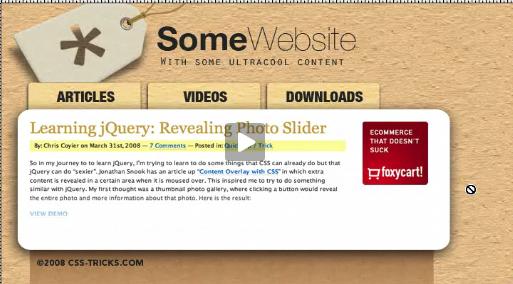
In this three-part series, Chris will show you exactly how to convert a psd to html. This series is strongly recommended for those just getting into the field.
13. Build a Sleek Portfolio Site from Scratch
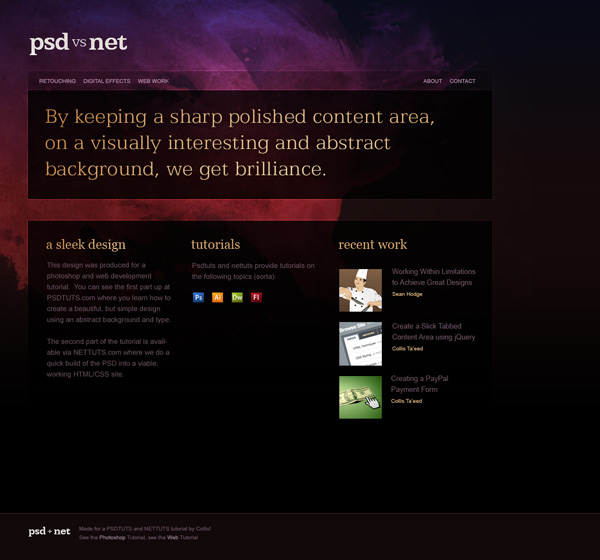
In this tutorial you will learn how to take a PSD file and build it with some nice clean HTML and CSS.
Thanx for that list!
Very nice list of tuts.
Amazing and very useful tutorial.
great list, thanks
PS never ceases to amaze me in its capabilities – thanks for passing along the cool tutorials!
funny u say that becuz PS seems to do more than all the other programs lol ;]
That video by Chris is great, everyone should watch it
Great lists of tutorials! I think these can really take your web designs to the next level :D
The Parallax tutorial should not be on this list, it’s god awful and craptastic.
Awesome tuts, love the Trendy Geometric Lines Design Tutorial, thats my desktop calendar. :D
Thanks for the job !
Very nice list, the creepy ghost one is my favorite.
I love tutorials, I wish I had more time do them all…
Awesome stuff. I will try some of these right now!
thank you very nice lists.
This is a great list of photoshop tutorials. I’ll certainly try my hands on few of them. cheers.
Thanks for showcasing. I need to master all of these… haha…
Thanks for the great list! These would be perfect for practice and for anyone who needs to build up their porfolio; like me.
Great stuff. Thanks you.
Are these effects able to be done on Photoshop Elements?
Some great tutorials here!
Amazing list! I’m certainly going to try some of these for my portfolio!
Great…!!! thank you
http://www.crea-t.net
impressive set of tutorials, thank you!
Cool work, thanks!
Whats wih the spelling?
Having recently undergone some Photoshop training, I am now starting to understand more of the power of this application, and these tutorials will be really useful, particularly ones about converting PSD layouts to web pages. Thanks.
I don’t think I would call these “Most Advanced”. They don’t really push Photoshop to limit, plus they involve working with other applications. Also, what does “wih” mean in your titles? Photoshop wih Flash???
Everyone should watch it,This video is great.
Great effects. I loved the explosive typographic. I will definitely try that for my blog image. All the tutorials included in the lists are great. Many new techniques can be grasped in from here. I will suggest this to some of my friends too. They will love me for this. The clarity and relevance of the information is commendable. I am impressed. Thanks for your time and hard work. You did a wonderful compilation.
these arent 13 of the most anything.
2 out of 13 are worth the title “advanced”. the rest are either crap, or beginner level, if that. sorry. but try again.
Very impressive tut…. I will try some of these right now!