
Summary
- Noupe is the lightweight website chatbot for small teams that want fast, site-trained answers without technical setup.
- Intercom Customer Service Suite (with Fin AI Agent) is the full-suite messaging and support platform for mid-sized to large teams that need omnichannel chat, helpdesk features, and analytics in one place.
- Flow XO is the flexible, budget-friendly chatbot builder for teams that want omnichannel automation, lots of integrations, and even in-chat payments.
- Tidio (with Lyro AI Agent) is the live chat and chatbot combo for small to mid-sized businesses that want quick website support and simple lead capture.
- Chatfuel is the no-code social messaging bot builder for brands focused on Facebook Messenger, Instagram, and WhatsApp automation.
- Drift is the sales-first website chat platform for teams that want to engage high-intent visitors, qualify leads, and route conversations automatically.
- HubSpot Chatbot Builder is the CRM-native option for HubSpot users who want to automate lead capture, qualification, and support workflows inside their existing stack.
- Botpress is the open, developer-friendly platform for building custom workflows and AI agents with deep control over logic, integrations, and deployment channels.
- Landbot is the no-code conversational builder for interactive lead gen, surveys, and onboarding flows across web and WhatsApp.
- Freshchat is the Freshworks-powered live chat and AI automation tool for support and sales teams that want a unified inbox across multiple channels.
Chatbots have become ubiquitous in modern communication. They help businesses answer questions, capture leads, and engage customers outside regular hours.
ManyChat has built its stellar reputation by providing simple automation for social media and messaging apps. Still, it’s not the tool for everyone. If you’re interested in exploring ManyChat competitors, there’s no shortage of chatbot tools, many of which offer comprehensive analytics, additional integrations, and varied capabilities.
Here, we’ll break down the top ManyChat alternatives for 2026, including pricing, features, and honest comparisons, to help you pick the platform that fits your use case.
What is ManyChat, and why look for alternatives?
ManyChat is a chatbot platform that helps businesses automate conversations across multiple channels like Facebook Messenger, Instagram, WhatsApp, and SMS. It’s often used for marketing, lead generation, and basic customer support. The platform stands out for its visual flow builder, in which you can design chat sequences without any code-writing expertise.
While the program covers a lot of ground, some users hit ManyChat pricing limits as their needs grow. Its free plan offers only basic tools, and higher-tier plans can get expensive for larger teams. ManyChat also focuses heavily on social media messaging, which may not suit businesses that need website chat, email, or advanced AI features.
That’s why many companies start looking for tools that handle more complex automation, connect to a wider range of platforms, or offer deeper analytics at a lower cost.
Essential features to consider in a ManyChat alternative
Before you settle on a chatbot tool, consider the capabilities you’ll need. The most useful features for your organization depend on how you communicate with customers, but these elements are important for almost everyone.
- Omnichannel support: The best chatbots can handle conversations across your website, social media, email, and messaging apps without losing context.
- Ease of use: Look for no-code builders, templates, and drag-and-drop tools that make setup quick and updates simple.
- Integrations: A chatbot works best when it plays well with your existing stack, including CRMs, email platforms, analytics, and payment systems.
- AI and automation: Artificial intelligence allows chatbots to understand user intent, personalize replies, and route conversations efficiently. The best ManyChat alternative tools offer both rule-based flows and AI-driven interactions.
- Pricing and scalability: Compare the structure of each tool’s pricing tiers. Some charge per conversation, per user, or per contact. Consider whether the platform enables scaling without massive cost increases.
Comparison table of ManyChat alternatives
| Tool | Key features | Compatibility | G2 rating (of 5 stars) |
|---|---|---|---|
| Noupe | AI chat, visual builder, multi-channel support | Web, social, SMS | None available |
| Intercom | Live chat, AI bots, CRM and sales integrations | Web, mobile, social | 4.5/5 ⭐ |
| Flow XO | Omnichannel support, 100+ app integrations, in-chat payments | Web, social, SMS | 4.2/5 ⭐ |
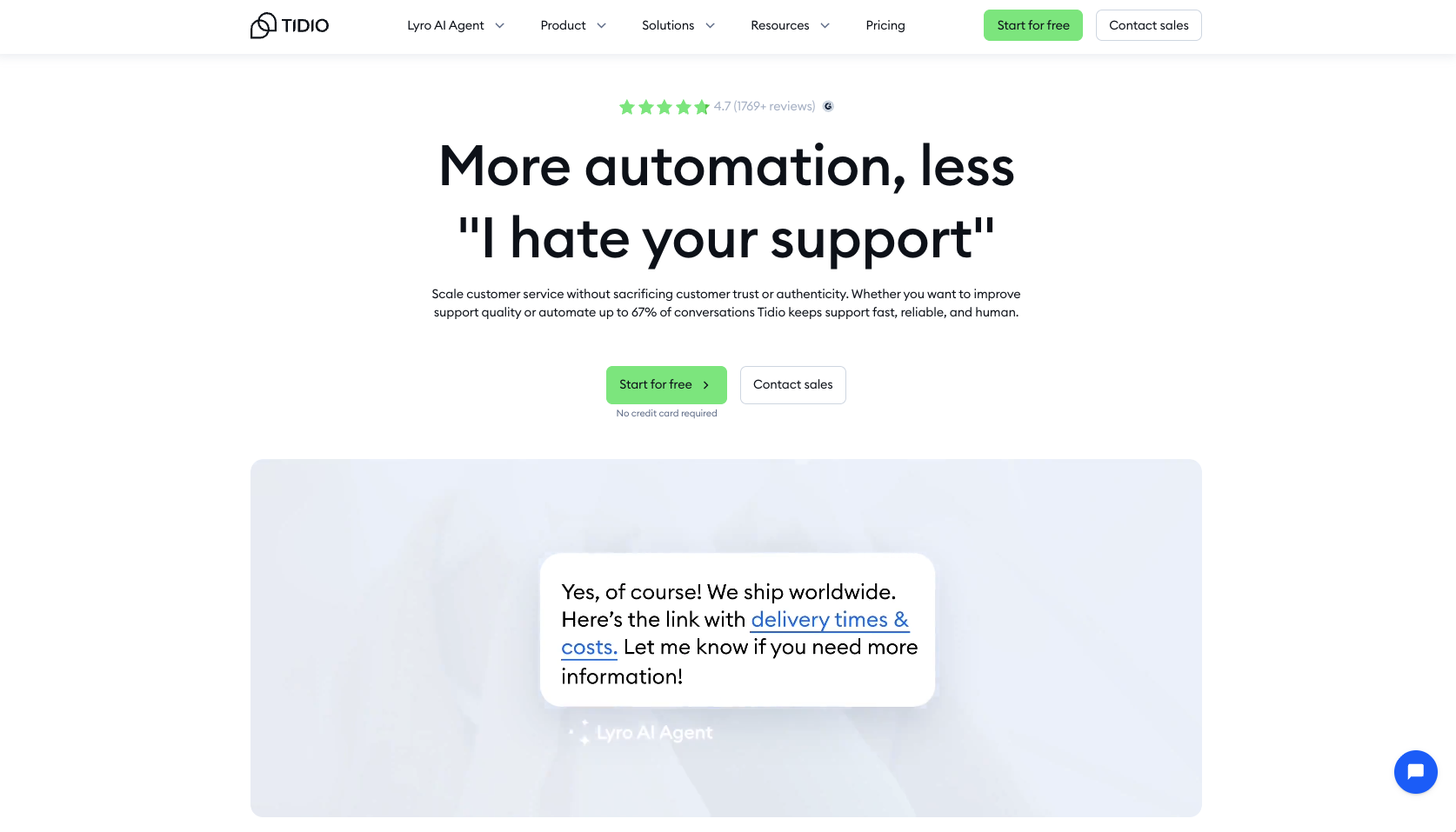
| Tidio | Live chat, AI response, email and Messenger support | Web, Messenger, Instagram | 4.7/5 ⭐ |
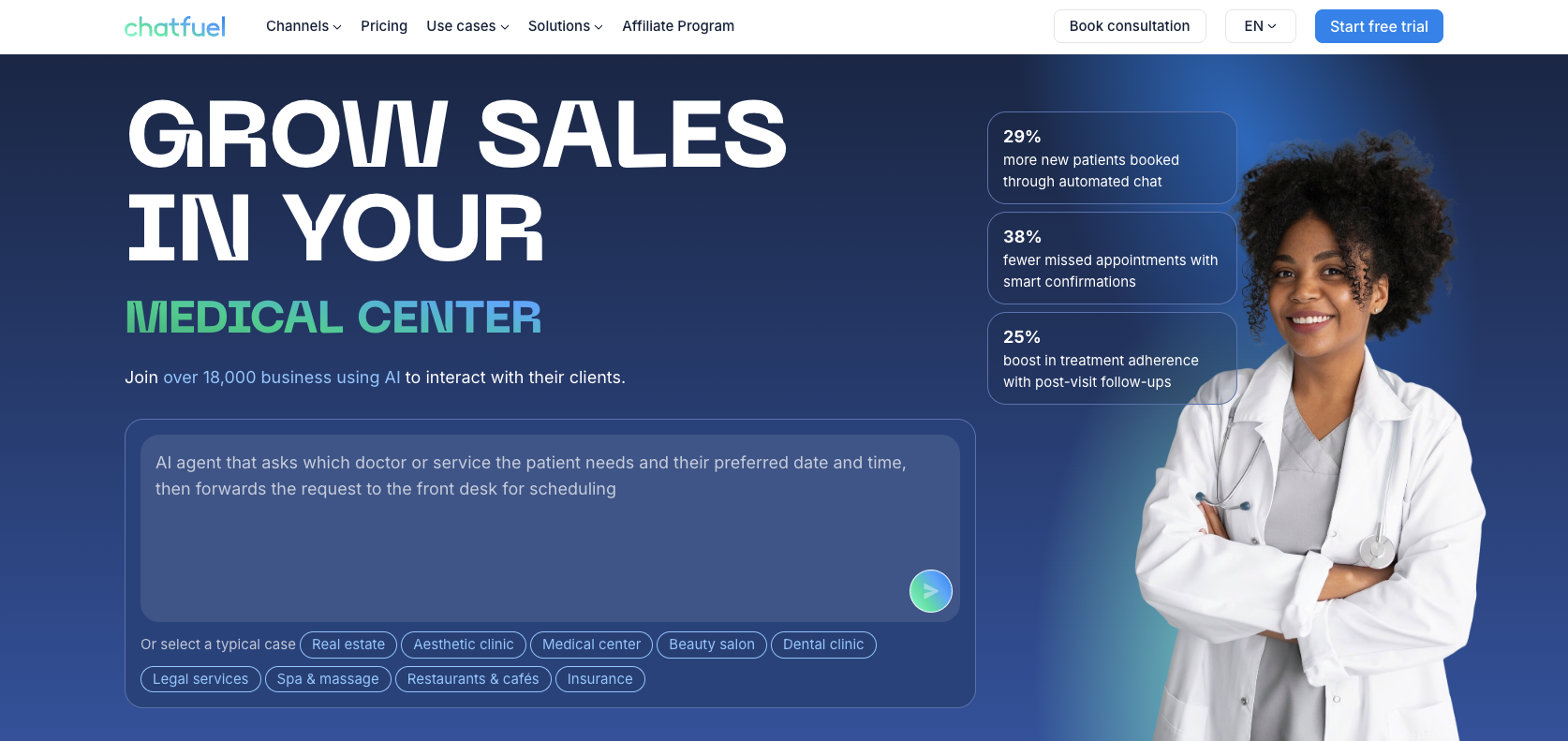
| Chatfuel | WhatsApp, Telegram, and Facebook bot automation | Social, website embed | 4.4/5 ⭐ |
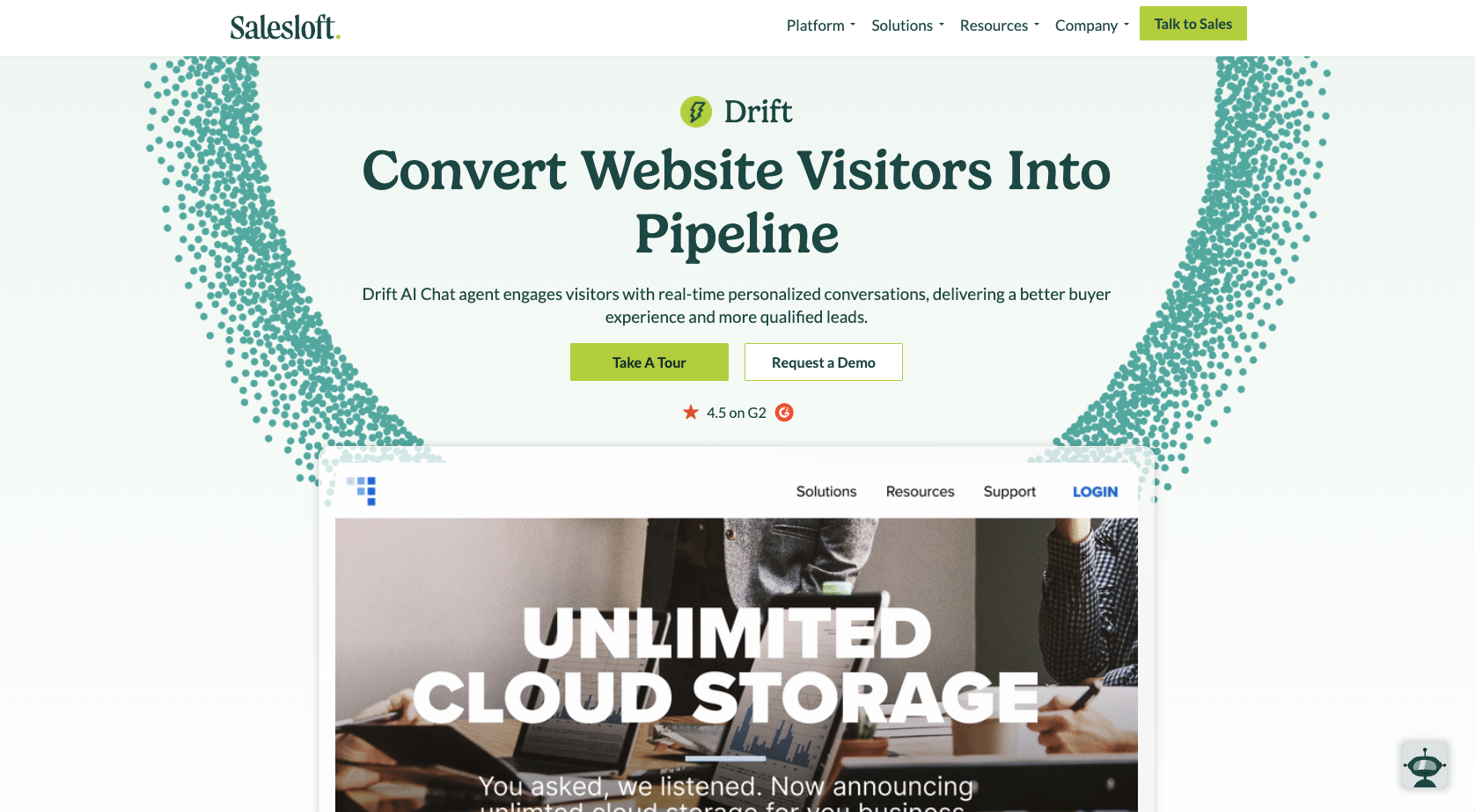
| Drift | Sales-focused live chat with meeting booking | Web, CRM, integrations | 4.4/5 ⭐ |
| Hubspot Chatbot Builder | CRM-linked bots for lead capture and support | Web, email, CRM | 4.5/5 ⭐ |
| Botpress | Developer-friendly AI platform with LLM support | Web, API, messaging apps | 4.5/5 ⭐ |
| Landbot | No-code conversational builder for lead generation | Web, WhatsApp, Messenger | 4.7/5 ⭐ |
| Freshchat | Unified live chat and AI automation | Web, mobile, social | 4.4/5 ⭐ |
The 10 best ManyChat alternatives for 2026
These ten chatbot tools are worthy ManyChat alternatives, each with its own strengths, features, and pricing.
Tool 1: Noupe
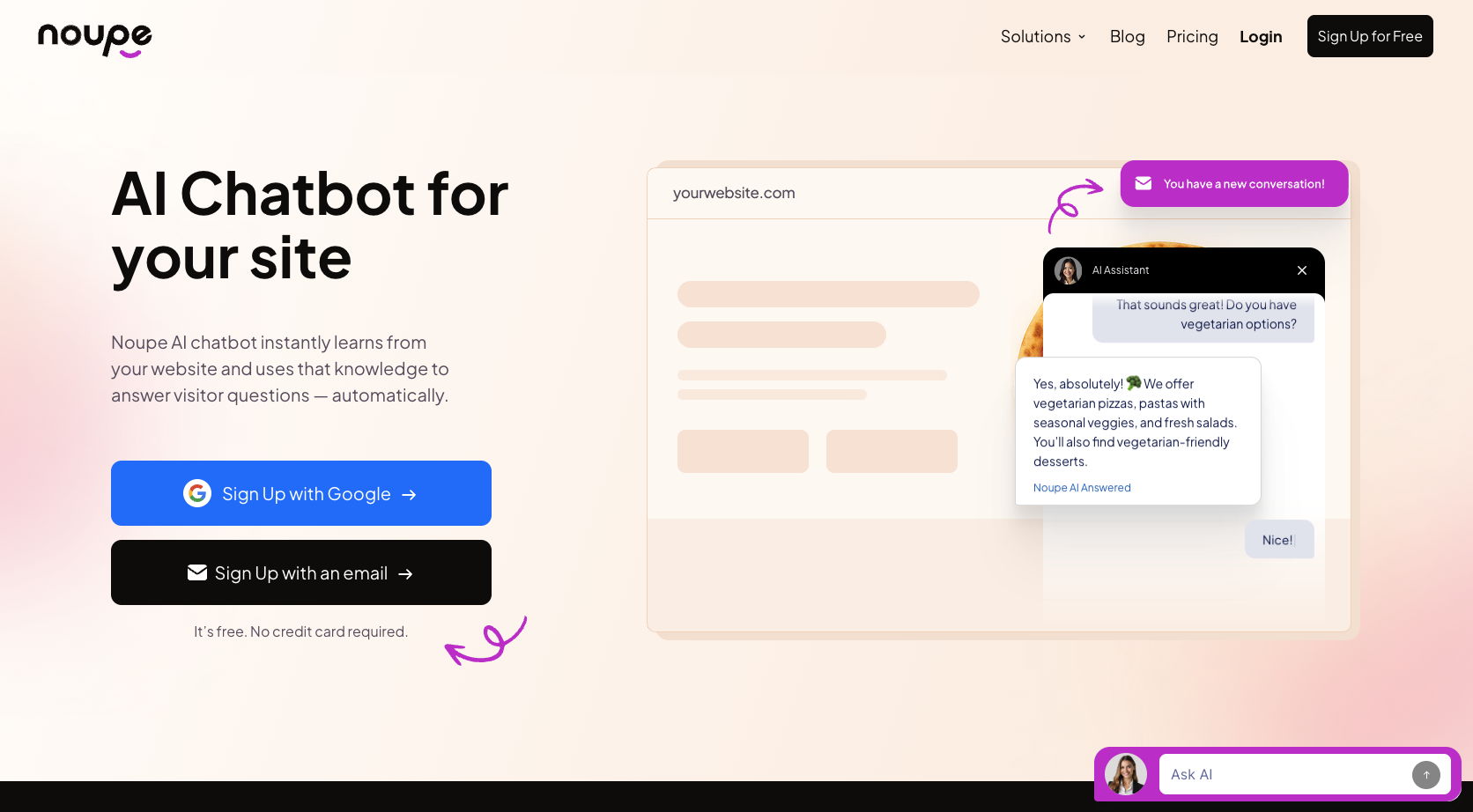
Noupe is an easy way to add an AI-powered chatbot to your website without complex setup or coding.
Best For:
Noupe is ideal for small businesses, individual sites, or non-profit organizations that want a quick, simple website chatbot with minimal setup.
Limitations:
- Noupe learns from public website content only; it won’t access private/internal data.
- There’s no fully featured helpdesk integration by default (it sends chat transcripts to an inbox), so tracking and assigning are manual.
- As usage increases or you require more complexity, such as multi-channel messaging or deeper workflows, Noupe may hit a ceiling.
Key Features:
- Instant website embed
- Learns automatically from your website’s publicly accessible pages
- Multilingual support
- Customizable appearance
Pros/Cons:
| Pros | Cons |
|---|---|
| Simple, no-code setup | Limited integrations |
| Learns from website content | Lacks advanced customization |
| Can match site UI | May not handle complex queries |
| Multi-language support | May become inadequate for growing teams |
| Low cost for simple usage |
G2 Rating:
None currently available
Tool 2: Intercom Customer Service Suite (with Fin AI Agent)
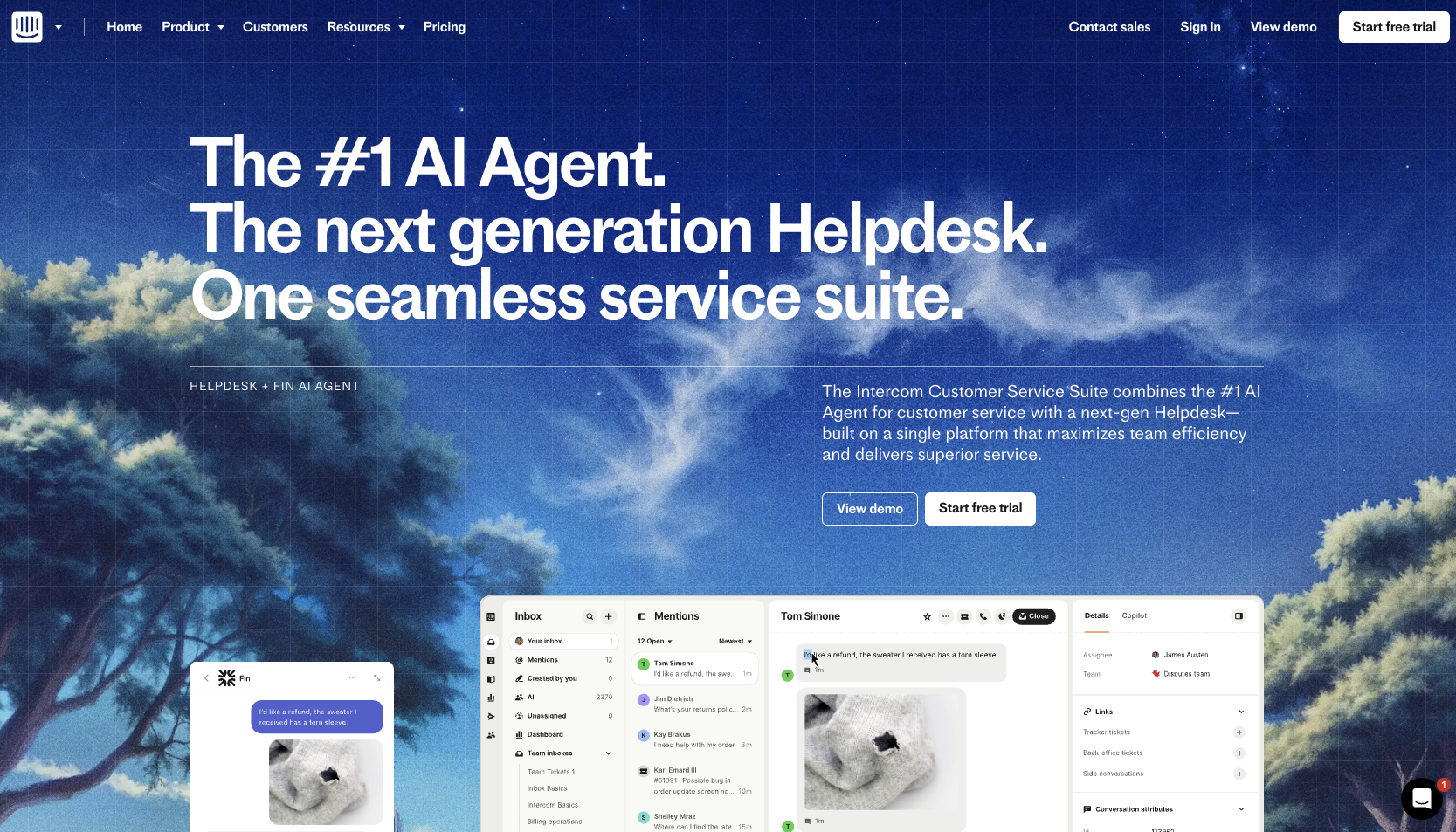
Intercom Customer Service Suite, featuring Fin AI Agent, is a full-suite messaging and support platform that includes chatbots, live chat, helpdesk support, and analytics.
Best For:
Fin is best for mid-sized to large teams seeking an omnichannel messaging platform that covers web and in-app chat, email, and support tickets.
Limitations:
- Costs add up quickly when adding seats, custom bots, or AI resolutions.
- Intercom’s pricing model can make budgeting complex for smaller teams.
- Some advanced features have a steep learning curve.
Key Features:
- Works across website chat, in-app, and email; integrations for WhatsApp and SMS
- Analytics and reporting track conversation performance, agent efficiency, and customer sentiment
- Integrates with various tools to complement your existing stack
Pros/Cons:
| Pros | Cons |
|---|---|
| Unified platform for chat, bots, email, and support | Costly for smaller teams or heavy usage |
| Rich feature set includes automation, analytics, and routing | Complex pricing structure |
| Excellent integration support | Some advanced features require time and expertise to implement |
If you already have a helpdesk, you can use Fin AI Agent without the full Intercom suite for $0.99 per Fin resolution (with a minimum of 50 resolutions per month).
G2 Rating:
4.5/5 ⭐
Tool 3: Flow XO
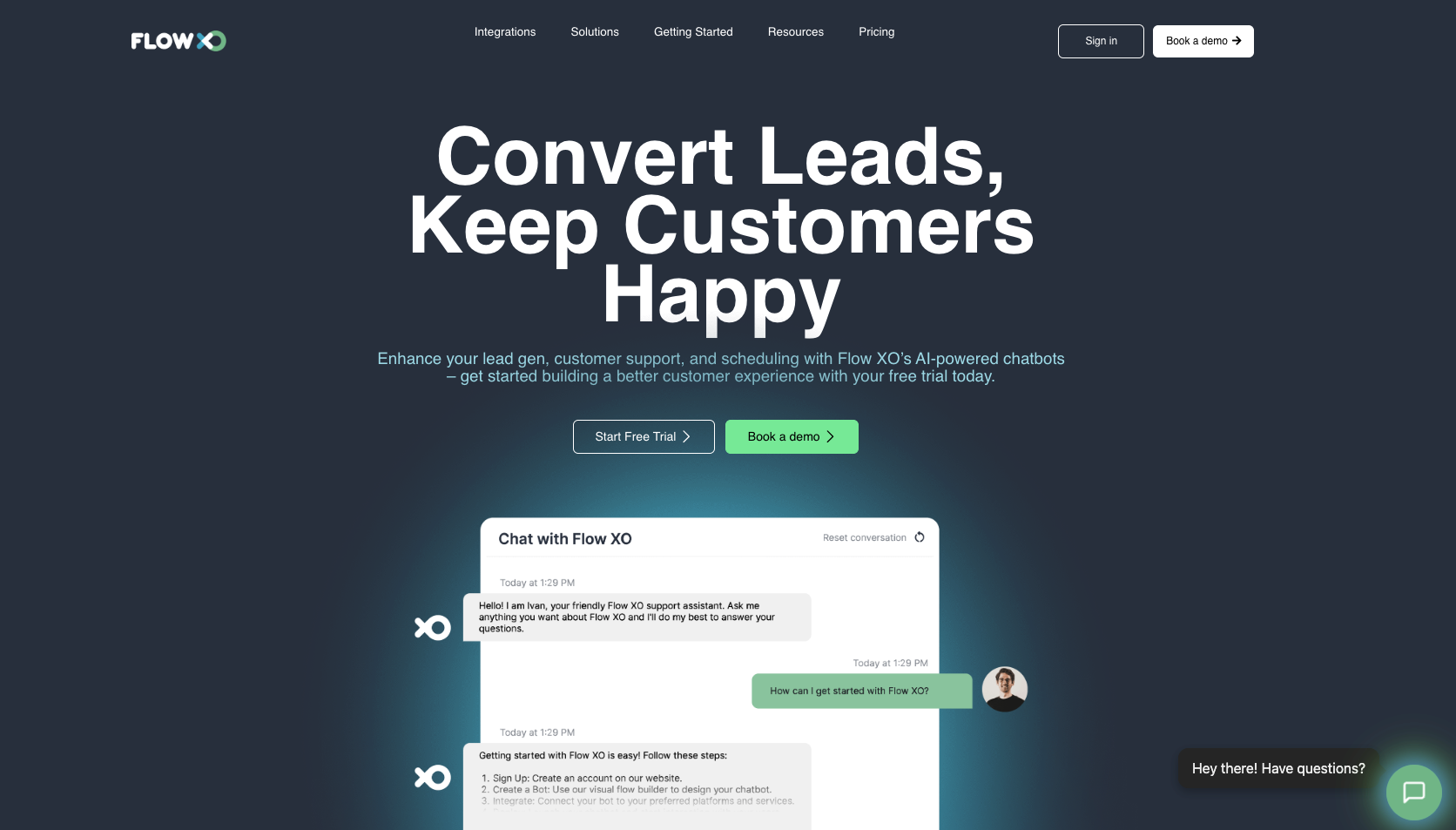
Flow XO is a flexible chatbot builder that can automate conversations, capture leads, and simplify customer support across platforms.
Best For:
Organizations of any size can use Flow XO as an affordable chatbot platform for automating customer support, FAQs, and lead capture across multiple channels.
Limitations:
- The visual flow builder can be cumbersome for large or complex conversation paths.
- The platform lacks a proprietary, built-in machine learning technology, requiring third-party integration to achieve AI-powered functionality.
Key Features:
- Omnichannel support
- 100+ app integrations for automation
- Ability to accept payments directly within conversations
Pros/Cons:
| Pros | Cons |
|---|---|
| No-code, user-friendly visual builder | Steep learning curve for complex flows |
| Single dashboard for omnichannel support | Heavy reliance on third-party tools |
| Numerous third-party integrations | Limited free features |
G2 Rating:
4.2/5 ⭐
Tool 4: Tidio
Tidio (with Lyro AI Agent) combines live chat and chatbot automation in a single platform, making it useful for small to mid-sized businesses looking to handle customer support and lead capture in one place.
Best For:
Tidio works for companies that need easy-to-deploy website chatbots with built-in live chat support and automated FAQ responses.
Limitations:
- Advanced automation and multi-channel messaging require higher-tier plans.
- Some users report that AI has difficulty understanding complex queries.
Key Features:
- Drag-and-drop visual builder for chatbots
- Supports email and Messenger automation
- Multi-language support
Pros/Cons:
| Pros | Cons |
|---|---|
| Combines live chat and bots | Limitations for complex queries |
| Easy setup | Higher tiers necessary for multi-channel messaging |
| Multi-language support | Basic reporting and analytics |
G2 Rating:
4.7/5 ⭐
Tool 5: Chatfuel
Chatfuel allows you to build no-code chatbots for Facebook Messenger, Instagram, and WhatsApp.
Best For:
Organizations that focus on social-messaging channels and want a no-code platform to manage automated conversations may consider Chatfuel.
Limitations:
- Although Chatfuel supports multiple messaging channels, each flow often needs separate configuration per channel.
- Pricing rises with conversation volume and channel usage.
- Site‑based chat (website widget) and advanced enterprise flows receive less emphasis compared to messenger channels.
Key Features:
- Drag‑and‑drop flow builder with templates for Facebook, Instagram, and WhatsApp
- Integration with ChatGPT, Zapier, and Shopify to expand bot capability
- Built‑in analytics to gauge conversation performance, unrecognized messages, and flow effectiveness
Pros/Cons:
| Pros | Cons |
|---|---|
| Easy no-code setup for social-messaging bots | Need separate flows per channel |
| Integrations with major tools | Usage-based pricing |
| Accelerated launch with templates | Less focus on website chat and internal support workflows |
G2 Rating:
4.4/5 ⭐
Tool 6: Drift
Drift focuses on real-time website conversations to help your sales team engage high-intent visitors, qualify leads, and route them automatically.
Best For:
Drift works best for mid-sized to large businesses, particularly those with dedicated sales teams, seeking to convert website traffic into leads.
Limitations:
- Entry pricing is steep.
- Most advanced features appear only in higher, custom-priced tiers.
- Some users say the learning curve is significant and the self-service setup takes effort.
Key Features:
- Real-time chat widget on website with AI-driven lead qualification and routing
- Meeting scheduling directly in chat flow
- Visitor identification and intent scoring
Pros/Cons:
| Pros | Cons |
|---|---|
| Good for high-traffic sites with high conversion value | Significant cost, especially for smaller teams |
| Advanced targeting and routing that match sales workflows | Many core features locked behind high-tier plans` |
| Scheduling and visitor intent features built into chat widget | Setup and optimization may require technical or sales resources |
G2 Rating:
4.4/5 ⭐
Tool 7: HubSpot Chatbot Builder
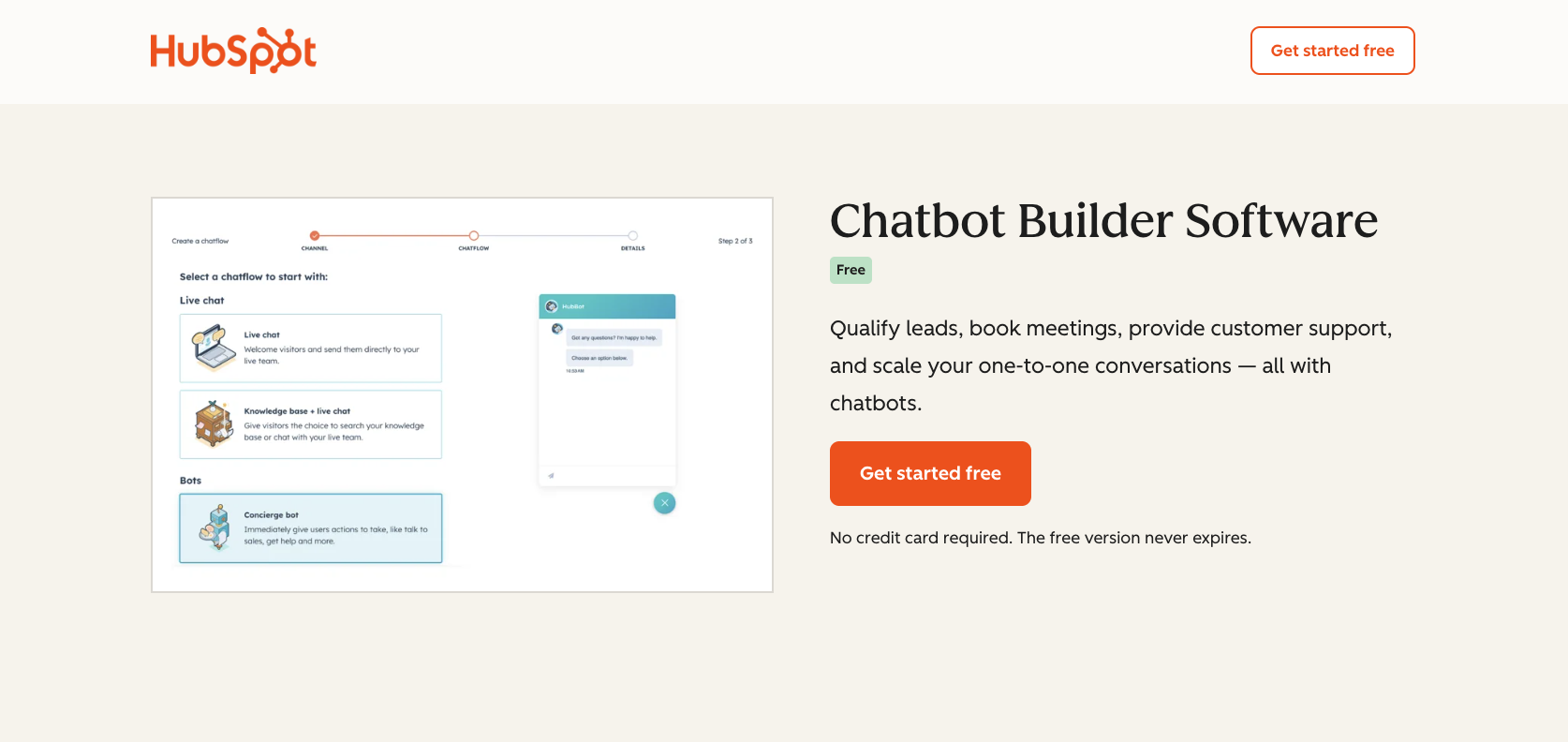
HubSpot Chatbot Builder integrates directly with HubSpot CRM, so you can build automated chat workflows for marketing, sales, and support, all in one platform.
Best For:
Businesses already using HubSpot CRM can use HubSpot Chatbot Builder to automate lead capture, qualification, and customer support without adding unrelated tools.
Limitations:
- Bots are only available in paid plans.
- Customization and logic branching are more limited than in advanced AI chatbot programs.
- Pricing scales with the number of contacts and plan tier.
Key Features:
- Drag-and-drop chatbot builder with templates for lead qualification, appointment booking, and customer support
- CRM integration that automatically stores and updates data
- Connects with HubSpot’s shared inbox, email tools, and workflows
Pros/Cons:
| Pros | Cons |
|---|---|
| Integrates naturally with HubSpot CRM and workflows | Limited AI customization compared to standalone tools |
| Easy setup and pre-built conversation templates | Contact volume increases prices |
| All-in-one solution for marketing, sales, and support | Not ideal outside the HubSpot ecosystem |
G2 Rating:
4.5/5 ⭐
Tool 8: Botpress
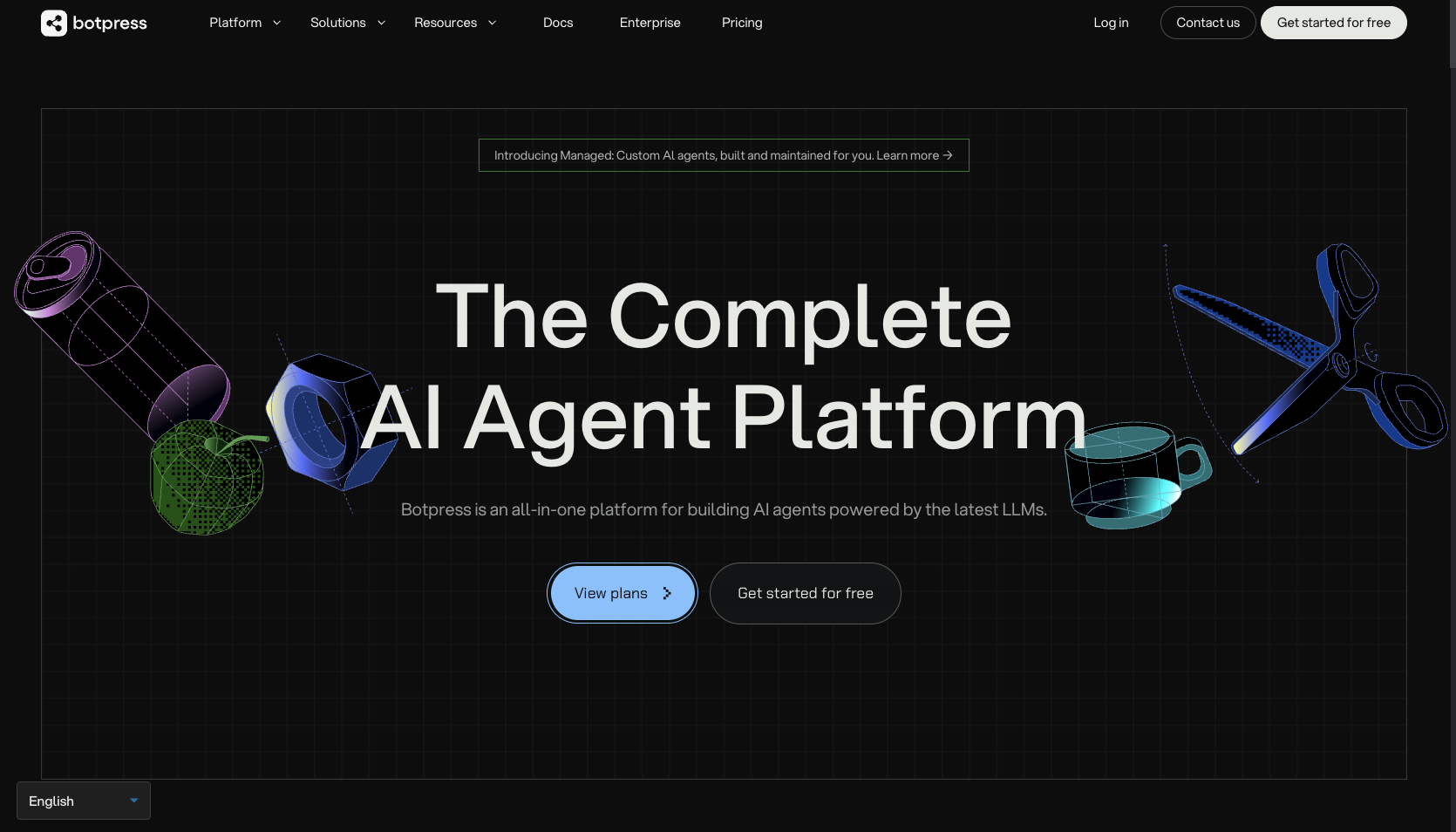
If you need an open-platform chatbot that manages custom workflows, analytics, and AI agents at scale, Botpress is a great choice.
Best For:
Botpress excels with medium to large organizations, tech teams, or developers who want full control over bot logic, integrations, AI training, and multiple deployment channels.
Limitations:
- The visual builder and setup have a steep learning curve compared to simpler tools.
- Many advanced features, such as multi-channel support, live chat handoff, and role-based access, come only in higher-tier plans.
- Usage-based pricing, especially factoring in AI tokens and message volume, can lead to unpredictable costs.
Key Features:
- Visual studio and drag-and-drop bot design, with code and API support
- LLM AI agent support and knowledge-based indexing
- Flexible deployment across website, messaging channels, API integrations, and customizable workflows
Pros/Cons:
| Pros | Cons |
|---|---|
| High customization and control | Requires more technical skill and resources |
| Supports advanced AI workflows and knowledge bases | Some standard marketing chatbot features are less developed |
| Open-platform nature allows flexible integrations and self-hosting options | Too complex for simple chat-widget needs |
G2 Rating:
4.5/5 ⭐
Tool 9: Landbot
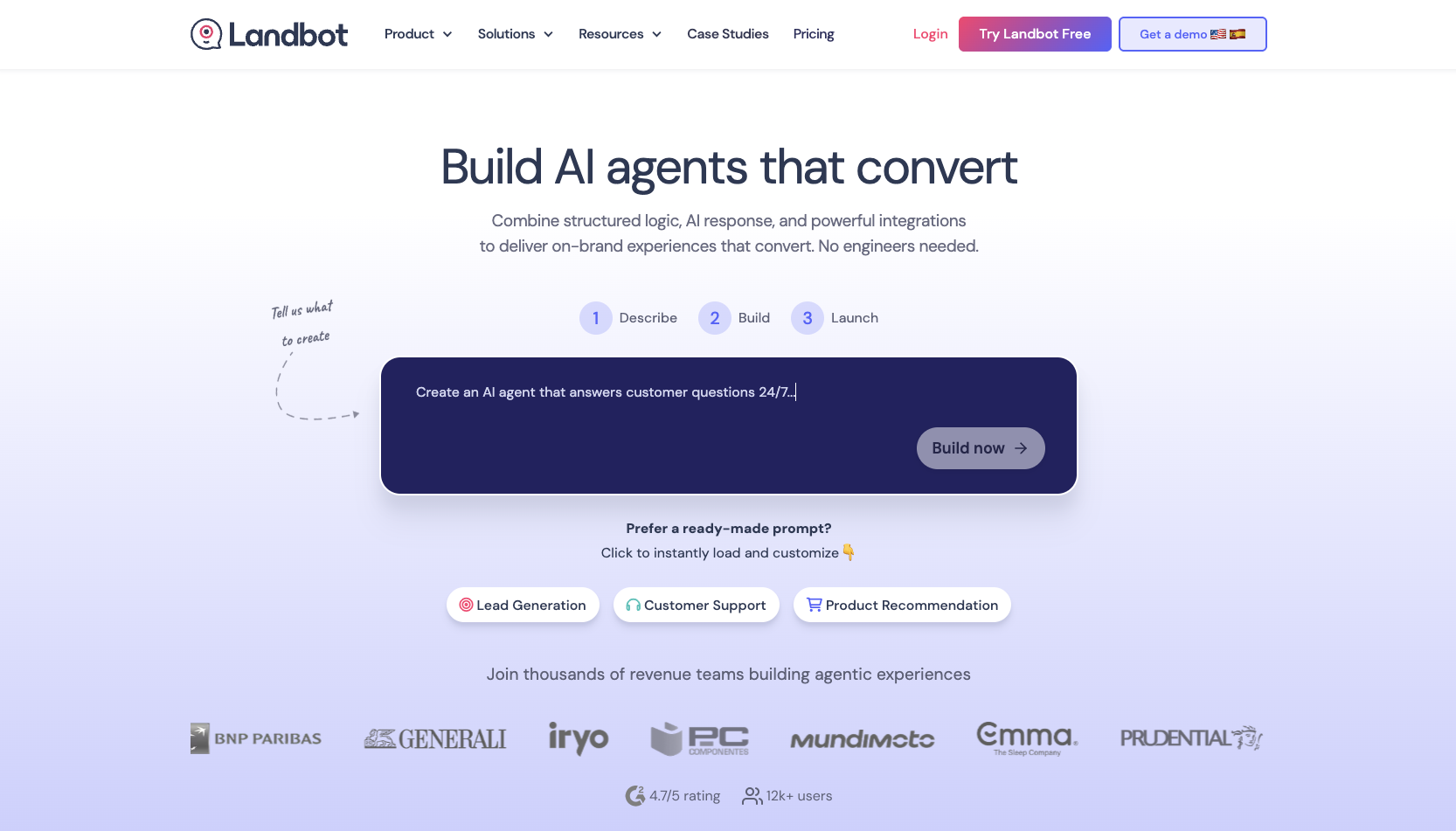
Landbot allows you to build code-free conversational interfaces that feel friendly and interactive, so they’re perfect for lead generation, surveys, and onboarding.
Best For:
Organizations that want to build website or WhatsApp chatbots using a no-code, visual flow builder could try Landbot.
Limitations:
- Landbot doesn’t offer native AI agents or deep integrations compared to developer-oriented platforms.
- The free plan is limited to 100 chats per month.
- Advanced customization, AI chats, and API features require higher-tier plans.
Key Features:
- Drag-and-drop conversation builder
- Template library for lead capture, surveys, onboarding, and feedback
- WhatsApp API support with pre-approved templates
Pros/Cons:
| Pros | Cons |
|---|---|
| Simple, intuitive visual builder | Lacks advanced AI functionality |
| Supports WhatsApp, Messenger, and website embeds | Limited automation depth and integrations |
| Template library for easy setup | Need higher-tier plans for AI chats, API access, and branding control |
G2 Rating:
4.7/5 ⭐
Tool 10: Freshchat
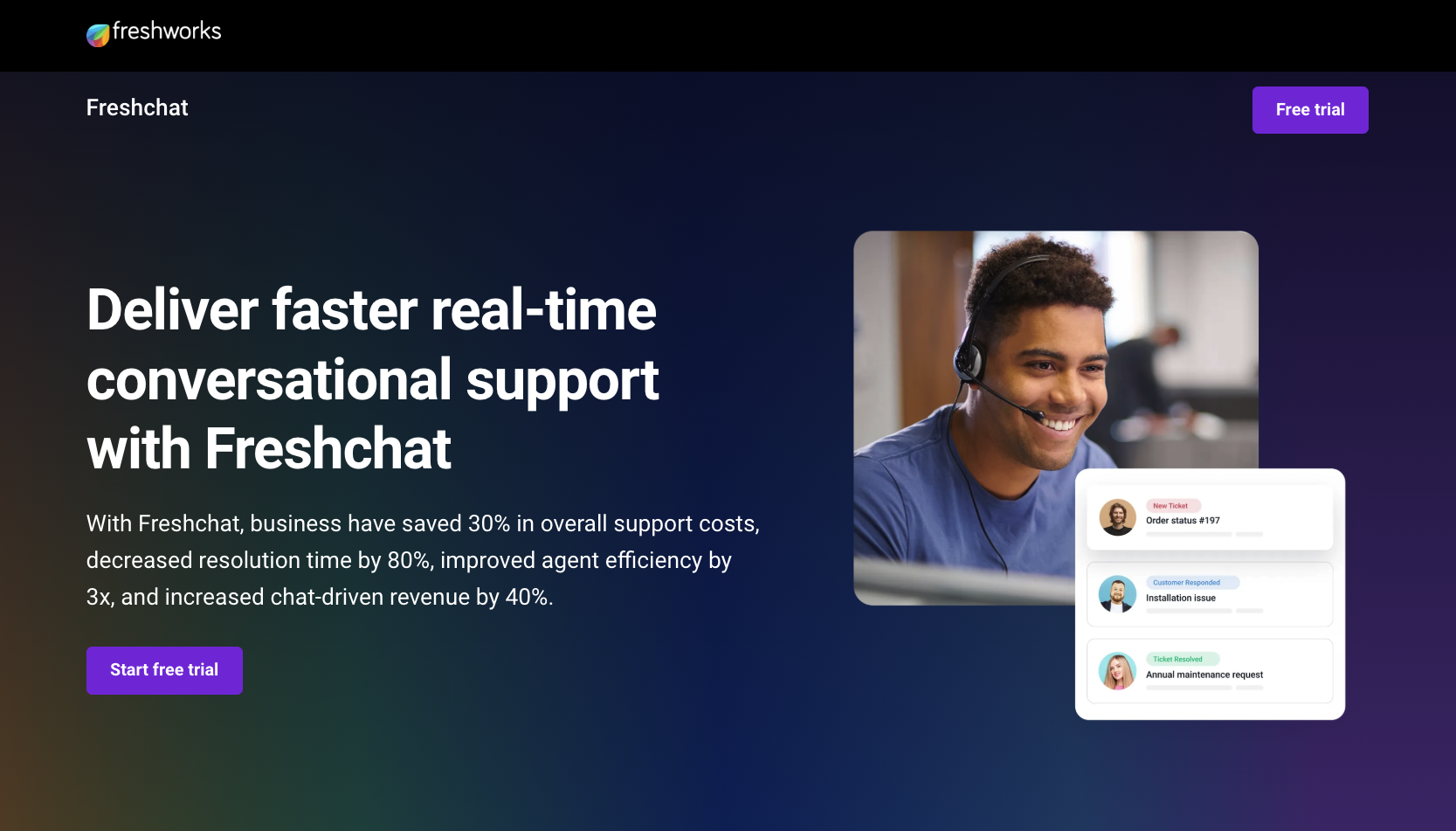
Part of the Freshworks suite, Freshchat combines live chat and AI automation. It gives support and sales teams a single interface to manage conversations across multiple platforms.
Best For:
Freshchat works well for companies that want to unify their website, mobile, and social chat channels under a single, AI-ready inbox.
Limitations:
- Some advanced AI features and integrations require higher-tier plans.
- The learning curve can be steep for large teams experienced in simpler tools.
- Pricing scales based on seats and contacts, which can increase monthly costs.
Key Features:
- Unified inbox for web, mobile, WhatsApp, and social messaging
- Freddy AI automates FAQs, lead qualification, and intent detection
- CRM and ticketing integrations with Freshsales, Freshdesk, and other Freshworks tools
Pros/Cons:
| Pros | Cons |
|---|---|
| Combines live chat, bots, and messaging in one platform | Pricing can increase quickly with more users and contacts |
| Freddy AI answers FAQs and detects intent well | Advanced features limited to high-tier plans |
| Supports multiple languages and social channels | May be too feature-rich for simple use cases |
G2 Rating:
4.4/5 ⭐
How to choose the right chatbot tool for your business
The right ManyChat alternative for you depends on your team size, customer volume, and how you plan to use automation. Smaller businesses or nonprofits that want a quick setup might lean toward Noupe, Tidio, or Chatfuel for their plug-and-play chat features. Larger teams with more intensive integration or analytics needs could find Drift, HubSpot Chatbot Builder, or Flow XO a better fit.
Lay out your goals, such as lead generation, customer support, or data collection, and compare each platform’s features and pricing to your needs. Consider each platform’s channel options, integrations, and scalability before committing.