
Summary
- Noupe is the lightweight website chatbot for small and growing teams that want fast, site-trained answers without technical setup.
- HubSpot CRM Chatbot Builder is the built-in CRM chatbot for businesses already using HubSpot that want lead capture, scheduling, and automation in one system.
- Salesforce Einstein Bots is the enterprise CRM chatbot for organizations that need native Salesforce workflows, case routing, and multichannel support.
- Microsoft Dynamics 365 Virtual Agent is the embedded chatbot for Microsoft-centric teams that want no-code automation tied directly to Dynamics 365 data.
- Fin by Intercom is the AI support chatbot for SaaS and service teams that need fast answers, lead routing, and knowledge-base-powered conversations inside Intercom.
- Drift Conversational AI is the conversational marketing and sales chatbot for B2B teams that want lead qualification, meeting booking, and CRM-connected engagement.
- Zoho SalesIQ with Zobot is the lightweight CRM chatbot for Zoho users that want visitor tracking, lead capture, and simple automated support.
- Tidio Live Chat and AI Chatbot is the e-commerce-friendly chatbot and live chat platform for small businesses that want affordable automation across website, email, and messaging.
- ManyChat is the social messaging automation platform for brands that want to nurture leads and run campaigns across Messenger, Instagram, and WhatsApp.
- Freshchat is the multi-channel customer messaging platform for growing teams that need AI chat, ticket routing, and CRM-connected support workflows.
Customers expect instant and accurate answers, regardless of the day or time. HubSpot research found that 90% of customers rate an immediate response (within 10 minutes) to customer service questions as important or very important. Even knowing this, many businesses still rely on outdated tools that can’t keep up, like voicemails or email auto-responses.
Chatbot integration with CRM (customer relationship management) software is ushering in a new customer service era. When you marry your customer relationship management system to an intelligent AI chatbot, your customers receive instant responses, and you’ll never again lose a lead to a missed message.
Without chatbot integration, customer-facing teams often manually log information into your CRM, opening the door for human error, such as typos, outdated info, or missing fields. These, for obvious reasons, affect how well your CRM works. When support reps spend more time than they should digging for context, customers get slower responses, and you get frustrated customers and burned-out support reps.
Traditional CRMs do a decent job of storing data, but they tend to operate in silos. Disconnected systems turn what should be a smooth customer experience (CX) into a fragmented mishmash. When you bring AI chatbot integration with CRM systems into the mix, you connect conversations, insights, and data under one roof. You get faster replies, cleaner data, and customers who feel heard — every single time.
Why chatbot-CRM integration matters
Your CRM is the beating heart of your customer relationships. Without real-time communication, it can’t function as it should. Chatbot integration with CRM combines every message, lead, and support ticket into one conversation thread, regardless of where the communication starts.
Cost reduction
Chatbots can automate as much as 70% of routine inquiries, dramatically reducing the number of tickets that reach your live team. Then, you can redirect those saved hours toward higher-value work, like more intensive customer issues. The fewer repetitive tickets your team has to deal with, the lower your monthly operational costs.
24/7 availability
Customers’ lives continue outside your office hours. A CRM with chatbot integration helps to meet them where (and when) they live. No matter what time customers reach out, the chatbot responds instantly, logs every message in your CRM, and maintains consistent conversations across channels.
Improved response times
As we mentioned earlier, the majority of customers say instant replies are non-negotiable. Chatbots that provide immediate responses improve satisfaction scores and reduce the number of abandoned carts and lost leads.
Enhanced lead generation
When paired with your CRM, a chatbot can automatically qualify leads. It gathers details like budget, timeline, and intent, then assigns lead scores in real time. Your sales team can focus on the likeliest prospects while automated follow-ups nurture the rest.
Data synchronization
AI chatbot integration with CRM systems eliminates outdated and incomplete data. Every chat, tag, or note syncs instantly across platforms, so your marketing and support teams always work with the same customer record.
Scalability
Unlike human support reps, chatbots can handle unlimited simultaneous conversations without breaking a sweat. As your audience grows, your response speed and quality will stay consistent.
The 10 essential chatbots with CRM
There’s no shortage of chatbot tools on the market, but only a handful integrate seamlessly with CRMs. We chose these ten options for their ability to connect conversations, customer data, and team workflows without friction.
1. Noupe
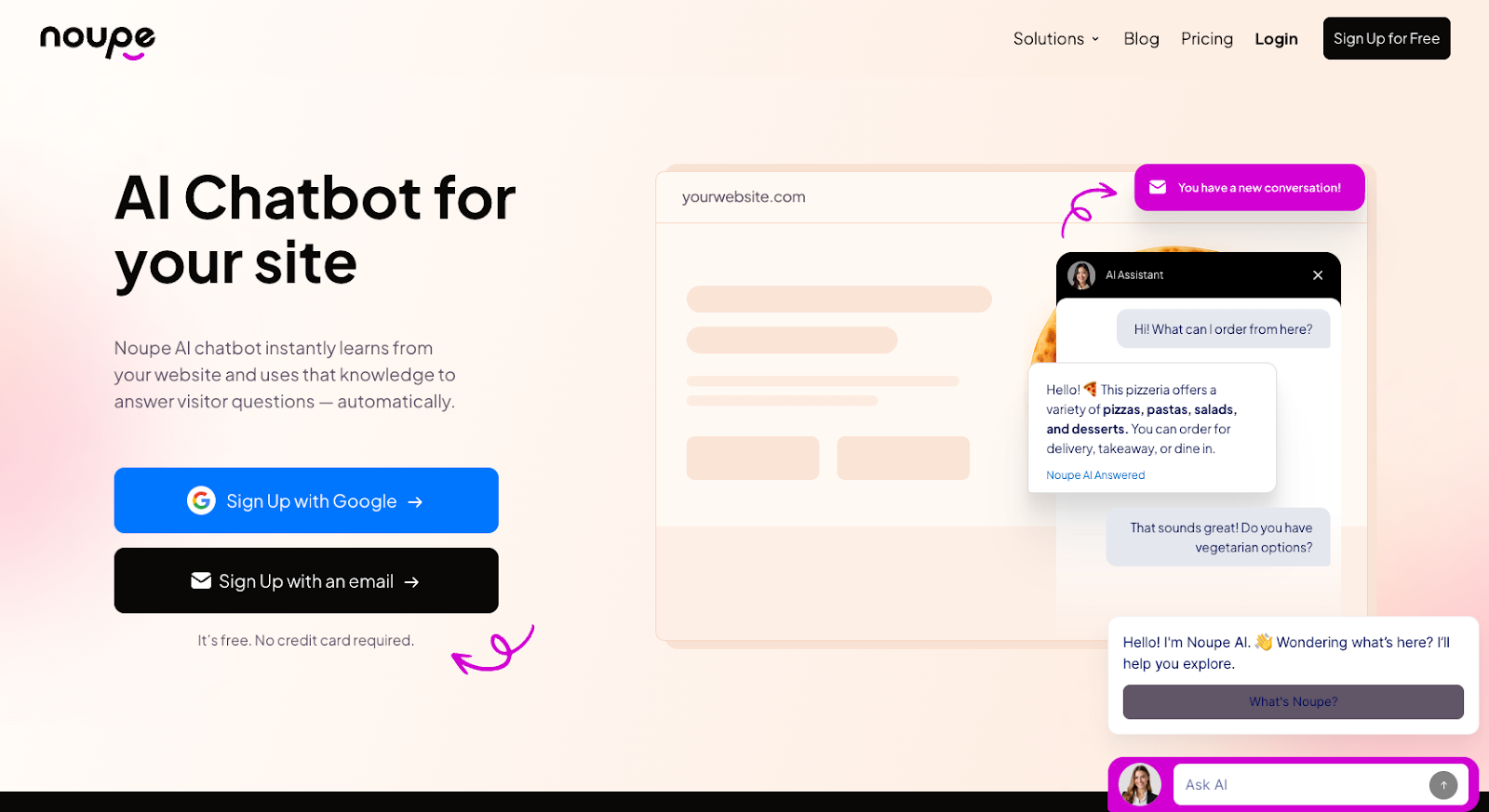
Noupe keeps things incredibly simple. It’s a no-code chatbot that trains itself on your own website content, learns your brand voice, and begins answering customer queries in minutes.
Key Features
- Instant setup; automatically crawls your content when you paste your site link
- Works across any website platform, including WordPress, Wix, and Squarespace
- Multi-language support for global audiences
- Email-based conversation logs
- Custom branding tools
CRM features/integration options
Noupe connects easily with CRMs through API integrations and embedded chat windows. You can sync new leads, messages, and contact details directly into your CRM. It also tags common issues automatically, giving you a live snapshot of what your customers need most.
Best for:
E-commerce brands, SaaS startups, agencies, and service businesses requiring quick setup and minimal management
Pros and cons
| Pros | Cons |
|---|---|
| Instant, no-code setup | Limited advanced analytics |
| Multi-language support | No dedicated mobile app |
| Email logs for full transparency | Lacks built-in CRM dashboard |
Pricing
Noupe offers several tiered plans:
- Starter: Free (100 conversations/month)
- Basic: $20/month billed annually (1,000 conversations/month)
- Pro: $40/month billed annually (7,500 conversations/month)
2. HubSpot CRM Chatbot Builder
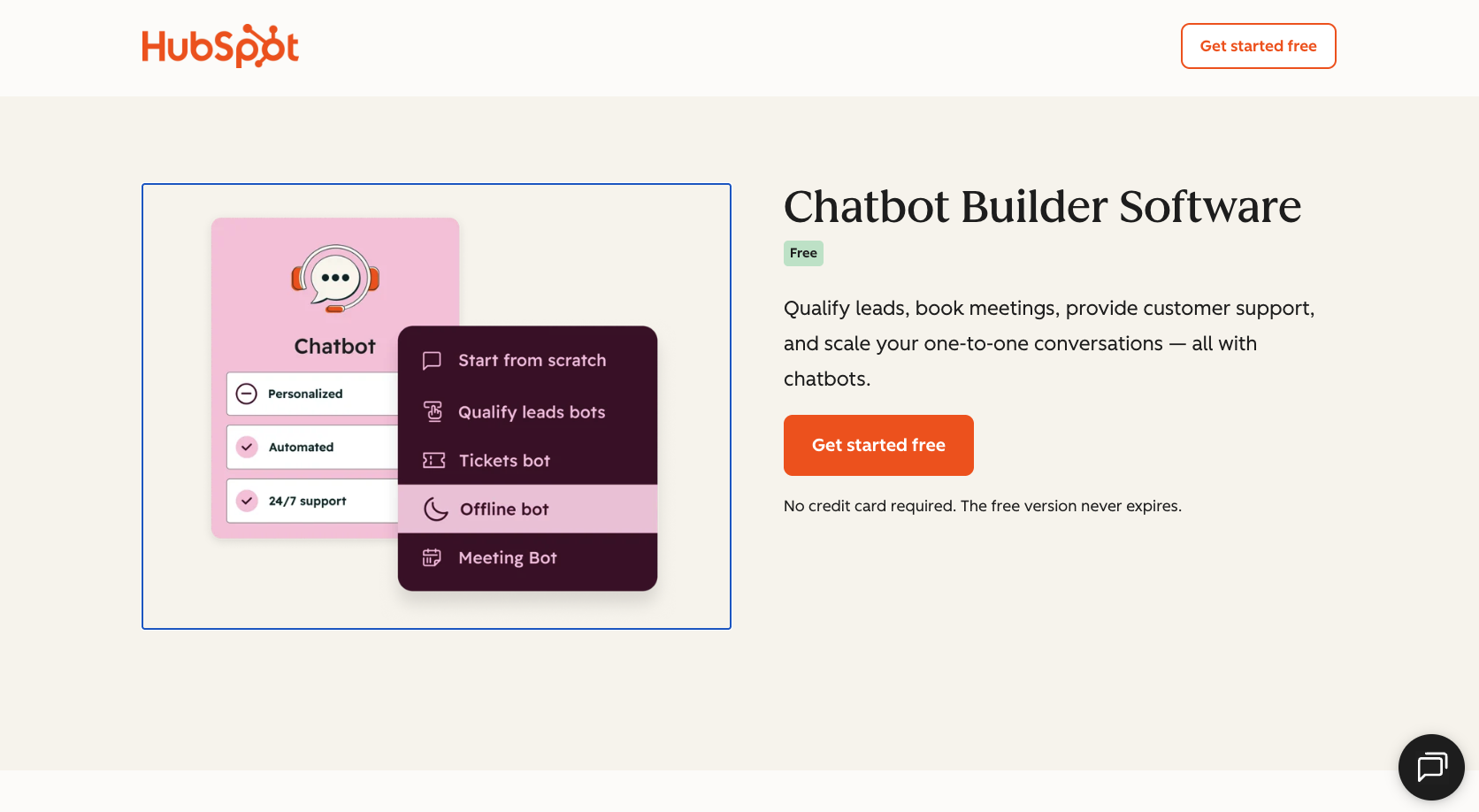
HubSpot Chatbot Builder is baked into its CRM, so everything you need, including customer data, conversation history, and automation, is in one place. It’s ideal if your team already uses HubSpot for marketing or sales.
Key features
- No-code chatbot creation with drag-and-drop blocks
- Automated lead qualification and meeting scheduling
- Personalized replies pulled directly from CRM records
CRM features/integration options
Its native connection to HubSpot CRM makes setup seamless. Every chat automatically logs contact details, ticket info, and notes without requiring manual entry.
Best for:
Organizations already using HubSpot who want easy automation without adding extra tools
Pros and cons
| Pros | Cons |
|---|---|
| Intensive CRM integration | Only works within HubSpot ecosystem |
| User-friendly interface | Limited customization for advanced logic |
| Includes scheduling and lead capture | Costs can rise with CRM upgrades |
Pricing
HubSpot Chatbot Builder has a free version. Advanced AI and automation features require paid Marketing, Service, or Sales Hub plans. Prices include:
- $9/seat/month (Starter),
- $90/seat/month (Professional, with a $1,500 onboarding fee)
- $150/seat/month (Enterprise, $3,500 onboarding)
3. Salesforce Einstein Bots
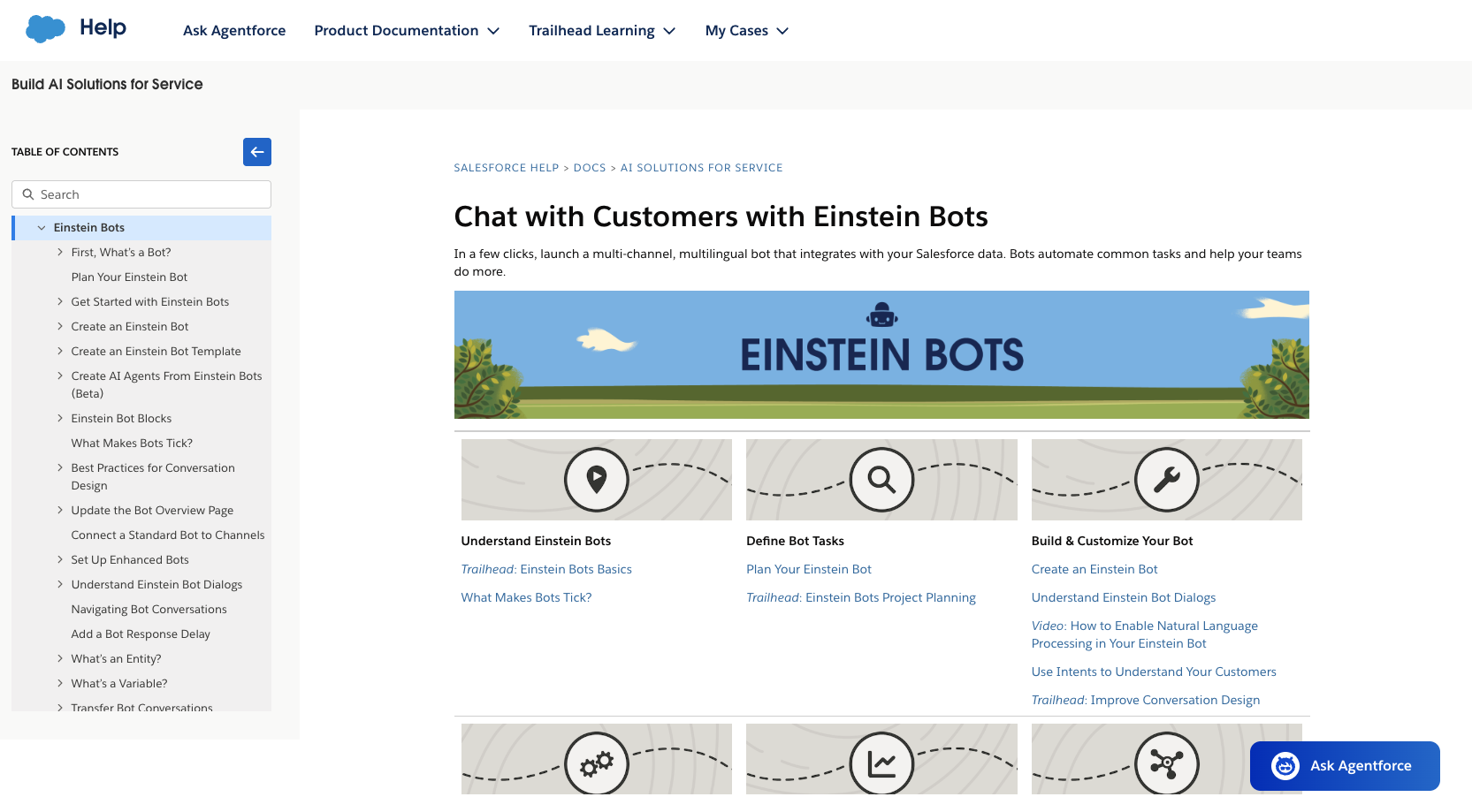
For businesses already using the Salesforce Service Cloud or the broader Salesforce ecosystem, Einstein Bots offers a native chatbot solution that taps directly into customer records and workflows.
Key features
- Bot deployment across channels, including web chat, SMS, WhatsApp, and Messenger
- Pulls customer data from Salesforce records to personalize responses or transfer to human agents when needed
- Handles routine tasks like FAQs, case triage, and scheduling
CRM features/Integration options
The CRM chatbot integrates beautifully with your Salesforce CRM architecture. Every chat can create or update records, tag the customer, and escalate cases through the same Service Cloud queues you already use.
Best for:
Enterprises or mid-sized organizations that already use Salesforce for service or support and want a high-capability chatbot embedded within their CRM (rather than a separate tool)
Pros and cons
| Pros | Cons |
|---|---|
| Deep native integration with existing Salesforce CRM | Requires Salesforce licenses (Enterprise/Unlimited editions) for full feature access |
| Multichannel deployment capabilities | Cost rises significantly for advanced chatbots and enterprise features |
| CRM linkage enables routing and case-management support | Setup may require more technical work than simpler plug-in chatbots |
Pricing
Pricing depends on your Salesforce edition and add-ons. You must have a Salesforce Enterprise or Unlimited license to purchase Einstein Bots and other Einstein features. Due to the bundled and tiered nature of the pricing, the best way to get an accurate quote is to contact Salesforce.
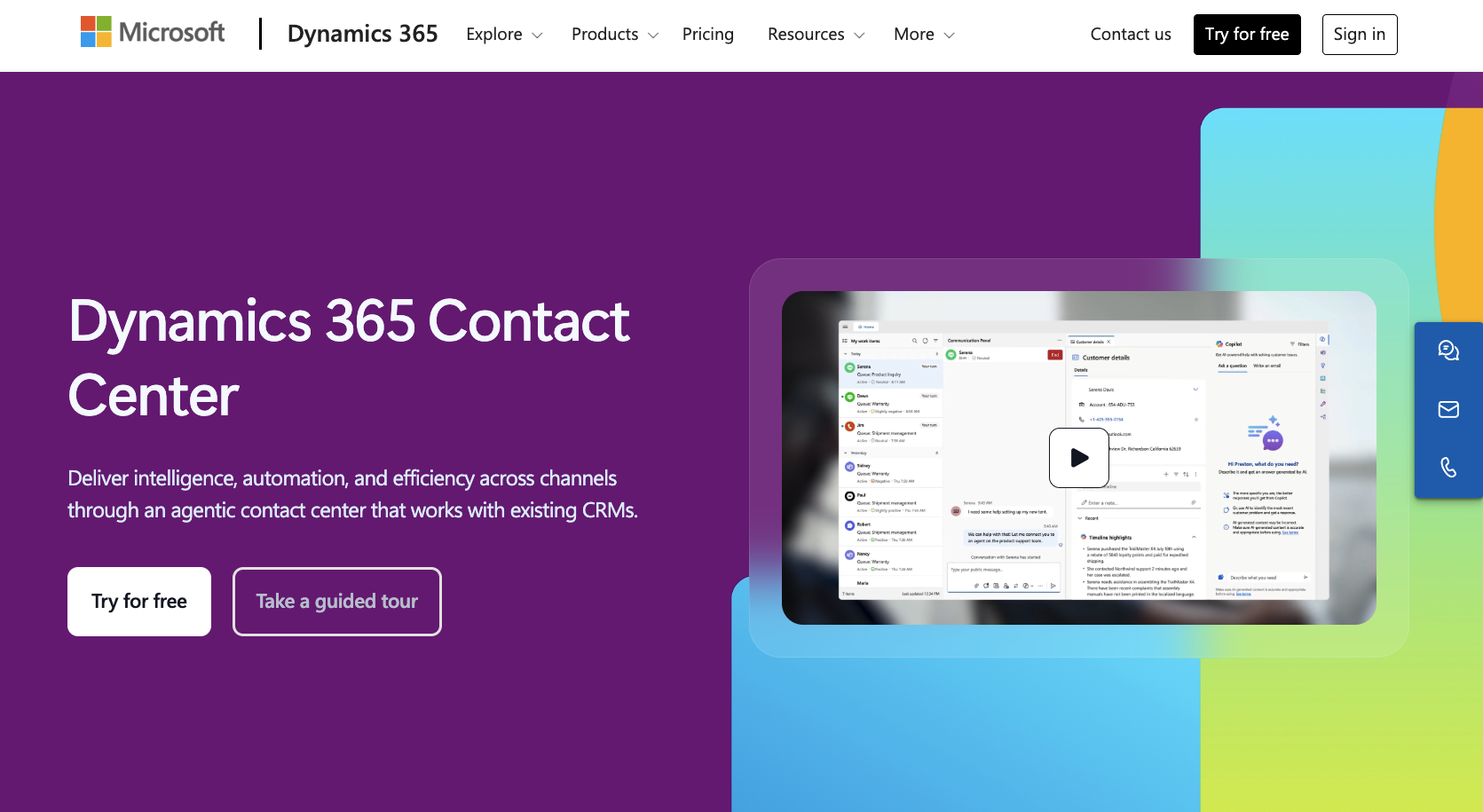
4. Microsoft Dynamics 365 Virtual Agent
For companies using Microsoft Dynamics 365, the Virtual Agent chatbot integrates right into the platform, so you can leverage your CRM data without extra connections.
Key features
- No-code chatbot creation with guided templates
- Multichannel deployment, including web, Teams, SMS, and social messaging
- AI-fueled suggestions to route complex queries to humans
CRM features/Integration options
The chatbot reads and writes directly to Dynamics 365 CRM, automatically updating customer records, tagging cases, and logging conversations. Insights from interactions feed back into your dashboards to improve service and track issues over time.
Best for:
Enterprises already using Microsoft’s ecosystem that need an embedded chatbot solution with minimal setup
Pros and cons
| Pros | Cons |
|---|---|
| Native integration with Dynamics 365 | Requires Dynamics 365 subscription |
| Prebuilt templates hasten setup | Fewer integrations outside Microsoft stack |
| AI routing improves response efficiency | Advanced customization needs technical expertise |
Pricing
Pricing varies based on sessions, users, and add‑ons; listed core service plans start around $50/user/month for CRM service apps, with additional capacity or bot‑specific plans that may cost significantly more.
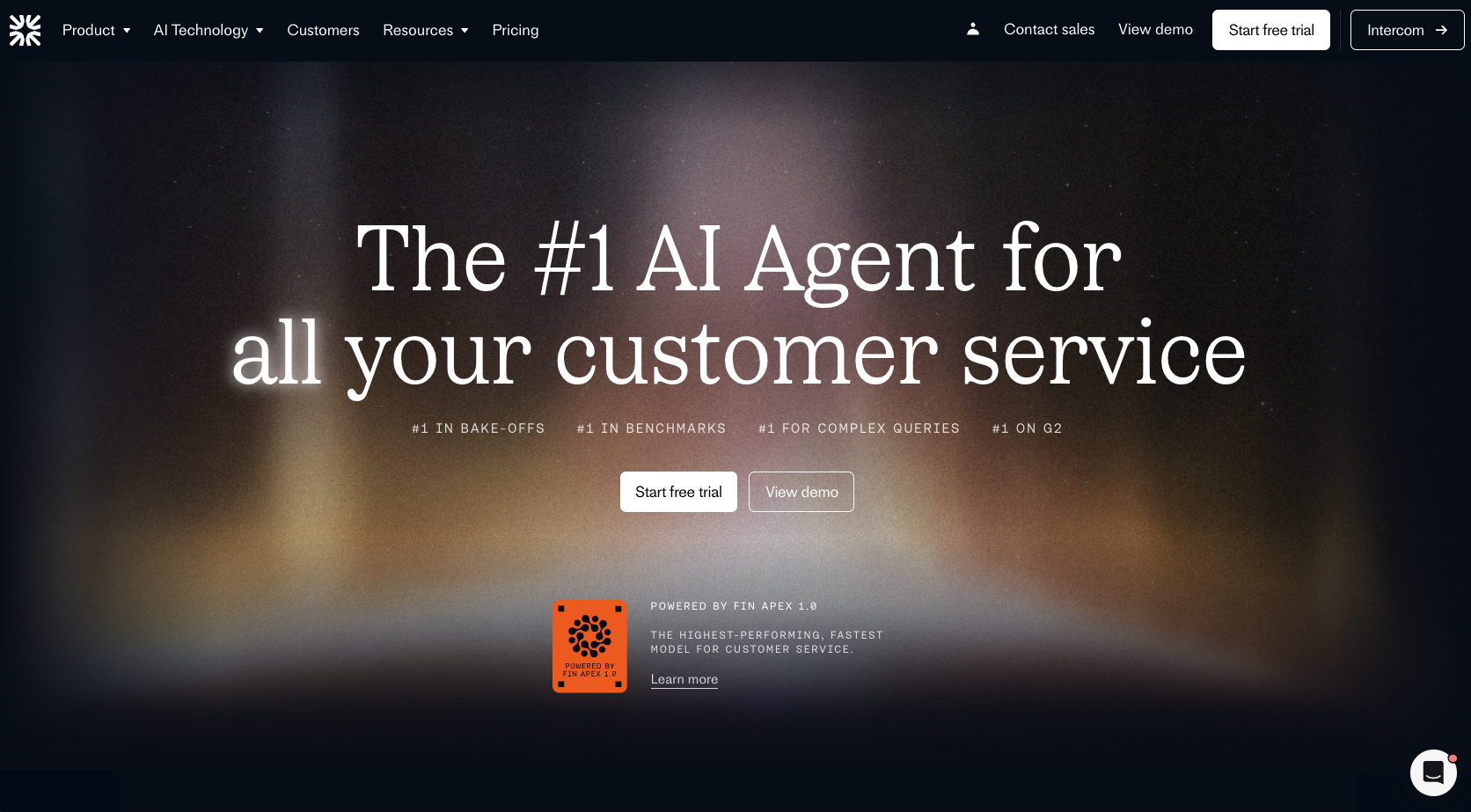
5. Fin by Intercom
Intercom’s Fin is an AI chatbot designed to handle routine support inquiries within the Intercom CRM. It excels at qualifying leads, answering FAQs, and escalating issues to human agents when necessary.
Key features
- AI-powered conversation handling for support and sales
- Lead qualification and routing automatically within Intercom
- Knowledge base integration for instant answers
CRM features/Integration options
Fin is built into the Intercom platform, so all chats, contact data, and conversation histories sync automatically to your Intercom CRM records. Insights from customer interactions flow into your reporting dashboards and inform your customer success workflows.
Best for:
Small to mid-sized SaaS businesses, e-commerce shops, or service teams already using Intercom
Pros and cons
| Pros | Cons |
|---|---|
| Native integration with Intercom CRM | Only works within Intercom ecosystem |
| AI handles routine tickets and lead routing | Implementing advanced custom logic can be complex |
| Instant answers from knowledge base | Costs increase with higher chat volumes |
Pricing
- Essential: $29/seat/month (annually) + $0.99 per Fin resolution
- Expert: $132/seat/month (annually) + $0.99 per Fin resolution
With your own preexisting helpdesk, you can use Fin AI Agent without the Intercom suite at $0.99 per resolution (minimum of 50 resolutions per month).
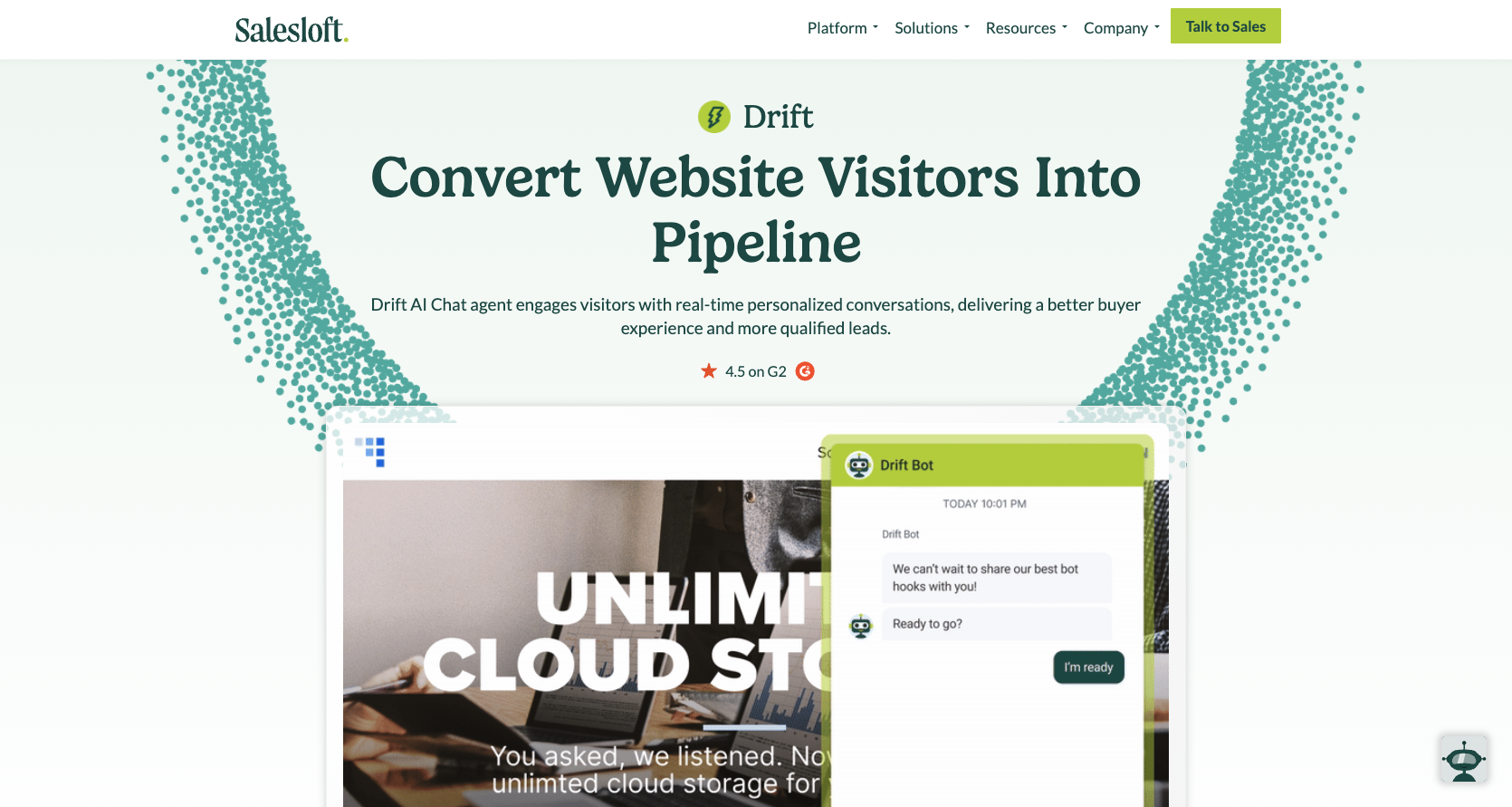
6. Drift Conversational AI
Drift focuses on conversational marketing and sales. AI qualifies leads, routes inquiries, and personalizes interactions in real time. It integrates tightly with Drift’s CRM and can connect to external CRMs via native integrations.
Key features
- AI-driven lead qualification and conversation routing
- Real-time personalization based on visitor behavior
- Automated meeting scheduling and follow-ups
CRM features/Integration options
Drift syncs with various major CRMs, including Salesforce, HubSpot, and others. Every chat and lead interaction updates CRM records automatically, enabling sales and support teams to work with the same information.
Best for:
B2B SaaS and technology companies that need conversational marketing alongside customer support
Pros and cons
| Pros | Cons |
|---|---|
| Real-time lead qualification | Higher pricing than simpler chatbots |
| Integrates with multiple CRMs | Some features require premium tiers |
| Automated scheduling | Learning curve for advanced workflows |
Pricing
- Premium: Starts at $2,500/month (billed annually)
- Advanced: Custom-quote tier with more features, automation, and routing
- Enterprise: Custom pricing, full features, hands-on support
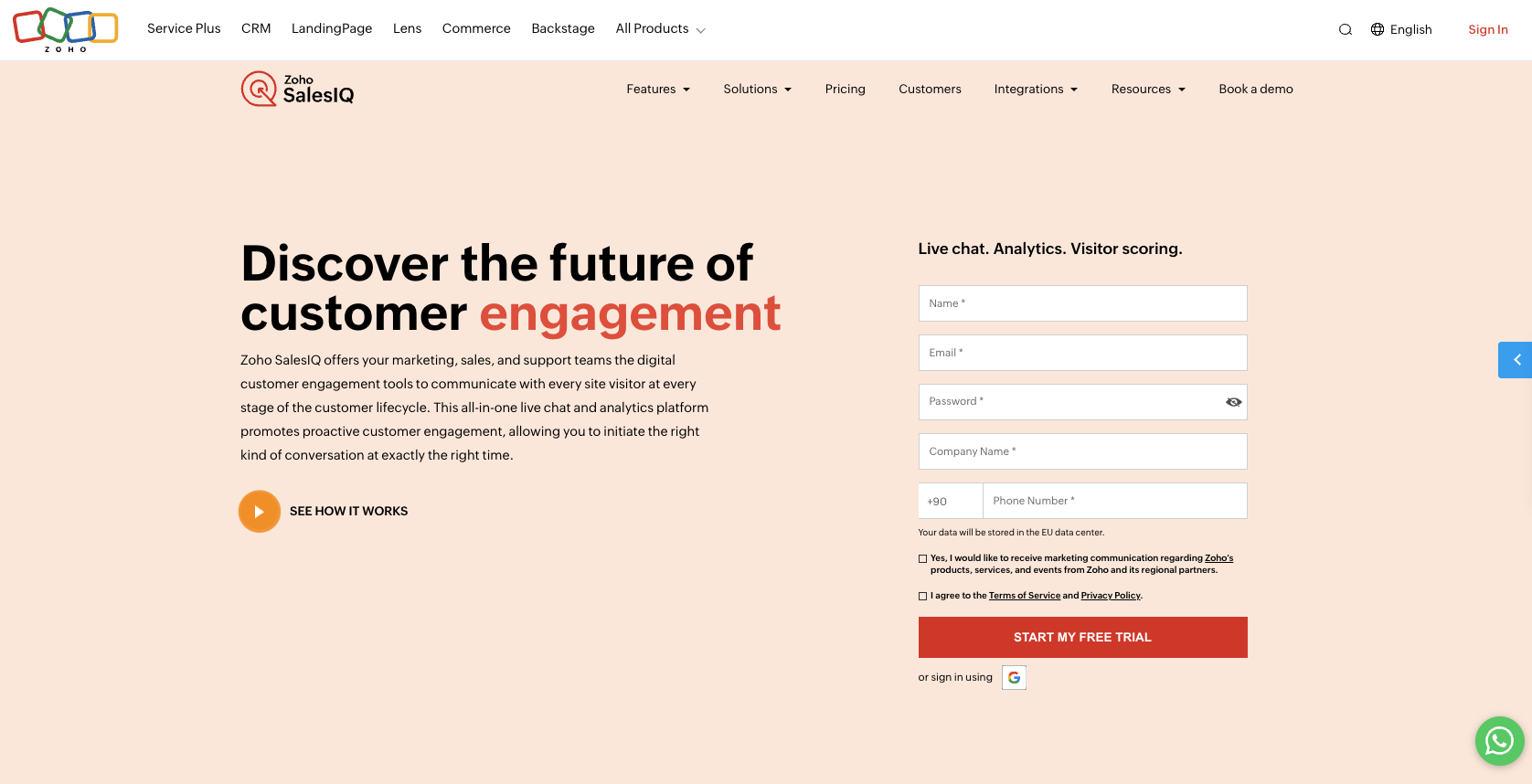
7. Zoho SalesIQ with Zobot
Zoho SalesIQ combines live chat, visitor tracking, and AI chatbots through Zobot. It’s designed to capture leads, support visitors, and route queries automatically, all while syncing with Zoho CRM.
Key features
- AI chatbot for FAQs, lead qualification, and ticket routing
- Visitor tracking and analytics for real-time insights
- Prebuilt scripts and no-code bot creation
CRM features/Integration options
Zobot integrates naturally with Zoho CRM, automatically updating leads, contacts, and conversation history. Third-party integrations extend functionality to other CRMs, email platforms, and helpdesk software.
Best for:
Small to mid-sized businesses already using Zoho products, or anyone looking for a lightweight, fully integrated CRM chatbot experience
Pros and cons
| Pros | Cons |
|---|---|
| Intrinsic integration with Zoho CRM | Limited advanced AI compared to enterprise bots |
| Easy, no-code setup | Complex workflow customization can be tricky |
| Real-time visitor tracking | Some third-party integrations require paid plans |
Pricing
Zoho SalesIQ starts at $0/month for the free plan, but you need a higher-tier paid plan to access Zobot.
- Professional: $12.75/operator/month
- Enterprise: $20/operator/month (additional advanced automation and bot features)
8. Tidio Live Chat and AI Chatbot
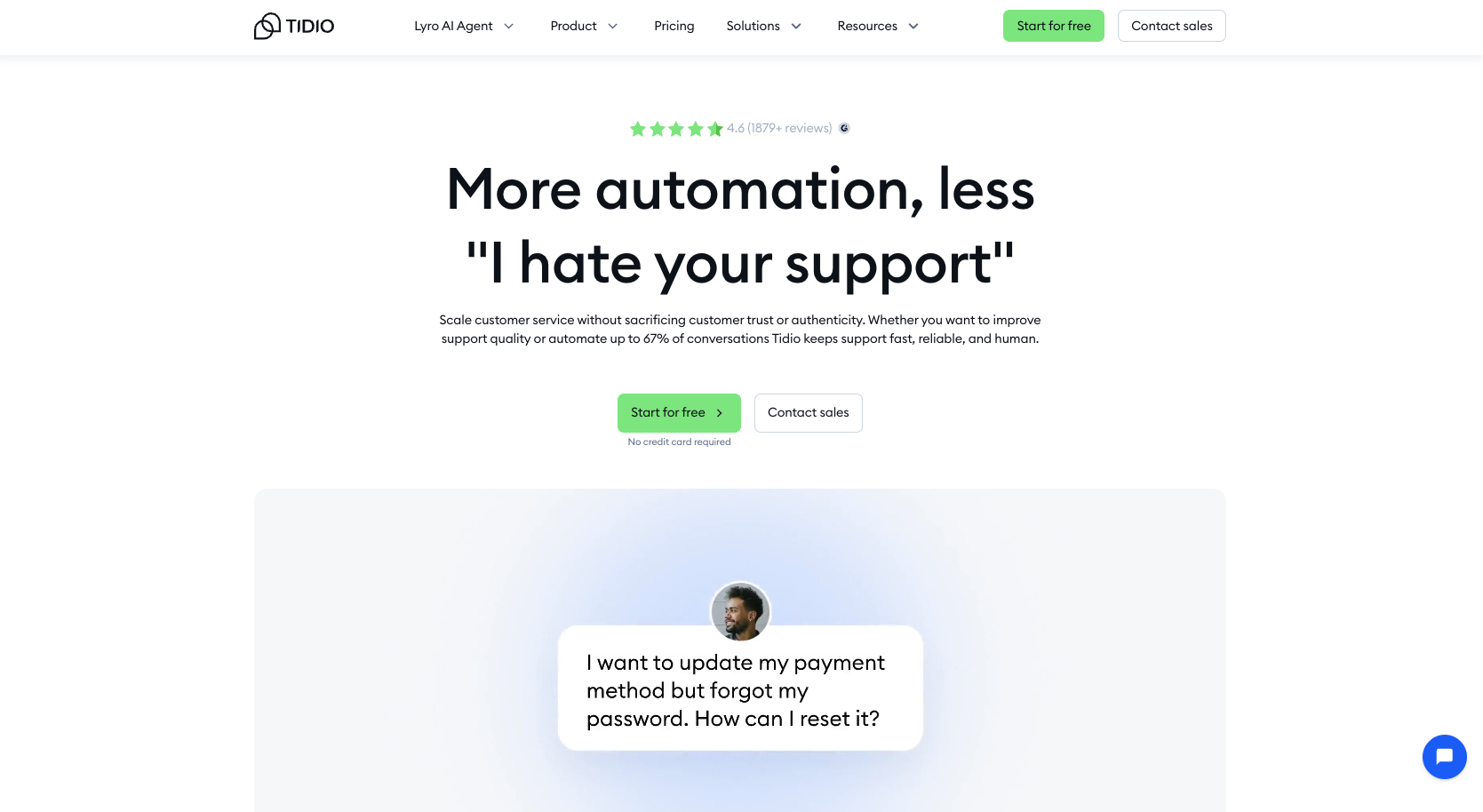
Tidio combines live chat, email, and AI chatbot features into one platform. Its bots bring automation and CRM syncing to FAQs, lead capture, and customer support.
Key features
- AI chatbot for instant responses and lead qualification
- Live chat with automated triggers
- Multi-channel support (website, email, Messenger)
CRM features/Integration options
Tidio allows chatbot integration with CRMs like HubSpot, Salesforce, and Zoho. Chats and customer data sync automatically to keep leads and tickets up to date.
Best for:
E-commerce and small businesses that need simple, affordable automation with multi-channel support
Pros and cons
| Pros | Cons |
|---|---|
| Quick setup and easy to use | Less advanced automation than some enterprise bots |
| Integrates with multiple CRMs | Lower-tier plans have restricted AI usage |
| Multi-channel support | Analytics are basic in lower tiers |
Pricing
- Starter: $24.17/month (annually)
- Growth: $49.17/month (annually)
- Plus: $749/month (annually)
- Premium: Custom pricing; contact sales
As tier pricing increases, you receive more AI conversations, better analytics, and additional features.
9. ManyChat
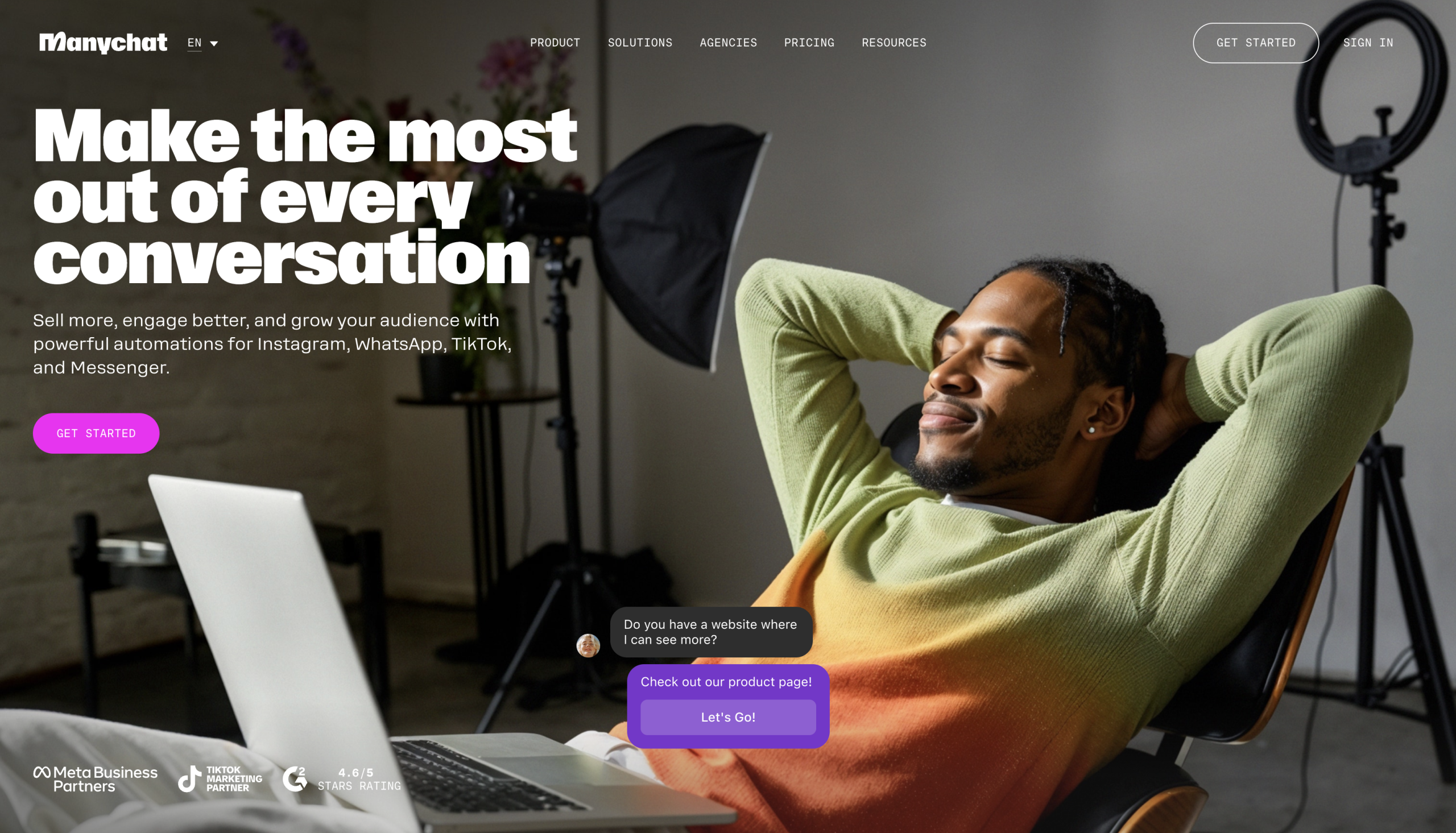
ManyChat is designed for chat marketing, automating conversations, and nurturing leads on messaging platforms like Facebook Messenger, Instagram, and WhatsApp. It also syncs with CRM systems to keep customer records updated.
Key features
- Automated responses for FAQs, promotions, and lead capture
- Messenger, Instagram, and WhatsApp support
- Segmentation and broadcast messaging for personalized campaigns
CRM features/Integration options
ManyChat integrates with popular CRMs like HubSpot, Salesforce, and Zoho via native integrations or third-party tools. Leads, tags, and conversation histories sync automatically.
Best for:
E-commerce, small businesses, and social media-focused brands that want to automate chat marketing while collecting data in a CRM
Pros and cons
| Pros | Cons |
|---|---|
| Powerful social messaging capabilities | Limited non-social chat channels |
| Easy lead capture and automation | Advanced automation requires higher-tier plans |
| CRM syncing for contact management | Free plan restricts audience size |
Pricing
ManyChat has a free plan with access to basic features. Paid plans start at $15/month and scale based on your contact count and advanced automation features.
10. Freshchat
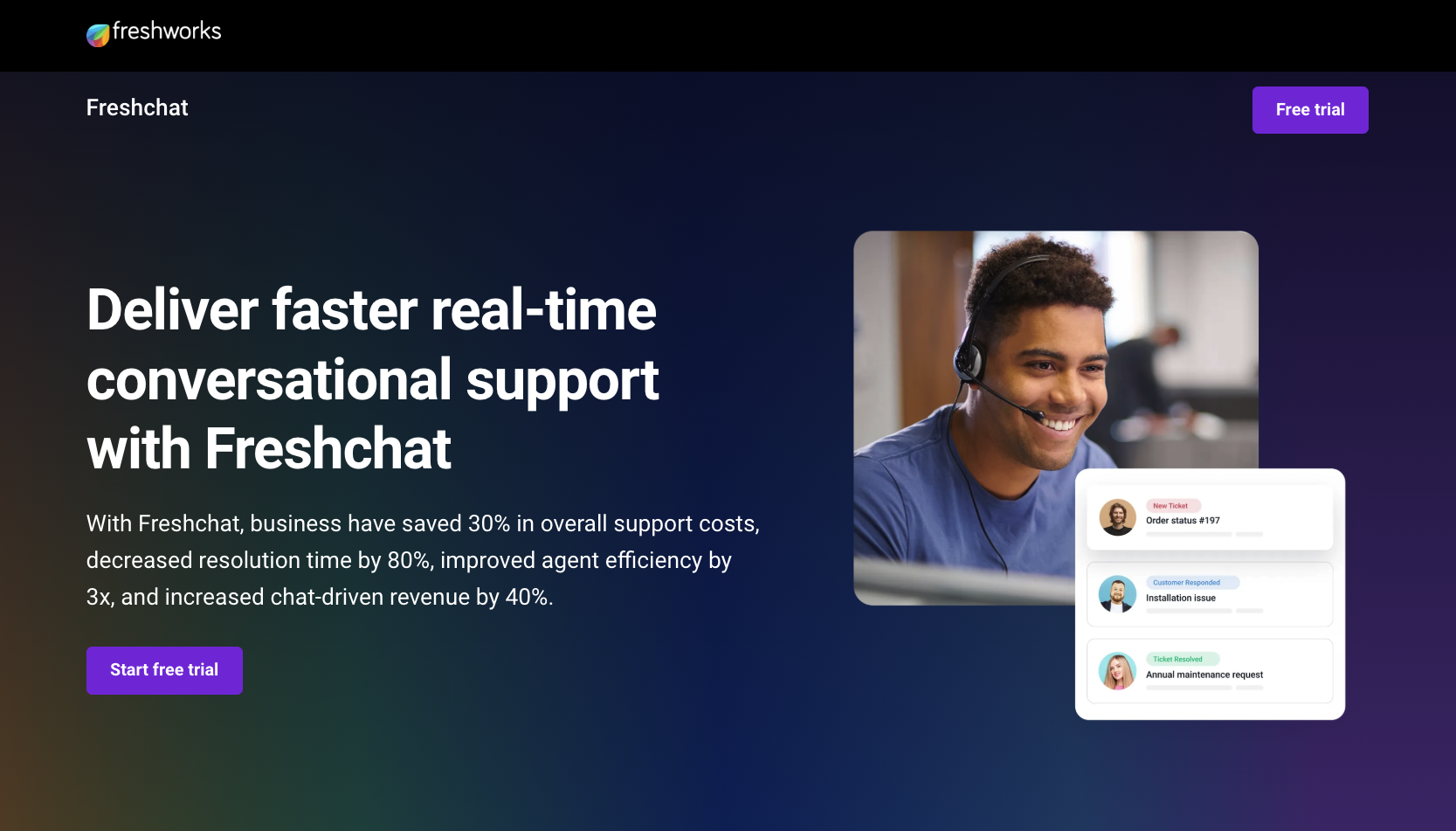
Freshchat from Freshworks combines live chat, AI chatbots, and messaging automation to support sales and service. Its bots handle common questions, qualify leads, escalate complex issues to human agents, and sync CRM records.
Key features
- AI chat for FAQs and lead qualification
- Multi-channel support includes website, mobile, email, and social
- Automated workflows for ticket routing and follow-ups
CRM features/Integration options
Freshchat offers integrations with major CRMs, including Salesforce, HubSpot, and Zoho. Automatically synced conversations, leads, and contact data provide a centralized view of all customer interactions.
Best for:
Small and mid-sized companies that want a flexible, multi-channel support solution linked to their CRM
Pros and cons
| Pros | Cons |
|---|---|
| Multi-channel support | Advanced automation requires higher-tier plans |
| Easy integration with CRMs | Can be overwhelming for small teams |
| AI handles routine inquiries | Limited customization in basic plans |
Pricing
Freshchat offers a free plan. Paid plans start at $19/agent/month (billed annually), with higher tiers providing AI features, automation, and advanced analytics.
Best practices for chatbot CRM integration
Connecting a chatbot to your CRM can revitalize your customer support, but only if you put thought and care into it. Follow these best practices when implementing chatbot integration with CRM.
1. Set clear goals and objectives
Define what success looks like before launching by identifying which metrics you care to track, such as response time, resolution rate, or customer satisfaction. How much automation can your team realistically handle, and which touchpoints should the chatbot cover?
2. Map data fields correctly
Align the data your chatbot collects with your CRM fields. Consistency prevents duplicates, missed follow-ups, and messy records. Implement validation rules and quality control measures so leads, tickets, and customer notes end up where they belong.
3. Build smart automation rules
Not all queries are equal. Use automation to schedule meetings and follow-up sequences. Build intelligent lead scoring and qualification processes. Design rules that match the flow of customer interactions and the expertise of your team. Simple logic can save hours while escalating complex inquiries to human agents.
4. Train users and update systems
It’s essential to provide training for your support, sales, and marketing teams on how the chatbot works within the CRM. Review workflows regularly, optimize rules, and update content so the bot remains both helpful and current.
5. Ensure data security and compliance
Customer data flows through multiple systems, and it’s your responsibility to protect it. Use encryption, access controls, and audit trails. Your setup must comply with privacy laws and guidelines, as well as any internal policies. With regular security audits and vulnerability assessments, you can reduce risk and maintain trust with customers and your team.
Making the most of chatbot integration with CRM
AI chatbots have become an essential part of modern CRM systems. They handle common queries, automatically update records, and give customers the instant responses they’re looking for.
Noupe offers a fast, no-code way to bring this power to your website. Drop in your URL, and it learns your site’s content, allowing it to answer support questions 24/7, log conversations to your inbox, and adapt to your brand voice.
Try Noupe today, and see how it can supercharge your CRM and simplify your customer support.