
Summary
- Noupe is the website-first AI support tool for teams that want to answer repeat customer questions before they become tickets.
- Zendesk is the enterprise support platform for growing teams that need advanced routing, SLAs, reporting, AI, and omnichannel support.
- Freshdesk is the practical help desk for teams moving beyond shared inboxes and needing ticketing, automation, SLAs, and AI without enterprise-level complexity.
- Kustomer is the customer service platform for high-volume teams that need a complete timeline of conversations, orders, events, and customer history.
- Help Scout is the shared inbox solution for teams that want personal, email-like support with self-service tools and lightweight AI.
- Intercom is the customer communication platform for SaaS and product-led teams that want AI support, in-app messaging, onboarding, and proactive engagement.
- Re:amaze is the ecommerce support platform for Shopify, WooCommerce, and BigCommerce teams that need multichannel and multibrand support.
I understand why so many e-commerce leaders love Gorgias. It’s incredibly convenient if you already run your store in Shopify. Unlimited seats make it easy to scale, and the centralized inbox is genuinely useful. Still, none of that stops some companies from searching for new customer support tools after a while.
Gorgias alternatives start to look appealing for a few reasons. The bill gets harder to predict when ticket volume jumps. Reporting feels thinner than the support lead wants. Even the learning curve can get problematic after a while.
The other issue is fit. Gorgias is built for e-commerce support, but not every team needs a ticket-heavy e-commerce machine. Some need simpler customer support tools that answer website questions before they hit the inbox. Some need enterprise routing. Others want shared inbox support that doesn’t make every customer feel like a case file.
The following platforms are the Gorgias competitors I’d recommend if you’re starting to realize that Gorgias might not be as perfect as it seemed a few months ago.
What is Gorgias, and why do teams start looking elsewhere?
Gorgias is a customer support solution built for e-commerce brands, especially those using Shopify. It pulls customer conversations into one place, connects them with store data, and helps agents handle the usual e-commerce pile-up: order status, returns, refunds, discount codes, delivery questions, and the occasional frustrated “I paid for express shipping” messages.
All of that is useful, particularly now. Baymard’s research shows high cart abandonment rates generally come from unclear total costs, shipping issues, or confusion about return policies. In other words, the kinds of questions shoppers could resolve in advance with a bit of help from an AI tool.
I’ve used Gorgias before with Shopify Plus, and Gorgias certainly isn’t a bad tool, but I also understand why companies start looking for alternatives.
The main reason is pricing. It’s tied to ticket volume, with plans starting at around $10 per month for 50 tickets. The more conversations you have with customers, the more Gorgias costs. That ramps up quickly during seasonal events or sales.
Another common frustration is that everything revolves around tickets. That’s fine when the issue belongs in a help desk. But plenty of customer questions shouldn’t become tickets at all:
- “Do you ship to Canada?”
- “Which plan do I need?”
- “Does this work with WooCommerce?”
- “Can I use this in Spanish?”
Those questions belong on the website, answered before the customer loses patience.
Then there are smaller issues that add up. Advanced automation takes much time to set up, and the reporting is fairly basic. And if you want to scale beyond Shopify, things get trickier.
Side-by-side comparison of Gorgias alternatives
| Tool | Best for | Strongest reason to choose it | Watch out for | Pricing style |
|---|---|---|---|---|
| Noupe | Website-first AI support | Learns from your website and answers repeat questions before they become tickets | Not a full help desk for voice, service-level agreements (SLAs), or advanced routing | Monthly conversation tiers |
| Zendesk | Larger teams with complex workflows | Deep routing, reporting, AI agents, permissions, and channel coverage | Significant admin setup time | Per agent, with add-ons |
| Freshdesk | Teams graduating from shared inbox chaos | Practical ticketing, SLAs, Freddy AI, and a friendlier learning curve | Less e-commerce-native than Gorgias or Re:amaze | Per agent, with AI options |
| Kustomer | High-volume teams that need customer history | Timeline view across conversations, events, orders, and channels | Too heavy for small teams | Sales-led pricing |
| Help Scout | Teams that want support to feel personal | Shared inbox, Docs, Beacon, AI summaries, and clean customer conversations | Not built for complex e-commerce operations | Plan-based, with AI usage controls |
| Intercom | Product-led and SaaS support | Fin AI, in-app messaging, proactive support, and customer segmentation | Costs can climb with seats and AI outcomes | Seats plus AI resolutions |
| Re:amaze | E-commerce teams with multiple brands | Shopify workflows, live chat, social, SMS, voice, and multibrand support | Lighter AI depth than Intercom or Zendesk | Per team member |
The 7 best Gorgias alternatives for 2026
I’m being picky here because this category is full of lookalike claims.
Every tool says it saves time. Every tool says it has AI. Every tool promises happier customers with suspiciously polished screenshots. But when a customer is asking why their order says it’s been delivered when it clearly isn’t on their porch, the homepage copy stops mattering.
So I’m judging these Gorgias competitors by fit: website questions, e-commerce tickets, enterprise routing, human inboxes, product-led support, and multibrand stores. Different problems require different tools.
1. Noupe: Best for website questions that should never become tickets
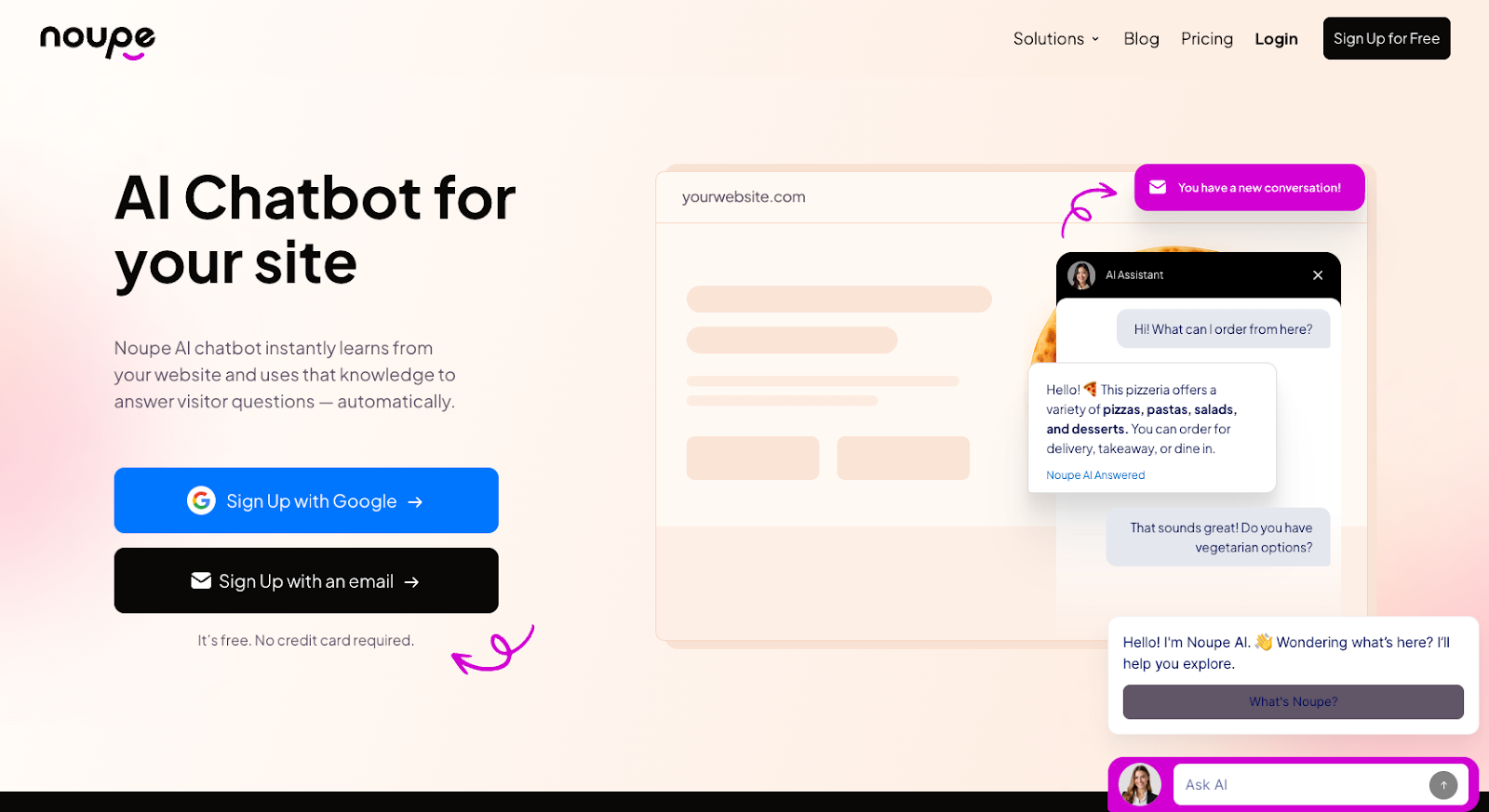
Developer: Noupe
If your team keeps answering questions your website should have handled already, Noupe is the first tool I’d look at.
A customer asking “Do you ship to Canada?” doesn’t need a ticket. Someone asking whether your product supports Spanish, annual billing, or a specific use case probably should’ve found that answer without waiting for a human.
Noupe is built for that layer of support. It reads your public website content, turns it into an answer base, and gives visitors answers from the pages you already have. You can add your own documents and Q&A sets, which helps when the website is good but not quite complete.
The part I like most is how little effort it takes to get started. Grab the embed code, drop it onto the site, customize the look, set the first message, and start seeing what people ask. Conversations land in your inbox in real time, which is useful because customer questions are brutally honest. They show you exactly where your website is unclear.
The multilingual support is another practical win. If visitors converse in French, German, Spanish, or another language, Noupe can respond automatically. That’s especially helpful in e-commerce, where 72–76 percent of customers say they’re more likely to buy a product when information is available in their own language.
Key features
- Learns from public website content
- No-code website embed
- Custom documents and Q&A training
- Custom first message
- Widget controls for size, color, avatar, and placement
- Real-time conversation delivery
- Automatic multilingual replies
Plans and pricing: Noupe keeps pricing straightforward. There’s a free plan with 100 monthly conversations. Basic starts at $20 per month and Pro starts at $40 per month. Annual billing reduces those monthly costs.
Pros
- Learns from public website content, reducing the need to rebuild answers
- Fast to set up, with a simple no-code website embed
- Supports custom documents and Q&A sets when the website needs backup
- Custom first message and widget controls so the chatbot feels native to the site
- Real-time conversations that show exactly what visitors are asking
- Automatic multilingual replies that support international traffic
Cons
- Not a full help desk
- Not suited for advanced ticket routing, voice support, SLA rules, or agent permissions
2. Zendesk: Best for teams whose support operation is growing
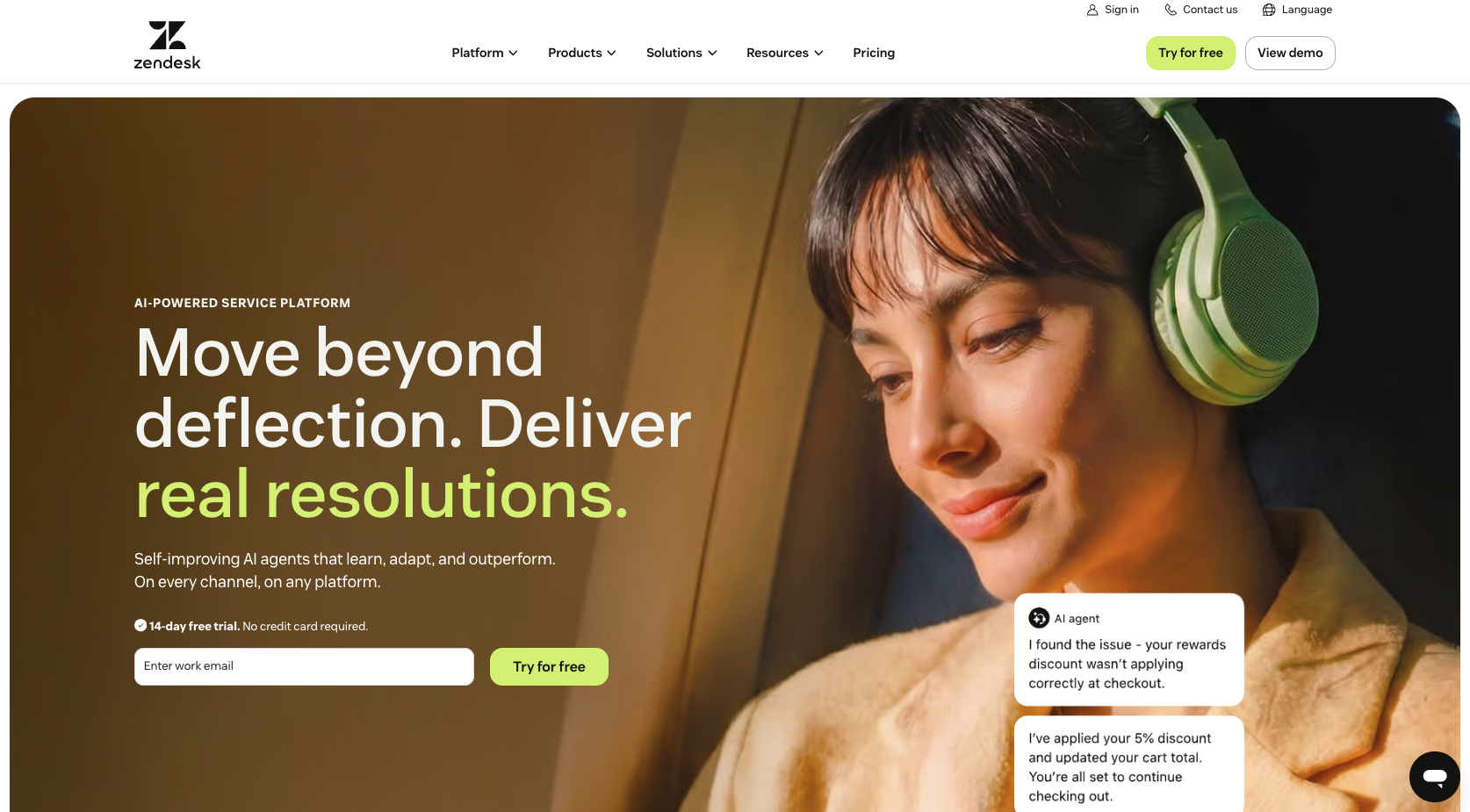
Developer: Zendesk
Zendesk isn’t the tool I’d choose for a five-person store drowning in sizing questions.
Zendesk is what I’d choose when support becomes a full operation with multiple queues, different teams, priority rules, and SLA pressure. It’s built for environments where managers want reporting that goes beyond “We closed a bunch of tickets,” and agents need customer context without clicking through six tabs like they’re defusing a bomb.
Compared with Gorgias, Zendesk is broader and heavier. Gorgias is built for e-commerce support, but Zendesk can support e-commerce and many other industries. It can handle employee needs as well.
Zendesk is also pushing hard into AI. Its product page says Zendesk AI agents can resolve 80 percent or more of customer and employee interactions, and its copilot can improve team productivity by 20 percent.
Key features
- Omnichannel ticketing
- SLA management
- Advanced routing
- Help center and knowledge base
- AI agents and copilot tools
- Reporting and analytics
- Large app marketplace
- Enterprise permissions and admin controls
Plans and pricing: Zendesk pricing isn’t one-size-fits-all. A small support team can start with lower-tier plans, but costs rise as they add agents, AI features, reporting depth, quality review, workforce tools, and bigger admin controls.
Pros
- Strong fit for complex support teams with multiple workflows
- Handles e-commerce, SaaS, marketplaces, travel, finance, internal IT, and more
- Deep routing, SLA management, and reporting
- AI tools that support automation and assisted workflows
- Enterprise permissions and admin controls for larger teams
Cons
- Requires significant setup time
- Pricing that climbs as teams add AI features and advanced admin tools
- Too heavy for small teams that mainly need to answer basic website or product-page questions
3. Freshdesk: Best for teams that need order in the inbox
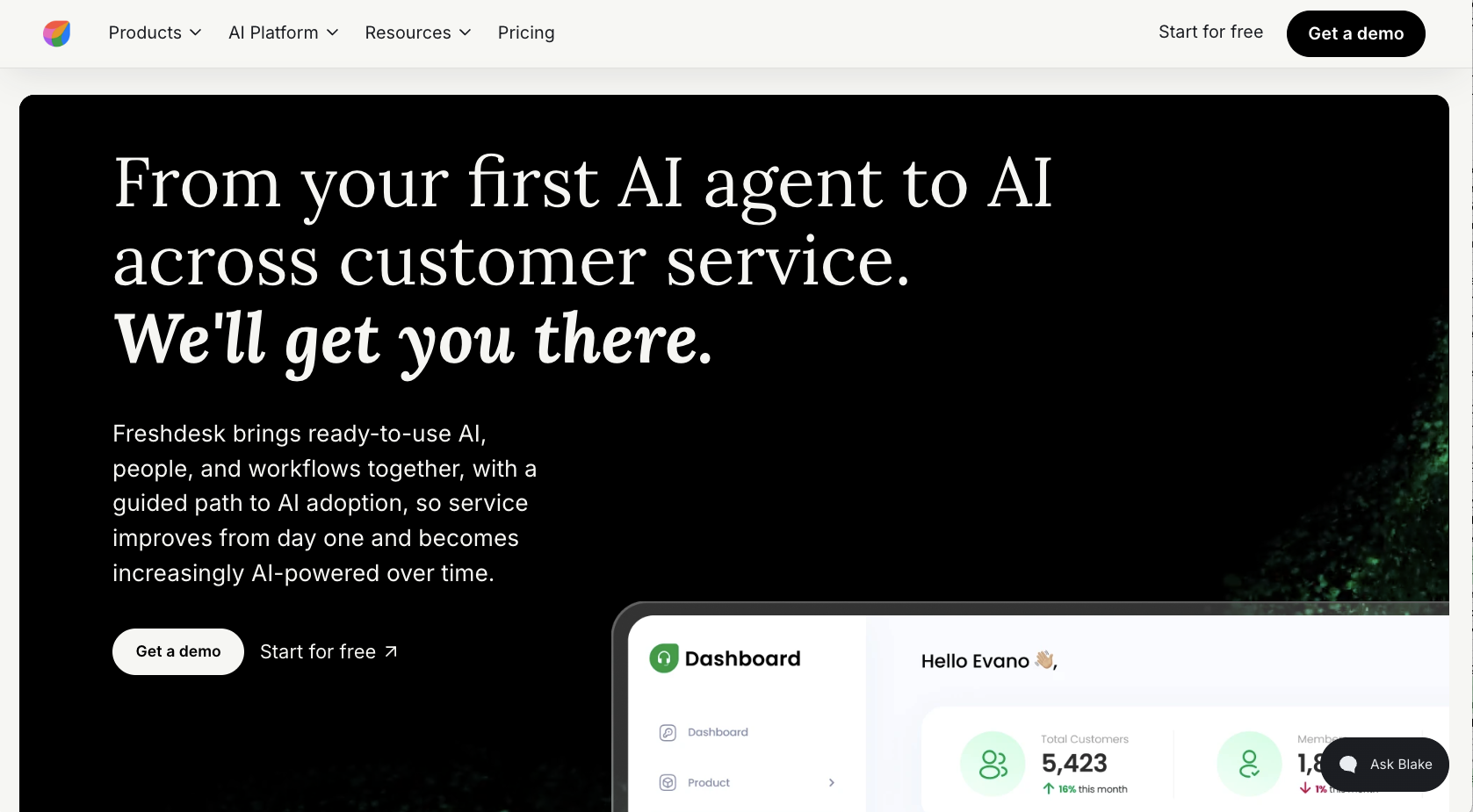
Developer: Freshworks
Freshdesk is the Gorgias alternative I’d recommend to a team that has clearly outgrown a shared inbox but has no appetite for a massive Zendesk rebuild.
The use case is familiar: Agents are answering from email and chat, managers are starting to care about SLAs, and someone has finally said, “Can we please stop tracking support quality in spreadsheets?” Freshdesk gives those teams a proper ticketing setup without making every workflow feel like a consulting project.
Where it gets more interesting is Freddy AI. Freshworks says Freddy AI Agents can update records, process refunds, change subscription plans, and connect with tools such as Shopify, Stripe, and PayPal.
Compared with Gorgias, Freshdesk is less tied to e-commerce. That’s useful if your support team handles more than order questions, including billing, onboarding, account access, technical issues, product questions, and partner requests. It gives teams more room to grow sideways.
Key features
- Ticketing for email, chat, and social
- SLA rules
- Knowledge base
- Freddy AI Agent and Copilot features
- Workflow rules for routing and prioritization
- Reporting dashboards
- Connections with Freshworks tools and commerce/payment apps
Plans and pricing: Freshdesk’s small-team offer has included six free months for one to two agents, and it includes basics such as tickets, help articles, and ready-made reports. Once you move into paid plans, pricing depends on the tier and which AI extras you enable.
Pros
- Good middle-ground option between a basic shared inbox and a heavyweight platform
- Handles ticketing across email, chat, and social
- SLA rules and workflow automation to help teams stay organized
- Freddy AI support for tasks such as record updates, refunds, subscription changes, and commerce/payment app connections
- Works well for teams handling more than e-commerce questions
Cons
- Less e-commerce-specific than Gorgias or Re:amaze
- Pricing that fluctuates quickly with AI add-ons
- Works best for teams already comfortable with the Freshworks ecosystem
4. Kustomer: Best for teams where every ticket needs history
Developer: Kustomer
Kustomer is the tool I’d pick when the same customer keeps showing up in different channels and nobody can remember the whole story.
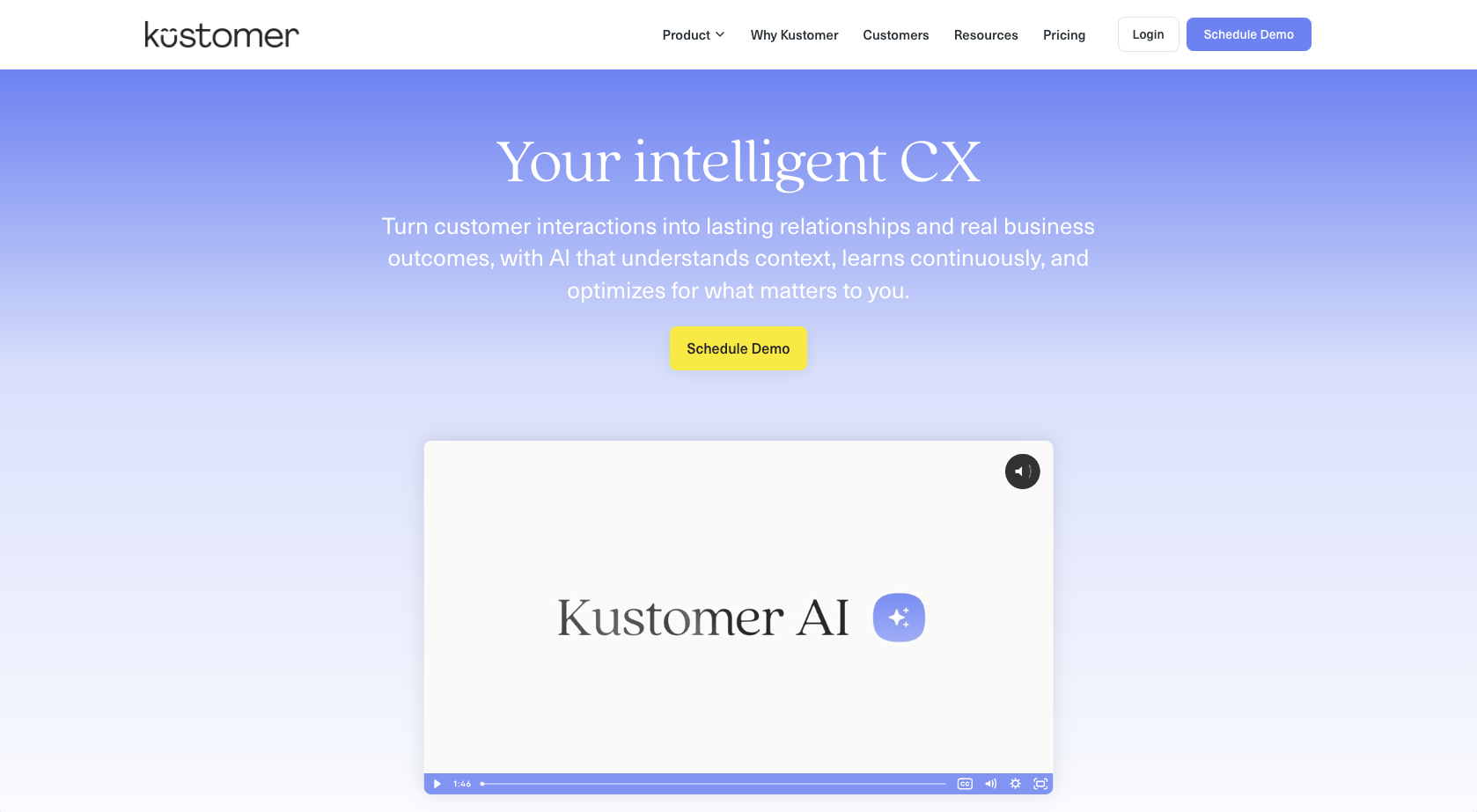
Kustomer’s main idea is the customer timeline. Instead of treating each message like a new ticket, it keeps the broader customer relationship visible: conversations, orders, events, notes, previous issues, and so on. For high-volume teams, that changes the job. Agents stop asking “What happened?” and start solving the actual problem.
That makes Kustomer one of the more serious Gorgias competitors for support teams that need deeper context than e-commerce order data alone. Gorgias works well when Shopify activity is the center of the conversation. Kustomer is stronger when the customer’s full history matters across channels, teams, and systems.
Kustomer says its AI agents can also handle order status, refunds, reservation changes, account updates, and policy questions using conversation history and customer context.
Key features
- Customer timeline
- Omnichannel conversations
- CRM-style customer profiles
- Email, chat, SMS, social, and voice support
- AI agents
- Order and account context
- Workflow rules
- Enterprise reporting
Plans and pricing: Kustomer is more enterprise-oriented, and pricing usually requires a sales conversation. That alone tells you it’s built for teams dealing with real volume and process complexity.
Pros
- Customer timeline that keeps conversations, orders, events, notes, and previous issues in one view
- Strong fit for high-volume teams managing repeat customers across channels
- Broader customer history than e-commerce order data alone
- Supports email, chat, SMS, social, and voice
- AI agents that use customer context for order status, refunds, account updates, policy questions, and more
Cons
- Too heavy for small teams looking for simpler customer support tools
- Enterprise-oriented pricing that usually requires a sales conversation
- Time-consuming setup that requires process discipline
5. Help Scout: Best for teams that want support to feel like email
Developer: Help Scout
Help Scout is for teams that still care how support feels. It’s structured, but it doesn’t make the conversation feel robotic.
That’s why it earns a spot among Gorgias alternatives. Not every team wants heavier e-commerce machinery. Some want a calmer inbox, better self-service, and a way to answer customers without turning the whole operation into a ticket factory.
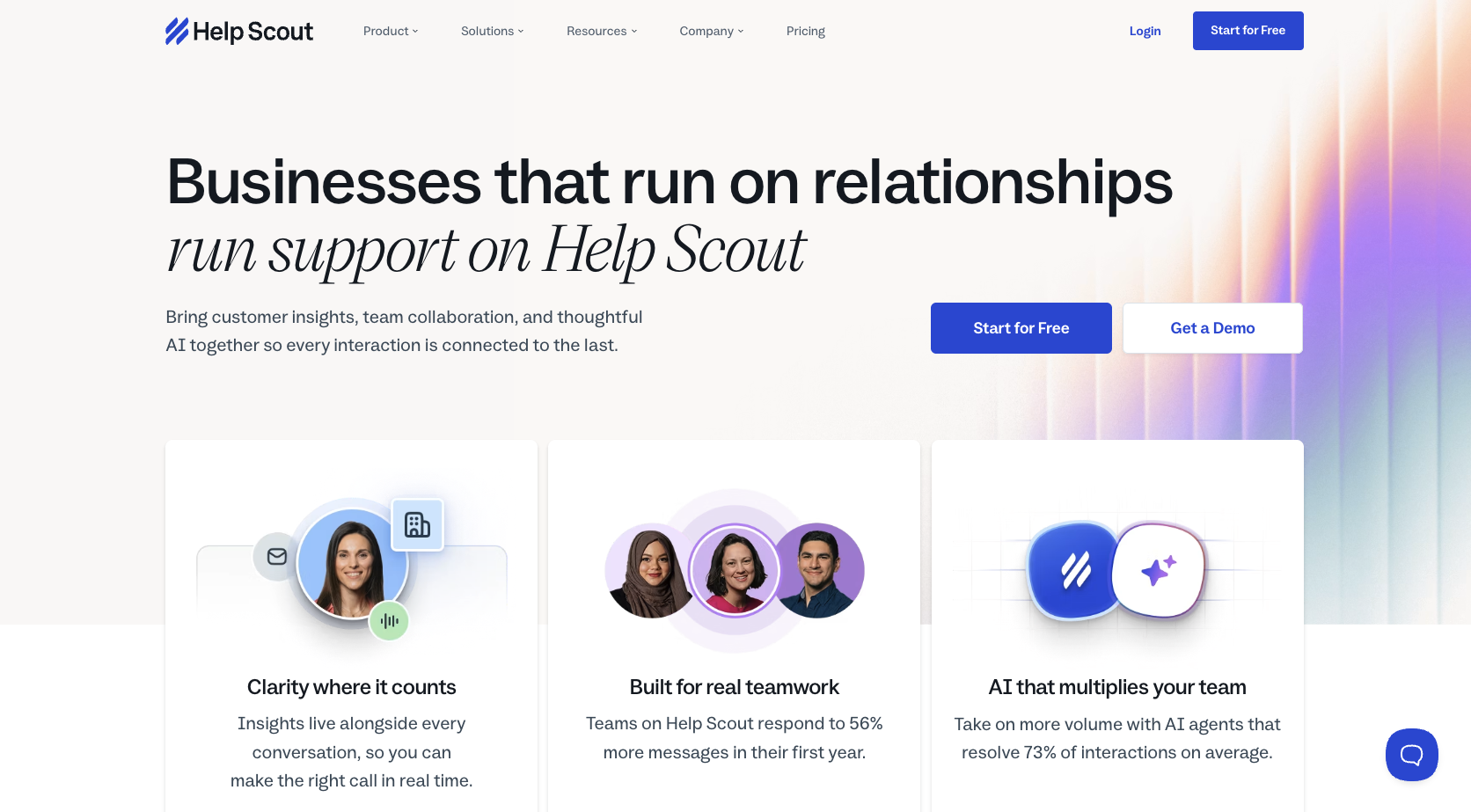
Beacon is the feature I’d pay the most attention to. It sits on your site or app and can point people toward help content before they email. Help Scout says its AI features can answer questions using help docs, summarize long threads, and help draft replies. That’s useful for small teams that find one long customer thread can consume half a morning.
Compared with Gorgias, Help Scout is less commerce-specific. You won’t get the same Shopify-first experience. But if your support style is more relationship-driven than transaction-heavy, that trade-off may be worth it.
Key features
- Shared inbox
- Beacon live chat widget
- Docs knowledge base
- Customer profiles
- AI summaries
- AI drafts
- AI Answers
- Customer satisfaction tools
- E-commerce and CRM integrations
Plans and pricing: Help Scout uses plan-based pricing, with AI usage controls available. Teams can also set monthly AI resolution caps, which is a nice feature if surprise software bills make your eye twitch.
Pros
- Keeps customer conversations readable and human
- Shared inbox feels cleaner and less intimidating than many traditional help desks
- Beacon guidance toward help content before customers send an email
- Docs knowledge base for self-service
- AI summaries and drafts for long customer threads
- Plan-based pricing and AI usage controls to help avoid billing surprises
Cons
- Not ideal for complex Shopify workflows or deep order management
- Not built for advanced routing logic or high-volume enterprise operations
- Lighter AI features than Intercom, Zendesk, or Freshdesk
6. Intercom: Best for product-led teams that want support inside the customer journey
Developer: Intercom
Intercom is what happens when support, sales, onboarding, and product messaging compete for the same customer conversation.
It’s not just a help desk. It’s a customer communication system built around the messenger experience. That makes it a strong fit for SaaS companies, product-led teams, and businesses for which support happens inside the app instead of after someone digs around for a contact page.
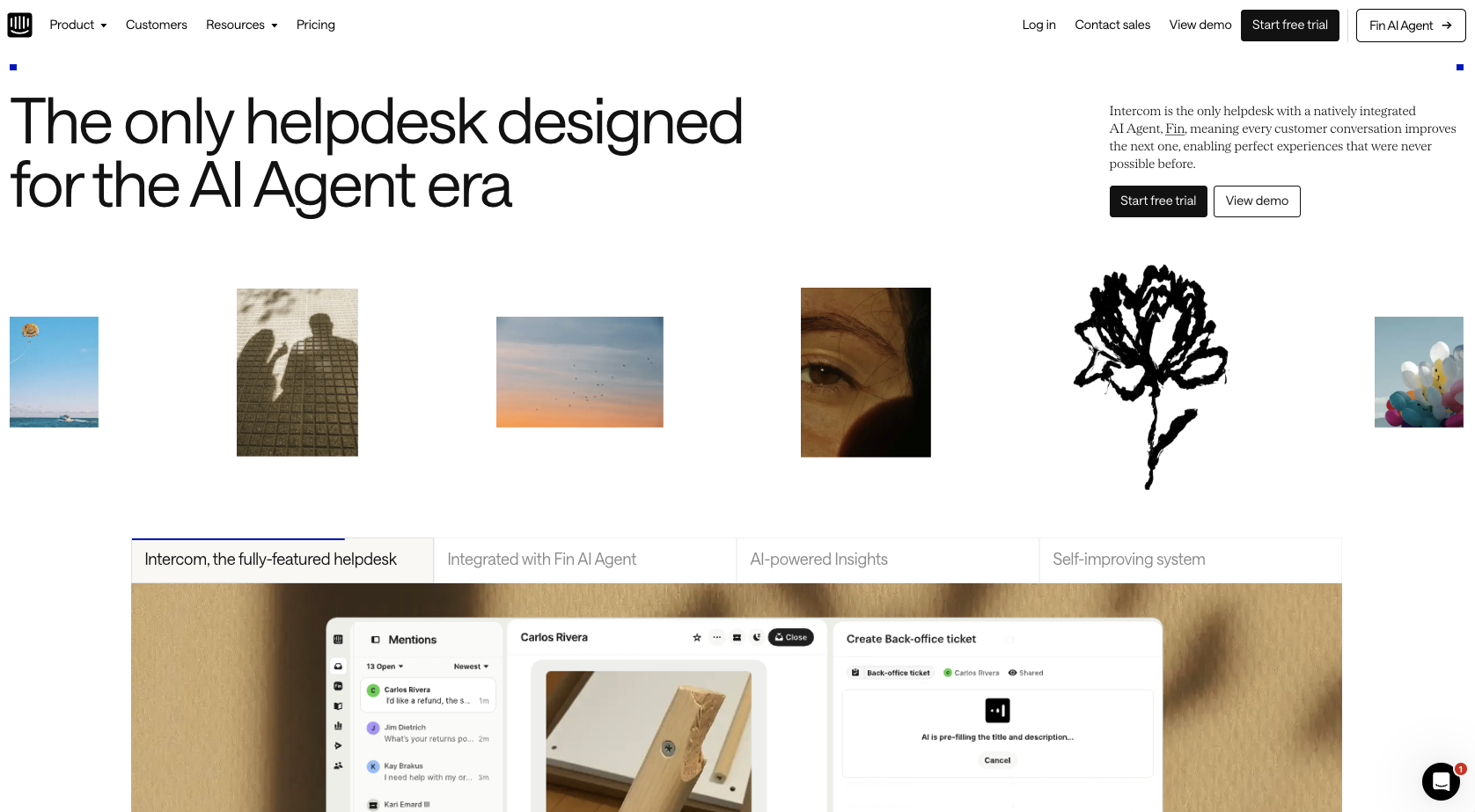
Fin, Intercom’s AI agent, is the headline feature. Intercom says more than 7,000 teams use Fin, with an average 67 percent resolution rate across customers. Fin also uses outcome-based pricing, which means billing is tied to resolved conversations rather than every single message.
Compared with Gorgias, Intercom feels less like e-commerce support and more like customer engagement. It’s better suited for teams that want proactive messaging, onboarding prompts, product education, and support in the same place.
Key features
- Intercom Messenger
- Fin AI Agent
- Help center
- In-app messaging
- Proactive campaigns
- Conversation routing
- AI summaries
- Customer segmentation
- Human handoff
Plans and pricing: Intercom pricing usually combines seats and AI outcome usage. Fin is commonly priced per resolved conversation, so teams should check both seat pricing and expected resolution volume when evaluating it against other customer support tools.
Pros
- Strong fit for SaaS and product-led teams
- Messenger that works well when support happens inside the app
- Strong Fin AI Agent adoption, with Intercom reporting more than 7,000 teams and a 67 percent average resolution rate
- Good for combining support, onboarding, product education, and proactive messaging
- Customer segmentation that supports more targeted communication
- Strong human handoff and routing features
Cons
- Costs that rise quickly as seats and AI outcomes increase
- Too much tool for teams that need to answer only basic website questions
- Less e-commerce-native than Gorgias or Re:amaze
7. Re:amaze: Best for e-commerce teams that want Gorgias-adjacent support
Developer: GoDaddy
Re:amaze is the closest thing here to “I still want e-commerce support. I just don’t want Gorgias.”
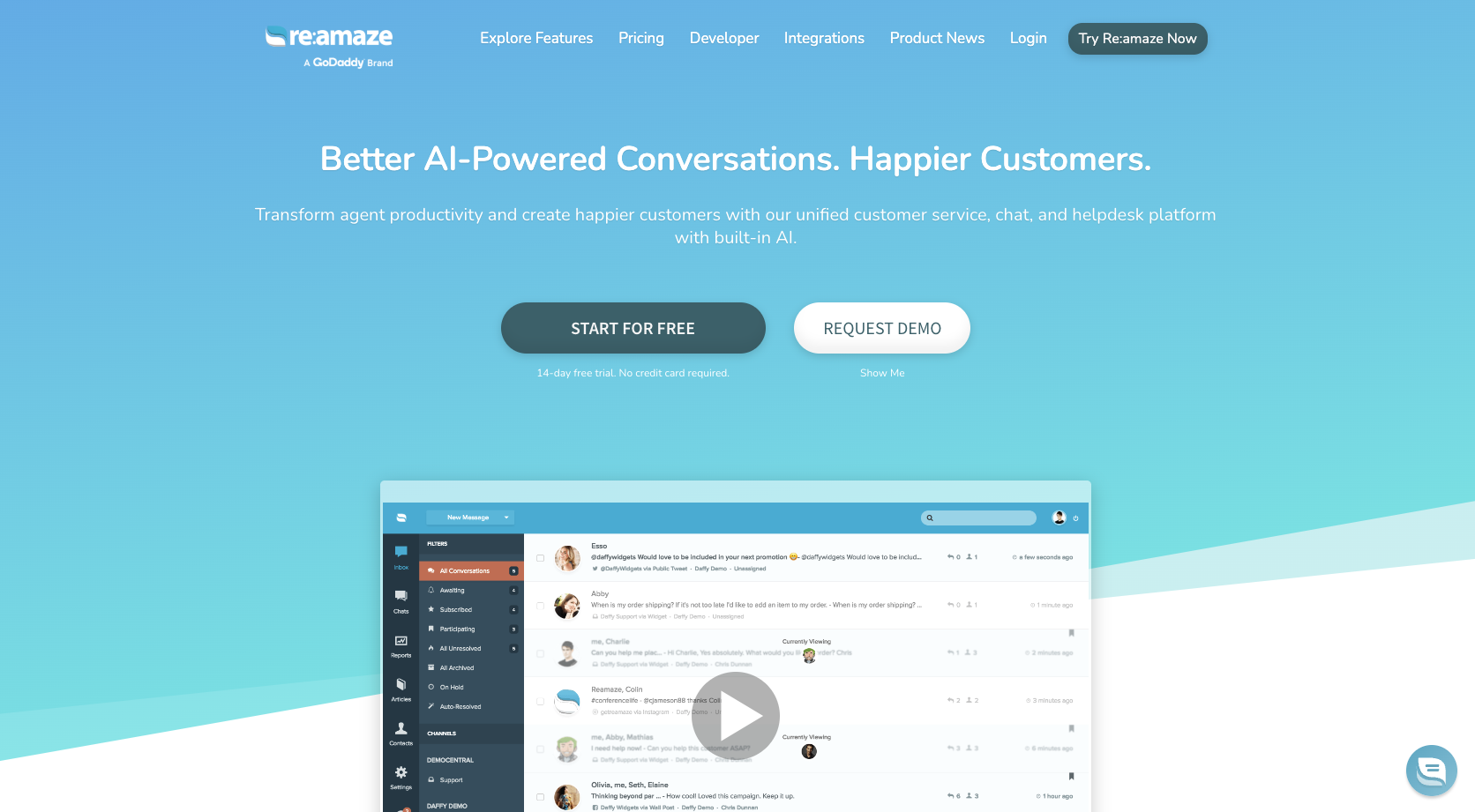
It covers the usual store chaos: email, live chat, social, SMS, voice, FAQs, chatbots, Shopify order details, and multibrand support. It’s clearly designed for e-commerce teams, but it doesn’t make you feel like you’ve signed up for the Gorgias way of doing everything.
That makes it one of the more practical Gorgias competitors for teams that still want e-commerce depth. A Shopify brand can use Re:amaze to see order data, manage conversations, add live chat, build help content, and support multiple storefronts from one place.
If you run more than one brand, Re:amaze’s multibrand support is a real advantage. Anyone who has tried to keep three storefront inboxes organized knows this is where good intentions go to die.
Key features
- Shared inbox
- Live chat
- Chatbots
- Help center
- Shopify order data
- Social messaging
- SMS and voice on higher tiers
- Multibrand support
- Live visitor view
- AI-assisted replies
- Reporting
Plans and pricing: Re:amaze publishes straightforward per-member pricing: Basic at $29, Pro at $49, and Plus at $69 per month. The Plus plan is where the larger-store features show up, including multiple brands, live visitor view, advanced reporting, SMS and voice support, a custom hosted domain, and status page tools.
Pros
- Good fit for Shopify, WooCommerce, and BigCommerce teams that need store context inside support conversations
- Email, live chat, social, SMS, voice, FAQs, and chatbots in one platform
- Shopify order data directly inside support conversations
- Multibrand support for teams managing multiple storefronts
- Live visitor view for real-time shopping context
- Pricing that’s easier to compare against team size than ticket-volume models
Cons
- Less AI-forward than Intercom
- Less enterprise-heavy than Zendesk or Kustomer
- Reporting that may feel limited for larger support operations
What should you look for in a Gorgias alternative?
I don’t think there’s a simple answer here. What you need from a Gorgias alternative depends on what’s frustrating you about the system in the first place. Different competitors solve different problems. Some, such as Noupe, are just easier for supporting customers at scale. Some are better for shared inboxes and reporting.
I’d start by asking a few questions.
Does it stop tickets before they happen?
This is where I’d start, honestly. Not with dashboards or AI claims, but with a basic question: “Why did this customer need to contact us at all?”
If people keep asking about shipping cutoffs, sizing, setup, plan limits, compatibility, return policies, or whether something works in another language, the issue probably starts on the website. A help desk can organize those questions, but it won’t fix the fact that customers couldn’t find the answer when they needed it.
That’s why a tool such as Noupe belongs in this conversation. It learns from public website content and answers visitor questions from the material already on the site before they become tickets.
How does your budget look?
With Gorgias, cost depends on ticket volume. That’s fine if you can predict it. It’s not so great if the number of conversations constantly changes.
Black Friday. A delayed batch. A spike in returns. A creator posts your product and suddenly everyone has the same three questions.
That’s why comparing customer support tools also means comparing pricing behavior, not just base prices. Seat- and ticket-based pricing, per-resolution AI pricing, and monthly conversation tiers all behave differently at scale.
Does it match your actual channels?
A lot of Gorgias competitors sell the dream of a unified inbox across every channel: email, chat, WhatsApp, Instagram, SMS, and voice. That’s useful if your customers actually contact you everywhere.
But some teams don’t have an omnichannel problem. They have a website problem, an inbox problem, or an Instagram DM problem.
Pick your alternative based on customer behavior. If shoppers ask presale questions on product pages, start with website chat or AI website support. If the support team lives in email, Help Scout or Freshdesk makes more sense. If customers expect live help during checkout, compare the best live chat software before buying a full help desk migration.
Also, if you are going “omnichannel,” make sure context carries. Salesforce research shows 79 percent of customers expect consistent interactions across departments, but 55 percent feel conversations often become fragmented as they move from one channel to the next.
Can it handle messy customer language?
A decent support tool needs to understand intent without demanding perfect phrasing. After all, customers don’t always phrase questions cleanly.
If you can’t train your bot on your own language, or things start breaking down the moment a customer shows up speaking a different language, then you’re going to struggle to get the full value from most Gorgias competitors.
Another thing to watch out for is whether you can train the bot to hand conversations off to a human at the right moment. Situations such as refund disputes, angry customers, account issues, or anything emotional, expensive, or just plain weird simply need a person.
Can your team keep answers accurate?
Every support bot looks clever during the demo because the demo uses clean questions and tidy source material. Real sites are messier. Pricing pages change, and return policies get rewritten. Product names shift. Someone forgets to update the FAQ.
Then the bot keeps answering like it lives in the previous quarter.
That’s why knowledge control matters. A good alternative should make it obvious where answers come from, how to update them, and when the system should hand over the conversation.
Will it talk to the tools your team already lives in?
For e-commerce teams, integrations usually start with Shopify. Then come all the other systems nobody wants to manually chase down: WooCommerce, BigCommerce, shipping apps, returns platforms, and payment tools. B2B teams care more about CRM data. Support teams want the previous conversation, customer record, and ticket history right there in front of them, not hiding in another tab.
Don’t get hypnotized by a long integration page, either. What matters is what the integration actually lets the agent or AI do. Can it check an order status? Update a subscription? Pass a lead to sales? Pull customer history without forcing customers to repeat themselves?
Also check for robust reporting. Gorgias tends to struggle in that regard because it largely expects teams to rely on the reporting tools already built into Shopify.
Which Gorgias alternative should you choose?
I’d start smaller than most teams want to.
It may not be exciting, but it’s how you avoid overbuying.
Plenty of teams shopping for Gorgias alternatives don’t need a bigger help desk. They need fewer people asking the same five questions before checkout. That’s where Noupe makes the most sense. If your website already explains shipping, pricing, product fit, policies, and basic setup, Noupe can turn that content into answers and keep those questions from becoming tickets.
If the problem is bigger than that, then it makes sense to move to a more complex tool.
If your goal is to reduce volume and deliver a more consistent customer experience, Noupe is the easiest answer. Get started for free.