
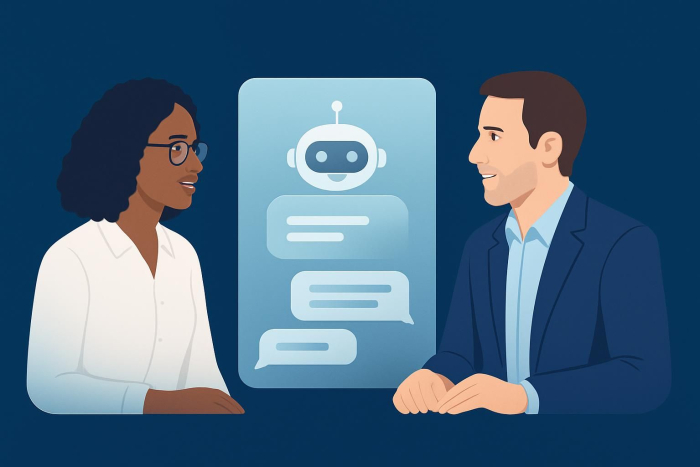
Salesforce has revolutionized the way businesses manage customer relationships, but what happens when you combine this powerful CRM platform with AI-powered chatbots? The result is a game-changing customer service experience.
In today’s fast-paced digital world, customers expect instant responses to their queries. Whether it’s a simple question about product availability or a complex issue requiring technical support, the modern consumer doesn’t want to wait. Integrating chatbots with Salesforce is a powerful solution.
6 steps to implement a chatbot with Salesforce
Setting up a chatbot in Salesforce doesn’t have to be complicated. These step-by-step instructions will help you get your chatbot up and running:
Step 1: Define your chatbot’s purpose and scope.
Before diving into the technical setup, clearly define what you want your chatbot to accomplish. Do you want it to handle customer support inquiries, generate leads, qualify prospects, or provide product information? Your chatbot’s purpose will determine its design, conversation flows, and integration requirements.
Make a list of the most common questions your customer service team handles. These repetitive inquiries are perfect candidates for chatbot automation. Common examples include
- Order status inquiries
- Product availability questions
- Basic troubleshooting
- Account information updates
- Appointment scheduling
Step 2: Choose your chatbot platform.
The platform you choose should be able to integrate seamlessly, read and write data to your Salesforce CRM, access customer records, and trigger automated workflows.
Look for platforms that offer
- Pre-built Salesforce connectors
- Easy-to-use conversation builders
- AI and natural language processing (NLP) capabilities
- Customizable templates
- Analytics and reporting features
Step 3: Set up Salesforce integration.
Once you’ve chosen your platform, you’ll need to establish the connection between your chatbot and Salesforce. This typically involves
- API configuration: Set up API access between your chatbot platform and Salesforce.
- Field mapping: Define how chatbot data will map to Salesforce fields.
- Workflow automation: Configure automated actions like creating leads, updating contacts, and creating cases.
- Permission setting: Establish proper security permissions.
Step 4: Design your conversation flows.
Create conversation flows that guide users through common scenarios. Start with simple flows, and gradually add complexity as you learn more about your users’ needs. Key considerations include
- Welcome messages that set expectations
- Clear menu options for different types of inquiries
- Fallback responses to be used when the bot doesn’t understand an inquiry
- Seamless handoff procedures to escalate to human agents when necessary
Step 5: Test and launch.
Before going live, thoroughly test your chatbot with various scenarios. Include members from your sales and customer service teams in the testing process to ensure the bot handles real-world situations effectively.
Start with a soft launch to a limited audience, gather feedback, and make necessary adjustments before rolling out the chatbot to all customers.
Step 6: Monitor and optimize.
After launch, continuously monitor your chatbot’s performance using analytics provided by your platform and Salesforce. Track metrics like
- Conversation completion rates
- Customer satisfaction scores
- Successful handoffs to human agents
- Lead conversion rates
- Response accuracy
Use this data to refine your conversation flows and improve the chatbot’s effectiveness over time.
The 5 best chatbots for Salesforce integration
Here are five chatbot solutions that work exceptionally well with Salesforce and are top performers in functionality, seamless integration, and ease of use:
1. Sendbird
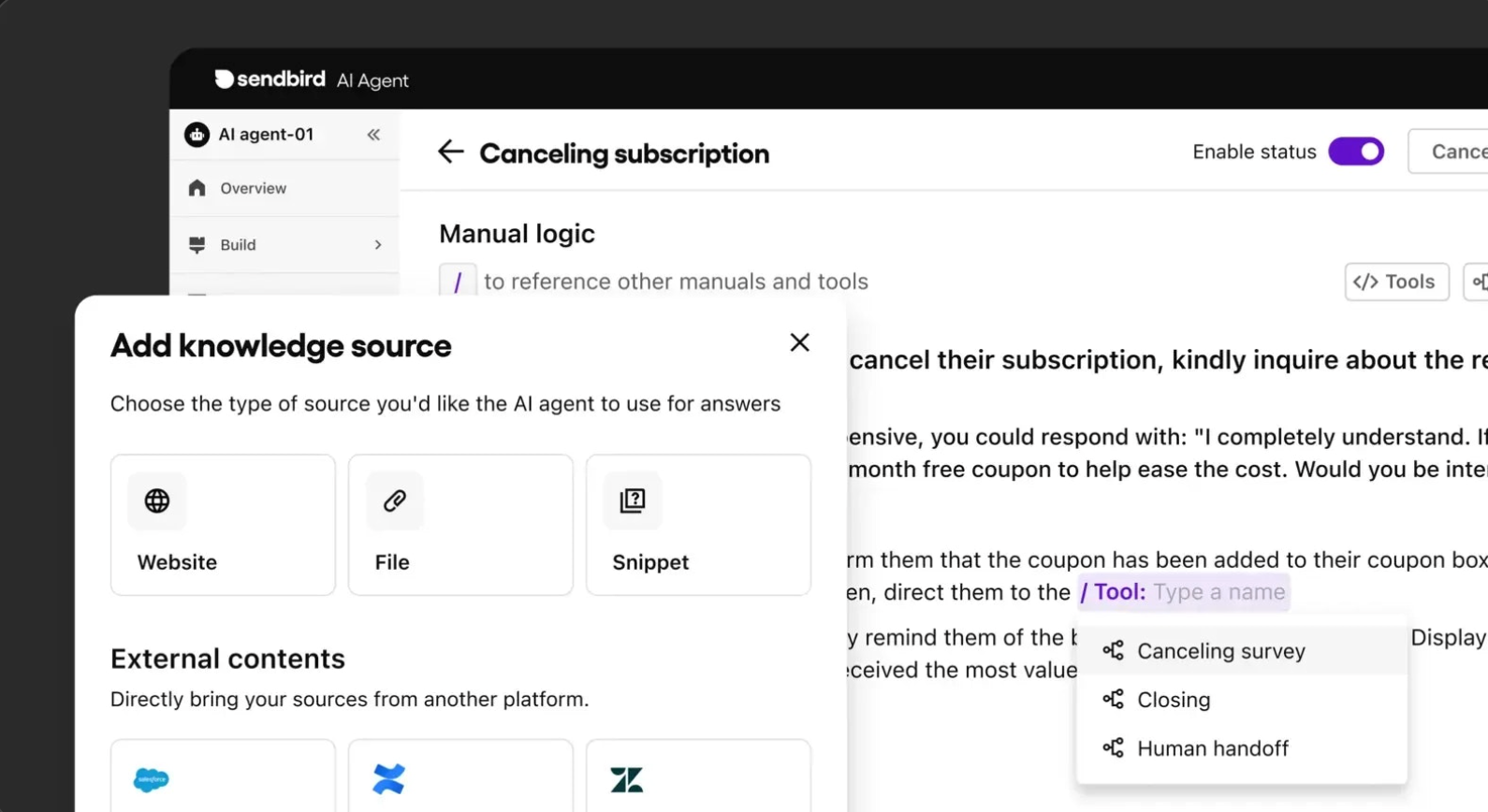
Sendbird provides an AI-powered chatbot and an omnichannel, real-time messaging solution with a native Salesforce connector.
Key features
- Native Salesforce integration via AppExchange
- AI-powered customer support
- Omnichannel messaging (web, mobile, social)
- Live agent handoff with full conversation history
- Secure enterprise-grade infrastructure
Best for: Sendbird would benefit organizations looking for a flexible, AI-powered customer engagement solution that integrates tightly with Salesforce and extends across multiple messaging channels.
2. Drift
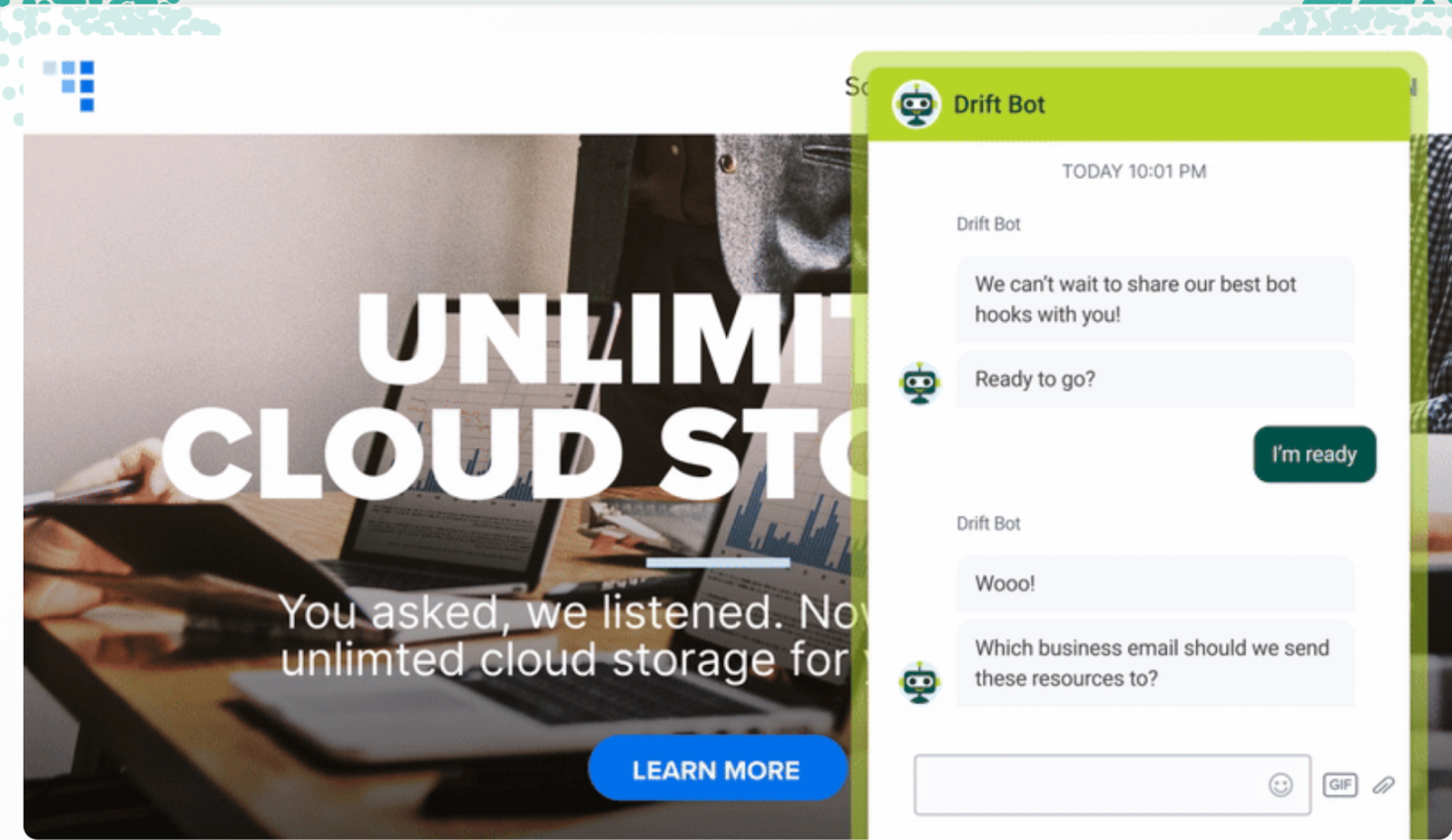
Drift specializes in conversational marketing and sales, making it an excellent choice for lead generation and qualification. Its Salesforce integration allows for real-time lead scoring and routing.
Key features
- Advanced lead qualification
- Real-time visitor identification
- Scheduling automation
- Revenue attribution tracking
- Account-based marketing features
Best for: Drift would work well for B2B companies focused on lead generation and sales acceleration.
3. Intercom
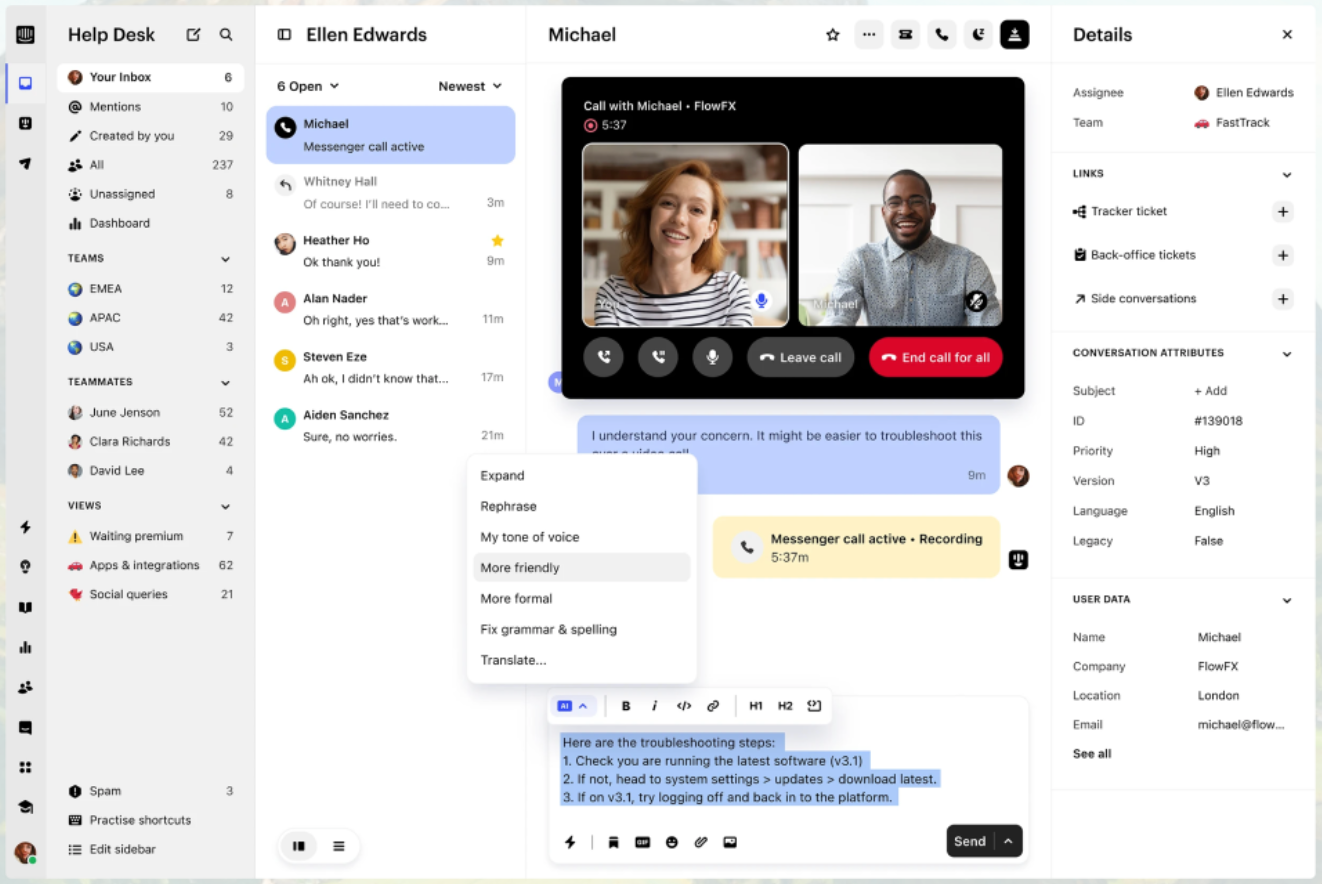
Intercom offers a comprehensive customer communication platform with robust chatbot capabilities. Its Resolution Bot can handle common inquiries while seamlessly integrating with Salesforce data.
Key features
- Multichannel messaging
- Proactive customer engagement
- Advanced automation rules
- Customer satisfaction tracking
- Comprehensive analytics
Best for: Companies looking for a complete customer communication solution, beyond just chatbots, should take advantage of Intercom.
4. Manychat
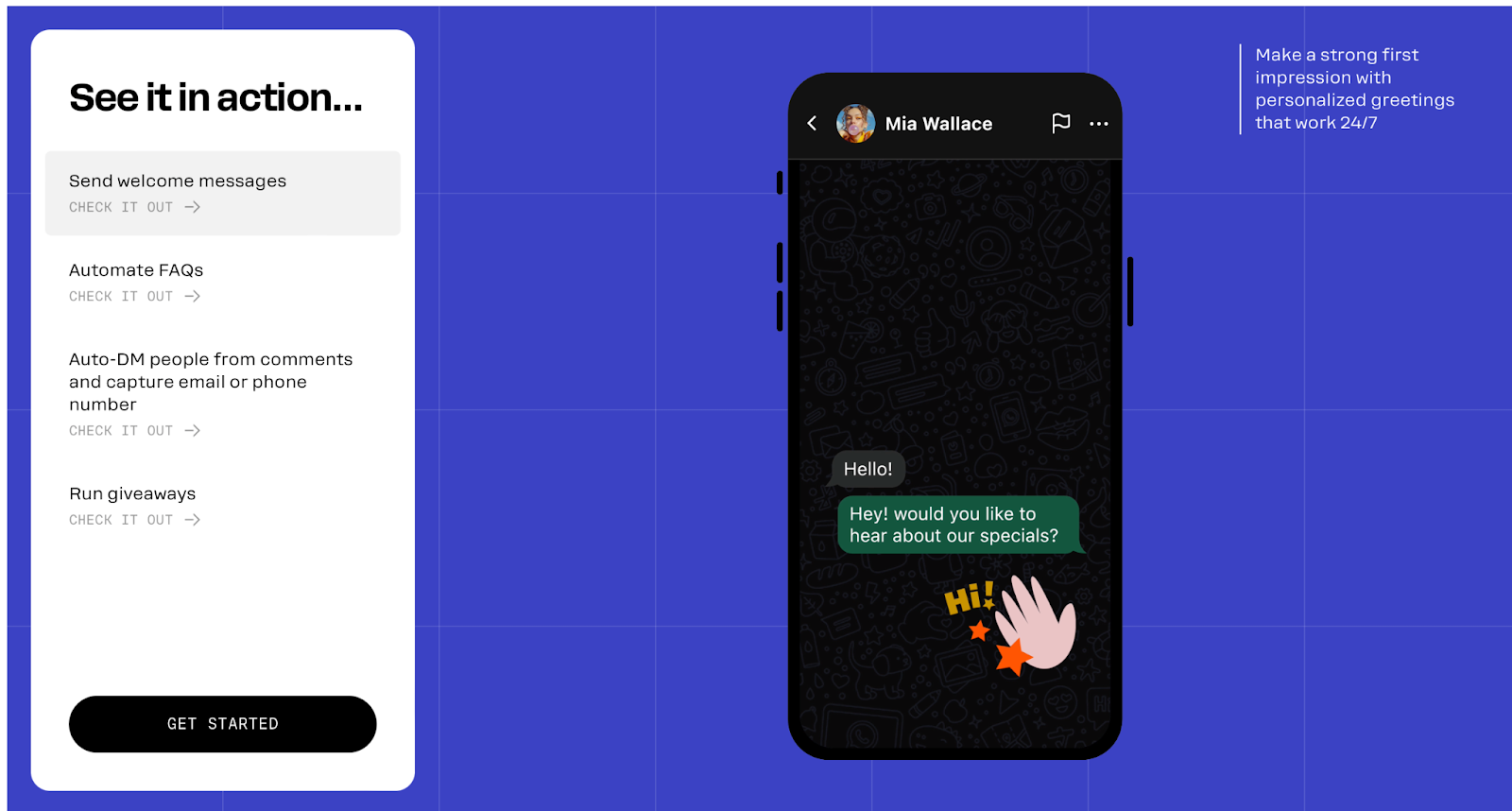
While primarily known for its social media chatbots, Manychat offers powerful Salesforce integration capabilities for businesses that want to engage customers across multiple channels.
Key features
- Multiplatform deployment
- Visual flow builder
- Advanced audience segmentation
- E-commerce integrations
- Growth tools and analytics
Best for: Businesses with a strong social media presence can use Manychat to extend their reach across multiple channels.
5. Botpress
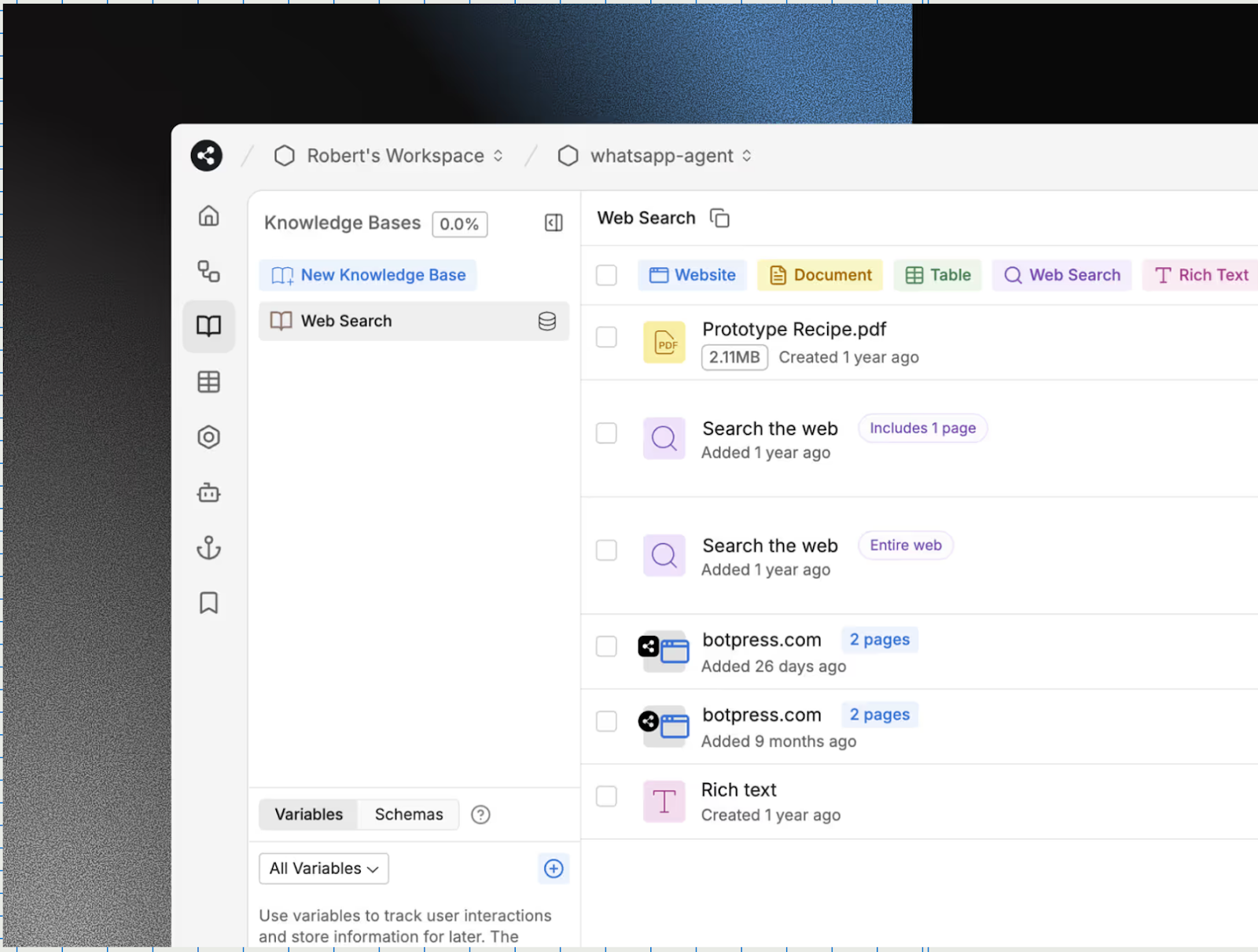
Botpress, an open-source conversational AI platform, offers flexibility and customization options for businesses with specific requirements.
Key features
- Open-source flexibility
- Advanced NLP capabilities
- Custom integration options
- Multilingual support
- Enterprise security features
Best for: Botpress is a great fit for technical teams who want maximum control of and customization options for their chatbot.
Why should you integrate chatbots with Salesforce?
Chatbot-Salesforce integration can significantly impact your business operations and customer satisfaction. By combining the robust CRM capabilities of Salesforce with the instant responsiveness of AI-powered chatbots, your business can create a more efficient customer service ecosystem.
Improved customer service through instant responses
One of the most significant benefits of using chatbots in Salesforce is the ability to provide instant responses to customer inquiries. Sixty-four percent of customers expect real-time assistance when they have a question or issue. Traditional customer service models often fall short of this expectation, with customers waiting on hold or for email responses.
Chatbots integrated with Salesforce can instantly access customer data, purchase history, and case information to provide accurate, personalized responses. This immediate assistance not only improves customer satisfaction but also reduces your team’s workload, allowing them to focus on more complex issues that require personal attention.
Enhanced lead generation and qualification
Chatbots excel at capturing and qualifying leads around the clock. When integrated with Salesforce, they can automatically create lead records, update contact information, and even score leads based on their interactions. So no potential customer falls through the cracks, even outside of business hours.
Consider this scenario: A potential customer visits your website at midnight and has questions about your product. A Salesforce-integrated chatbot can engage them immediately, answer their questions, capture their contact information, and create a qualified lead record in your CRM. By morning, your sales team has a warm lead ready for follow-up.
Automated follow-ups and sales support
Chatbot integration also allows for sophisticated automation workflows. They can trigger follow-up sequences in Salesforce based on customer interactions, automatically schedule appointments, and even send personalized product recommendations based on previous purchases or browsing behavior.
With this level of automation, your sales process continues even when your team is offline, nurturing prospects and maintaining engagement throughout the customer journey.
Personalized customer interactions through AI and data analysis
Modern chatbots powered by AI can analyze customer data within Salesforce to provide highly personalized experiences. They can reference past purchases, support tickets, and interaction history to tailor their responses and recommendations.
For example, if a customer who previously purchased a specific product asks about compatible accessories, the chatbot can instantly access their purchase history from Salesforce and provide relevant suggestions. This level of personalization was once only possible with dedicated account managers.
Increased efficiency for sales and support teams
Perhaps one of the most compelling benefits of chatbot integration is the efficiency gain for your teams. Fifty-five percent of customers have used chatbots for simple customer service tasks.
When chatbots handle routine inquiries, password resets, order status checks, and basic troubleshooting, your team can dedicate more time to building relationships, closing deals, and solving complex customer issues. This help improves not only productivity but also job satisfaction for your team members.
Create your chatbot today with Noupe
While enterprise chatbot solutions offer advanced features, they often come with complexity and costs that can be overwhelming for many businesses. This is where Noupe shines as a refreshingly simple alternative that removes traditional barriers to AI implementation.
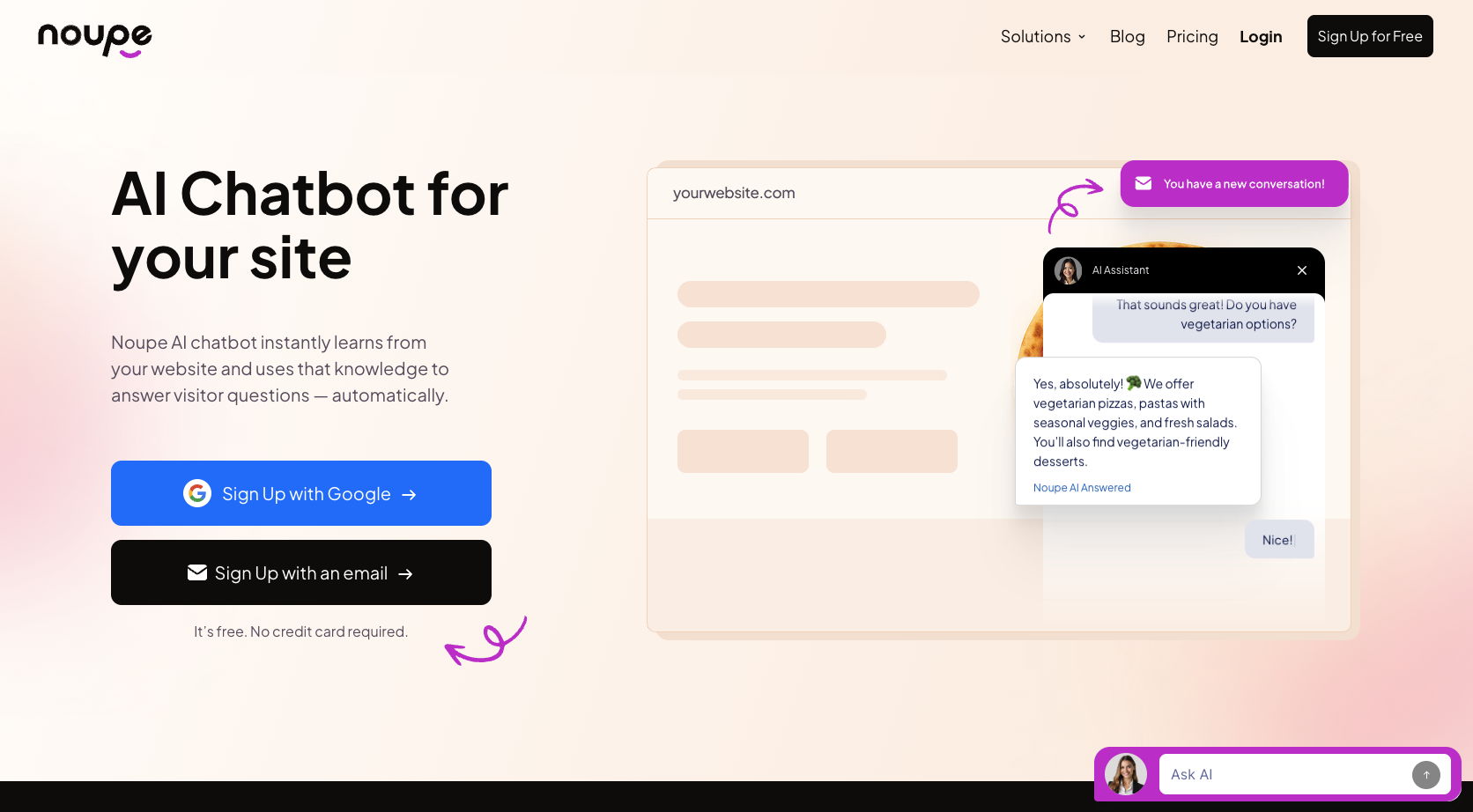
Noupe AI chatbot democratizes chatbot technology. Unlike competitors that require extensive setup processes, Noupe AI chatbot instantly learns from your website content and transforms that knowledge into real-time, automated answers.
While traditional chatbot setup can involve multiple steps, chatbot training, and technical configuration, Noupe’s three-step setup takes minutes rather than weeks:
Step 1: Get your embed code.
Add your website address, and Noupe will read your content and learn instantly.
Step 2: Add Noupe to your website.
Grab your embed code, and drop it into your site. That’s all Noupe needs to get to work.
Step 3: Go live in minutes. (It’s free!)
Noupe chats with your visitors and sends conversations to your inbox.
Start building smarter customer experiences today
Integrating a chatbot with Salesforce is no longer a luxury reserved for large enterprises — it’s a practical, high-impact investment for any business serious about customer experience and operational efficiency. From automating routine inquiries and qualifying leads around the clock to delivering personalized interactions backed by real CRM data, the right chatbot can transform how your team works and how your customers feel.
Whether you choose a robust solution like Sendbird, Drift, or Botpress, or opt for the simplicity of Noupe AI to get live in minutes, the key is to start, iterate, and let the data guide your improvements. In a world where customers expect instant, personalized service, a well-integrated chatbot isn’t just a nice-to-have — it’s a competitive advantage.

