
By now, most companies have built at least one chatbot that didn’t work out. In fact, one study found that 60 percent of chatbot projects fail, mostly because of early design problems.
Teams want to reduce tickets, speed up responses, and take extra work off support staff. But in the rush, they miss some pretty crucial chatbot best practices. When that happens, the technology usually gets blamed. In reality, the issues are simpler things like no one agreeing on chatbot use cases to begin with or teams forgetting why maintenance matters.
We can probably all agree that chatbots will continue playing a major role in customer service. The only thing up in the air is which companies will design effective chatbots with real ROI, and which ones will miss out on some of the most useful tech we’ve ever had.
The chatbot best practices that actually matter
Chatbots can work incredibly well or fail spectacularly.
Some deployments have shown an ROI of up to 200 percent, and demand keeps growing. Analysts expect the chatbot market to exceed $27 billion by 2030, and 91 percent of companies say they’re satisfied with the outcomes of their AI initiatives.
Unfortunately, most of us have seen the ugly side of chatbots. The ones that trap customers in loops, answer incorrectly, and increase the number of frustrated people calling customer service.
The difference usually comes down to one thing: whether a company follows chatbot design best practices.
Some teams ask chatbots to do too much too early. They skip maintenance, overlook scope, and then wonder why nothing works out.
So here are the practices that matter most when you’re building a chatbot.
1. Give your chatbot one job and let it do that well
Most people understand what a chatbot is supposed to do. What they forget is that focus matters more than capability. A single chatbot shouldn’t handle every scenario on your site. That’s how things get messy fast. A good bot has one clear job, such as
- Customer support and basic FAQs
- Lead generation and qualification
- Appointment scheduling and updates
- Product recommendations and sales journeys
- Order tracking and status updates
Stay focused here. A bot that handles order tracking? Fine. Password resets? Perfect.
But anything emotional, high-risk, or messy (such as billing disputes or refund requests) should trigger a handoff to a human. If those boundaries aren’t clearly defined, the bot will wander.
I’ve found it helps to sketch boundaries out before you even create a chatbot. Just write two columns: “Bot handles” and “Bot escalates immediately.”
This makes it easier to define your chatbot’s scope, train it, implement guardrails, and track results. It also helps with maintenance. The broader the bot’s job, the faster it becomes outdated. Bots with a narrow scope age better. They’re easier to audit, update, and trust.
2. Get the design principles right
Many companies still design chatbots according to how they want users to behave. They assume people will type full sentences and ask one clear question at a time.
Real people send half a thought. They type “This is broken” and then go quiet. They ask three things at once, but they still mean something else. If your bot works only when users behave perfectly, it won’t work for long. That’s where many chatbot design best practices fall apart.
The bots that perform best feel simple and practical. They move things forward with short, clear replies and obvious options. When they don’t know something, they say so early instead of making something up.
What really makes a difference here is where your bot gets its answers. Bots trained directly on your website (like Noupe’s chatbots) are less likely to fabricate answers.
They also sound more natural because the language comes from how your company already communicates. That matters more than people think.
Small design improvements make a big difference here: tweaking the opening line, tightening the message, softening the tone. When you can make those updates without rebuilding the bot from scratch, people actually bother to make them.
If you’re mapping flows now, spend time looking at the content you’re going to feed your bot. That decides whether you actually improve customer experience with chatbot conversations instead of just automating noise.
3. Focus on transparency and building trust
I’ve never seen trust die slowly in a chatbot. It disappears quickly.
One wrong answer delivered confidently causes the user to flip from “Help me” to “Prove you’re useless.” Gartner found 64 percent of customers would prefer companies didn’t use AI for customer service, and 53 percent said they’d consider switching to a competitor if they learned a company planned to use AI in support.
Making a bot sound human isn’t the goal. In fact, pushing too far in that direction usually causes problems. Customers don’t want to be fooled; they want transparency. This is where chatbot best practices are refreshingly straightforward:
- Say it’s a bot in the first message.
- Explain what it can help with.
- Be clear about what it can’t do.
- Make it easy to reach a human.
The right tools make this easy. With something like Noupe, that opening message is easy to change, so transparency stays accurate as your policies and documents change, which saves you chatbot maintenance grief later. And when a bot learns directly from your site, it’s much easier to be up front about what it knows, and just as important, what it doesn’t.
4. Integrate human support seamlessly
One of the biggest mistakes companies make is getting so excited about chatbot ideas that they start chasing full automation and forget to keep a human in the loop.
People don’t want to argue with a chatbot. You can often see the moment it turns: Users repeat the same question in different ways, and the bot gives the same answer every time. At that point, people want a human, and they don’t want to repeat themselves when they connect with one.
Chatbots that work know when to step aside. They deal with routine matters and escalate complicated situations. Issues such as billing, cancellations, or emotional complaints should always go to a human agent.
And when the handoff happens, it needs to be smooth. The human agent should receive the full conversation history, including everything the customer already asked and which solutions haven’t worked. That way, they can fix things faster and without the customer repeating everything.
Having visibility into where chatbots help in the contact center also helps with maintenance. You can see exactly where answers fall short.
5. Personalize user interactions
Personalization sounds easy until you watch it go wrong. Companies assume they need to personalize everything. Really, most customers want simple things, such as a bot that speaks their language and remembers what they said earlier.
This kind of light personalization, done consistently, works well because the customer can see it happening. Anything more complex needs a clear purpose. Otherwise, it feels intrusive instead of helpful.
I saw this firsthand on a multilingual site where support volume was spiking for no obvious reason. We didn’t change answers or add logic. We simply let the chatbot reply automatically in the visitor’s language. Follow-up questions dropped.
That’s the pattern companies can trust now. Personalization should reduce effort, not raise questions.
6. Keep your chatbot fresh or it’ll fall apart
Chatbots fail gradually. Nothing crashes. No alerts fire. The bot just keeps answering questions with outdated information: old prices, features that no longer exist, policies that changed weeks ago.
This is the part of chatbot best practices that gets waved away when companies are comparing chatbot pricing lists and preparing for launch. They assume they’ll deal with maintenance later, only to realize how difficult that actually is with some systems.
What works best is finding a chatbot platform that makes maintenance simple. It should do the following:
- Help you keep the bot’s knowledge source simple: If the website is the source of truth, the bot should learn directly from it. When documents change, the answers change too. No separate sync jobs. No forgotten FAQ spreadsheets.
- Give you the freedom to update the chatbot as needed: Incorporating user feedback, new knowledge sources, and updated documentation whenever necessary should be easy.
- Grow along with the business: Add another language when you actually need it. Hook it up to a CRM or help desk later without having to rethink the whole setup.
Maintenance doesn’t have to be complicated. It’s more like checking in. Treating the bot like something that needs attention and not something you crossed off a list keeps it accurate and useful.
7. Measure chatbot performance the right way
All chatbots look great if you measure only deflection rates. But chatbots aren’t just there to redirect people; they’re meant to help you solve things.
That’s the trap with metrics and chatbot best practices: We measure what’s easy instead of what isn’t helping.
Deflection tells you volume moved, but it doesn’t tell you whether the answer helped. Resolution rate gets closer. So does repeat questioning in the same session. One clear warning sign is when users ask the same thing multiple times in different ways. That’s not engagement; it’s confusion.
Most platforms surface some of this data, but usability varies widely. Enterprise tools such as Salesforce’s chatbot stack offer deep reporting, but only if someone’s actively managing it. Lighter tools show less data, but sometimes that’s a blessing. When you can skim real conversations instead of staring at charts, it’s easier to spot problems.
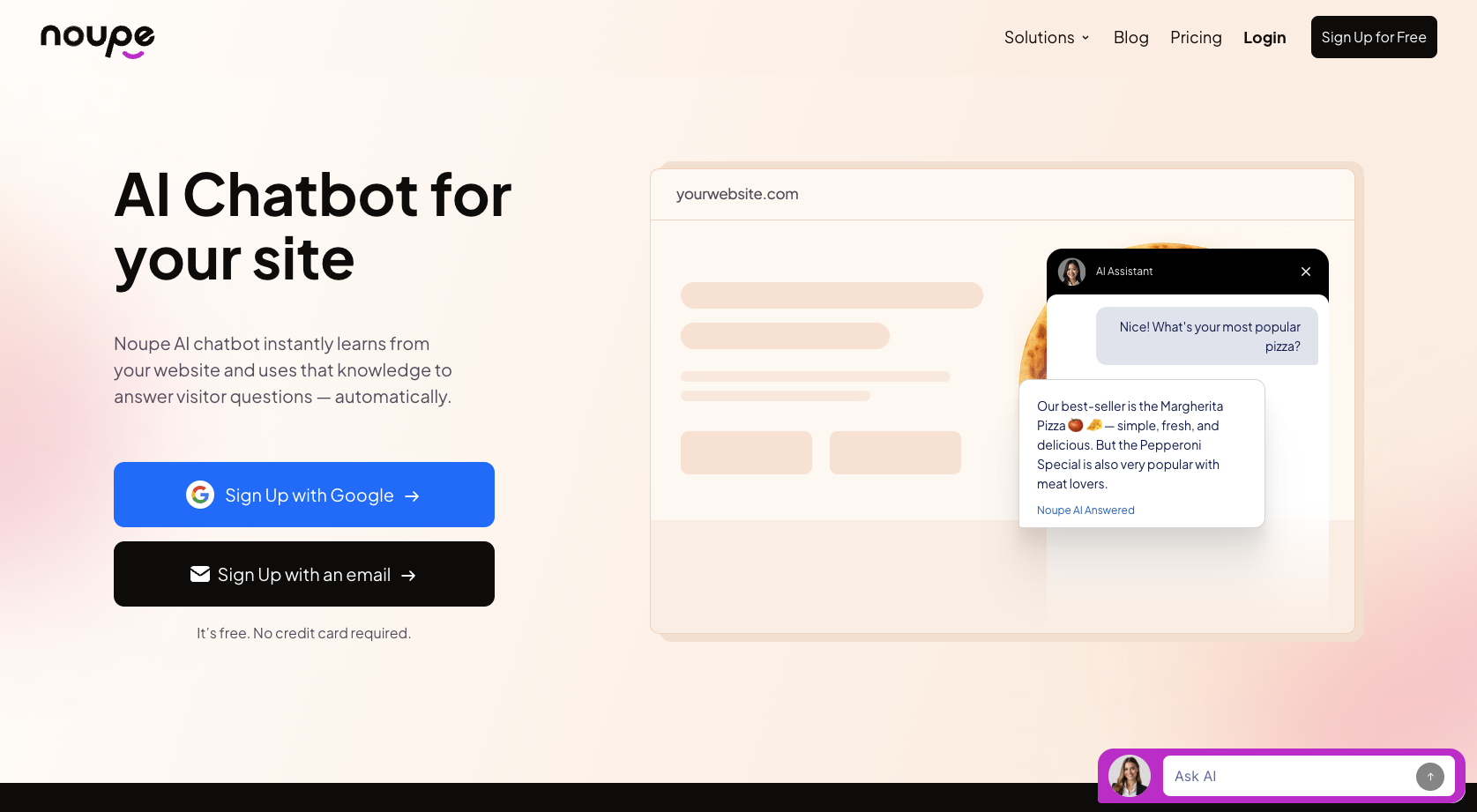
My advice is to trust visibility over complexity. When every chatbot conversation shows up somewhere a human can see it, such as an inbox or Slack, you don’t need a perfect analytics model to notice patterns. With Noupe, conversations arrive in real time, so you can catch bad answers early, while they’re still annoyances instead of habits. That feeds directly back into chatbot maintenance, because fixes become obvious.
If you’re trying to improve customer experience with chatbot support, watch what people do when they’re confused: the pauses, the repeat questions, the sudden drop-offs. That’s where the real work shows up.
Future trends in chatbot technology
Every year there’s a new prediction that chatbots will become smarter, more autonomous, and more human.
But the biggest shift isn’t that bots are becoming more capable. It’s that teams are getting less tolerant of chaos.
One clear trend is that grounded answers are winning out over “creative” ones. After the last wave of hallucination headlines, many companies pulled back from systems that couldn’t show where an answer came from. Gartner has been blunt about this: Trust and accuracy now outweigh novelty in customer-facing AI. Bots that stick close to approved content age better, even if they feel less impressive in demonstrations.
Another shift is toward lighter setups and faster iteration. Teams don’t want monthlong chatbot projects. They want to try something, watch real conversations, adjust, and move on. As a result, adoption leans toward tools that don’t require heavy engineering just to change a greeting or update coverage. If updating a policy takes a sprint, the bot will always lag behind reality.
Multilingual support is also becoming table stakes. Not because companies suddenly care about global reach, but because users already arrive speaking different languages. Bots that can detect language and respond appropriately, without branching logic or duplicated flows, reduce friction instantly.
Finally, the biggest trend is the least glamorous: hybrid systems. These are bots that answer routine questions and then hand off cleanly, with context, when things get complicated. Salesforce, Zendesk, and similar platforms are leaning hard into this model. Pure automation is losing favor. Assisted automation is winning.
Tools like Noupe fit neatly into this direction, mostly because they stay out of the way. They learn from live site content, let teams update knowledge without redeploying anything, and surface conversations as they happen so problems don’t sit unnoticed. Those are the features that make chatbots practical.
Chatbot best practices are simple when you’ve got the right system
The chatbots that work best aren’t always the most advanced ones. From what I’ve seen, they’re the ones with clear boundaries, boringly accurate answers, and someone paying attention after launch. Every best practice we’ve talked about, including scope, design, transparency, handoffs, personalization, chatbot maintenance, and measurement, points to the same thing: Care beats cleverness.
The mistake I keep running into is teams treating a chatbot like a box to check. It launches, someone announces it, and everyone moves on. That’s when the problems start creeping in. Answers lag behind reality. Conversations get awkward. Users stop trusting the chat bubble and go back to email or forms.
The teams that avoid that spiral do the right things. They ground bots in real content. They keep the opening message honest. They watch real conversations, not just dashboards. They choose setups in which changing a page, a doc, or a greeting fixes the bot instead of creating more work.
That’s why tools matter. With a straightforward tool like Noupe, bots stay in better shape simply because it’s easier to keep them that way. They pull directly from your website, updating them doesn’t require rebuilds, and conversations don’t vanish into some reporting void. That lowers the effort it takes to maintain the bot, which most teams underestimate.
If you’re starting from zero, don’t aim to impress. Pick one narrow problem. Launch something small. Read what people actually type. Fix the obvious gaps. Repeat. That’s how chatbot best practices turn into ROI.