
Summary
- Noupe is the lightweight customer service chatbot for growing companies that want fast setup, website-trained answers, and simple automation without technical complexity.
- Zendesk AI Agents & Chatbots is the customer support automation platform for teams with heavy ticket volume that need multichannel coverage, full-context handoffs, and deeper support analytics.
- Intercom Fin AI Agent is the AI customer service chatbot for SaaS and product-led teams that want in-app support, knowledge-based answers, and proactive messaging within the product experience.
- Tidio Lyro AI is the ecommerce-friendly customer service chatbot for small online stores that want quick setup, built-in live chat, and fast handling of repetitive support questions.
- Denser AI is a customer service chatbot that uses your website content and knowledge base to provide AI-powered answers to customer questions, helping businesses automate support without unnecessary complexity.
- Drift by Salesloft is the conversational chatbot for B2B teams that want lead qualification, meeting booking, and support automation tied closely to sales workflows.
- Freshchat is the multichannel messaging platform for teams already using Freshworks that want AI chat, smooth help desk handoffs, and automation across web, mobile, and messaging channels.
- HubSpot Chatbot Builder + Breeze AI is the CRM-connected chatbot for HubSpot users that want simple automation, lead capture, meeting booking, and support workflows inside one system.
- IBM Watson Assistant is the enterprise chatbot for larger organizations that need strong data control, technical accuracy, and scalable automation for complex or regulated support environments.
You’ve probably reached a point where your support inbox fills up faster than your team can clear it. Most companies have. Some studies say businesses handle nearly 600 tickets each day, it’s no wonder that human support staff feel overwhelmed.
For most companies, the customer service chatbot is the easiest way to take off some of the pressure. If you have a bot that can handle the countless “where’s my order” and “I need to reset my password” messages staff members need to field each day, your human teams have a lot more time to focus on the tasks that really matter: the empathetic, or complex ones.
The only problem is, there are literally hundreds of companies promising they have the best AI chatbot for customer service, and they can’t all be right.
So, that’s why I’ve created this guide, to help you sort through the top customer experience automation tools actually worth your attention.
5 benefits of chatbots and how they improve customer service
Honestly, most companies don’t need convincing that investing in a chatbot is a good idea. The chatbot market is already worth over $9 billion, and most analysts predict it’ll be worth over $27 billion by 2030. That’s because chatbot benefits show up fast for customer support teams.
Within a couple of weeks, the inbox feels lighter, teams stop repeating themselves, and customers actually get replies fast enough to stop them from wandering off.
The plus points are only getting better now that chatbots are evolving from automated FAQ systems into tools that can understand human intent, route requests, solve issues autonomously, and even keep your CRM system up to date.
1. Real 24/7 availability
People expect a reply almost the second they hit send now. I’ve watched plenty of folks message, hang around for a few heartbeats, then close the tab if nothing comes back. A bot covers those moments without breaking a sweat. It doesn’t lose focus, slow down, or get buried during peak hours. It just answers. That alone lifts a huge weight off your team.
2. Clear, measurable reduction in support load
If you’ve ever looked through long message threads that start with a basic question and end with three follow-ups, you know how much time disappears into routine work. A solid bot deflects those before they reach an agent. You still stay in control, especially once you’ve reviewed your chatbot pros and cons internally and set clear rules for what should stay automated versus what should go to a human. But the day-to-day load drops fast, which means fewer backlog spikes and far fewer repetitive tasks.
3. Better customer satisfaction
Quick responses keep customers happy. But chatbots do more than you’d think for customer satisfaction. They keep conversations relevant by drawing on genuine data, patiently guide people through trouble-shooting steps without getting distracted, and sometimes even proactively reach out to warn customers of a problem. All those things seriously improve customer engagement, and retention.
4. More personal responses, even at scale
In the past, teams worried using an AI chatbot for customer service would lead to generic conversations. Sometimes it did. These days, intelligent bots are far more effective at personalization. They can pull directly from your content, your tone, and your examples. If you’ve put time into your documentation or created concise Q&A sets, that pays off here. Multilingual responses even help you support customers you’d normally struggle to serve in real time.
5. Cost-effective scalability
Whether your traffic doubles for a seasonal rush or you’re onboarding more customers than usual, a customer service chatbot doesn’t buckle. It just keeps going. You don’t need emergency contractors or long shifts to cover a temporary surge. You don’t even need to prepare much; the bot simply handles more conversations.
What to look for in a customer service chatbot
I’ve tested enough AI bots by now to know that every business will step into this process with their own priorities. That’s fine, you need a bot that adapts to what customer service actually looks like for your team. You’d be surprised how much it differs depending on the size of your business or industry. Still, there are a few things that usually help you identify more “reliable” tools:
- How well it handles messy messages.: Customers type half-finished thoughts, mix topics, and misspell everything. The good bots don’t get confused or circle back with strange replies. A quick test with your own common questions usually exposes the difference.
- Whether it connects cleanly to your existing workflow: A solid AI chatbot for customer service should pull order info, update records, and pass a conversation to a human without losing context. Once that’s in place, the customer experience automation actually saves your team time instead of creating new steps.
- Language range and channel flexibility: If you help people across multiple regions or platforms, make sure the bot can switch languages and move between channels without breaking the flow. This alone can cut your support load more than you’d expect.
- Control over tone, rules, and limits: You’ll want control over what the bot says and what it shouldn’t touch, plus when it should pass things to a real person. It also helps if you can shape how it sounds so it feels like part of your team.
- Useful analytics that point to the next improvement: You need insight into which questions repeat, where people get stuck, and which answers fall flat. The best tools make this easy to spot without digging.
The 9 best customer service chatbots in 2026
If you want the simple answer, it’s this: the best customer service bot is the one that actually takes pressure off your team and makes things easier for the people you’re helping. That’s really all that matters. It sounds like common sense, but a lot of people get pulled into comparing long lists of features and forget the basic point.
To help you figure out which bots have the best chance of working out for your team, here are my opinions on some of the top players.
1. Noupe: Best overall for growing companies
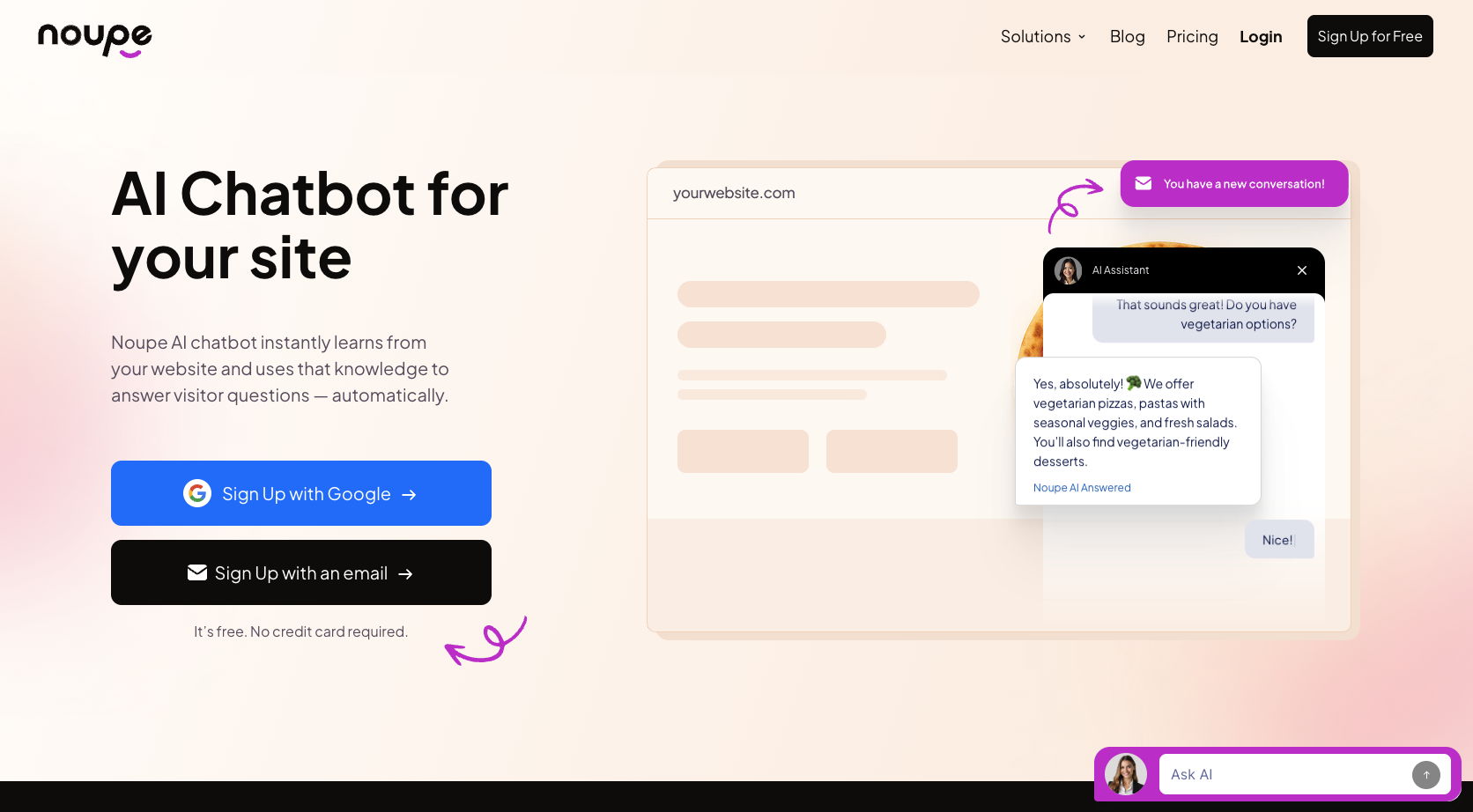
Noupe is one of the few tools I’ve used that genuinely takes teams from “we should add a bot” to “the bot is live” in the same afternoon. The setup is simple: you connect your site, the bot reads your content, and it’s ready. No technical hurdles, no confusing flow builders, no waiting on developers.
A few things stand out in actual use:
- It learns directly from your website, which saves a huge amount of prep.
- You can add your own documents and Q&A sets for more accuracy.
- The tone controls are straightforward, so the bot doesn’t drift into a voice that feels off-brand.
- Real-time conversation emails make it easy to catch anything the bot can’t handle.
- Automatic language detection works surprisingly well for international visitors.
It’s a solid pick if you want AI help without getting locked into a big platform. It takes care of FAQs, grabs leads, and handles simple stuff.
Pricing: Free to begin with 100 monthly conversations, paid plans starting at $34 per month.
Pros:
- Genuinely free beginner plan
- No need for technical experience
- Excellent customization options
- Fantastic automatic language detection
Cons:
- No omnichannel support
- Limited analytics
2. Zendesk AI Agents & Chatbots: Best for heavy ticket volume
Zendesk is one of those tools most support teams will already be familiar with. You probably already use it (or something like it), to keep your tickets organized. The chatbot piece just builds on what you already have. It steps in on email, live chat, social messages, and even phone support without feeling like you’ve bolted on a new system.
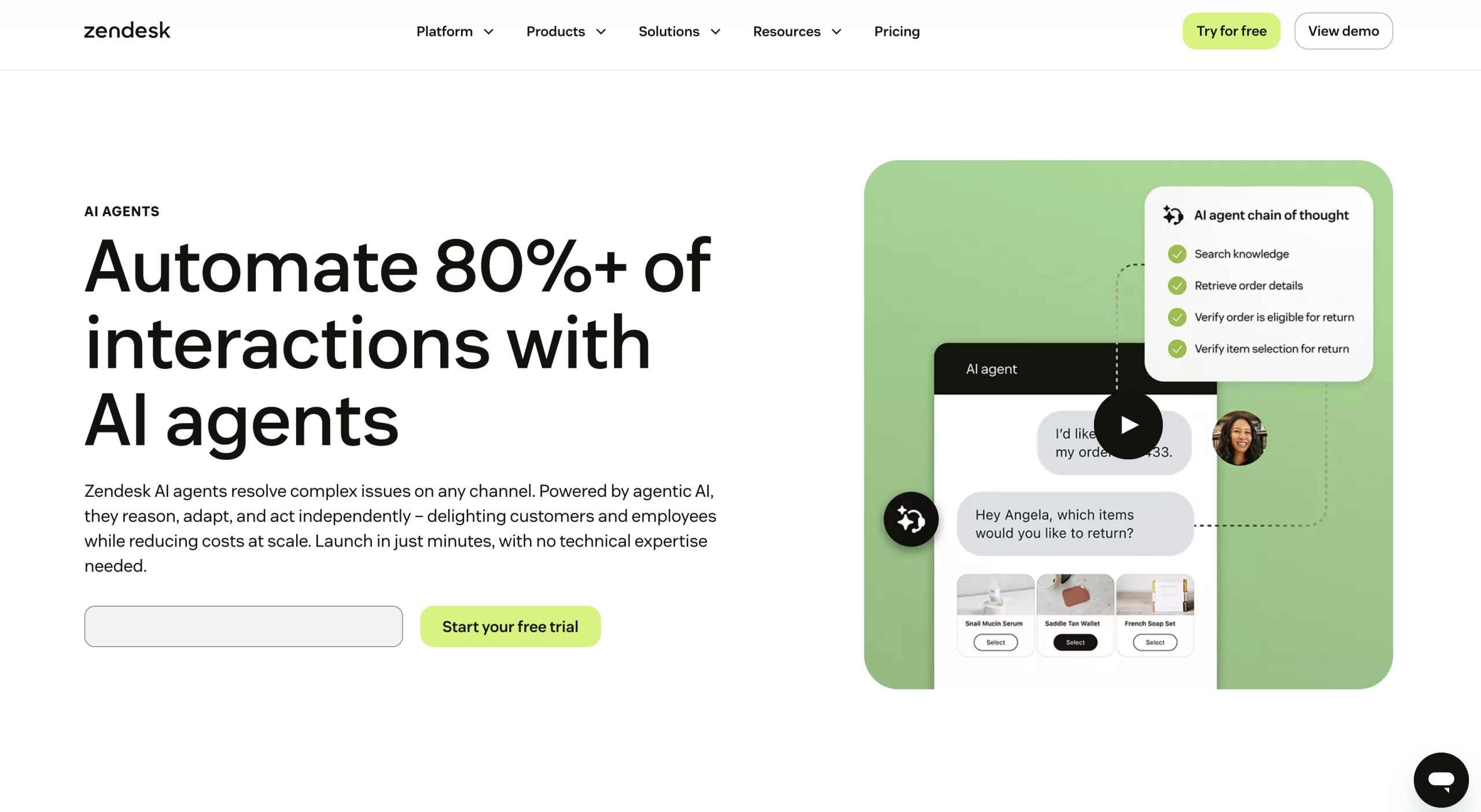
You also get reports and analytics you can adjust however you like. And since the bot pulls from your help center and past tickets, the answers tend to be clearer, and you don’t see the same questions popping up as often.
Where Zendesk shines most:
- The bot hands off conversations with full context, which saves agents from digging through logs.
- It supports web chat, mobile, social channels, and messaging apps without feeling fragmented.
- The system learns from patterns across your account, making answers more consistent over time.
- Analytics go deeper than the basics, which helps you refine your support workflows.
Pricing: Included in Suite Team plans and above (starting at $45 per month).
Pros
- Fits naturally if you already use Zendesk for tickets and SLAs.
- Bot handoffs include full context
- Strong fit for multi-channel setups (web, mobile, social, messaging apps)
- Reporting goes deeper than basic chat stats
Cons
- You feel the cost once you move into higher tiers
- Setup and tuning take longer than lighter tools
- Overkill if all you want is a simple customer service chatbot
3. Intercom (Fin AI Agent): Best for SaaS companies and product-led teams
Intercom’s AI feels different the moment you turn it on inside a product. Most support tools act like add-ons; Intercom sits right inside the experience, which makes conversations feel quicker and more natural. Fin, their AI agent, handles a surprising amount of work once it’s connected to your help center. It reads your content carefully and recovers well when customers phrase things in odd ways.
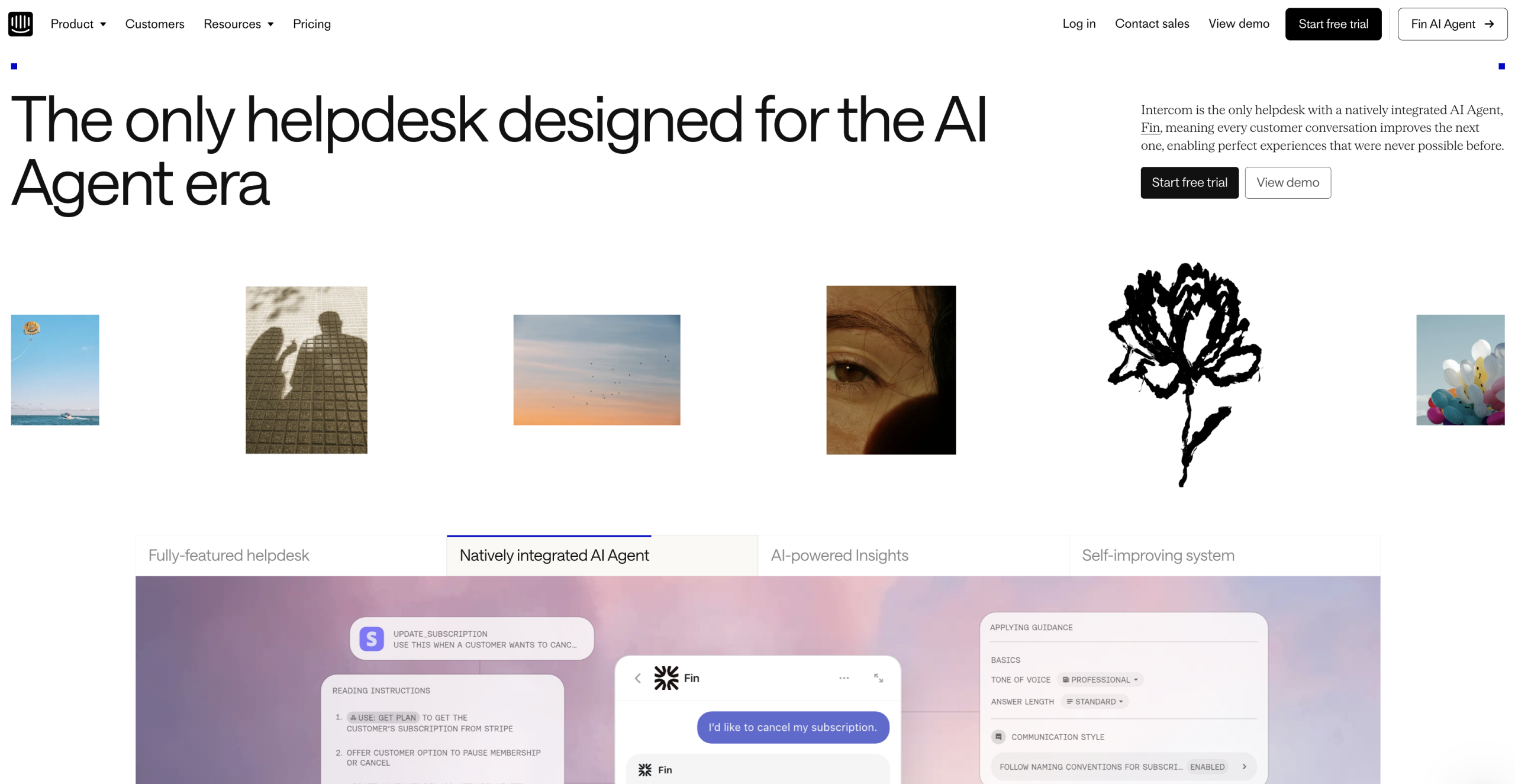
There are also other AI features built into Intercom that can help customer service teams too, like an AI analyst for data insights, and a copilot to support human reps.
What I’ve liked in real use:
- Fin answers most “how do I…” questions without looping customers around.
- The in-app messenger helps you reach users right where they get stuck.
- You can combine proactive messages with bot automation, which helps prevent tickets instead of reacting to them.
- Handoffs to agents include the full chat history and any details the bot collected.
- Multi-language support is solid, which helps if your product has global traffic.
Pricing: Plans range from around $29-$132 per month/seat, with a few paid add-ons available.
Pros
- In-app messenger reaches users right at the moment they get stuck
- Easy to blend proactive nudges with automation
- Handoffs to agents include history and collected details
- Solid multi-language support for teams with global traffic
Cons
- Pricing can creep up quickly as automation volume grows.
- Smaller teams sometimes feel squeezed by the mix of seat pricing and AI usage costs.
4. Tidio (Lyro AI): Best for ecommerce stores
Tidio has always aimed at smaller teams, and you can feel that in how simple it is to get started. Lyro, their AI agent, handles everyday support questions about shipping times, returns, and account help, without needing deep configuration. It’s one of the easiest tools to drop onto a storefront when you want an immediate reduction in routine chats.
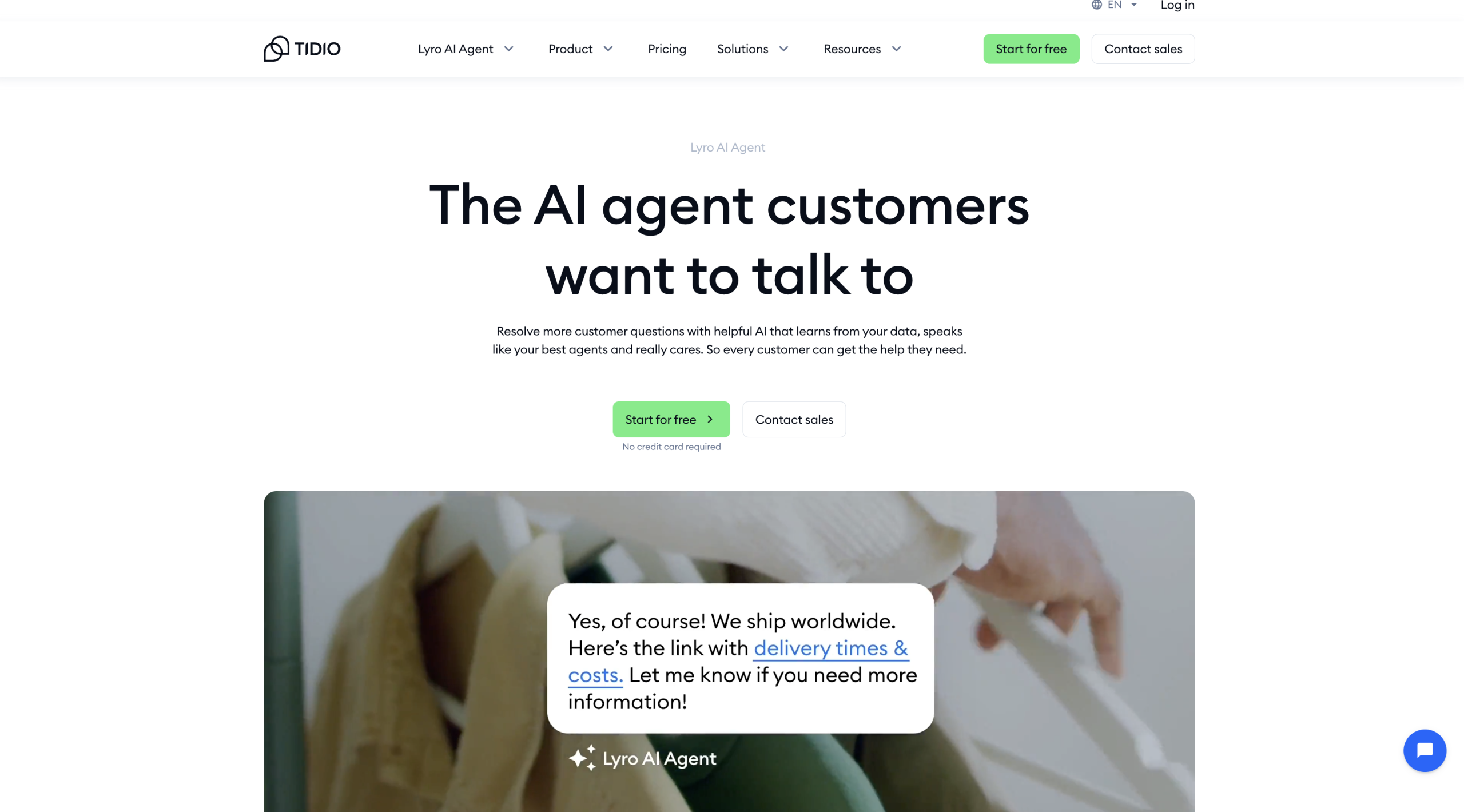
The pricing is flexible too, with a free option that lets people dive in without having to commit to something long-term.
What stands out:
Setup takes minutes, not hours.
- Lyro handles a good chunk of predictable questions right away.
- Live chat is built in, so you don’t need separate tools for human fallback.
- The widget fits ecommerce flows nicely, especially during busy seasons.
- Works well as your first customer service chatbot if you’re just getting started with automation.
Pricing: Free trial for beginners, with paid plans ranging from $29 to $749 per month.
Pros
- Very quick to set up
- Great for repetitive ecommerce questions
- Built-in live chat for human agents
- Great widget for online stores
Cons
- Lyro’s free quota is limited, so you hit the ceiling fast if traffic is high
- Larger stores with complex workflows or multiple brands may outgrow it
5. Denser AI: Best for knowledge-based customer support
Denser AI is an AI customer support chatbot designed for businesses that want to automate customer questions using their existing website content, help center, and documentation. Instead of relying on predefined scripts, Denser AI retrieves relevant information to provide answers with source citations, helping customers find accurate information while reducing repetitive support requests.
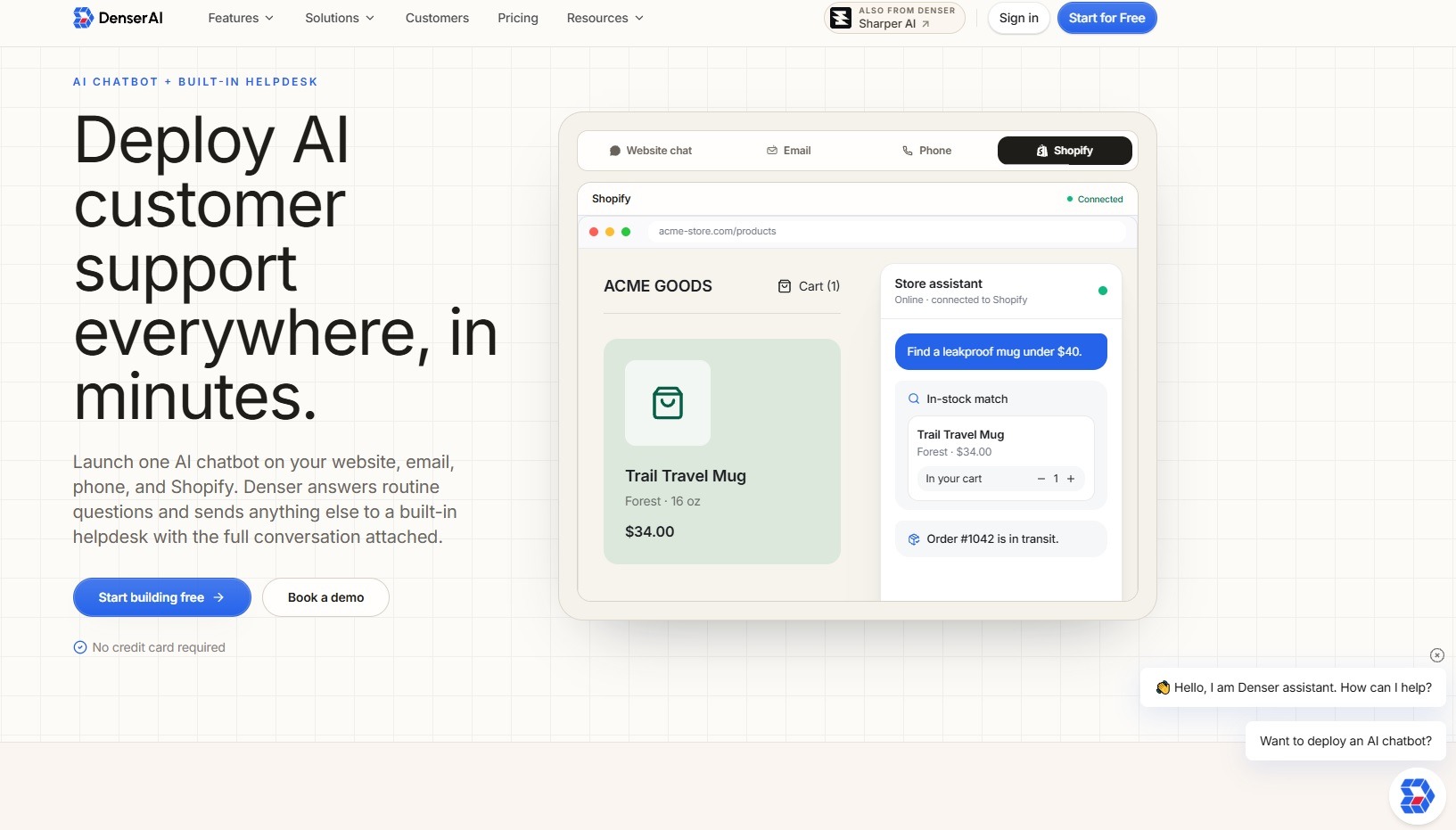
What makes Denser AI useful for customer support teams is its ability to handle routine questions while keeping a clear path to human assistance. When a conversation becomes too complex or requires personal attention, the chatbot can transfer the conversation to a human agent with the chat history and context attached.
Key features include:
- Trains on website content, PDFs, and documentation to answer customer questions using existing business information.
- Provides source citations with its answers, making it easier to verify the information shared with customers.
- Handles common product, policy, billing, and troubleshooting questions without requiring a separate scripted flow for every query.
- Supports human handoffs, ticket creation, and live agent takeover when a conversation needs additional assistance.
- Integrates with platforms such as WordPress, Shopify, Slack, and help desk tools like Zendesk, Freshdesk, Intercom, and HubSpot.
Pricing: Free to start with no credit card required. Paid plan pricing depends on the selected plan and usage.
Pros:
- Uses existing website content and documentation to generate answers.
- Includes source citations to help verify chatbot responses.
- Built-in helpdesk features support smooth transitions from AI to human agents.
- Quick setup without requiring coding for basic website deployment.
Cons:
- Advanced actions and integrations may require additional configuration.
- Teams focused primarily on sales and lead generation may prefer a more sales-oriented chatbot.
6. Drift (Salesloft): Best for B2B teams focused on conversions
Drift, now owned by Salesloft, built its reputation on conversational sales, and you still feel that DNA in everything the bot does. If you’ve ever watched a sales team scramble to catch website leads before they disappear, Drift solves that problem immediately. It greets visitors, asks smart qualifying questions, and routes them to the right person without making them wait.
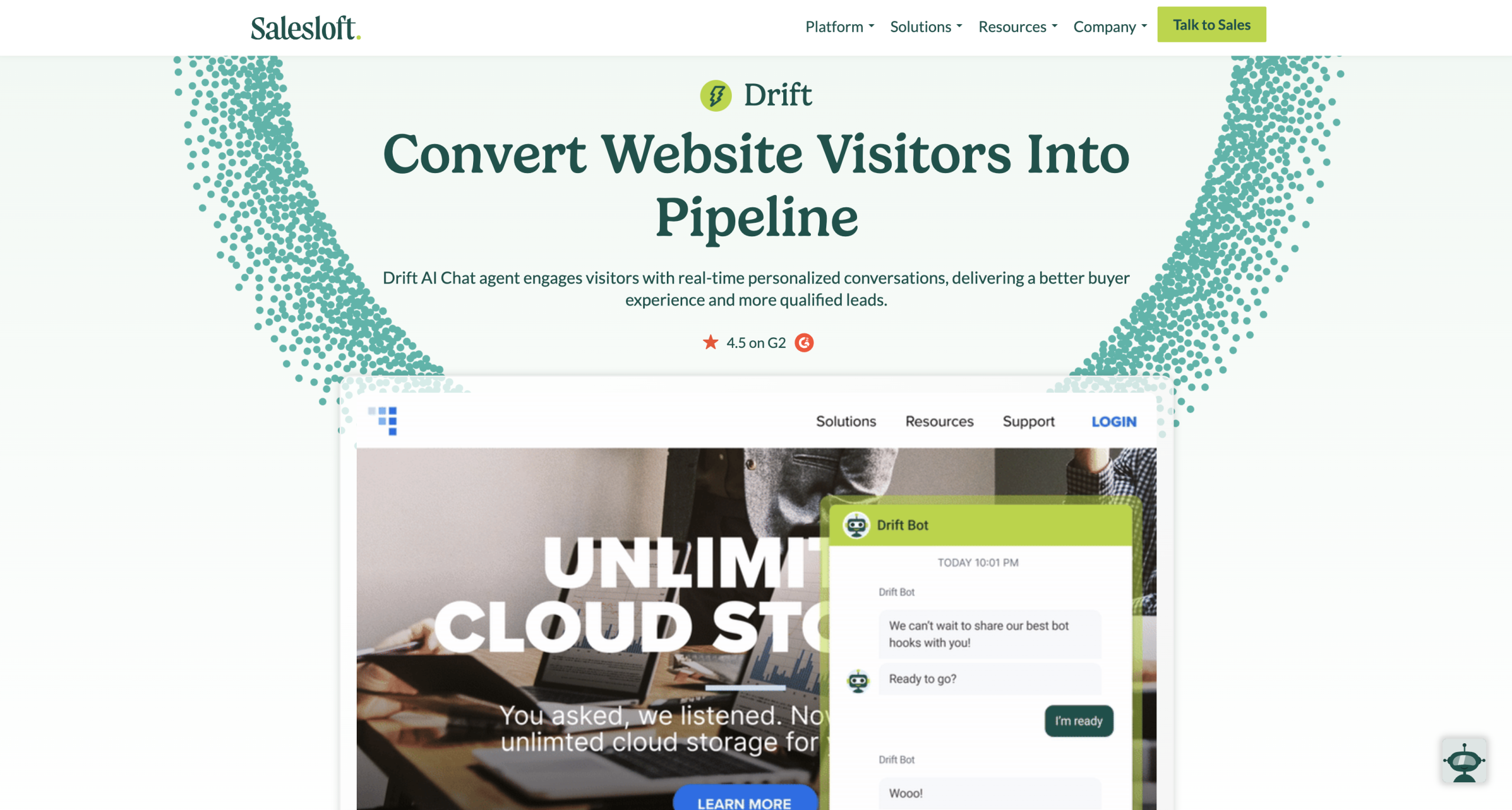
If your chatbot use cases are linked to sales tasks like qualifying, following up with and even generating B2B leads, then drift might be a good fit. It’s not focused entirely on customer service, but it does help to cut down on support tasks.
Where it works well:
- Great at spotting high-intent visitors and getting them into a conversation fast.
- The bot collects details your sales reps normally chase manually.
- Meeting booking happens inside the widget, which saves a lot of back-and-forth emails.
- Good handoff to both sales and support teams when needed.
- Strong fit for teams that want automation without losing the personal feel.
Pricing: Starting at around $50 per month and ranging into the thousands for enterprise teams.
Pros
- Very good at catching high-intent visitors
- Qualifies leads directly in the chat
- Built-in meeting booking
- Keeps conversations feeling personal even with automation in front
Cons
- Heavily biased toward sales use cases
- Pricing is aimed at B2B teams
7. Freshchat (Freshworks): Best for teams on Freshworks
Freshchat feels familiar right away if you’ve ever used Freshdesk. It pulls you into a single workflow where live chat, the bot, and your ticketing system all work together. You don’t need to jump between platforms or stitch things together manually, which keeps daily support work clean and predictable.
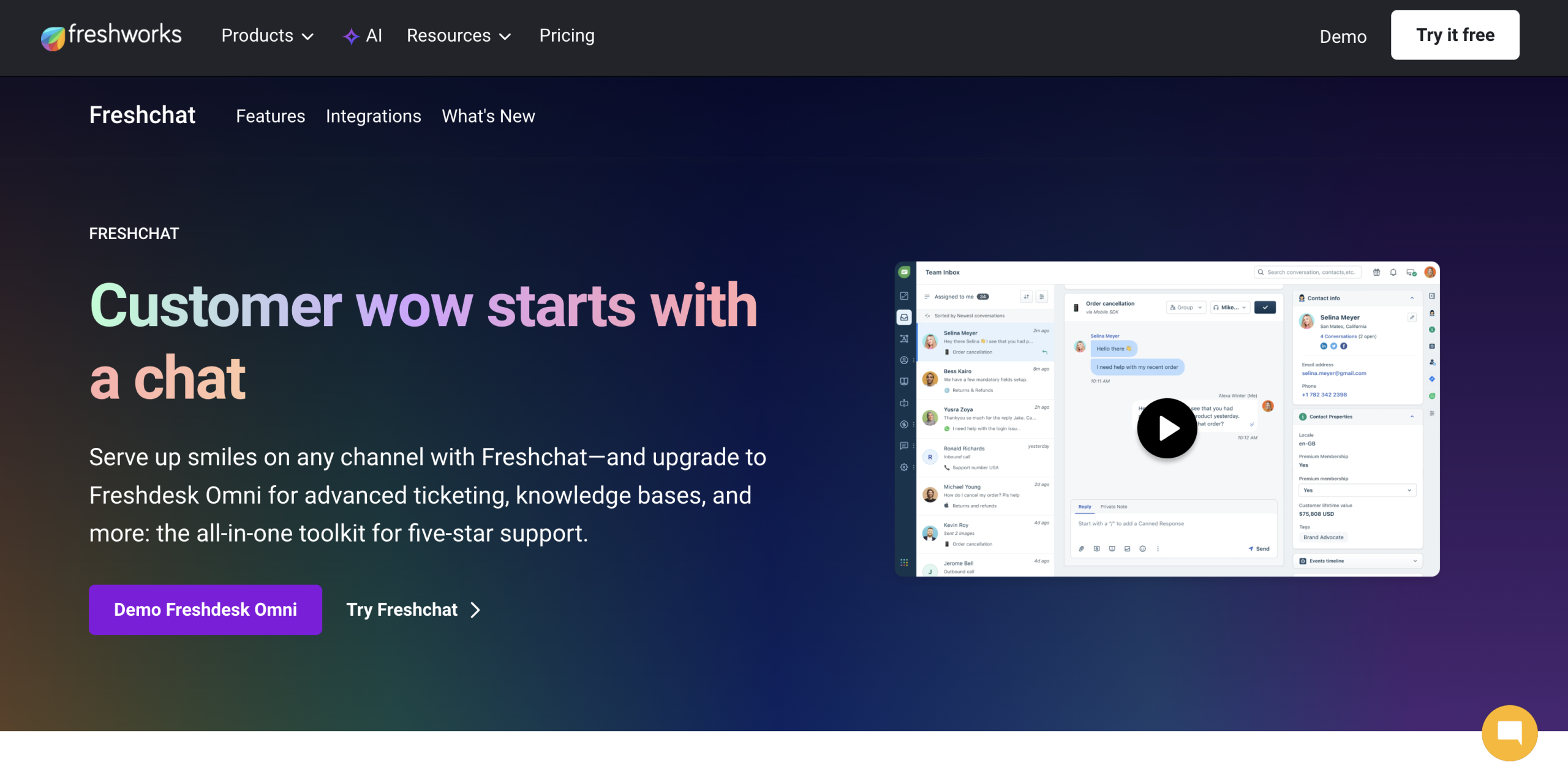
If you want a good balance between automated and human support, appreciate multichannel messaging, and want to link your customer service chatbot to CRM and marketing tools, Freshchat is a good option.
What I’ve seen work well:
- The bot handles common questions smoothly and hands off to the help desk without losing history.
- Web, mobile, and messaging channels all run through the same inbox.
- The automation builder is simple enough that support teams can adjust it without calling developers.
- It fits naturally alongside other Freshworks tools: CRM, support, feedback, and so on.
- A good pick if you want customer experience automation without a complex setup.
Pricing: Free initial plan with paid plans ranging from $23 to $95 per agent, per month.
Pros
- Fits neatly alongside Freshdesk and other Freshworks tools
- The bot hands off to the help desk cleanly, keeping the history intact
- Single inbox for web, mobile, and messaging
- Automation builder is easy to use
Cons
- Best experience comes when you’re already using Freshworks
- Not as flexible as some standalone “build anything” bot platforms
8. HubSpot Chatbot Builder + Breeze AI: Best for CRM-focused teams
If you already use HubSpot for customer relationship management, HubSpot’s chatbot tools (like the Customer Breeze agent), feel like a natural fit. You don’t spend hours wiring things together or figuring out what the bot knows, it pulls from what your team already maintains.
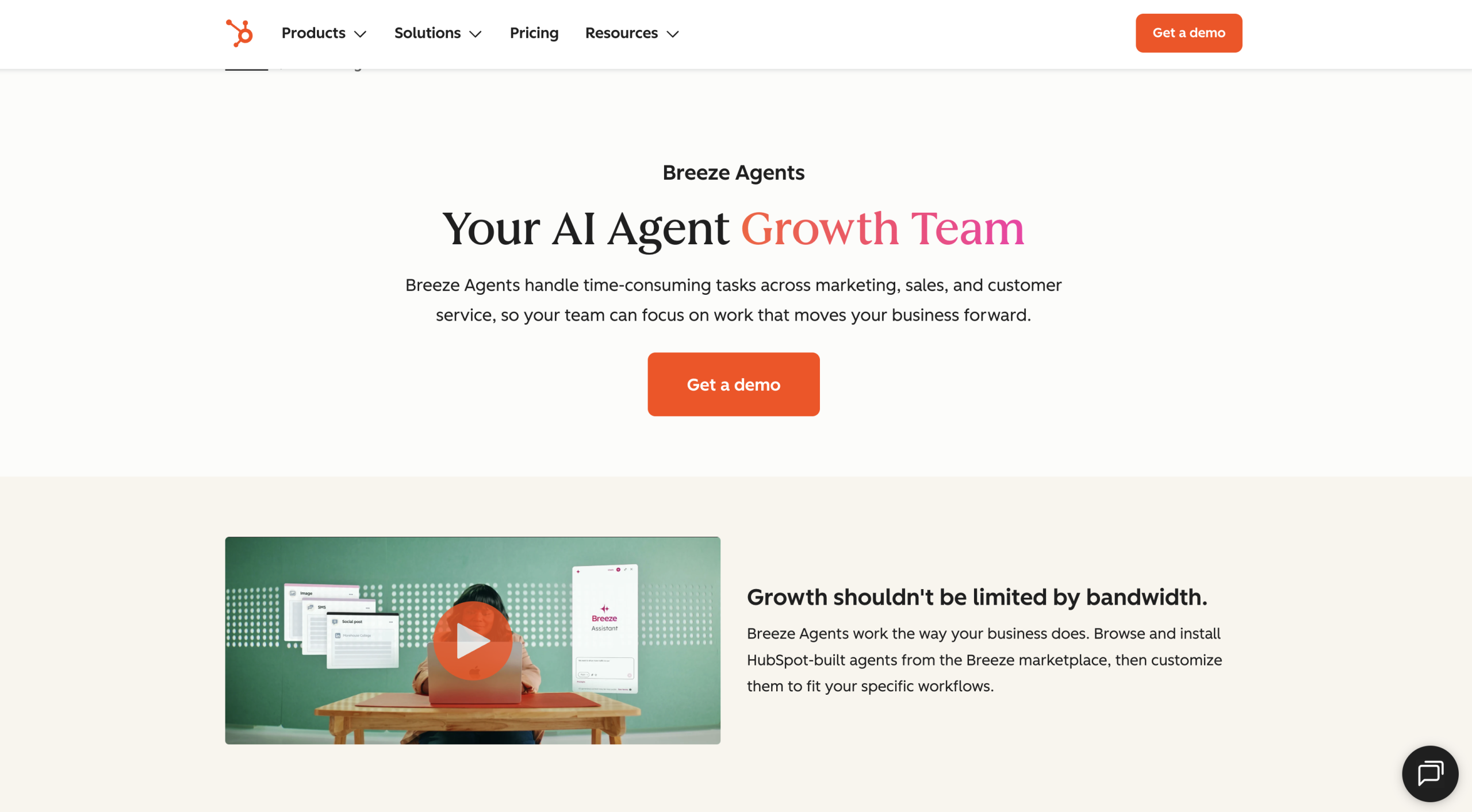
What tends to stand out is the simplicity. You can build a few flows, fix the wording, and the bot’s ready to handle simple questions, bookings, or lead capture. And if you need more later, you can grab extra bots for new use cases from the Breeze marketplace.
Features that stand out:
- Flexible customer service workflow configuration
- Instant connectivity to your CRM and marketing tools
- Excellent reporting and dashboards
- Integrations with a wide range of business tools
- Meeting scheduling and booking tools available
Pricing: Free to start, advanced capabilities require hub plans starting at $9 per seat.
Pros
- Feels familiar if your CRM, deals, and tickets already live in HubSpot.
- Easy to set up basic flows for FAQs, booking, and lead capture
- Direct access to contact data makes personalisation straightforward.
- Good fit for teams that want support, sales, and marketing data tied together.
Cons
- Better for straightforward automation
- Multi-brand or very intricate support setups may hit limitations.
9. IBM Watson Assistant: Best for larger teams
Watson is different from most customer service chatbots, and you’ll notice that as soon as you start setting it up. It’s built for companies that care a lot about accuracy, data control, and predictable behavior. I’ve used it in environments where you can’t afford guesswork, and Watson usually keeps conversations on track, even when customers throw dense or technical questions at it.
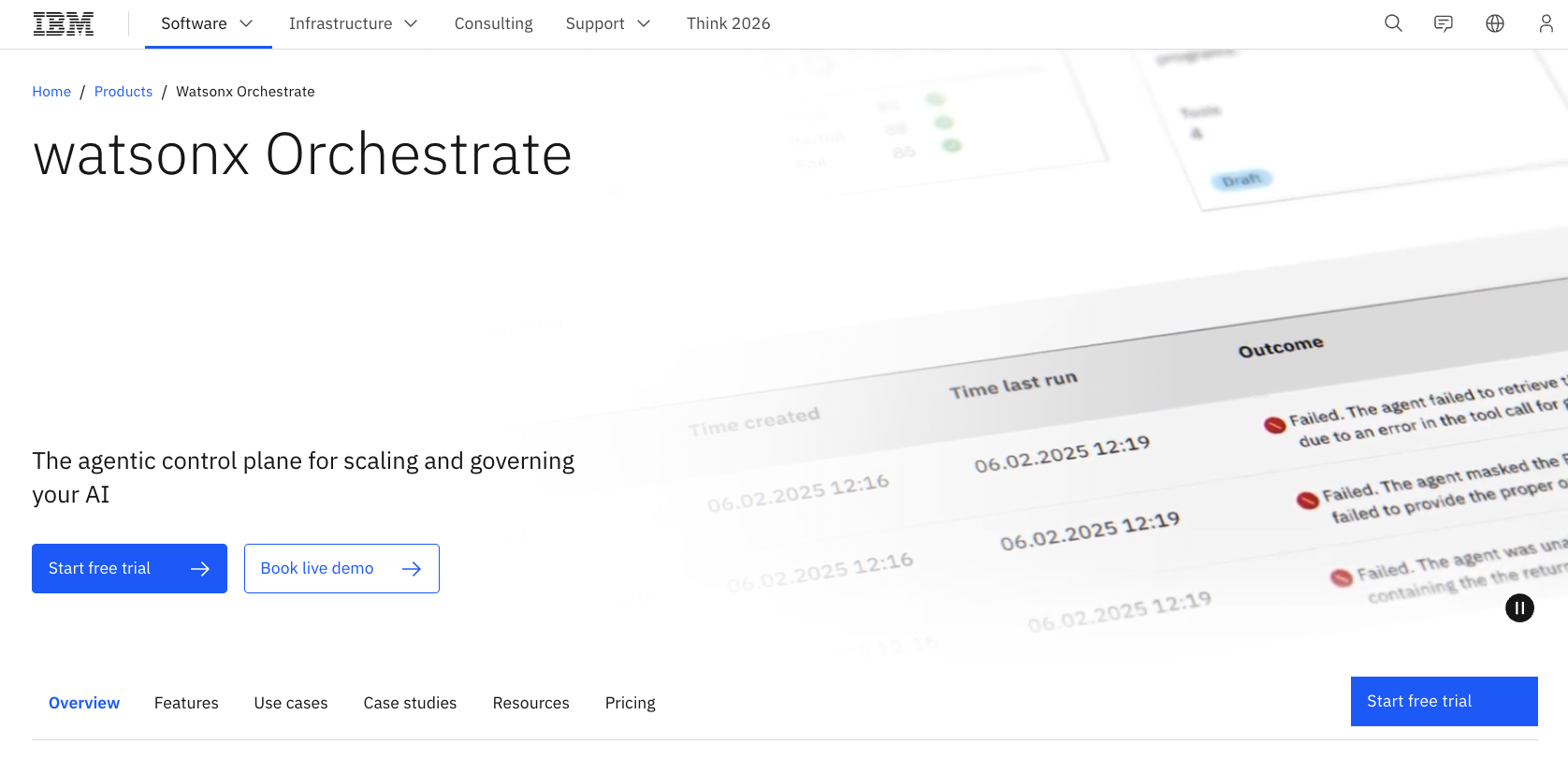
It’s not something you plug in and forget. You get the most out of Watson when you pair it with people who know how your systems work internally.
Key features include:
- No-code/ low-code visual builders for automation
- Built in analytics for performance monitoring
- Support for voice and text interactions
- Integrations with CRMs and internal databases
- Automatic learning and improvement
Pricing: Enterprise-level pricing based on usage, you’ll need to ask the team for a quote.
Pros:
- Built for serious, high-stakes use cases
- Handles multi-step, technical questions easily
- Good fit for regulated industries that need strong data controls
- Scales well across large teams, call centres, and complex environments
Cons
- Setup demands technical effort; not plug-and-play for small teams.
- Pricing and complexity make more sense for larger organizations
How to choose the right customer service chatbot
Picking a customer service chatbot gets a lot easier once you ignore the sales pages and focus on what you need the bot to do for your team. Here’s the quick version of how to narrow down your choices:
- Be honest about your goal: Every team has a different pressure point. Some want fewer repetitive tickets. Others need better coverage outside working hours. A few want smoother lead capture. Once you name the real goal, half the options fall away.
- Think about where the bot needs to be: Some work best on websites, others inside an app, and a few can follow people across email, chat, WhatsApp, and socials.
- Make sure setup is simple: You shouldn’t need a developer just to fix a greeting or update an answer. A decent platform lets you make changes fast without breaking anything.
- Check how it handles the messy edge cases: Some bots do fine with perfect inputs but fall apart when a customer types a tangled question or switches topics. Test with real examples from your inbox so you see how the bot behaves under pressure.
- Keep pricing models in mind: Some platforms charge by conversation, some by seats, and some roll everything into a subscription. None of these models are bad, they just fit different teams.
Finding your ideal customer service chatbot
It’s funny how quickly a good customer service chatbot can change things, not just for your customers, but for your teams too. When they’re handling fewer repeat questions and less chaos, they can focus more on doing the job they were actually hired for.
Honestly, you don’t need a super advanced system to get that lift. If you’re a smaller team, something simple like Noupe gets you moving without turning setup into a project. You can start building chatbots without waiting for a developer to get involved, and scale when you’re ready. If you’re ready to see the difference yourself, try Noupe for free. You’ll be surprised how quickly your customer service headaches disappear.