
Summary
- Noupe is the website-first Chatbase alternative for businesses that want a chatbot trained on their website content, custom knowledge, multilingual support, and fast no-code setup.
- Botpress is the developer-focused Chatbase alternative for teams that need customizable AI agents, advanced workflows, integrations, and full control over chatbot behavior.
- Tidio is the ecommerce Chatbase alternative for online stores that want AI-powered customer support, live chat, and help desk tools in one platform.
- Lindy is the AI agent platform for teams that want to automate workflows like inbox management, scheduling, follow-ups, and administrative tasks beyond website chat.
- Botsonic is the affordable no-code Chatbase alternative for businesses that want to train chatbots using websites, PDFs, documents, and other business content.
- Yellow.ai is the enterprise conversational AI platform for organizations that need omnichannel support, voice AI, compliance, and large-scale customer service automation.
- Amio is the ecommerce chatbot platform for businesses that want guided customer conversations, product recommendations, and automated post-purchase support.
- Intercom Fin is the AI customer support platform for teams that want knowledge-based support, human handoff, and AI-powered ticket resolution inside the Intercom ecosystem.
- Rasa is the enterprise conversational AI framework for organizations that need complete control over deployment, infrastructure, data, and AI models.
- Ada is the customer service automation platform for high-volume support teams that want AI agents capable of resolving complex customer issues independently.
- YourGPT is the branded AI assistant platform for businesses that want customizable website chatbots, AI search, lead capture, and multilingual support.
- ManyChat is the social messaging chatbot platform for brands that want to automate conversations across Instagram, Messenger, WhatsApp, and SMS.
- Fini AI is the multilingual customer support platform for organizations that need AI-powered support automation with enterprise-grade compliance and workflow controls.
- Chatfuel is the WhatsApp and Instagram chatbot platform for businesses that generate leads, sales, and customer support through social messaging channels.
- Denser AI is the knowledge-based Chatbase alternative for content-heavy websites that need semantic search, AI-powered retrieval, and accurate answers from large documentation libraries.
If you’re looking for Chatbase alternatives right now, it’s probably not because you’ve suddenly decided you hate the platform. Chatbase has plenty of good things going for it. It just starts to feel a bit limited for a lot of teams after a while.
Chatbase might be fine if all you want is a bot that can answer questions from your website, help docs, or uploaded files. That’s a real use case. But after the first week or two, the awkward stuff appears. The bot answers a pricing question, but can’t qualify the lead. It explains a return policy, but can’t pass the thread cleanly to support. It gives a decent FAQ answer, then falls apart when the visitor asks something half-formed like, “Wait, does that apply to annual plans too?”
Eventually, you just start looking for something that can give you the simplicity of Chatbase, without the restrictions.
What should you look for in a Chatbase alternative?
Googling the “best” AI chatbot platforms only gets you to the messy middle. After that, you have to be honest about what you’re trying to fix. My first question would be: where is the pain actually showing up? Start with your real chatbot use cases, then compare Chatbase alternatives based on:
- Ease of use and maintenance: Most companies prioritize no-code chatbot builders these days, which is a good start, but remember maintenance too. A bot is easy to launch and annoying to keep accurate. Product pages change. Pricing changes. Policies change. If nobody updates the bot, it embarrasses you.
- Access to approved knowledge sources: A strong Chatbase alternative should handle messy questions without inventing answers. Zendesk’s 2026 CX research found that 83% of CX leaders see memory-rich AI agents as key to personalization, but customers also want more transparency. If you’re comparing AI chatbot platforms, check how each one handles source control, training data, and fallback replies.
- Integrations: If a lead sits inside a transcript, that’s clutter. Sales teams need CRM routing. Support teams need helpdesk context. E-commerce teams need order data. Compare chatbot builders with CRM integration before picking from the usual Chatbase competitors.
- Is it built for your channels? Website chat, WhatsApp, Instagram, email, voice, and helpdesk AI all have their own weird rules. If customers bounce between channels, an omnichannel AI chatbot matters. If nearly every question comes from one pricing page, don’t make the setup heavier than it needs to be.
- Will the bill hold up at real volume? Per-resolution pricing, credits, seats, AI spend, and message limits look harmless until traffic spikes. Intercom Fin charges per resolution. Botpress adds AI spend on paid tiers. Tidio sells AI conversation bundles. Read up on chatbot pricing before a cheap plan becomes a weird invoice.
Also, ask if it can scale without dumping work back onto agents. Salesforce expects AI to resolve 50% of service cases by 2027, up from 30% in 2025. Great, if the bot truly resolves things. Painful, if it half-solves them. Larger teams should think through routing and escalation before building an AI chatbot call center setup.
How I evaluated these Chatbase alternatives
To keep the comparison honest, I looked at every platform on the same five dimensions: how it trains on your content (websites, docs, knowledge bases), whether humans can take over cleanly, how the pricing behaves at realistic volume rather than demo volume, which channels it genuinely supports, and how much technical ownership it demands. Where third-party review data exists, I’ve included G2 ratings so you’re not relying on my judgment alone.
The best chatbase alternatives at a glance
| Tool | Best for | Core strength | Watch out for |
|---|---|---|---|
| Noupe | Website-first AI chatbots | Learns from website content, supports custom knowledge, multilingual replies, and real-time conversation delivery | Not built for heavy enterprise orchestration |
| Botpress | Developer-led AI agents | Flexible agent builder, knowledge bases, handoff, integrations, and monitoring | Technical ownership helps a lot |
| Tidio | E-commerce live chat and AI | Lyro AI, live chat, helpdesk, flows, and Shopify-friendly support | AI conversation limits can creep up |
| Lindy | Workflow automation | AI agents for inboxes, meetings, follow-ups, and admin work | Broader than a website chatbot |
| Botsonic | Affordable no-code bots | Trains on URLs, PDFs, docs, and business content | Higher usage pushes teams up plans |
| Yellow.ai | Enterprise omnichannel AI | Voice, chat, messaging, security, and large integration coverage | Too much machinery for a simple FAQ bot |
| Amio | Conversation design and e-commerce support | Visual conversation design, analytics, and automated messages | Starts higher than lightweight tools |
| Intercom Fin | Helpdesk AI support | Per-resolution AI support with escalation and helpdesk context | Costs rise with resolved conversations |
| Rasa | Full-control conversational AI | Enterprise-grade ownership, custom deployment, and deep control | Needs technical resources |
| Ada | Scaled customer service automation | AI service agents, multi-step workflows, and support resolution | Enterprise buying process |
| YourGPT | Branded AI assistants | AI helpdesk, search widget, lead capture, and branded chatbot experience | Smaller footprint than major CX platforms |
| ManyChat | Social media automation | Instagram, Messenger, WhatsApp, SMS, campaigns, and AI add-ons | Not ideal for complex B2B support |
| Fini AI | Multilingual support bots | Support workflows, compliance features, AI actions, and multilingual help | Pricing needs volume modeling |
| Chatfuel | WhatsApp and social commerce | WhatsApp, Instagram, broadcasts, live chat, and social AI assistants | Less suited to content-heavy website Q&A |
| Denser AI | Knowledge automation | Website chatbot, semantic search, retrieval, lead capture, and API support | Less familiar brand than larger platforms |
The 15 best Chatbase alternatives compared
I’m going to be picky here, because this category gets messy fast. Some Chatbase alternatives are simple website bots. Some are support agents. Some are social automation tools. A few are really developer platforms.
So I’m not ranking these by “most features.” I’m looking at fit: who the tool is for, and whether it solves a real problem better than Chatbase.
1. Noupe
Best for: Website-first AI chatbots that need to be fast to launch and easy to keep accurate.
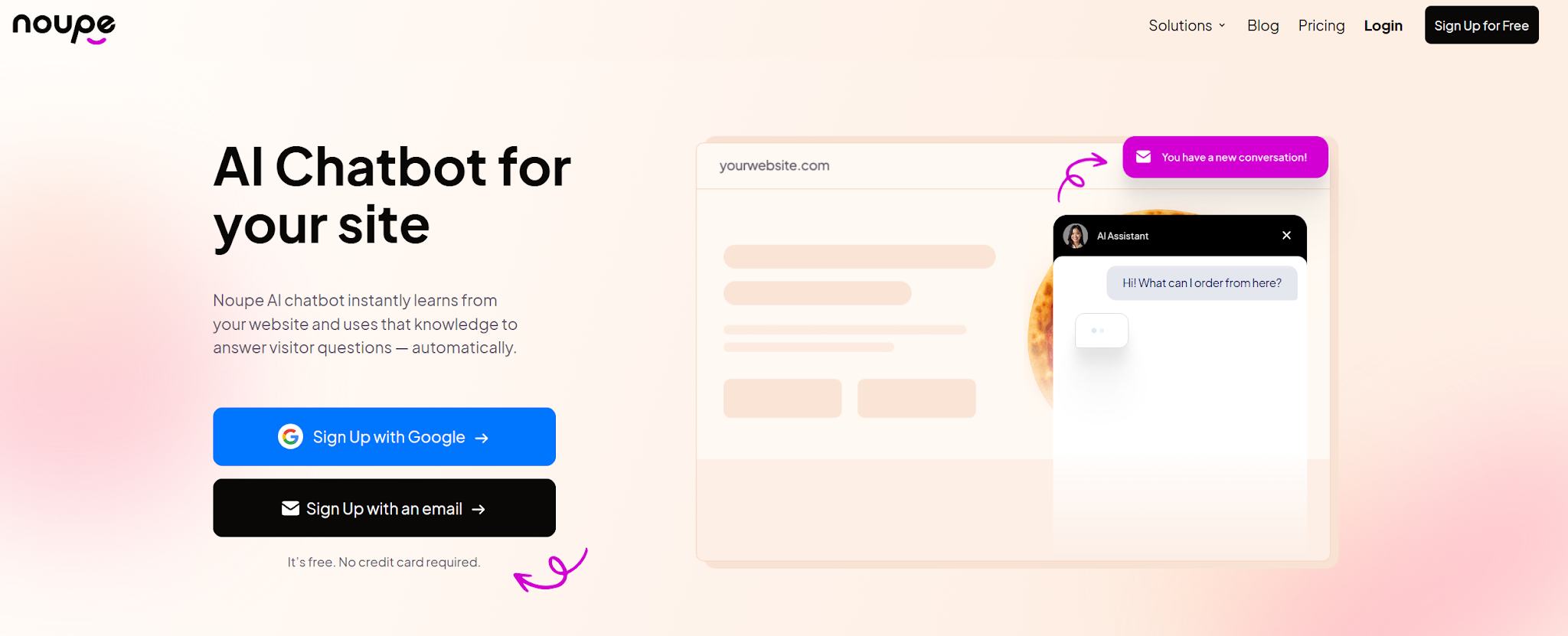
Noupe is the Chatbase alternative I’d look at first for a small business, agency, publisher, or service company that wants a useful website bot without turning the project into a technical build.
The big thing here is that Noupe learns from your public website content. That fixes a problem I’ve seen wreck chatbot projects: the bot drifts away from the site. Someone updates a services page, changes pricing language, or rewrites the FAQ and the chatbot keeps answering like it’s stuck in last quarter.
Noupe’s approach reduces that gap. You can also add custom knowledge, adjust the bot’s size, placement, colors, avatar, and first message, and get conversations delivered in real time. That last part matters more than people think. If visitors keep asking the same thing, you see it. If the bot misses something obvious, you see that too. (If you’re still building your requirements list, our guide to essential AI chatbot features covers what to prioritize.)
Key features:
- Learns from public website content
- No-code website embed
- Custom knowledge base support
- Widget styling for colors, avatar, size, and placement
- Custom first message
- Real-time conversation delivery
- Multilingual support
Pros:
- Quick to launch
- Good fit for content-heavy websites
- Lower maintenance burden than a manually updated FAQ bot
- Easy to make the bot feel native to the site
- Useful for spotting gaps in your content
Limitations:
- Not the tool I’d pick for complex enterprise workflows
- Not a voice AI or contact-center platform
Pricing: There’s a free plan that supports up to 100 monthly conversations, or the paid plans start at $20 per month for 1,000 monthly conversations, and no Noupe branding.
2. Botpress
Best for: Technical teams that want proper control over AI agents, workflows, integrations, and data.
Botpress is a very different kind of Chatbase alternative from Noupe. I wouldn’t hand it to a busy marketer and say, “Go build us a support bot before lunch.”
Botpress is for teams with technical ownership. Product teams, developers, internal tool builders, maybe larger support teams with engineering help. It gives you a visual studio, knowledge bases, integrations, agent behavior controls, handoff options, analytics, and room to build something custom.
That flexibility is the draw if you want something more flexible than a standard no-code chatbot builder. Still, more control means more decisions. More decisions mean more ways to build something impressive that nobody maintains properly.
If your team is comparing broader AI chatbot development platforms, Botpress belongs in the conversation.
Key features:
- Visual agent builder
- Knowledge base indexing
- Custom workflows
- Integrations and API options
- Human handoff on paid tiers
- Conversation insights
- Proactive chat options
Pros:
- Strong for custom builds
- Good fit for technical teams
- More flexible than basic no-code chatbot builders
- Useful when the bot needs to connect with internal systems
Limitations:
- Steeper learning curve
- AI spend can make costs less predictable
- Too much tool for a simple website FAQ bot
Pricing: There’s a free pay-as-you-go option and paid tiers where AI spend is added separately.
3. Tidio
Best for: E-commerce teams that want AI, live chat, and helpdesk tools in the same place.
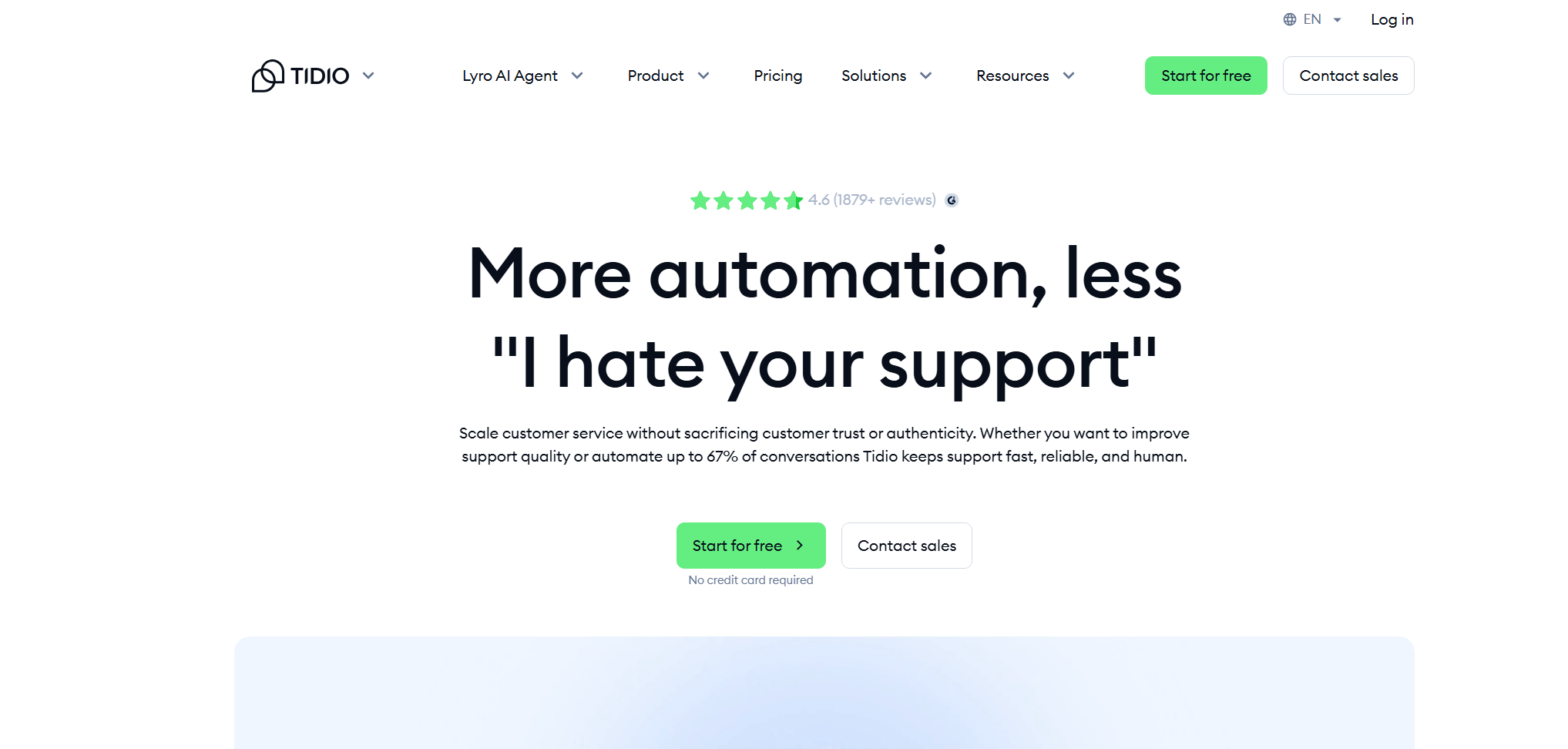
Tidio makes sense when support and sales keep stepping on each other’s toes. Which is basically every online store I’ve ever looked at for more than five minutes.
A shopper asks about sizing. Then shipping. Then whether a discount code works. Then they vanish because nobody replied fast enough. Tidio is built for that kind of mess. Its Lyro AI agent handles common customer questions, while live chat and helpdesk tools keep humans close when the conversation needs a person.
That’s the main reason Tidio shows up on so many Chatbase alternative lists. Chatbase is more of a website Q&A tool. Tidio feels more like a customer conversation hub for smaller e-commerce teams. Still, it can get expensive as your support strategy scales.
Key features:
- Lyro AI agent
- Live chat
- Helpdesk tools
- Visual flows
- Shopify-friendly support
- Multichannel messaging
- Human handoff
Pros:
- Strong fit for online stores
- AI and human support live together
- Easier for small teams than enterprise support platforms
- Good for repetitive pre-sale and post-sale questions
Limitations:
- AI conversation limits need watching
- Costs can rise as usage grows
- More constrained than larger customer service platforms
Pricing: There is a free plan for up to 50 conversations a month, while paid plans start at $29 per month for 100 conversations, basic analytics, and a handful of extra AI features.
4. Lindy
Best for: Teams that want AI agents doing actual workflow tasks, not just answering website questions.
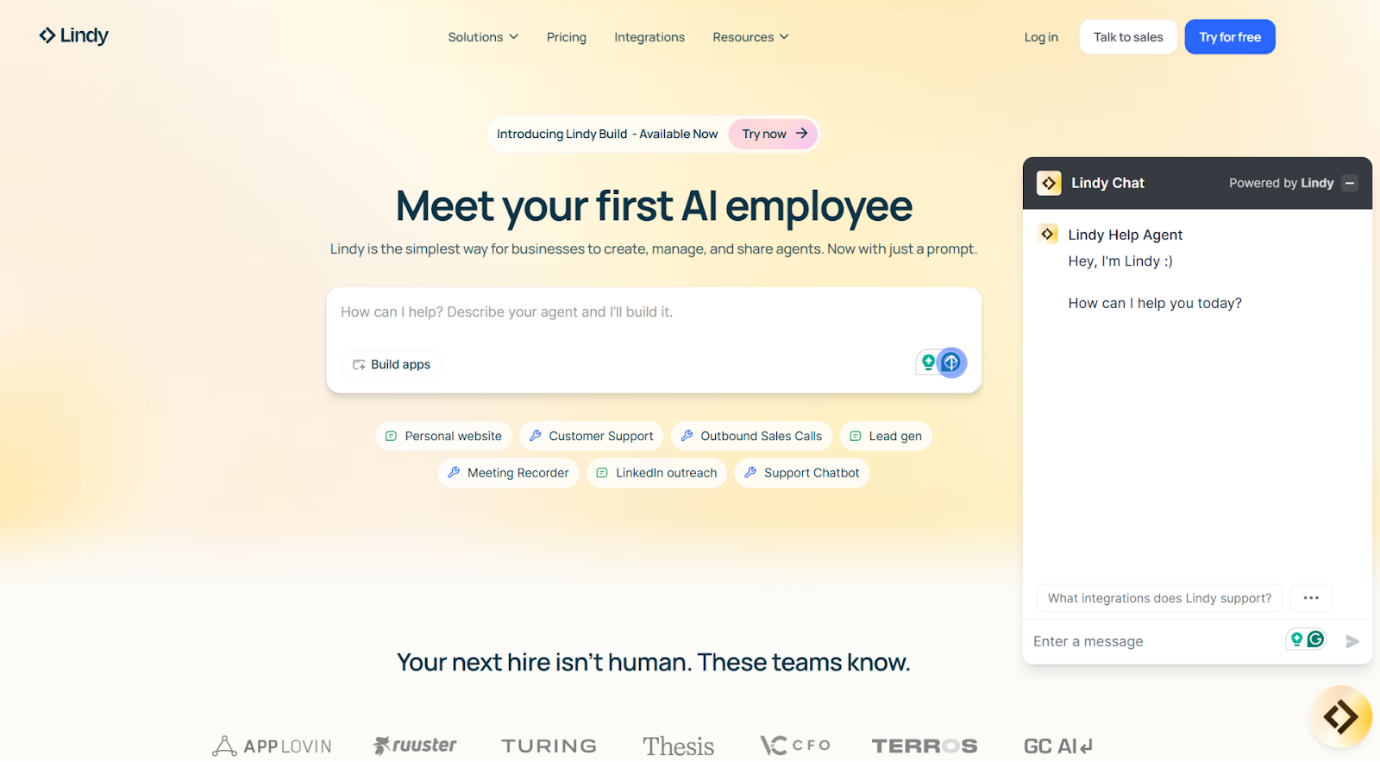
Lindy is the odd one out in this section, in a good way. It’s not really trying to be another Chatbase. It’s built around AI agents that handle work: inbox management, meeting scheduling, follow-ups, note-taking, lead research, admin tasks, and the kind of repetitive chores that make a team feel slower than it is.
That makes Lindy a useful Chatbase alternative if your real problem is bigger than website chat. If visitors are asking basic questions from your pricing page, Lindy probably isn’t where I’d start. If your team is buried in repetitive operational tasks, it gets much more interesting.
This is where it helps to think through practical chatbot ideas before buying anything. Some teams need an answer bot. Some need a workflow helper. Some need both, but not always in the same product.
Key features:
- AI workflow agents
- Inbox management
- Meeting scheduling
- Follow-up automation
- Note-taking
- Phone and support use cases
- Natural-language agent setup
Pros:
- Useful beyond customer support
- Good for operators and sales teams
- Strong fit for repetitive internal work
- Can reduce manual admin across teams
Limitations:
- Broader than a chatbot builder
- Not the simplest choice for website Q&A
- Pricing and usage should be checked against planned workflows
Pricing: Free users get 400 credits a month. The Pro plan is $49.99 a month and gives you 5,000 credits, which is the first tier I’d look at for regular use.
5. Botsonic
Best for: Teams with clean docs and a tight budget.
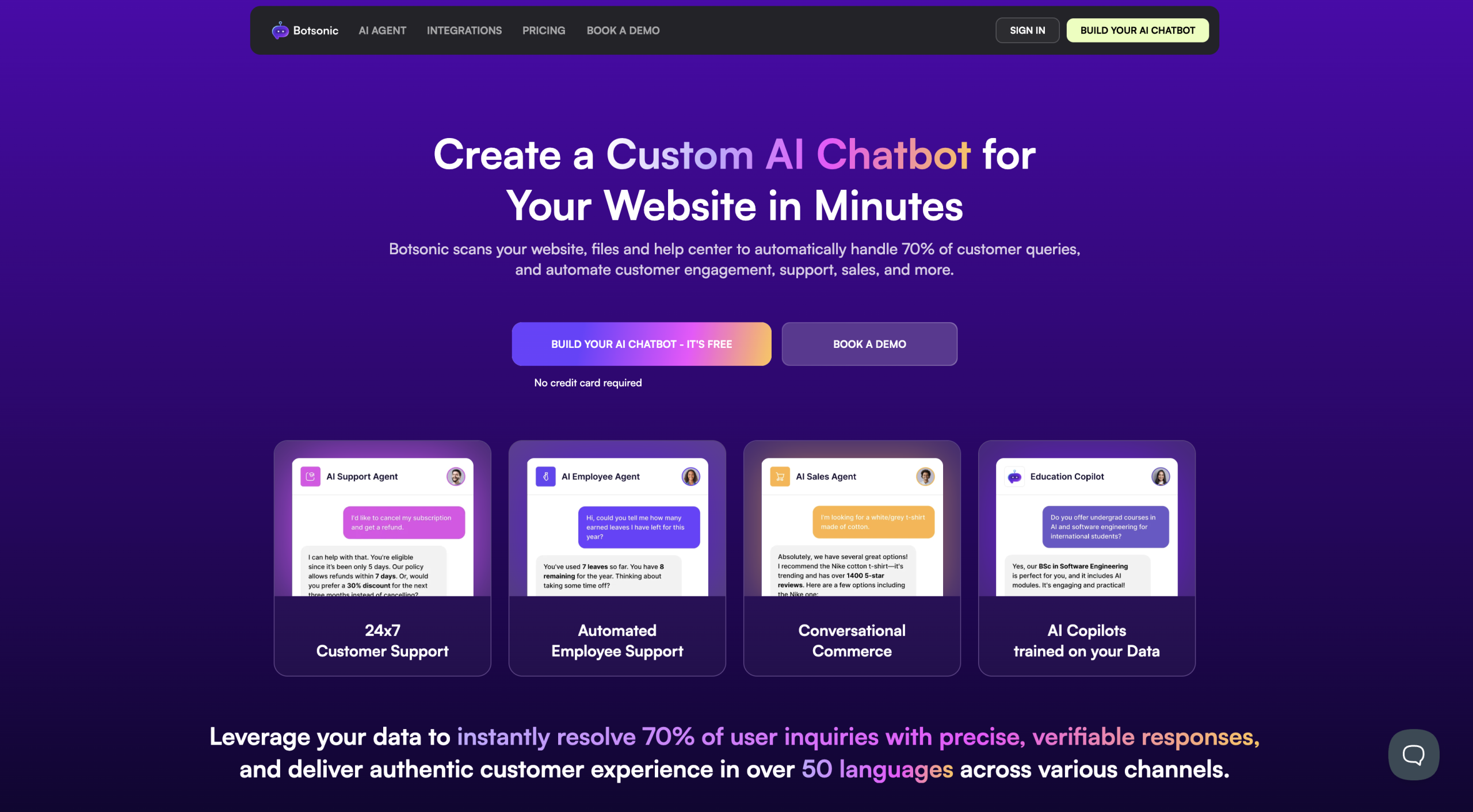
Botsonic is the kind of Chatbase alternative people click on because the pricing doesn’t make them wince. For a small SaaS site, a course business, or a content-heavy service company, that’s an easy test budget.
The useful bit: you can train it on URLs, PDFs, docs, and other files. So if your support knowledge is already tidy, Botsonic can get you pretty far without much effort.
The annoying bit: a bot trained on messy docs becomes a faster way to serve messy answers. I’ve seen teams blame the chatbot when the real problem was a five-year-old help center full of contradictions. Different refund windows on two pages. Old feature names. Pricing copy that says “contact us” in one place and “starts at $49” in another. The bot doesn’t fix that. It exposes it.
Source quality matters more than the builder UI. Botsonic works best when you have curated materials to feed it.
Key features:
- URL, PDF, doc, and file-based training
- No-code bot setup
- Website deployment
- Multilingual support
- Basic branding controls
- Integrations on higher plans
Pros:
- Cheap enough to test seriously
- Good for teams with organized docs
- Faster than a developer-led build
- Useful for basic support and lead capture
Limitations:
- Message caps matter quickly
- Weak source content weakens the bot
- Not built for complex support operations
Pricing: Starter is the cheaper entry point: $16 a month if you pay yearly, or $19 month to month. It gives you one chatbot and 1,000 messages.
6. Yellow.ai
Best for: Enterprises with messy channel sprawl.
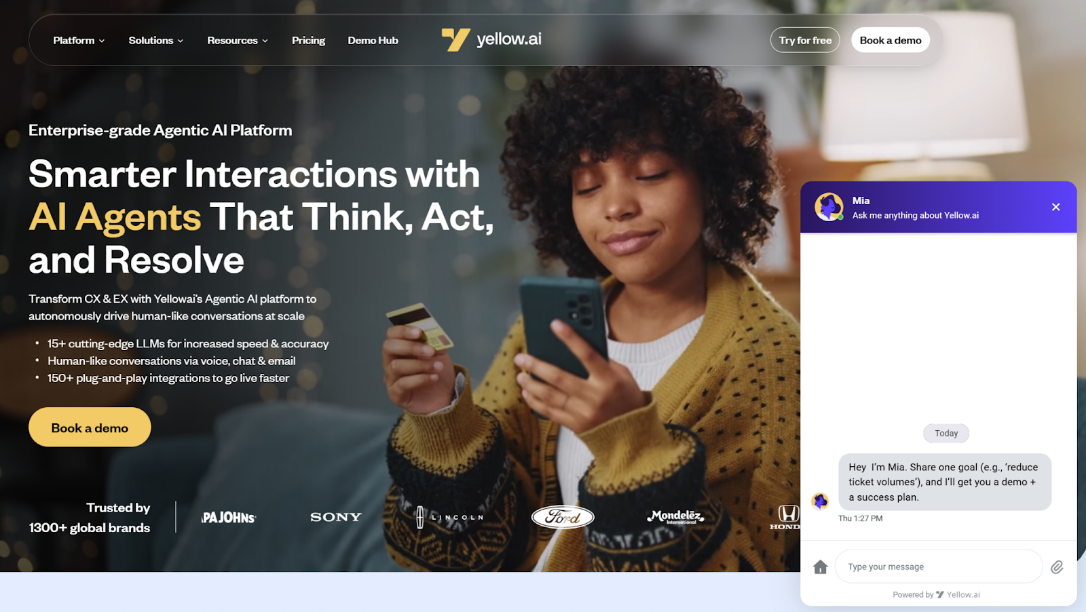
Yellow.ai is what happens when a chatbot stops being a widget and becomes part of the full customer support system. You get voice, chat, email, WhatsApp, backend systems, security reviews, and compliance included.
For a small website, Yellow.ai is too much. For a bank, telecom company, healthcare provider, marketplace, or airline, the scale starts to make sense. UnionBank of the Philippines, for instance grew chatbot adoption from 28,000 monthly users to 120,000 and cut chatbot operating costs by 51%. Growsari handles 74,000+ quarterly queries on digital channels with Yellow.ai. Good Doctor uses it to support 700+ patients 24/7 on channels including WhatsApp.
That’s the difference between a basic website bot and an omnichannel AI chatbot. One answers questions on a page. The other has to keep context across channels, route issues, and avoid creating five versions of the same customer problem.
Key features:
- Chat, voice, email, and messaging support
- Customer and employee AI agents
- Backend system connections
- Large integration library
- Security and compliance controls
- Analytics for high-volume support teams
Pros:
- Built for complex operations
- Strong case-study evidence
- Good fit for regulated or global companies
- Handles voice and messaging, not just web chat
Limitations:
- Too heavy for simple FAQ support
- Sales-led pricing
- Implementation needs real ownership
Pricing: There’s a free option, but you’ll need to talk to the company for a plan matched to your use case.
7. Amio
Best for: E-commerce teams that want designed conversations, not answer dumping.
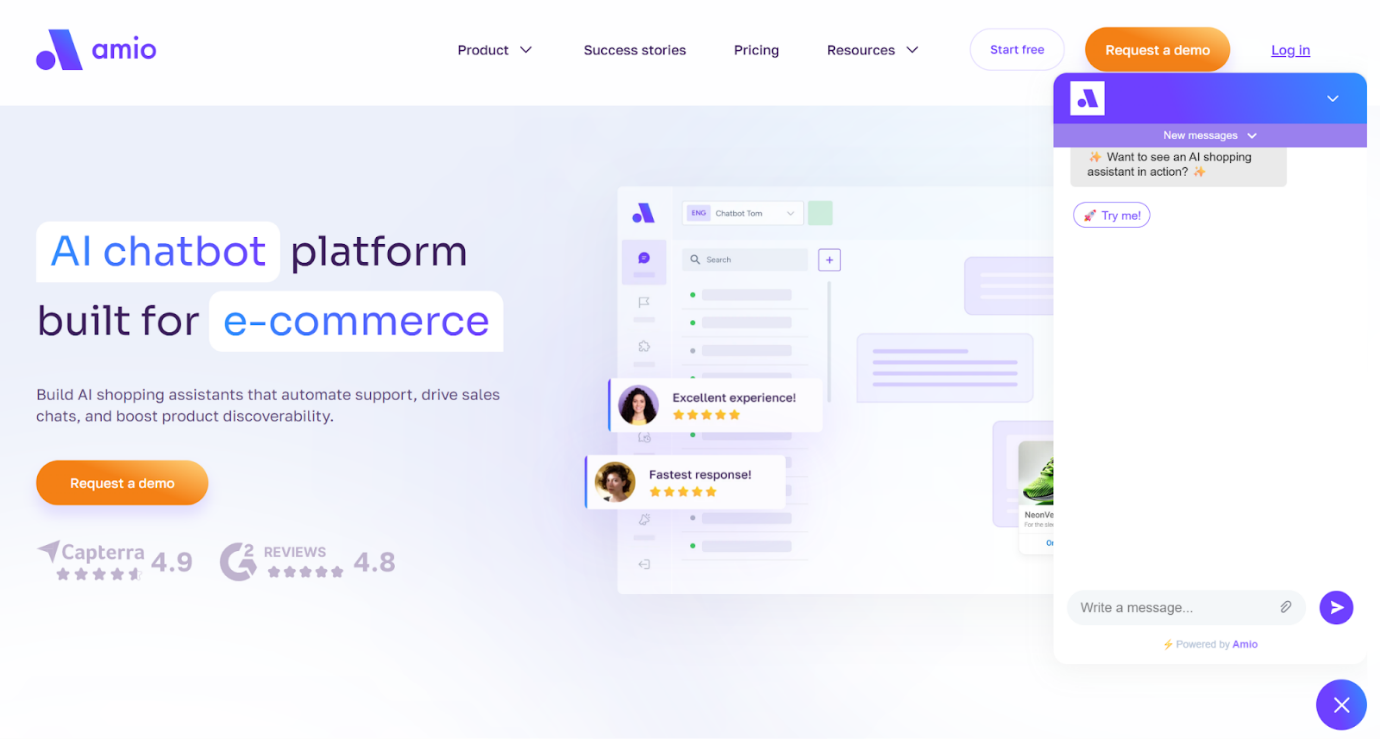
Amio doesn’t have the name recognition of Intercom or Tidio, but it’s worth a look if you sell online and your customer questions follow patterns: “Is this in stock?” “When will it arrive?” “Can I change my order?” “What happens after purchase?”
That’s where a lot of Chatbase alternatives disappoint me. They answer a question, then stop. E-commerce conversations usually need a next step. Check availability. Suggest a product. Confirm delivery details. Pass the issue to support. A basic Q&A bot can feel weirdly dead-ended there.
The thing to watch is message volume. Four hundred automated messages sounds fine until a product launch, sale, or shipping delay hits. Then every pricing page looks optimistic.
Key features:
- Conversation designer
- Automated customer messages
- E-commerce support flows
- Product and after-sales support
- Analytics
- Messaging channel support
Pros:
- Better for structured commerce flows than plain FAQ bots
- Useful when support and sales overlap
- Good fit for product, stock, delivery, and post-purchase questions
- More intentional than many lightweight no-code chatbot builders
Limitations:
- Higher starting price
- Message limits need planning
- Less flexible than developer-first AI chatbot platforms
Pricing: Amio’s pricing puts it above the casual-test category: Chatbot Starter is $150/month with 400 automated messages, and AI Expert is $350/month with 1,000 automated messages.
8. Intercom Fin
Best for: Support teams that already treat customer service like an operating system.
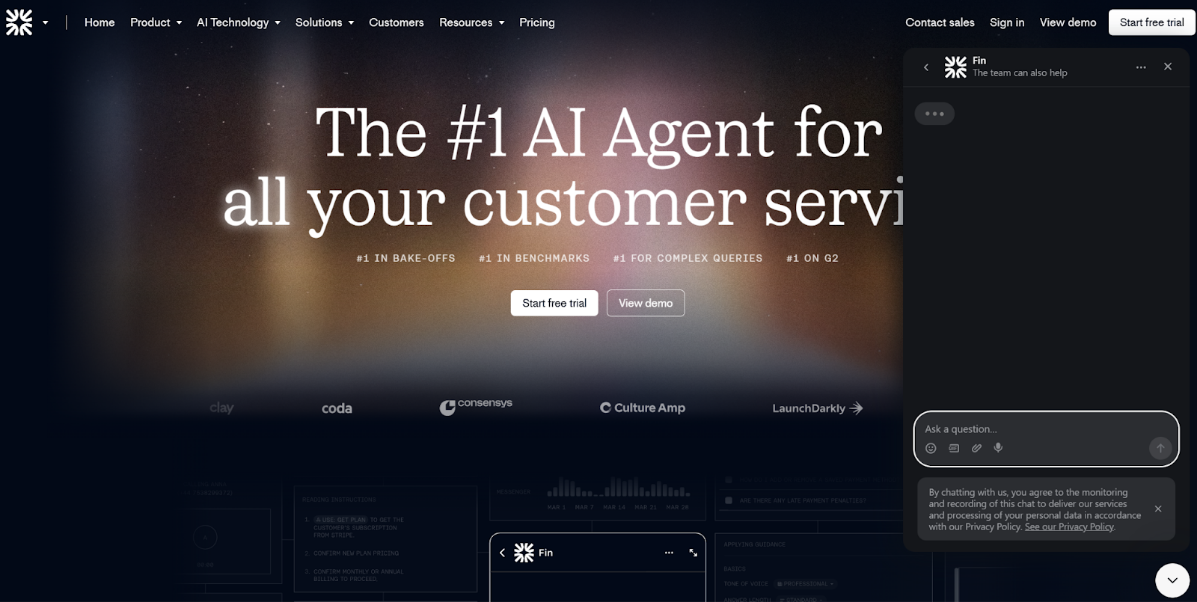
Fin is one of the more serious Chatbase alternatives because it’s built for support teams that already have a help center, ticket routing, inbox rules, reporting, escalation paths, and people watching the numbers.
That matters. Fin charges around $0.99 per resolution, so the model only makes sense if resolutions have real value. Intercom reported in 2026 that 7,000+ teams use Fin, with an average 67% resolution rate across customers. That’s impressive. Also slightly terrifying if your help center is a junk drawer.
Fin will expose weak documentation fast. Old refund pages, vague setup guides, inconsistent product names, all of it. The AI is only as strong as the material it’s allowed to use. If you’re already choosing between helpdesk ecosystems, read a Zendesk vs Intercom comparison before judging Fin alone.
Key features:
- AI customer service agent
- Per-resolution pricing
- Helpdesk and inbox connections
- Escalation to human agents
- Multichannel support
- Reporting on resolutions
Pros:
- Strong fit for mature support teams
- Clear pricing tied to resolved issues
- Good human handoff
- Useful for support and sales conversations
Limitations:
- Costs rise with successful resolutions
- Less appealing if you’re outside Intercom-style workflows
- Overkill for simple website Q&A
Pricing: Starting at $0.99 per resolution, or $0.99 per resolution plus $29 per month for the Intercom help desk subscription.
9. Rasa
Best for: Technical teams that want full control over conversational AI.
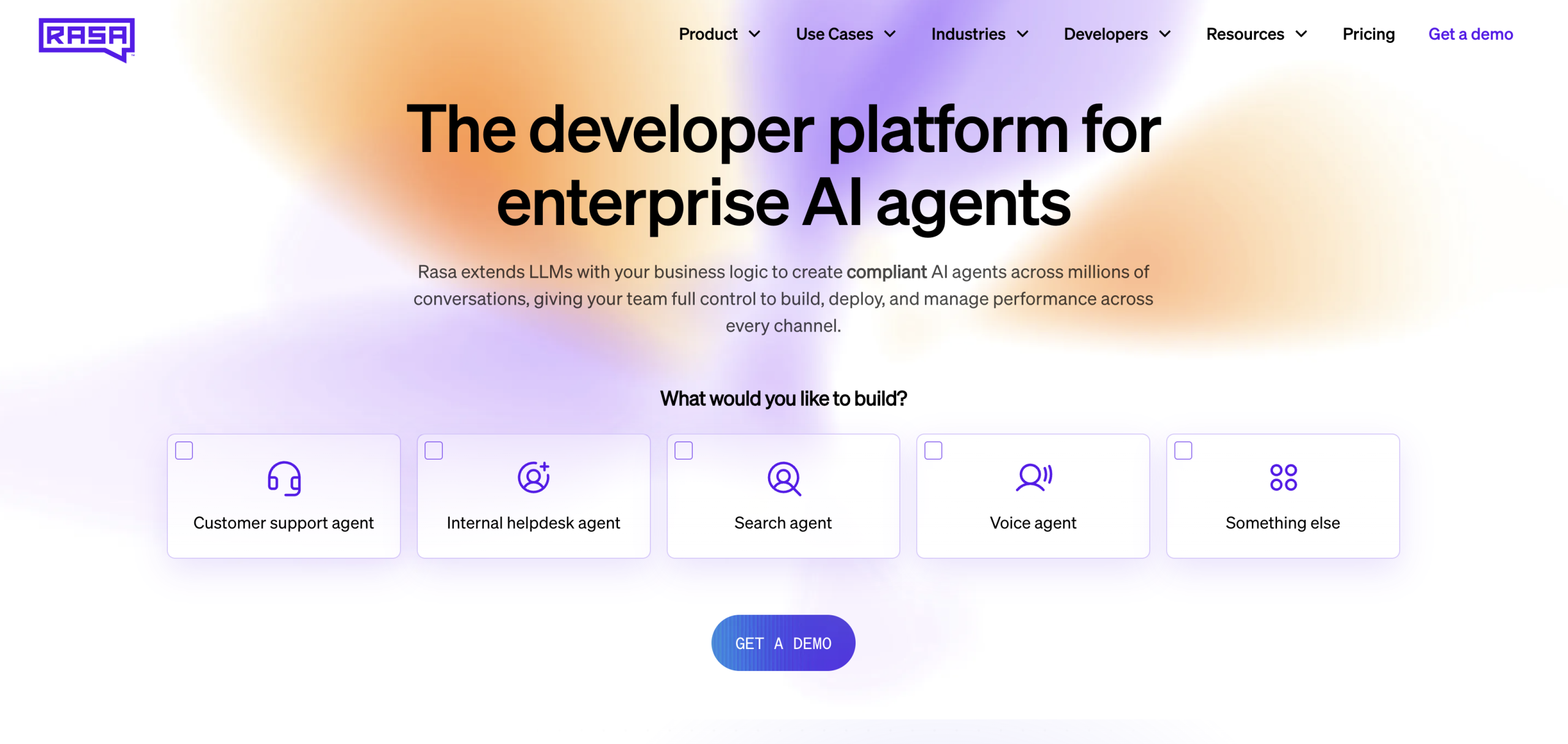
Rasa isn’t for people who want to paste in a URL and call it a day. It’s for teams that want to own the system: deployment, infrastructure, models, workflows, channels, governance, the whole pile.
It’s one of the more flexible conversational AI solutions out there, ideal if you can’t rely on a lightweight system because you need tighter control over data, compliance, architecture, or user journeys. Banks, insurers, healthcare companies, telecoms, and big internal support teams fit that profile.
Rasa positions itself as an enterprise agent platform that customers can run under their own infrastructure and connect to different LLMs, which makes it a strong pick for companies that prioritize control. Still, it’s not lightweight, and it’s not the least expensive option here.
Key features:
- Enterprise conversational AI platform
- Customer-controlled deployment
- Custom AI agents
- Works with different LLMs
- Advanced workflow control
- Strong governance fit
Pros:
- High control
- Better fit for regulated teams
- Useful for complex, multi-step conversations
- Strong developer ownership model
Limitations:
- Needs technical resources
- Longer setup
- Expensive for smaller teams
Pricing: Rasa has a free Developer Edition. Growth starts at $35,000/year. Enterprise pricing is quoted after Rasa sees what you’re trying to build.
10. Ada
Best for: Larger support teams that care about solved issues, not chatbot theater.
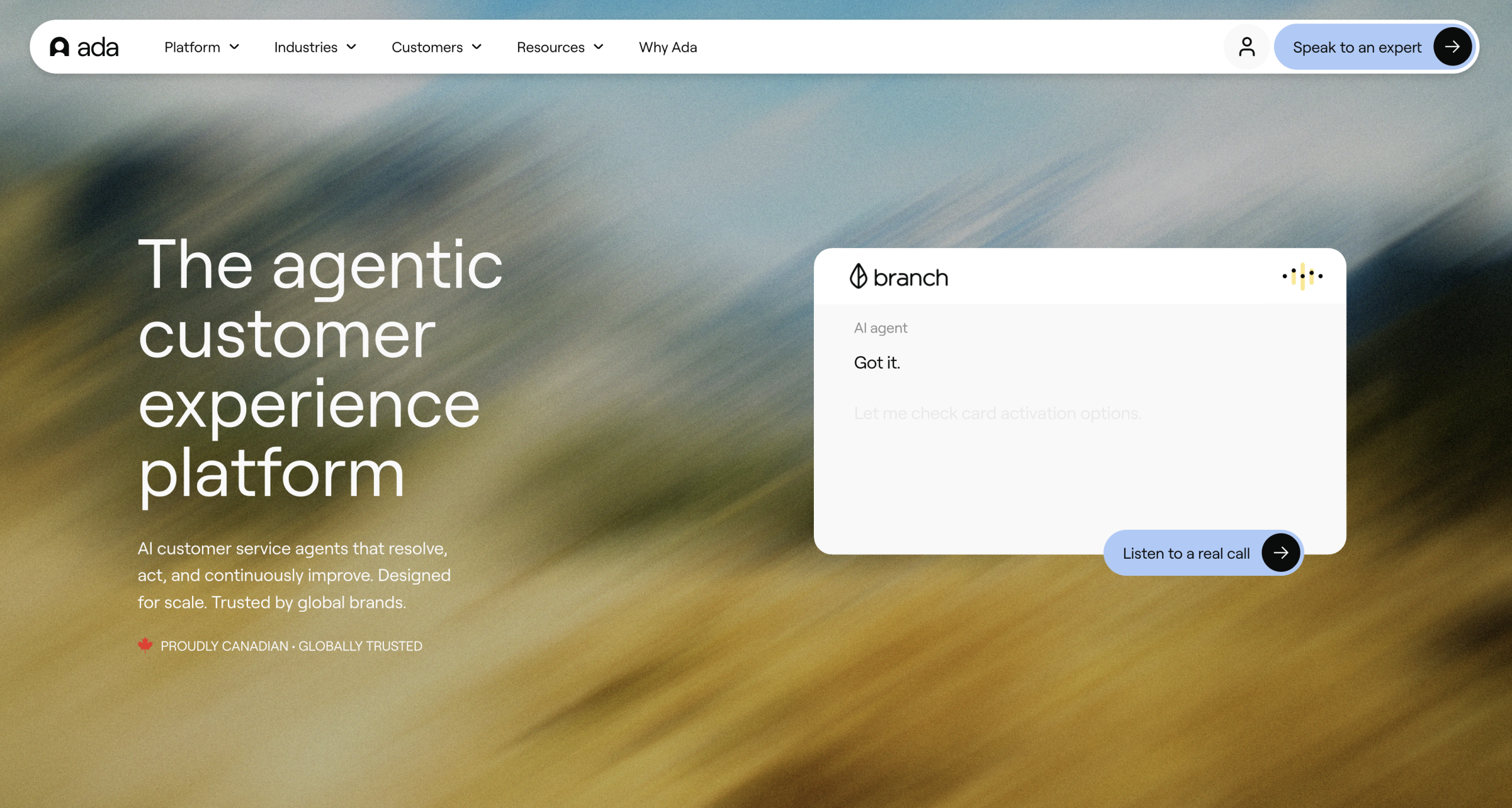
Ada is built for customer service teams with real volume. The kind where shaving a few seconds off handle time means something, and where “the bot answered” isn’t enough. It has to finish the job.
Ada says its AI customer service agent can resolve up to 83% of support issues on its own. Its 2026 research also found that 59% of consumers would rather use 24/7 AI than wait for a human, but only when the AI can actually fix the issue. There’s the catch. The same research found that only 32% of consumers rated their most recent AI customer service experience an 8 out of 10 or higher. People don’t hate AI support. They hate getting trapped in bad AI support.
Ada fits the buyer who has outgrown basic Chatbase competitors and wants service automation tied to outcomes. It also sits near tools like Kore.ai, Yellow.ai, and Intercom Fin, so enterprise buyers should compare Kore.ai alternatives if they’re building a larger shortlist.
Key features:
- AI customer service agents
- Multichannel support
- Multi-step workflows
- Analytics and reporting
- Enterprise support automation
- Human handoff
Pros:
- Built around support resolution
- Strong fit for larger service teams
- Good for repetitive, high-volume issues
- More mature than a basic Q&A bot
Limitations:
- Custom buying process
- Too much for small websites
- Requires strong content and process design
Pricing: No publicly listed plans, you’ll need to contact Ada for a quote.
11. YourGPT
Best for: Companies that want a branded AI assistant without building from scratch.
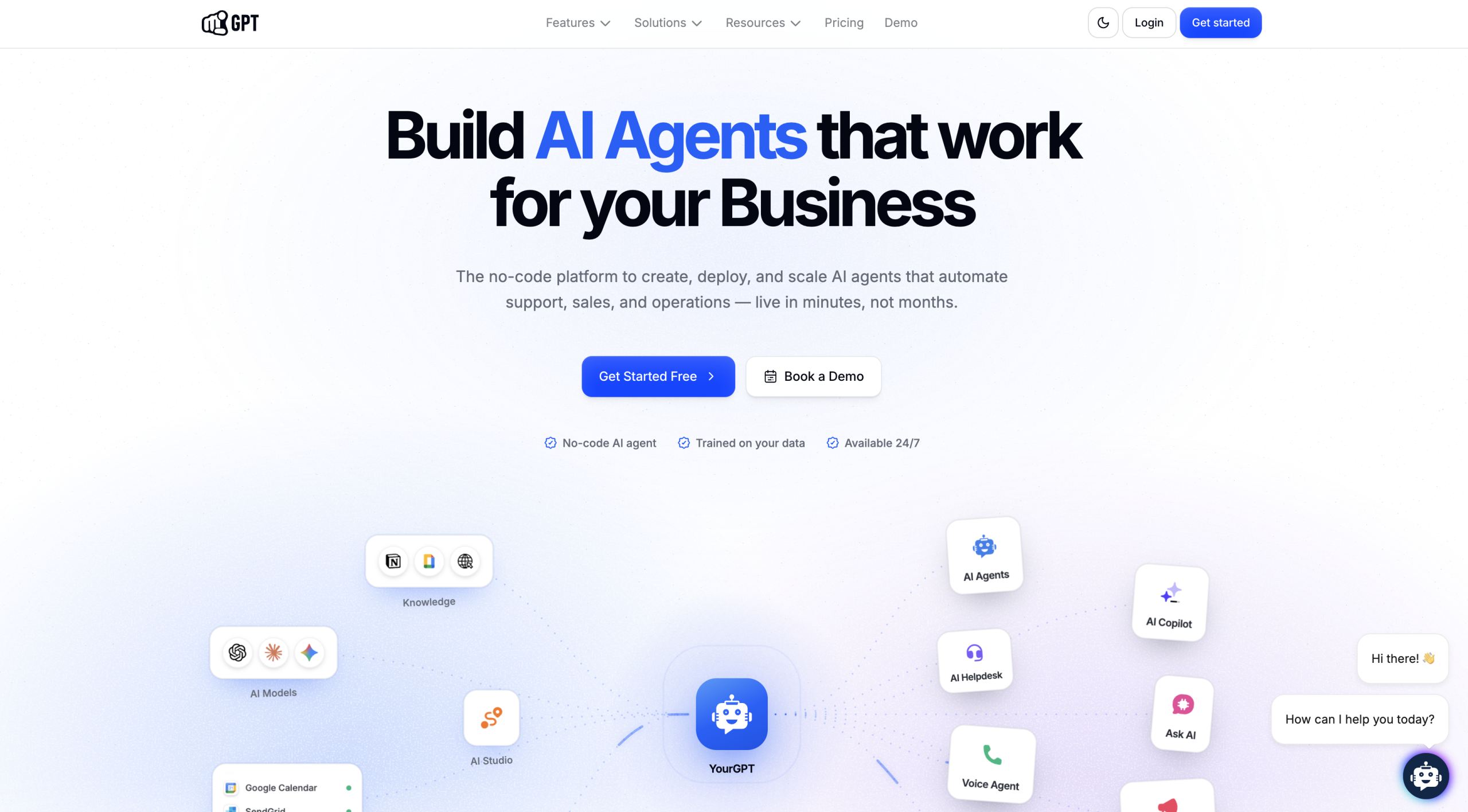
YourGPT isn’t as heavy as Rasa, and it’s not as support-ops focused as Fin or Ada. It’s closer to: “I want an AI assistant that feels like ours, answers from our content, captures leads, and doesn’t look like a generic widget we forgot to style.”
That matters more than people admit. A chatbot can be technically correct and still feel off. Wrong tone. Weird greeting. Ugly bubble. Answers that sound like they wandered in from a vendor demo instead of your company.
YourGPT puts more weight on branding, AI helpdesk tools, search widgets, lead capture, multi-language support, and integrations. It costs far less than enterprise conversational AI solutions, but it gives you more room than a barebones FAQ bot. I’d shortlist it when the chatbot needs to feel like part of the brand, but nobody has time to build one from scratch.
Key features:
- Branded AI chatbot
- AI helpdesk
- AI search widget
- Lead capture
- Multi-language support
- Integrations
Pros:
- Good branding controls
- Affordable entry point
- Useful for lead capture and website support
- Broader than basic no-code chatbot builders
Limitations:
- Smaller footprint than bigger CX platforms
- Not as flexible as developer-first AI chatbot platforms
- May not suit heavy support operations
Pricing: Essential starts at $39 a month on yearly billing. It’s not a tiny plan either: you get two chatbots, 200 webpages, 20 documents, 10 million AI credits, monthly content updates, three team members, and unlimited integrations.
12. ManyChat
Best for: Brands that sell, follow up, and support customers inside social DMs.
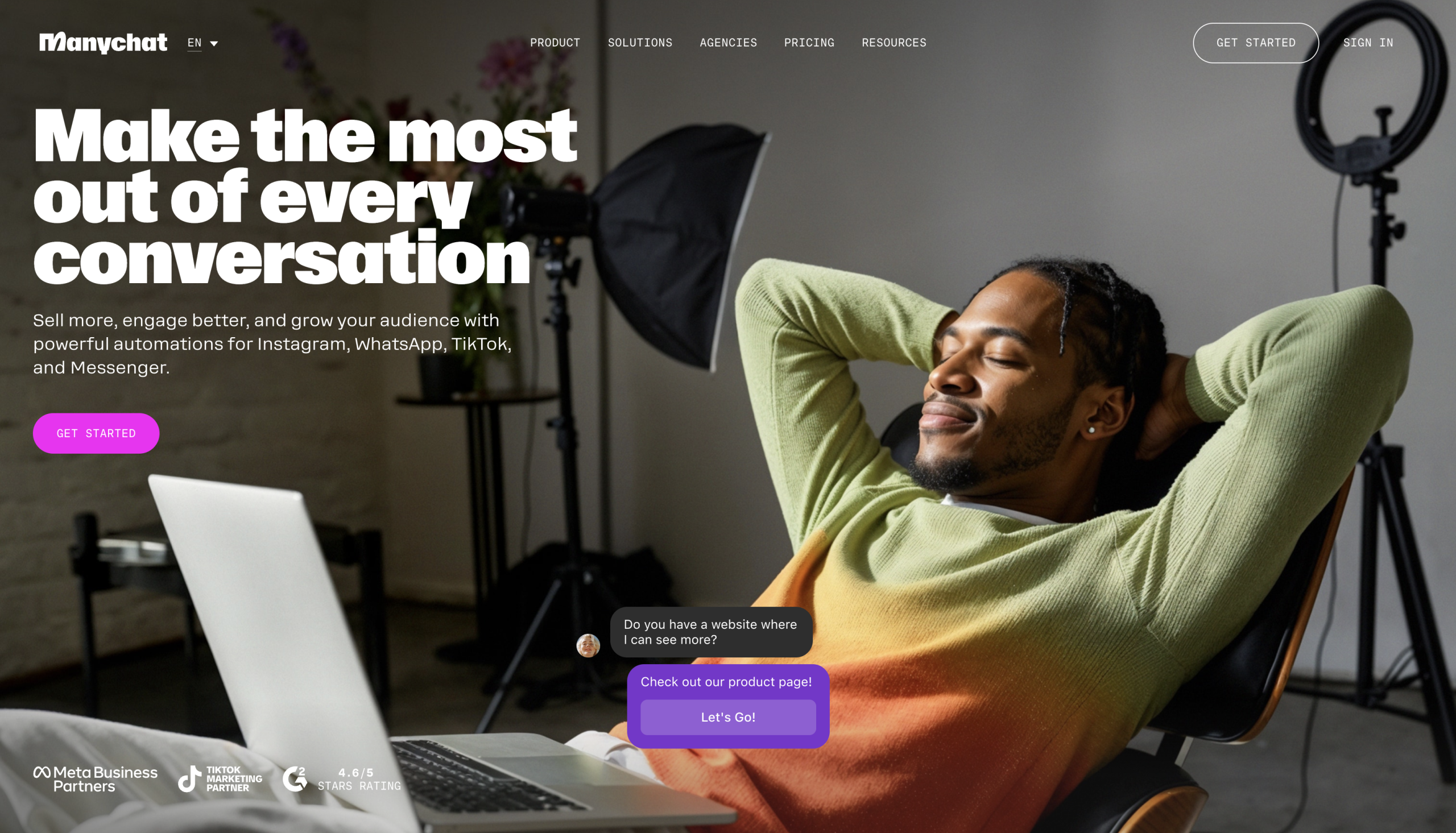
ManyChat is barely in the same category as Chatbase, really, which is why it’s worth looking at. If your customers live in Instagram comments, Messenger threads, WhatsApp chats, TikTok traffic, and SMS campaigns, a website Q&A bot won’t cover the real action.
ManyChat is built for that social layer. Comment automation. DM flows. Broadcasts. Tags. Custom fields. Campaigns. Simple audience segmentation. It’s popular with creators, agencies, small e-commerce brands, course sellers, and anyone who treats Instagram like a storefront.
This is one of those Chatbase alternatives where the right question is not “which one has smarter AI?” It’s “where do customers actually talk to us?” If the answer is Instagram DMs, ManyChat is more relevant than half the prettier website bots on the market.
Key features:
- Instagram automation
- Messenger flows
- WhatsApp and SMS
- Broadcast campaigns
- Tags and custom fields
- AI add-on
Pros:
- Strong social automation
- Good for creators and e-commerce
- Useful for campaigns and lead capture
- Mature ecosystem
Limitations:
- AI costs extra
- Not ideal for complex B2B support
- Website chatbot use cases are not its main strength
Pricing: There’s a free plan. Paid plans begin at $15/month.
13. Fini AI
Best for: Support teams that need multilingual automation with more control than a basic bot.
Fini AI is for teams that have moved past “can we answer FAQs?” and into “can we reduce the support queue without making customers furious?”
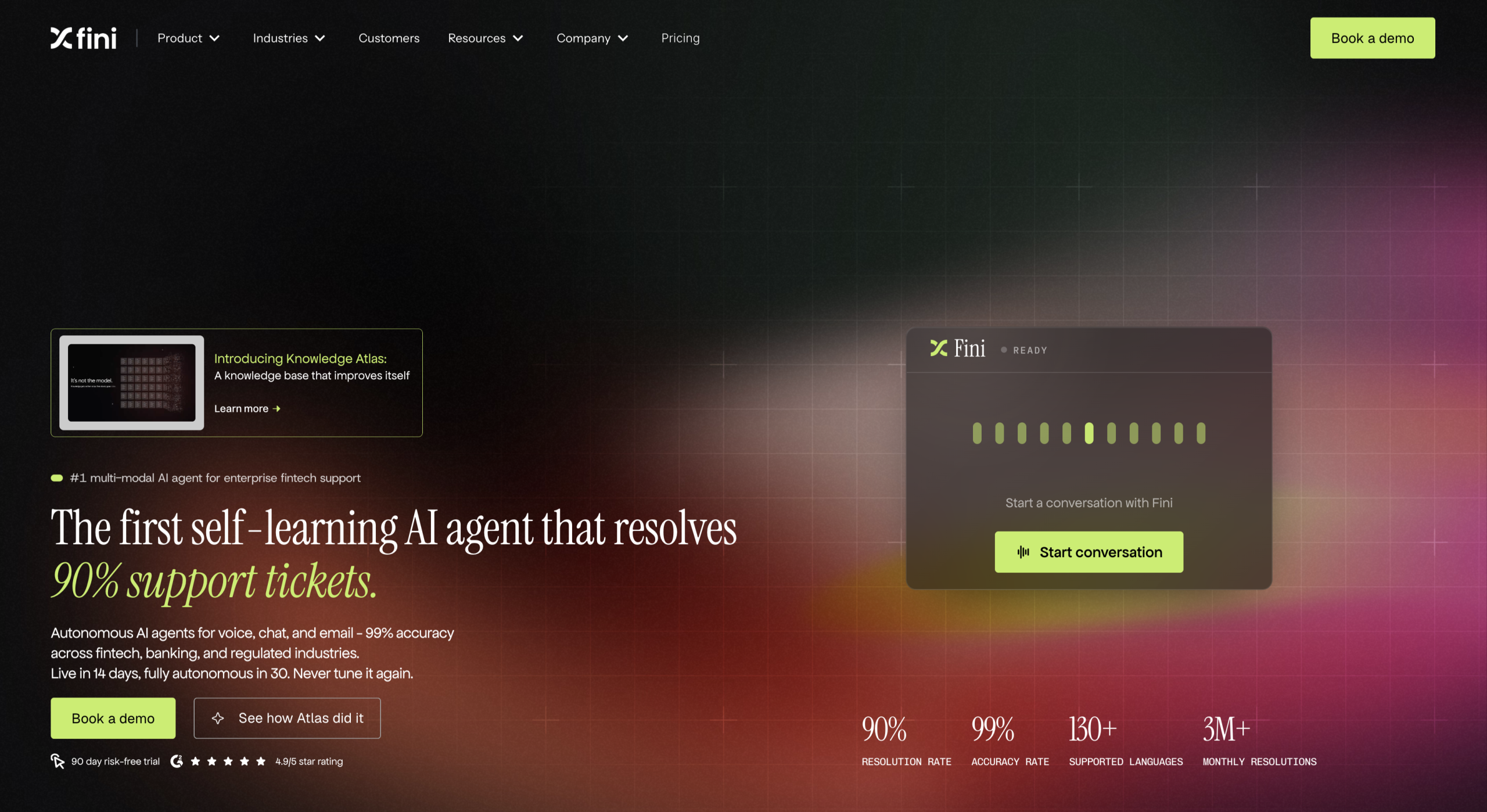
Fini focuses on AI support automation, multilingual help, integrations, AI actions, compliance, role-based access, and dedicated AI options. Its pricing page highlights SOC 2, GDPR, ISO 27001, role-based access, dedicated AI instances, dedicated AI engineering, and a 90-day refund promise if results are not delivered, too.
Fini fits a different buyer than most other Chatbase alternatives. It works when support volume, languages, and controls matter. If your only goal is a friendly website assistant, it’s probably more machine than you need.
Key features:
- Multilingual support bot
- AI actions
- Support workflows
- Compliance features
- Role-based access
- Dedicated AI options
Pros:
- Good fit for support teams with volume
- Strong multilingual positioning
- More operational than basic Chatbase competitors
- Compliance-aware
Limitations:
- Pricing needs volume modeling
- Setup may take more work than simple website bots
- Best suited to support teams with clear processes
Pricing: Free plan available with cost per resolution costs of $0.69 (minimum monthly bill of $2999).
14. Chatfuel
Best for: Businesses where the sale starts in WhatsApp or Instagram, not on the website.
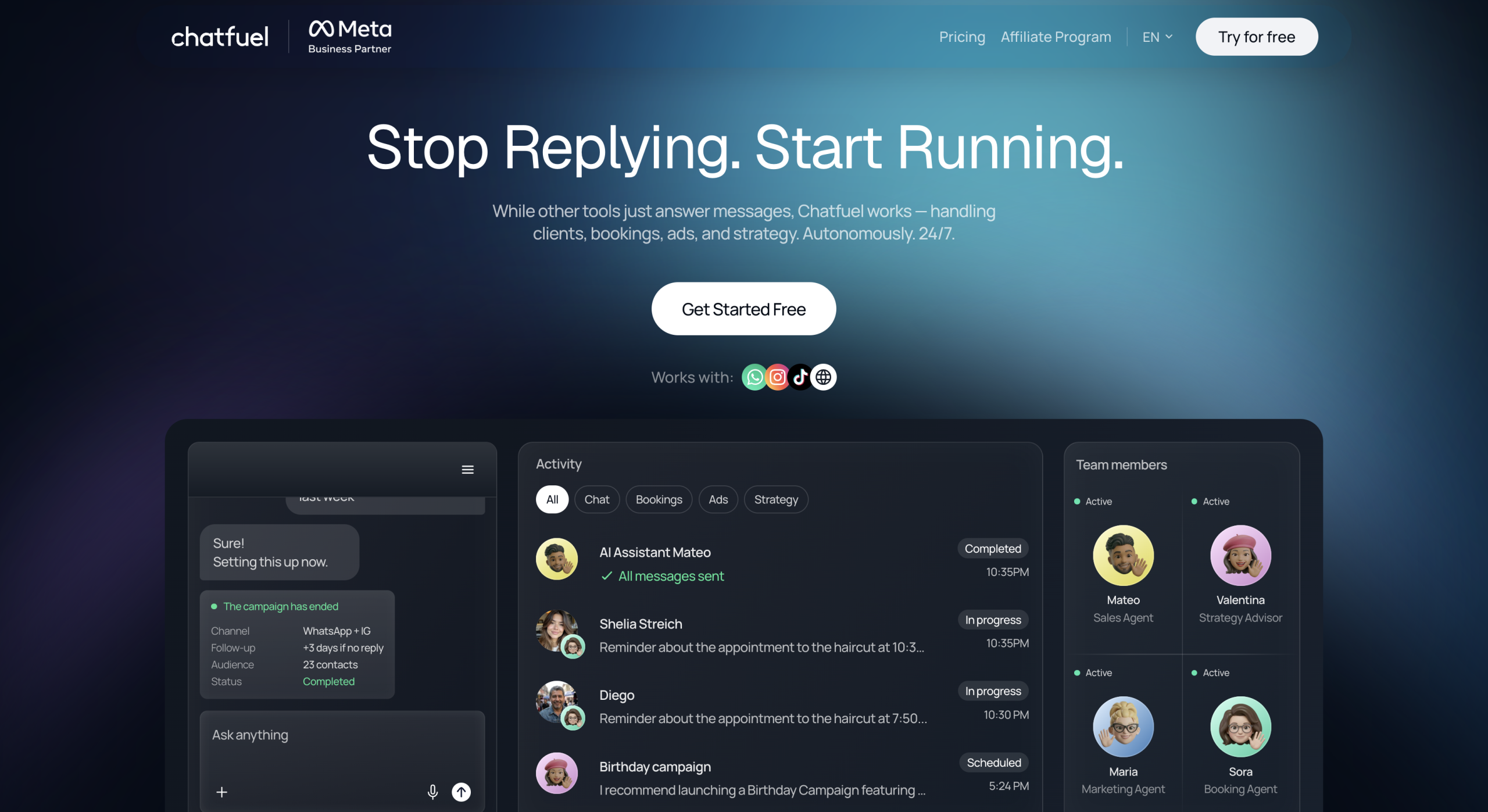
Chatfuel is easy to misunderstand if you compare it against Chatbase feature by feature. It’s not trying to be the smartest documentation bot in the room. It’s built for the place where a lot of messy, high-intent conversations actually happen: messaging apps.
A customer replies to an Instagram story. Someone asks a price in WhatsApp. A lead sends “available?” at 10:40 p.m. A buyer wants the product link again because they lost it in the thread. That is Chatfuel territory.
I’d look at Chatfuel for local services, appointment-based businesses, coaches, social sellers, agencies, and smaller e-commerce brands. Not because it’s a better Chatbase alternative for website Q&A. It isn’t. It’s better when the customer never wanted to visit your website in the first place.
Key features:
- WhatsApp AI assistant
- Instagram and Facebook Messenger automation
- Broadcasts
- Live chat
- Keywords
- Audience segments
- Social commerce flows
Pros:
- Strong fit for WhatsApp-led sales and support
- Useful for reminders, lead capture, and quick replies
- Easier than building social messaging flows manually
- Better channel fit than many broad AI chatbot platforms
Limitations:
- Weak fit for documentation-heavy website support
- Not the tool for complex B2B routing
- Channel limits and AI usage need checking
- Less useful if most traffic comes from search or pricing pages
Pricing: There’s a $69/month AI Business Assistant plan for WhatsApp, Instagram, and social media, with fair-use AI limits
15. Denser AI
Best for: Sites where the real problem is finding the right answer buried in too much content.
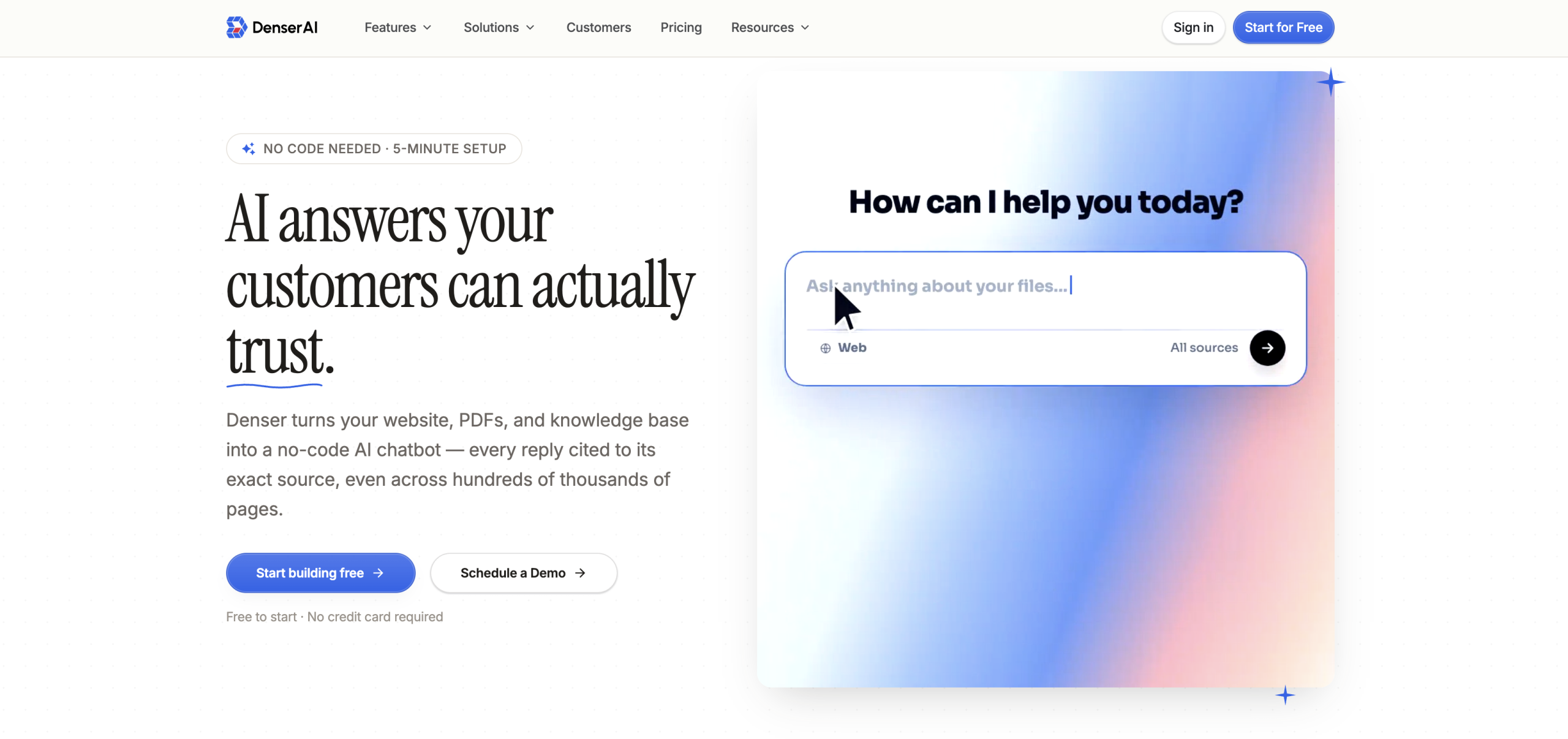
Denser AI is closer to Chatbase than most other platforms. It’s in the knowledge-answering lane: website chatbots, semantic search, retrieval, natural-language search, lead capture, and API support.
The use case is easy to picture. A SaaS help center with 400 articles. A university department site with scattered program details. A B2B product site where half the important answers live in PDFs. A documentation hub that technically has the answer, but only if the visitor guesses the exact phrase.
This is where Denser gets interesting as a Chatbase alternative: it treats the chatbot less like a pop-up support rep and more like a smarter retrieval layer. Ask a question. Pull the right answer. Skip the scavenger hunt.
Key features:
- Website AI chatbot
- Semantic search
- Knowledge base retrieval
- Natural language search
- Lead capture
- API support
- Real-time chat
Pros:
- Good fit for docs, help centers, and content-heavy sites
- Strong search-and-answer angle
- Useful when visitors struggle to find information
- More focused than broad conversational AI solutions
Limitations:
- Less familiar than larger CX vendors
- Not built for heavy enterprise support operations
- May overlap with Chatbase for basic Q&A needs
Pricing: There’s a free plan, with paid plans starting at $29 per month when billed annually.
Which Chatbase alternative should you choose?
All of these options have their benefits, but really, I’d say if you want the closest experience to Chatbase, with fewer issues, Noupe is the best choice.
Some Chatbase alternatives are built for support queues. Some are made for Instagram DMs. Some need developers, procurement calls, and the kind of setup doc that makes everyone suddenly “circle back next week.”
Noupe fits the team that wants a useful website bot without that whole production. It learns from public site content, supports custom knowledge, answers in different languages, and sends conversations to your inbox so you can see what people are actually asking. That last part is underrated. Chat transcripts are customer research with fewer dashboards and more typos.
Plus, you can try Noupe for free, which makes it a far more appealing option for companies that want to make sure their chatbot builder is going to pay off before they lock into a monthly plan.