
If you’ve looked into AI for customer service lately, you’ve probably noticed a lot of people talking about next-level intelligence, autonomy, and language understanding. Everyone’s getting excited about bots that can do more.
What can pay off a lot faster (and more consistently), though, are bots that can do a few things well, every time they’re asked to do them.
Menu-based chatbots might seem old-fashioned, but they’ve stuck around because they work. The chatbot market is still projected to reach $15.5 billion by 2028, and investments aren’t just going toward agentic AI systems. Companies still want simple bots.
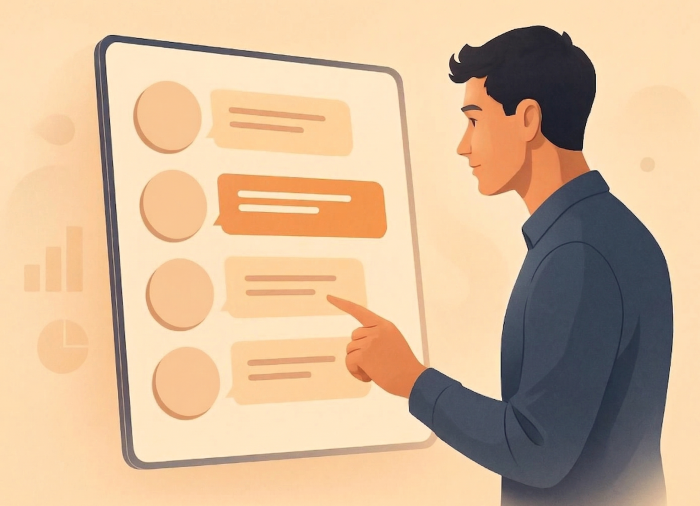
A menu-based chatbot doesn’t ask visitors to explain themselves perfectly. It gives them a short list of options and lets them click. Track an order. Book a slot. Get help. Talk to a person. That structure still pays off.
If you’re still exploring what chatbot tech is actually good for, you should know that menu-driven flows tend to be the least risky place to start. In this article, you’ll see how a menu-based chatbot works, where menu-based chatbots outperform more complex systems, and how to decide whether this approach fits your situation before you rush off to create a chatbot that tries to do everything and ends up doing nothing well.
What is a menu-based chatbot?
A menu-based chatbot walks people through a set of predefined choices. Instead of typing out an explanation and hoping an AI understands it, the customer picks from a list. If you’ve ever called a support line and pressed numbers to get where you need to go, it’s the same idea, but with text instead of voice.
That simplicity is exactly why these bots hold up so well.
A menu-based chatbot doesn’t interpret language, nor does it guess intent. It routes customers through paths your business has already decided are safe and useful. That makes it more controlled, especially compared to AI-driven bots that rely on probability and pattern matching.
Teams keep using these tools, even when “smarter” bots exist because they’re reliable and consistent. Most support questions are repetitive: people asking about order status, booking changes, or opening times. You don’t need a human or intelligent system to sort through those queries; you just need something that delivers a quick, accurate response.
How does a menu-based chatbot work?
A menu-based chatbot runs on something simple: decisions your company has already made for the customer.
Behind the scenes, it’s a decision tree. Each option leads somewhere specific. The customer clicks “Track my order,” and the bot knows exactly what to show next. They pick “Book an appointment,” and they’re sent down a different path.
When a customer opens a chat widget, they usually see
- A short opening message that sets expectations
- A small set of menu options (usually five or fewer)
- Follow-up choices that narrow things down
- A resolution, handoff, or clear next action
Any setup that works in the real world leaves people an out: “None of these.” “Talk to a person.” “Search the help docs.” Sometimes, a situation needs a human. More often than not, though, a menu-based bot handles the basics well enough that no support ticket ever gets created.
The great part is that your company retains complete control. You decide your chatbot use cases in advance, tweak the language or tone, and decide what issues the bot deals with. You even get to decide exactly when a human should step in.
5 benefits of a menu-based chatbot
People overlook menu-based chatbots because they seem boring. Compared to generative AI bots or similar tools, there’s not a lot going on beneath the surface. But menu-based chatbots have benefits. They work best when you already know the problems your customers might face and how to fix them. Here’s how menu-based bots pay off.
1. Easy-to-use chatbot experience
Menus remove the hardest part of chat interfaces: figuring out what to say. Users don’t need to phrase anything correctly. They don’t need to explain context. They just click.
User experience research on conversational interfaces shows that button-based interactions reduce hesitation and drop-off, especially on mobile devices. In practice, teams see higher completion rates simply because people don’t get stuck deciding how to ask.
2. Predictable chatbot costs with minimal maintenance
There’s no real training cycle here. No model tuning. No “why did it answer that?” moments after an update. A menu-based chatbot runs on logic you control. That keeps build time short and ongoing costs stable, which matters once you start comparing real AI chatbot pricing over months.
3. Reliable, consistent chatbot responses every time
Every response is approved in advance. That’s why menu-driven flows still dominate in billing, healthcare scheduling, and policy-heavy support. You’re not dealing with complicated queries, where about 64 percent of customers would prefer companies not use AI at all. You’re just streamlining the simple stuff in a consistent, brand-approved way.
4. Faster customer support that improves user experience
Juniper Research estimates chatbots will save businesses billions annually, mostly by handling routine interactions quickly. That value doesn’t come from personality. It comes from resolution. A menu-based chatbot moves people to answers faster because it skips interpretation entirely.
5. Simplified multilingual support across regions
Getting an AI agent to handle multiple languages isn’t as clean as it looks on paper. Meaning shifts, tone gets lost, and small wording changes turn into big misunderstandings. Menus don’t have those problems. They translate cleanly and stay consistent. If you’re supporting users in different regions, you can roll out the same flows everywhere without rebuilding everything from scratch.
5 common use cases for a menu-based chatbot
A menu-based chatbot proves its value when the same questions keep coming in. That repetition is where menus shine. They take a messy stream of requests and turn it into a short, manageable set of choices.
1. Customer support and request routing
Support is still the most common home for menu-based chatbots, and for good reason. Order status requests, password resets, billing questions, and policy lookups don’t need interpretation, just speed.
Menus are great at deflecting common questions before they reach a human agent. They also route edge cases faster by pushing people to the right team early, which is why they show up so often in call-center-style setups.
2. E-commerce and order management
Retail teams usually don’t need complicated chatbot ideas. Most of what they automate is straightforward: order tracking, returns, exchanges. These flows follow the same steps every time, and they move fast, which makes them a great fit for menus.
Juniper predicts that retail chatbot spend will reach $72 billion by 2028, driven largely by post-purchase support. The win here isn’t personality. It’s speed. Customers want to know where their order is, not chat about it.
3. Appointment scheduling
Booking works better when it’s structured. Choose the service, choose the date, choose the time, confirm. Done. There’s no reason to drag that into a long conversation.
Healthcare providers, service businesses, and SaaS teams all use menu-driven booking to simplify things and even handle rescheduling requirements. When the path is obvious, fewer bookings fall apart halfway through.
4. Surveys and feedback collection
Short, menu-driven surveys outperform open-text forms for completion. People answer faster when choices are visible. That’s why menu-based chatbots are often used for post-purchase feedback, satisfaction check-ins, and quick internal surveys. All a customer needs to do is answer a simple question such as “How would you rate your shopping experience today?”
5. Lead qualification
Menus work well at the top of the sales funnel. You can sort potential leads’ intent, urgency, and fit with a few clicks, then pass qualified leads along with context attached. You see this pattern across many chatbot use cases, especially with small and mid-sized teams that want clear signals without the clutter.
Challenges and limitations of a menu-based chatbot
A menu-based chatbot works when the path is known. When it isn’t, the limits show up fast. Here’s where menu-based chatbots struggle most:
- Rigid paths: Menus work only if the user’s problem fits the options on screen. When it doesn’t, people stall. Having too many options makes this worse. Having five clear choices moves users forward. Long, overlapping menus stop them cold.
- Limited personalization: A menu-based chatbot doesn’t adapt mid-conversation. It won’t pick up on tone, urgency, or frustration. That’s fine for order tracking or bookings. It breaks down for billing disputes, complaints, or anything else in which emotion is a factor.
- Low tolerance for edge cases: Self-service already struggles with nuance. Gartner reports that only 14 percent of customer issues are fully resolved through self-service, even when problems are simple. Menus always need an obvious exit: “talk to a person,” “none of these,” or escalation.
- Quiet maintenance debt: Without regular review, menus go stale, filled with old policies, wrong prices, or missing steps. Users lose trust quickly. This is why chatbot testing isn’t optional for menu-driven flows. Broken paths drain confidence.
- A hard ceiling on complexity: A menu-based chatbot can’t replace judgment. When conversations need context or flexibility, you either escalate or pair menus with something more adaptable, like an AI voice bot.
Across all types of chatbots, this holds true: Menus succeed when they’re honest about what they can’t do.
Are menu-based chatbots right for your business?
There’s a simple way to answer that. Open your inbox.
If the same questions keep showing up regarding order status, booking changes, and basic help, the need for a menu-based chatbot is hard to argue with. That kind of volume calls for speed, not interpretation. Retail, healthcare scheduling, hospitality, education admin, and SaaS support teams all run into the same pattern. Repetition isn’t a flaw. It’s a signal.
A few blunt checks tend to tell you everything you need to know:
- Are people asking the same things over and over, just worded slightly differently?
- Do they want an answer now, not a conversation?
- Would a wrong answer cause a mess you’d rather avoid?
- Do you already know when a human should take over?
If the answer comes quickly, a menu-based chatbot is usually the safest place to start. It keeps things tight and predictable.
Where menus struggle is with long, messy questions, such as billing disputes, edge cases, and anything emotional. When most conversations look like that, menus feel cramped fast. At that point, other types of chatbots make more sense.
Where Noupe fits into a menu-based chatbot setup
Once you’ve decided a menu-based chatbot makes sense, the real question isn’t “What features sound good?” It’s “How much work am I signing up for after launch?”
This is where a lot of chatbot projects fall apart. Menus look simple at first, but then policies change, pages get updated, and new questions show up. Someone has to keep the bot in sync with reality, or it slowly starts lying to people.
Noupe works well in this kind of setup because it cuts down that maintenance drag.
Instead of manually feeding a bot every FAQ, Noupe can learn directly from your website content. When pages change, answers change with them. That alone removes one of the biggest failure points in menu-based chatbots: stale information. You’re not maintaining two sources of truth.
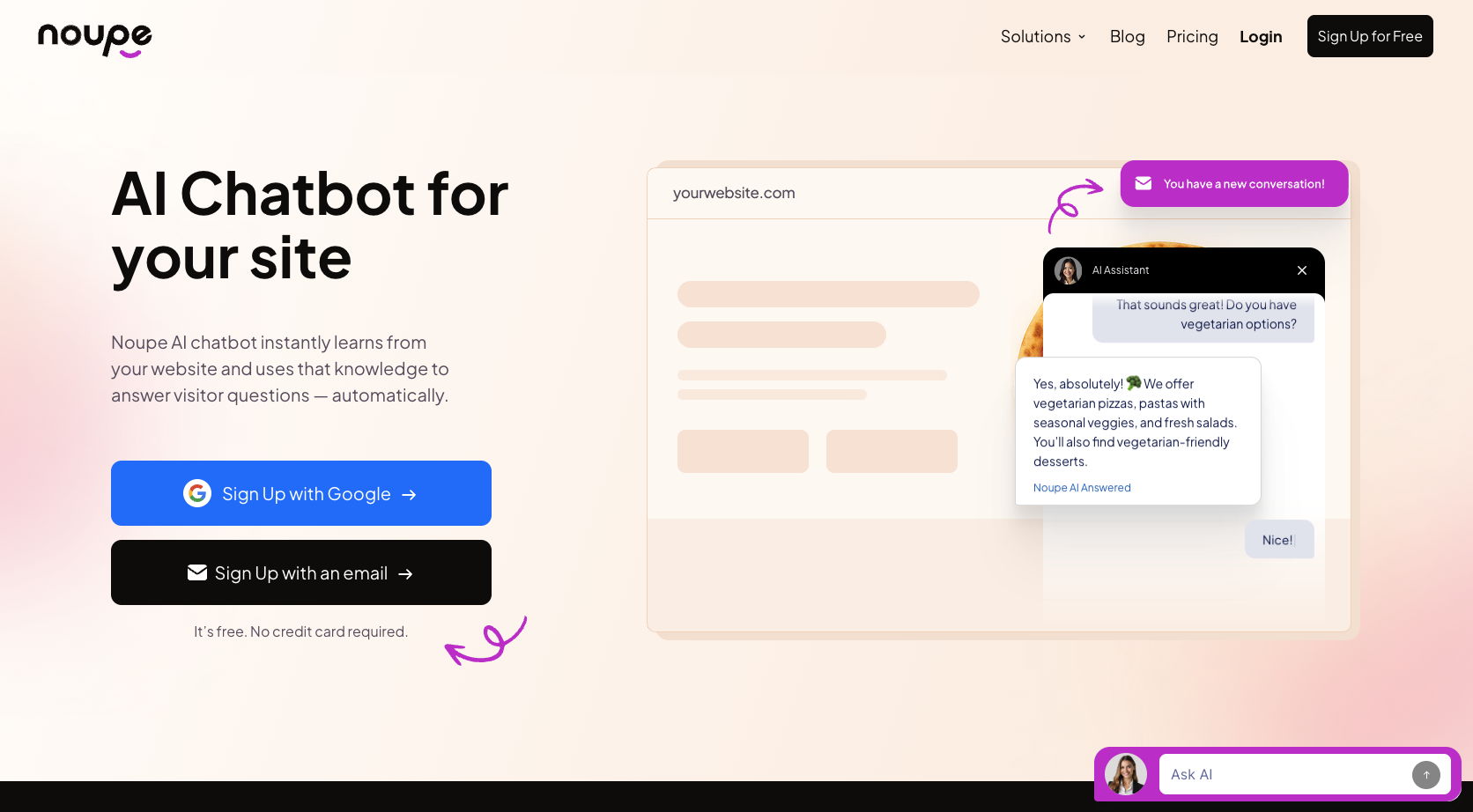
Setup stays lightweight, too. You drop in an embed, adjust the first message, and choose where menus appear. Then you’re live. That matters if you’re trying to create a chatbot without turning it into a project that never quite finishes.
A few details make a difference in practice:
- Custom first messages let you set expectations clearly. People know what the bot can handle and where a human steps in.
- Real-time conversation delivery means you see what users actually click and where they get stuck. That feedback makes chatbot testing much easier because problems show up immediately.
- Multilingual support helps if your traffic isn’t all coming from one place. Noupe detects language automatically, which lines up well with menu-driven flows. Noupe’s guide on building a multilingual chatbot explains why this alone can reduce repeat questions.
Noupe works with your existing menus and keeps them honest. Across all types of chatbots, that boring reliability tends to matter more than people expect once real users show up.
Menu-based chatbots still pay off
A menu-based chatbot isn’t here to impress anyone. It’s here to get the job done. Customers want to get where they’re going fast. Menus do exactly that.
That’s why this approach sticks, even as new types of chatbots cycle in and out. Teams add layers like search functions, knowledge bases, and AI, but the menu stays at the front, catching the bulk of requests before they turn into noise.
If you’re deciding what to build first, remember that starting with a menu-based chatbot keeps scope tight and behavior predictable. That’s a safer place to learn than jumping straight into something that can go off-script.
Look at your support logs, identify what repeats, and solve that first. The boring work is usually the work that pays off most.