Summary
- Zendesk is the structured help desk for teams that need ticket management, SLA tracking, built-in knowledge base tools, and broad omnichannel support.
- LivePerson is the conversational AI platform for enterprises that prioritize high-volume messaging, digital engagement, bot analytics, and customer-facing automation.
- Noupe is the no-code AI chatbot for teams that want fast setup, automatic website training, multilingual support, and 24/7 automated answers without heavy implementation.
Customer service can make or break your business. Customers remember how you treat them, and word gets around. To deliver the right customer service, you need the right tools behind the scenes. Two platforms are known for delivering high-quality, personalized support: Zendesk and LivePerson.
Zendesk has been around since 2007 and has built a reputation as a mature, full-featured help desk and omnichannel support suite. It covers tickets, knowledge bases, live chat, and reporting in one place.
LivePerson uses a messaging-first approach. It leans into conversational AI and real-time digital engagement, maintaining the idea that customers want to message businesses the same way they message friends and family.
Many organizations struggle to choose which approach is right for them because of a singular problem: They need both. They want structured workflows for tracking and resolving issues, but they also want fluid, real-time messaging that customers can use on any channel.
When you compare LivePerson and Zendesk, you’ll realize they don’t overlap much. So which one makes more sense for your team?
The answer depends on many factors, such as your team size, customer base, technical comfort, type of customer service, and functionality needs. We’ll examine the two solutions to determine which can offer you superior value, ease, and innovation.
| Feature | Zendesk | LivePerson |
|---|---|---|
| Best for | Help desk and ticket management | Conversational AI and messaging |
| Primary focus | Customer support operations | Digital customer engagement |
| Ticketing system | Advanced | Limited |
| Knowledge base | Built-in | Requires external solution |
| Live chat | Yes | Yes |
| Messaging channels | Good | Excellent |
| AI capabilities | Agent-assist AI | Customer-facing conversational AI |
| Voice support | Strong | More messaging-focused |
| CRM integrations | Extensive | Good |
| Setup complexity | Moderate | Higher |
Where Zendesk excels
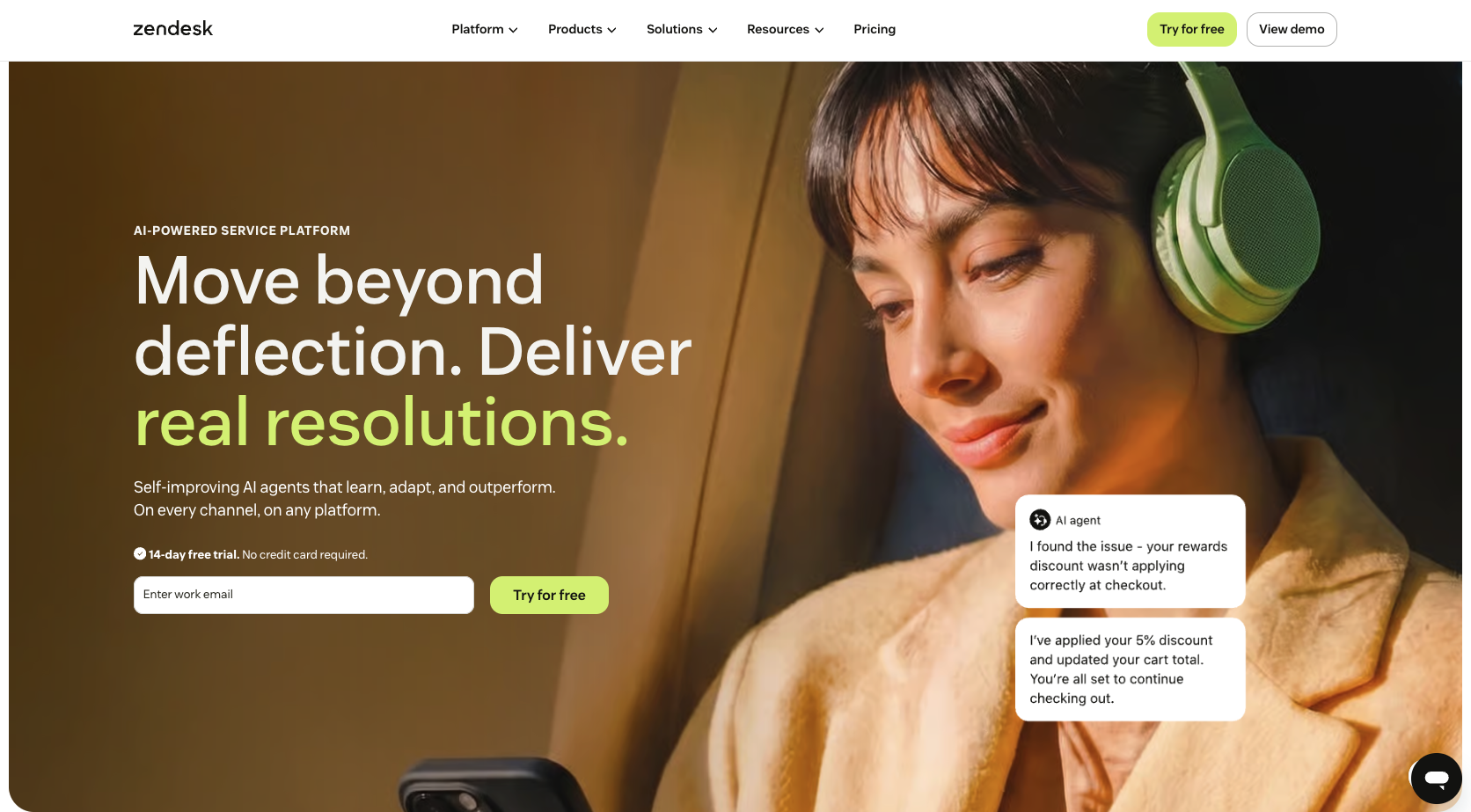
At the top of most help desk shortlists, Zendesk has earned its place because it is relatively quick to deploy compared with enterprise-heavy platforms. New teams can get up and running without months of fiddling with configuration or hiring professional services. Along with its user-friendly interface, Zendesk offers an intuitive ticketing system and self-service tools that customers will find useful.
1. Ticket management
Zendesk’s flagship feature is ticket management. Every customer interaction, whether via email, chat, phone, or social media, can become a support ticket. Zendesk routes the ticket to the appropriate agent, tracks it through resolution, and logs it for reporting. At any given moment, support managers can see at a glance what’s going on with their team.
2. Knowledge base builder
With the platform’s hearty knowledge base builder, you can create help center articles and organize them by topic. Before customers ever open a support request, the AI can give them relevant content, reducing the number of routine inquiries that reach live agents. For teams that handle high volumes, that capability will immediately make Zendesk valuable.
3. Third-party integrations
Zendesk integrates with an impressive array of third-party tools, including Salesforce, which allows sales and support teams to share customer data without bouncing between systems. Zendesk also integrates with Slack, Jira, Shopify, and hundreds of other apps through the Zendesk Marketplace. For most businesses, the tools you already use should connect with little trouble.
4. Cost
This platform can be cost-effective, although some users have expressed concern about price increases and complex pricing tiers. The entry-level plans include enough features to recoup value without immediately upgrading.
Zendesk does have its downsides, including
- Locked features: Some capabilities, including advanced AI features, additional reporting dashboards, and workforce management tools, are available only in higher pricing tiers.
- Spotty issue resolution: Some long-term users have left mixed reviews about (ironically) Zendesk’s customer support quality, particularly when it comes to resolving complex billing or technical issues.
Where LivePerson stands out
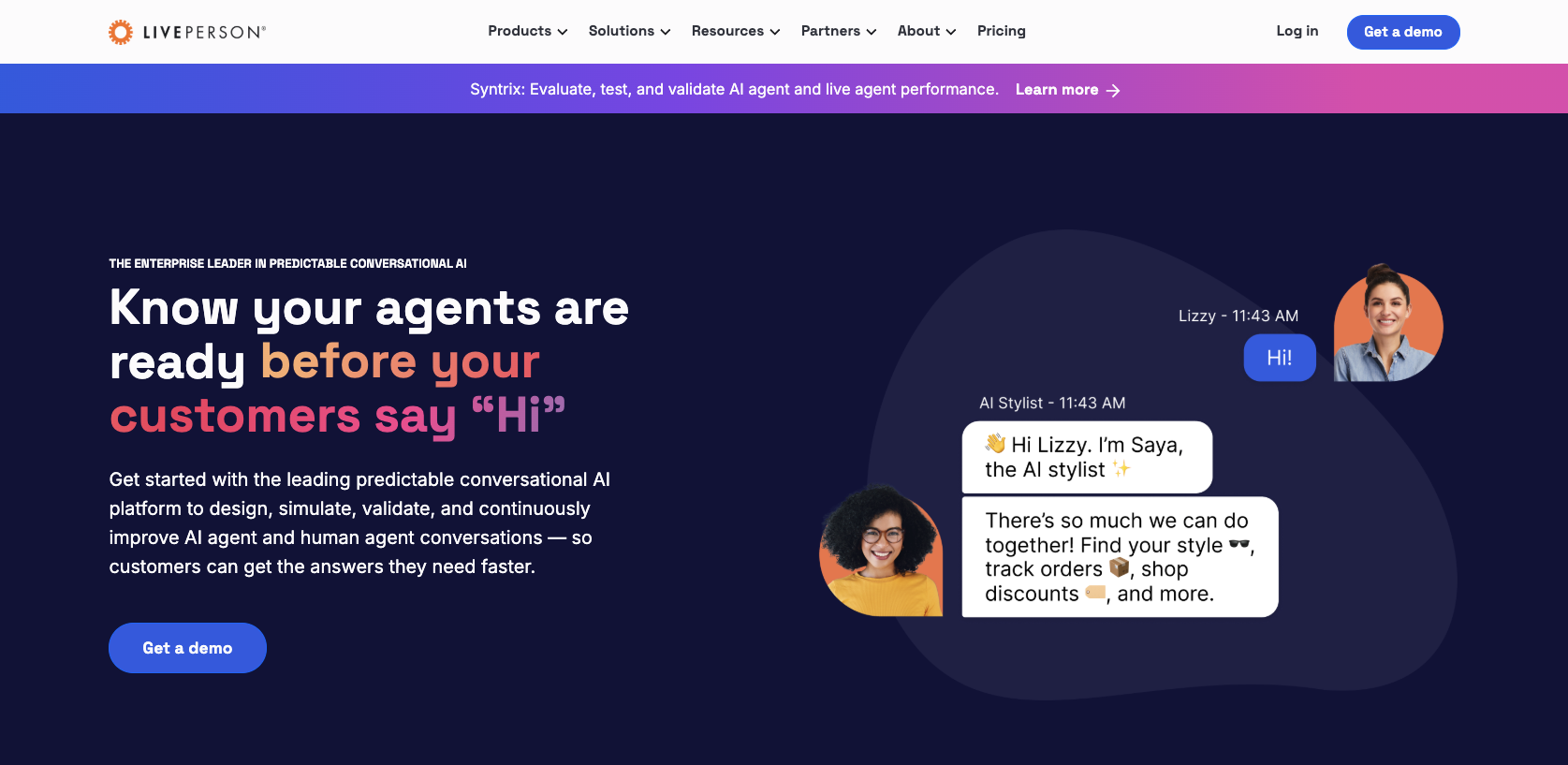
LivePerson comes at customer support from a different angle. Rather than starting with tickets and adding messaging as a feature, LivePerson starts with messaging and builds everything around that. If your customer engagement strategy centers on real-time digital conversations over web chat, SMS, WhatsApp, or Apple Messages for Business, LivePerson might be for you.
1. AI features
The platform offers rich AI capabilities. LivePerson’s conversational AI can handle complex, multi-turn conversations; understand customer intent; answer common queries; and hand off to a human agent when necessary, with full conversation context intact. This intelligent automation is priceless for teams that manage thousands of simultaneous conversations.
2. Analytics
This is another area in which LivePerson stands out. The platform captures detailed data on conversation flows, bot performance, customer satisfaction, and agent efficiency, which you can easily explore to understand the precise point where conversations go wrong (or right).
3. Voice bots
LivePerson also supports voice bots, which push it a step ahead of purely chat-based programs, covering more touchpoints in the customer experience.
Despite its strengths in conversational AI and digital messaging, LivePerson may not be the ideal fit for every organization, especially those looking for predictable pricing or a simpler implementation process. Difficulties you might find with LivePerson include
- Less-than-transparent pricing: Enterprise deals tend to involve custom quotes, which makes it hard to budget without enduring a sales conversation.
- Technical expertise possibly required: Some LivePerson features demand technical know-how to set up and maintain. If you need rapid deployment, you may want to look elsewhere.
Zendesk vs LivePerson: Feature comparison
When examining LivePerson vs Zendesk at the feature level, the differences are obvious. Both handle customer conversations, use AI in some form, and connect with other software, but the way they approach each of these things is very different.
Here’s how the two tools compare in several essential areas.
Self-service and knowledge management
With Zendesk’s well-developed knowledge base tool, you can create, categorize, and publish help content. Its AI can recommend relevant articles to customers mid-ticket, reducing the number of requests that need a human response. The content management function is flexible enough for small FAQ libraries and large enterprise documentation with dozens of categories and subcategories.
As a practical example: A customer emails you, asking how to reset their password. Before the ticket ever reaches an agent, Zendesk’s AI can reply and suggest the relevant help article. If this solves the issue, the ticket closes without ever reaching someone on your team. Self-service successes like this add up when your team handles hundreds of tickets a day.
By comparison, LivePerson’s content management capability is limited. The platform focuses on conversational flows rather than knowledge base articles. If you need a platform that offers a self-service help center alongside a messaging platform, you will either have to look outside LivePerson or build something custom.
Case management and ticket escalation
The obvious advantage in this category goes to Zendesk. Its unified ticket workflows allow agents to manage cases all in one place, from first contact through resolution. Within the same system, you can configure:
- Escalation rules
- Service-Level Agreement (SLA) policies
- Priority levels
- Routing logic
If a ticket remains unresolved beyond a certain threshold, Zendesk can automatically escalate it, assign it, or flag it for a manager’s attention. Any platform not built around ticketing would struggle to provide the same kind of structured oversight.
LivePerson focuses less on case management and more on the messaging interaction itself, so anytime a conversation requires longer-term follow-up or formal case tracking, you would need to export data or switch to a separate system. A disconnect like this can cause delays and friction in workflows that need structured resolution processes. This is especially true in industries such as healthcare or finance, which demand documentation and audit trails.
Live chat and messaging
Both Zendesk and LivePerson offer live chat, but again, they approach it from different directions.
Zendesk provides a multichannel workspace where agents can conduct conversations in a single view, whether they originate in web chat, email, or social media. It is designed for agents who switch among channels frequently and need central conversation management without toggling among tabs or apps.
LivePerson supports asynchronous messaging across major digital channels, so a customer can start a conversation, step away, and pick it back up later without losing context. That model works brilliantly for customers who don’t want to wait on hold or stay glued to a chat window. For example, a customer can send you a question via WhatsApp, go back to work, and receive your agent’s reply an hour later, all in the same thread.
Omnichannel customer support
For teams that handle a significant volume of phone-based support, Zendesk’s broader channel coverage gives it the practical edge. Its omnichannel workspace covers email, chat, phone, and social media. It pulls all conversations into that workspace, so your agents don’t have to log in to separate tools or juggle open tabs to manage different inboxes. A customer can reach out via X (formerly Twitter), follow up by email, and later call in, and an agent handling that account sees all three interactions in the same workspace.
LivePerson deftly manages digital messaging channels, but it has more limited traditional calling capabilities, so consider that factor carefully if your customers still communicate largely by phone.
Integrations and CRM connectivity
Offering a large marketplace with hundreds of prebuilt integrations, Zendesk allows connections to CRM tools, e-commerce platforms, project management software, and communication tools. For most organizations, wiring Zendesk into your existing tech stack is straightforward. One of its strongest integrations is with Salesforce. Your sales and support teams can work with customer data shared between platforms without duplicating records or manually syncing information.
Although LivePerson’s integration catalog covers the major bases, it does not offer the same breadth as Zendesk. If your organization has a complex or unusual tech stack and relies on niche tools, we recommend reviewing LivePerson’s integration capabilities before you commit.
AI and automation features
Zendesk has invested heavily in generative AI for support teams. The platform offers
- AI-assisted replies
- Ticket summarization
- Sentiment detection
- Intelligent routing
An agent working on a complicated complaint can pull up an AI-generated summary of the customer’s history and the details of the current issue before either the agent or the customer types a single word. These features help agents work faster and give managers better oversight of their team’s conversation quality.
LivePerson’s conversational AI is built for messaging at scale. The LivePerson chatbot handles complex bot flows, multi-turn conversations, and intent detection across all of your digital channels. While Zendesk’s AI supports human agents, LivePerson’s AI often works directly with customers by answering questions, providing information, and routing to humans when necessary.. LivePerson’s AI specializes in high volumes of automated conversations.
Workflows, triggers, and analytics
Zendesk’s automation tools have many functions. You can
- Set triggers based on ticket conditions.
- Create time-based automations.
- Build macros for repetitive tasks.
- Configure workflows that progress tickets automatically through stages.
For example, you can configure the system so a ticket tagged “billing” can auto-route to your billing department, trigger a confirmation email to the customer, and set a four-hour SLA, all without human intervention.
The platform’s reporting suite tracks ticket volume, response time, agent performance, and customer satisfaction scores. You can build dashboards and schedule reports so managers have current information without manually pulling data.
Conversely, LivePerson’s automation concentrates on conversational flows rather than ticket-based customer service processes. The platform does have strong messaging analytics, such as bot performance, conversation outcomes, and customer sentiment metrics, but these are less helpful for teams requiring reporting on traditional support operations.
In other words, if you care most about knowing how your bots are performing and where conversations drop off, you’ll find LivePerson’s analytics useful. If you need SLA compliance reports and agent utilization data, however, Zendesk will likely suit you better.
If you haven’t decided what you actually want to measure, neither platform’s analytics will do much for you. Before you evaluate either tool’s reporting features, think through what your key metrics will be, such as
- First response time
- Resolution rate
- Customer satisfaction score
- Deflection rate
- Something else entirely
Once you have determined what you want to track, evaluating both platforms for their reporting features will make more sense.
Best Zendesk and LivePerson alternative: Noupe
If you’re not sold on either Zendesk or LivePerson and you need a lighter, faster option that works alongside your existing tools, it’s worth taking a look at Noupe.
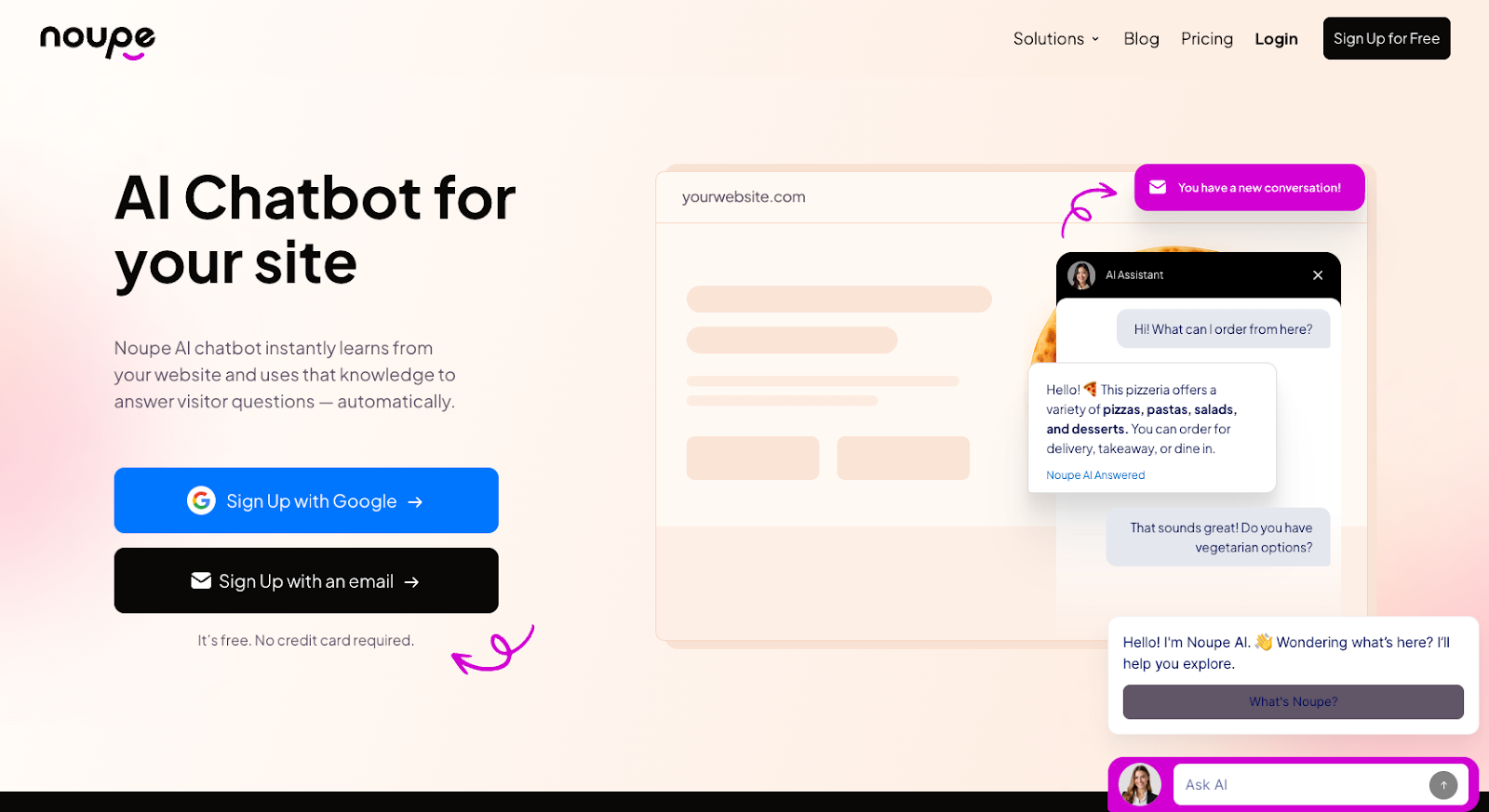
Noupe is an AI-powered chatbot platform designed for businesses seeking quick deployment without time- and effort-intensive configuration. While Zendesk and LivePerson require significant setup time and ongoing management, Noupe is built on the idea that it shouldn’t take weeks to get a chatbot up and running.
Noupe works for small-business sites, nonprofit landing pages, and high-traffic e-commerce platforms. It gives you a smart, round-the-clock assistant that learns from your content and talks to visitors in their own language.
Key features of Noupe
Here are the standout features that make Noupe a compelling choice for automation and customer engagement.
1. Automatic learning from website content
Noupe reads your public web pages and uses the information to build an answer base automatically. There’s no need to load every FAQ and product description into the tool, because it absorbs these from your existing content. Best of all, it understands your website’s context.
This capability saves you setup time and means your chatbot is not working from a generic script that you had to write from scratch.
2. No-code setup
Getting started with Noupe involves copying an embed code and dropping it into your website. That’s the whole setup process.
Teams without a dedicated developer can deploy a functioning chatbot in minutes rather than the weeks it can otherwise take. You don’t have to build an integration pipeline, configure any API keys, or test a staging environment. Once you’ve pasted the code into your website, the chatbot is live.
The low barrier to entry makes Noupe accessible for small businesses and nonprofits that do not have technical staff, a contrast to the setup demands of platforms like LivePerson.
3. Custom knowledge base support
In addition to reading your website, Noupe can train with brand-specific documents you provide, such as Q&A sets, internal guides, and product specs. This gives you more control over the knowledge your chatbot uses and adds depth beyond your publicly available information, which is important in specialized industries or niche services in which rote answers can fall short of meeting the customer’s needs.
For example, a healthcare provider can load condition-specific resources into Noupe, enabling the chatbot to give accurate, relevant responses.
4. Chatbot customization
With Noupe, you can adjust the chatbot’s size, alignment, colors, avatar, and opening messages, so it blends naturally into your site’s aesthetic and brand voice. This makes the chatbot feel more like part of the experience and less like a third-party, standalone tool. If your business has invested in a strong visual identity, having this level of control over your Noupe chatbot is essential.
5. Custom welcome messages
First impressions are important. A greeting that makes sense for your brand sets the tone for the entire conversation and the user experience. Your team can create the exact greeting the chatbot uses when it pops up. Whether your brand voice is formal and professional, casual and friendly, or quirky and irreverent, your chatbot’s greeting can reflect that.
6. Real-time conversation monitoring
Anytime a visitor has a conversation with your chatbot, the system sends it to your inbox in real time. You can monitor what site visitors are asking, note the chatbot’s knowledge gaps, and jump in to escalate support when the conversation calls for a human touch.
Over time, insight into real user conversations will become an invaluable window into where your content, product, website, or brand needs improvement.
7. Multilingual support
Noupe detects each visitor’s language and responds automatically in that language. This reduces an accessibility friction point for companies that serve customers in multiple countries. Visitors don’t have to switch languages or hunt for a localized version of your site, because the chatbot responds in their language.
Zendesk vs LivePerson: Which should you choose?
The best choice for your company depends on your biggest needs, support model, team size, and technical resources, as well as your customers’ expectations. Here’s a simple breakdown of the tools we’ve discussed:
Choose Zendesk if
- You need a full-featured help desk with ticket management and SLA tracking.
- Your team handles support across multiple channels, including email, phone, and social media.
- You need a knowledge base and self-service tools built into the same platform.
- You need broad integrations with tools like Salesforce, Jira, or Shopify.
- You want a faster setup with a lower technical barrier.
- You want the solution with the widest feature selection.
Choose LivePerson if
- Your customer engagement strategy centers on omnichannel messaging (web chat, SMS, WhatsApp, social media).
- You run a large enterprise with high volumes of automated conversations.
- You want enterprise-level conversational AI for customer service with detailed bot performance analytics.
- You have technical resources available to handle a more complex deployment.
- Your operations rely less on traditional ticket-based support and more on real-time digital engagement.
Choose Noupe if
- You want a fast, low-maintenance chatbot that learns from your existing site content.
- Your team does not include dedicated developers or technical staff.
- You serve a global audience and need automatic multilingual support.
- You want a chatbot that looks and feels like a natural part of your brand identity.
- You need real-time visibility into what visitors are asking without building complex dashboards.
One final comparison worth noting is Zendesk vs Freshdesk, which often comes up when people discuss Zendesk alternatives. Freshdesk tends to appeal to teams looking for lower starting costs and simpler pricing structures, while Zendesk still holds the clear advantage in integrations and AI features.
Which customer support platform is right for your business?
The LivePerson vs Zendesk conversation does not have a single answer, because the two platforms are solving somewhat different problems. Zendesk provides features and structure: a place to manage cases, track tickets, create self-service content, and organize case management across multiple channels. LivePerson gives you conversational depth, powerful messaging automation, in-depth analytics, and AI built for high-volume digital engagement.
Many organizations struggle to unify messaging and support into a single workflow. You might love Zendesk’s case management but wish it had LivePerson’s chatbot capabilities, or you might appreciate LivePerson’s messaging infrastructure but also want proper ticketing and SLA tracking. This is why so many teams end up stitching together multiple tools to fill the gaps.
Before you commit to a platform, ask yourself a few honest questions:
- What does your support model look like now, and what do you want it to look like in two years?
- How much of your volume comes through real-time chat vs email and phone?
- Does your team have the technical support to handle a complicated deployment, or do you need something that can go live quickly?
- What are your company’s CRM needs, and how closely does your support data need to connect with sales?
Consider your automation goals as well. To deflect a significant percentage of tickets through AI before they reach an agent, you need a platform with enough AI sophistication to handle customer inquiries capably. If automation is less important to you, a simpler setup might better serve your needs.
For smaller teams or anyone just getting started, Noupe offers an attractive entry point. Noupe provides you with a functioning, intelligent chatbot without the overhead, and it handles the multilingual, brand-consistent, real-time monitoring basics you need right out of the box. As your needs grow, you can layer on more powerful tools.
In the end, the decision comes down to the platform that allows you to provide faster, more helpful, more consistent support for your customers.