
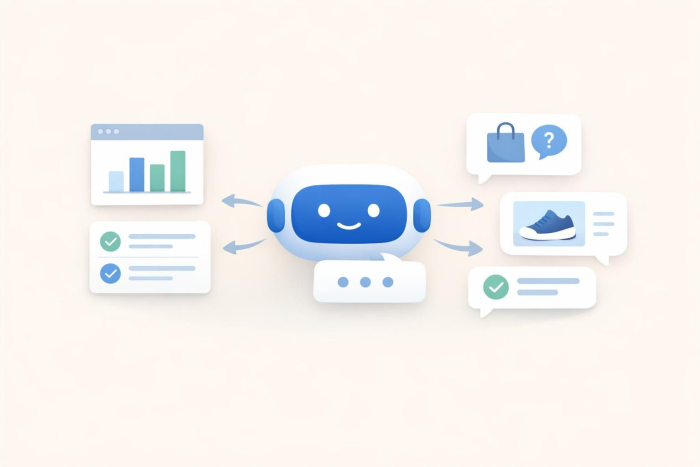
Chatbot automation is the use of chatbots to automatically respond to customer questions, complete routine tasks, and route complex issues to a human.
Chatbot automation isn’t really a new concept for most companies, but it is something leaders are starting to look at more seriously, because customers have run out of patience, and support teams have run out of slack.
Zendesk’s 2026 CX Trends report found that 74% of consumers now expect 24/7 service because of AI, and 88% expect faster replies than they did a year ago. That’s a clear sign customers are telling you the old, human-only strategy is outdated.
Grand View Research puts the chatbot market at $9.56 billion in 2025 and expects it to hit $41.24 billion by 2033. That’s not evidence that “everyone loves bots” but it does show that companies are recognizing they can’t keep throwing repeat questions and busywork at people forever.
Chatbot automation gives companies an intuitive way to reduce the pressure on their human teams, minimize costs, and improve customer satisfaction rates at the same time. The case studies prove it. For instance, Klarna’s assistant handled 2.3 million conversations in its first month, covered two-thirds of customer service chats, worked across 23 markets and 35+ languages, and cut resolution time from 11 minutes to under two.
That points to a more realistic future for customer service automation. Not a world where bots take over every conversation, but one where they handle repeat work cleanly and give people more useful context when they step in.
What is chatbot automation?
Chatbot automation gives a customer message somewhere to go.
The bot checks the source it’s allowed to trust, chooses the next sensible move, and keeps the thread intact if a human needs to step in.
That’s miles away from the old menu bots people clicked through with clenched teeth. Those scripted tools still earn their place with basic FAQs, opening hours, and simple routing. They just weren’t built for the way people actually ask for help. Nobody types like a flowchart when they’re annoyed.
A modern AI-powered chatbot can do a lot more. They’re not stuck following scripted paths. They can adapt. Conversational AI handles the weird human wording. Chatbot workflows decide where the exchange goes next. Chatbot integrations connect the bot to CRMs, help desks, calendars, inboxes, and order systems, so it can pass over the right details instead of dumping half a problem on the next person.
For businesses, the appeal is pretty plain: fewer late-night dead ends, fewer copy-paste answers, and a support queue that doesn’t fall apart the minute traffic jumps.
How does chatbot automation work?
Chatbot automation turns a customer message into a task. It checks the right source, takes the next safe step, or sends the case to a person with the context still attached.
Take “I paid twice and nobody’s replied.” A weak bot sees “paid” and throws back a billing FAQ. A useful AI chatbot for customer service treats it as a billing-risk case.
It asks for the email or order number, checks the payment or ticket system if it has access, pulls the refund policy, and sends the whole thread to support if money has to move. An older bot just talks. A more advanced one reduces the amount of work a human has to rebuild later.
The machinery behind it is simple enough. Conversational AI identifies intent. The bot extracts details like order IDs, dates, products, emails, or issue type. A chatbot workflow decides the next safe step. Chatbot integration connects the bot to the CRM, help desk, calendar, inbox, or order tool. The value comes when the bot reaches a “first meaningful action,” not when it produces a polished answer.
The answer source is the pressure point. If a bot learns from old FAQs, it becomes an error machine with confidence. If it reads from current pages, help docs, and approved knowledge bases, the AI-powered chatbot has somewhere solid to stand.
5 real benefits of chatbot automation
The biggest benefits of chatbot automation are easy to spot once you look at the work agents repeat all day. Automation can support:
- 24/7 service: Customers still need answers after your team logs off. If someone gets stuck on a refund page at 11:42 p.m., a strong AI chatbot can answer the simple stuff, collect the right details, and stop the request from going cold overnight.
- Lower support costs: The savings come from taking low-value tasks off agents’ plates, like password resets, order checks, billing status, appointment changes, and policy lookups.
- More reliable answers: A good AI-powered chatbot pulls from trusted pages, FAQs, help docs, and policies. That’s why website-trained bots like Noupe’s make sense.
- Better support for multilingual visitors: If your site gets international traffic, a multilingual chatbot can answer visitors in their own language without forcing every question into an English-only queue.
- Customer insight you can actually use: Every bot conversation is a tiny audit of your website. What couldn’t people find? Which policy confused them? What question keeps coming up before someone buys? Pair conversational AI with AI chatbot analytics and the bot becomes a running list of what your customers are trying to tell you.
Top 6 AI chatbot automation tools
The best chatbot automation tools really depend on what you’re looking for. Some need chatbots to help streamline customer support, others are looking for bots that help with internal issues, or sales workflows. Here are some options worth considering.
1. Noupe
Best for: Website-first businesses that want a fast AI-powered chatbot trained on their own content
Developer: Noupe
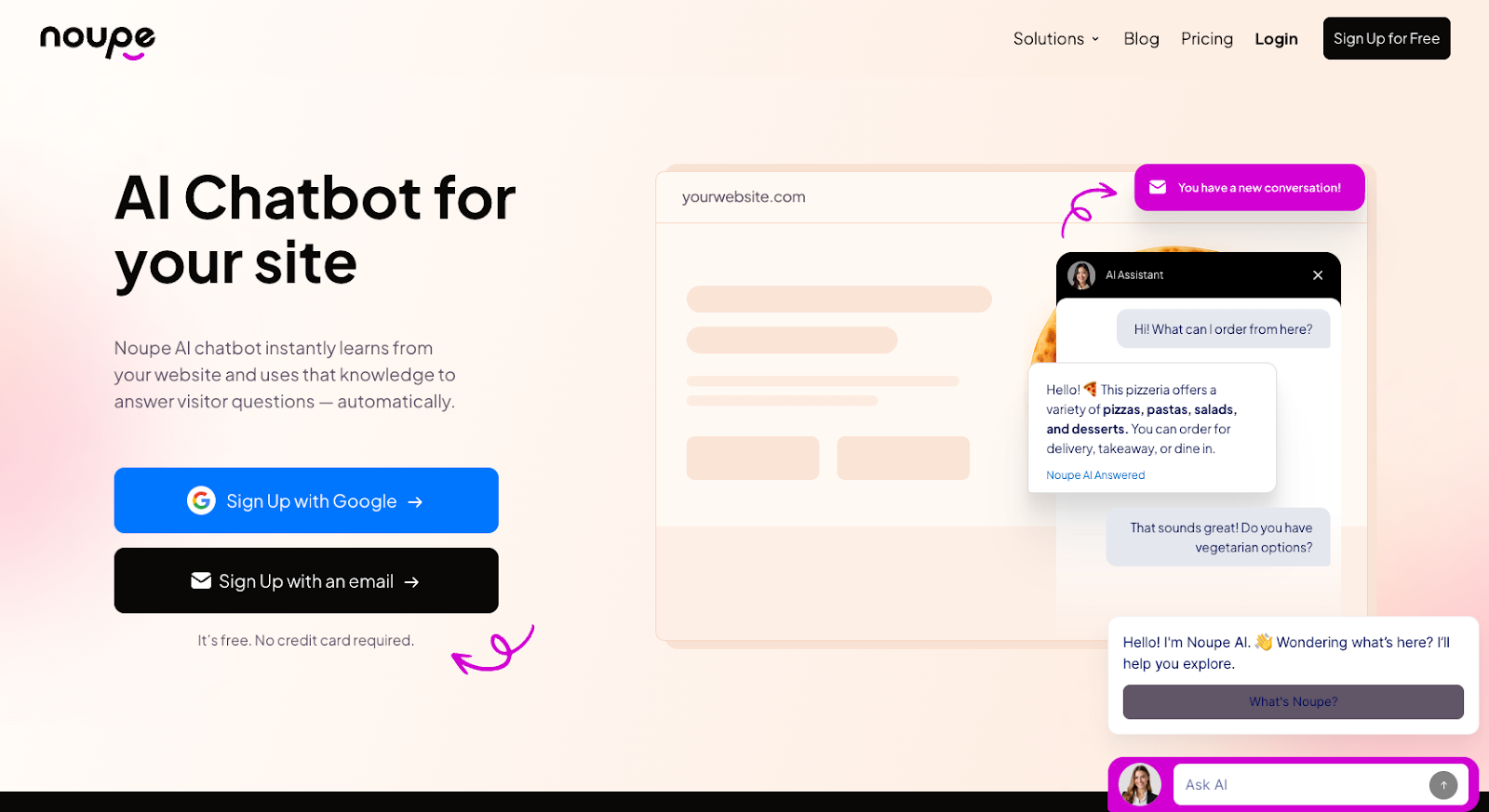
Noupe is the tool I’d put first for website-led chatbot automation because it solves the most annoying early problem: getting the bot to answer from the same content customers already read. It’s easy to use with a no-code setup, cost-effective (with a free plan), and customizable enough that companies can ensure their bot actually sounds like it belongs to their brand.
Key features:
- Learns automatically from public website content
- No-code setup with an embed code
- Custom knowledge base support
- Custom documents and Q&A training
- Custom colors, avatar, widget size, alignment, and first message
- Real-time conversation delivery to your inbox
- Automatic language detection and multilingual replies
Pros:
- Very quick to launch
- Good fit for non-technical teams
- Strong choice when your website is already the source of truth
- Useful for FAQs, product questions, service pages, and lead capture
- Multilingual support without building separate flows for every language
- Real-time inbox delivery helps teams spot weak pages and repeated questions fast
Cons:
- Lighter on deep enterprise reporting than platforms like Zendesk
- Works best when your website content is clear and current
Plans/Pricing:
Noupe offers a free plan with 100 monthly conversations. Basic starts at $20/month, or $8/month on annual billing, with 1,000 monthly conversations. Pro starts at $40/month, or $16/month annually, with 7,500 monthly conversations.
2. Zendesk AI Agents
Best for: Support teams already using Zendesk or handling serious ticket volume
Developer: Zendesk
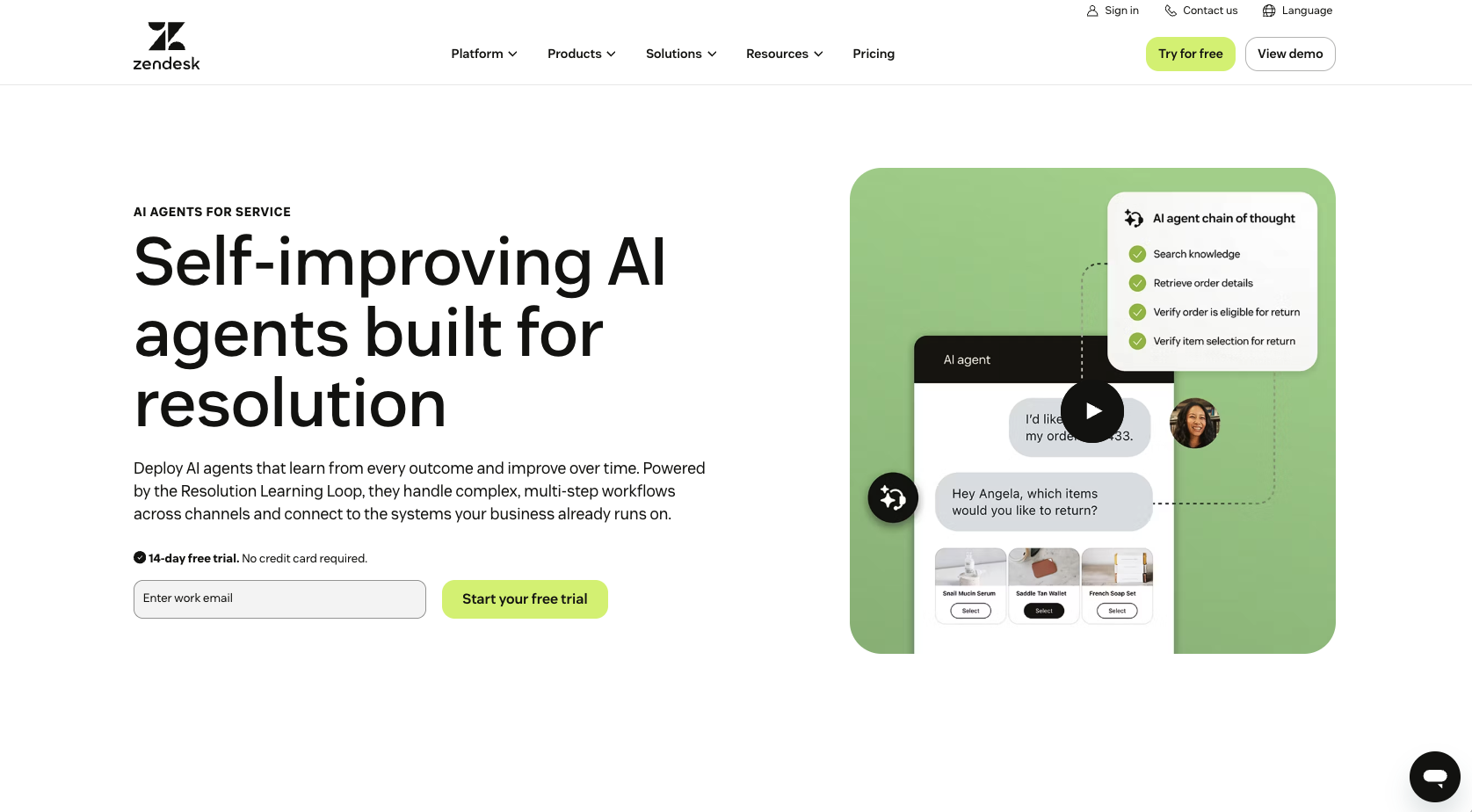
Zendesk fits companies where support already has a lot of moving parts: tickets, SLAs, routing rules, help-center articles, reports, supervisors, and agent teams. Its AI chatbot features make the most sense when the bot needs to work inside that whole service setup, rather than sit on a website answering questions from a handful of pages.
Key features:
- AI Agents included in Suite plans
- Ticketing, messaging, live chat, telephony, and routing
- Knowledge base support
- Action Builder for support workflows
- Omnichannel routing
- Reporting dashboards
- Copilot add-on for agent assistance
- Automated resolution pricing model for AI agent usage
Pros:
- Strong fit for high-volume support teams
- Good handoff between bot and human agent
- Works well when your help center already lives in Zendesk
- Built for ticket context, routing, and reporting
- Better fit than lighter tools for complex customer service automation
Cons:
- Seat-based costs climb fast
- Add-ons can make pricing harder to predict
- Setup needs more planning than a website-first tool
Plans/Pricing:
Zendesk lists Support Team at $19 per agent/month paid yearly. Suite Team is $55 per agent/month paid yearly and includes AI Agents, Knowledge Base, Action Builder, omnichannel routing, messaging, live chat, and telephony. Suite Professional is $115 per agent/month paid yearly. Copilot is listed as a $50 per agent/month add-on. Zendesk also bills AI agents based on successful automated resolutions.
3. Intercom Fin
Best for: SaaS companies and product-led teams with strong help content
Developer: Intercom
Intercom Fin is strongest when support happens inside the product experience. It’s a good fit for SaaS teams that already have a public help center, in-app messaging, and clean product documentation. If the docs are weak, Fin will expose that fast.
Key features:
- Fin AI Agent for service, sales, and ecommerce
- Messenger, shared inbox, and ticketing
- Public help center
- Workflow automation builder on higher plans
- Multilingual help center on higher plans
- Can work with existing help desks
- Customizable tone and answer length
- Can take action in external systems
- Hands off to agents in the preferred inbox
Pros:
- Strong for SaaS and in-app support
- Useful when customers need product guidance while using the product
- Outcome-based pricing ties cost to resolved conversations
- Can work with Intercom or some existing help desks
- Good fit for mature support content
Cons:
- Costs can rise with support volume
- Needs clean help docs to work well
- Less appealing for simple website FAQ use
- Wider Intercom platform costs can add up
Plans/Pricing:
Intercom lists Essential plans starting from $29 per seat/month, Advanced from $85 per seat/month, and Expert from $132 per seat/month. Fin is priced from $0.99 per outcome. Intercom also offers Fin with existing help desks, with no seats required, starting at $0.99 per outcome and a minimum monthly commitment.
4. Chatbase
Best for: Simple knowledge-base bots and fast content-trained website chatbots
Developer: Chatbase
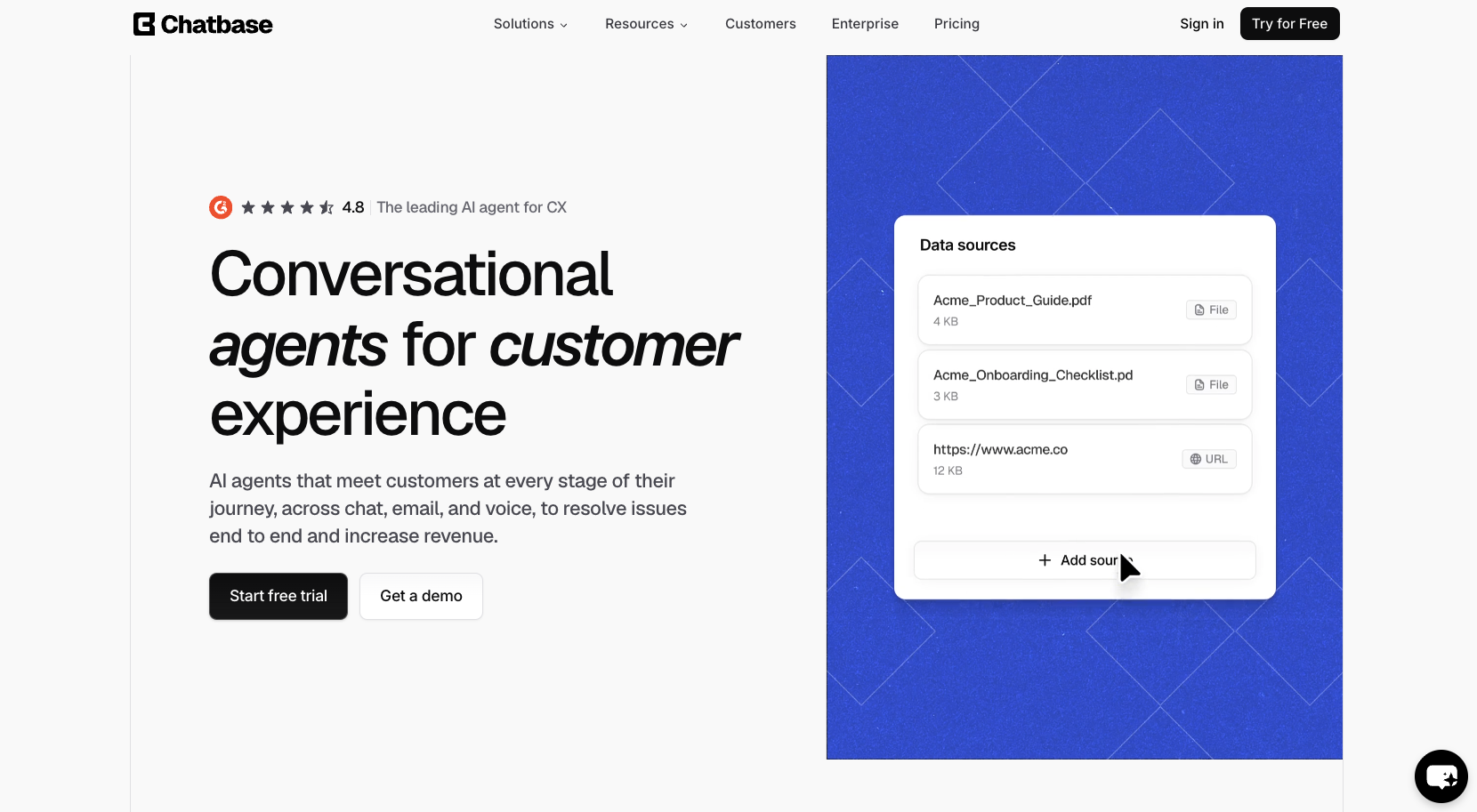
Chatbase is worth comparing when the job is straightforward: train a bot on content, add it to a site, and answer visitor questions without a long build. It’s closer to the “get a trained bot live quickly” category than the “run an enterprise support operation” category.
Key features:
- Train bots on URLs, files, text, and FAQs
- Website embedding
- Chat widget customization
- Message credits
- AI Actions on paid plans
- Integrations on paid plans
- Basic analytics on Hobby
- Help desk, voice, telephony, API access, and advanced integrations on higher plans
Pros:
- Simple to understand
- Good for basic website Q&A
- Useful for document-based support
- Faster to set up than complex bot builders
- Better fit for lean teams than heavy support suites
Cons:
- Less workflow depth than Botpress
- Less support-operation depth than Zendesk
- Free plan is limited
- Quality depends heavily on the content you upload or connect
Plans/Pricing:
Chatbase has a free plan with 50 message credits per month and 400 KB per AI agent. Hobby is listed at $32/month when billed annually. Standard is listed at $120/month when billed annually. Pro is listed at $400/month when billed annually.
5. Botpress
Best for: Technical teams that need custom bot logic, controlled actions, and deeper workflow rules
Developer: Botpress
Botpress is the builder I’d put in front of teams that want to design a more custom chatbot workflow. It’s powerful, but that also means it asks for more patience. If the goal is a fast FAQ bot, it’s probably too much. If the goal is a custom AI agent with specific paths, data, and handoffs, it makes more sense.
Key features:
- Visual drag-and-drop builder
- AI agent building tools
- Human handoff on paid plans
- Conversation history
- Conversation insights
- Webchat widget customization
- Knowledge base indexing
- Add-ons for messages, bots, storage, seats, and other limits
- Spending caps for AI usage
Pros:
- Good for custom workflows
- More control than basic website chatbot tools
- Useful for technical teams
- Stronger fit when chatbot integration matters
- Free entry point for testing
Cons:
- More setup work than lightweight tools
- AI spend needs watching
- Not ideal for non-technical teams that want a bot live in one afternoon
Plans/Pricing:
Botpress has a Pay-as-you-go plan at $0/month plus AI spend. Plus is listed at $79/month billed annually, or $89/month, plus AI spend. Team is listed at $495/month. Managed is listed at $1,245/month. Enterprise is custom. Botpress also lists included limits for messages, bots, seats, storage, and AI spend caps.
6. Manychat
Best for: Social messaging automation on Instagram, Messenger, and WhatsApp
Developer: Manychat
Manychat sits in a different lane. It’s not the first pick for website-led chatbot automation, but it’s a strong option for social-first businesses that live in DMs. Think creators, ecommerce brands, coaches, and teams running Instagram or Messenger campaigns.
Key features:
- Instagram, Messenger, WhatsApp, SMS, and email automation
- Visual flow builder
- Shared inbox
- Contact management
- Broadcast and follow-up tools
- Ecommerce and payment-related options
- AI features on paid plans
- No Manychat branding on paid plans
Pros:
- Strong for social commerce
- Good fit for Instagram and Messenger automation
- Easy visual builder
- Useful for lead capture from DMs
- Works well when social channels drive sales or bookings
Cons:
- Not the best fit for website-first support
- Less useful for knowledge-heavy website Q&A
- Pricing depends on contacts, channels, and add-ons
Plans/Pricing:
Manychat offers free and paid plans, with pricing shaped by plan type and contact volume. The paid plans start at around $14 per month.
Looking for a chatbot that better fits your channels, budget, or automation needs? Explore the best ManyChat alternatives to compare your options.
How to implement chatbot automation in your business
Infusing chatbot automation into your business doesn’t have to be complicated. You start with one specific use case, find a development platform that fits the situation, customize, test, and commit to continuous improvement.
1. Choose a platform based on the job
The best first use cases for chatbot automation are usually the dull ones your team answers on repeat: order status, pricing questions, appointment booking, password resets, product FAQs, returns, and lead qualification.
Once you know which headache you’re trying to remove, pick the platform around that job. If most answers already live on your website, Noupe is a practical fit. It learns from public site content, supports custom documents and Q&A training, and installs with an embed code. That helps when you want a fast AI-powered chatbot without turning a small support fix into a developer ticket.
2. Build the conversation flow around real questions
Use the wording customers already use. Pull 50 to 100 tickets, contact forms, chat logs, and sales questions. Look for phrases like “charged twice,” “still waiting,” “can’t log in,” “where’s my refund,” and “do you ship here?”
That language should shape the chatbot workflow. A clean FAQ question like “What is your refund policy?” is fine for a help page. A customer usually writes something messier.
Map each path:
- What did the visitor ask?
- What detail does the bot need?
- Which page or document should answer it?
- What happens if the bot is unsure?
- When does a human take over?
3. Clean the knowledge before training the bot
A bot trained on weak pages becomes a fast source of bad answers. Check pricing pages, service descriptions, return rules, shipping terms, product details, booking rules, and FAQs before connecting them.
Noupe’s website-learning approach helps here. If your site is clear, the bot starts with useful material. If your site is vague, the bot will expose it quickly. Add custom knowledge for policies, niche products, and answers that don’t belong on public pages.
4. Set the first message and the escape route
The first message should tell people what the bot can do.
For example: “I can answer questions from our site and send your message to the team if I can’t help.”
Noupe lets teams customize the first message, colors, avatar, widget size, and alignment, which helps the bot feel like part of the site. Still, design is secondary. The bigger win is expectation-setting. People forgive a limited bot faster than a fake human.
Also, it’s worth building the handoff before launch. Escalate billing disputes, refund anger, cancellations, repeated failed answers, legal or medical questions, and anything involving sensitive personal data to humans, with context.
5. Test the ugly versions of every question
Good conversational AI has to survive bad typing, vague complaints, mixed topics, and annoyed customers. Use testing tools to experiment with lines like:
- “Still nothing.”
- “It took my money twice.”
- “I need a person.”
- “This is wrong.”
- “Can I change the appointment?”
- “Do you speak Spanish?”
Watch whether the bot answers from the right source, asks a sensible follow-up, or hands off cleanly.
6. Launch small, then read the transcripts
Start with one product line, one page, or one support category. Track resolution rate, repeat contact, unanswered questions, escalations, lead quality, and human effort after handoff.
Dashboards give you numbers. Transcripts show the damage. Noupe’s real-time conversation delivery helps because visitor questions land in the inbox while the pattern is still fresh. If five people ask the same thing in one afternoon, that’s not only a bot issue. That’s a page that needs fixing.
7 chatbot automation mistakes to avoid
Chatbot automation gets risky when companies care more about hiding tickets than solving them. A trapped customer isn’t a saved ticket. It’s a complaint with better screenshots. Avoid common mistakes like:
- Trying to automate half the business at once. Start with one job: refund status, delivery questions, appointment booking, lead qualification, or troubleshooting. If the first chatbot workflow tries to cover half the business, nobody knows what broke when customers get stuck.
- Treating data access like an afterthought. Don’t collect birthdays, addresses, payment details, medical information, or order data unless the workflow truly needs them. Mask sensitive fields where possible, check transcript access, and set retention rules. Data safety feels dull until the first privacy complaint lands.
- Connecting tools without checking the handoff. Chatbot integration can create extra work if the bot drops the email, duplicates a ticket, misses the order ID, or sends sales a half-built lead. Test the fields before launch, including name, email, issue type, transcript, source page, priority, and owner.
- Giving the bot too much freedom too early. Letting an AI chatbot read order status is low risk. Letting it approve refunds, cancel subscriptions, change account data, or apply discounts needs approval rules and logs.
- Making escalation hard. Don’t hide “talk to a person” behind five failed answers. Escalate billing disputes, refund anger, cancellation threats, legal or medical questions, repeated failed replies, and anything involving sensitive personal data. When the handoff happens, pass the transcript, order number, failed answer, sentiment, and page source.
- Measuring deflection instead of help. A bot can make a ticket disappear and still fail the customer. Track resolved conversations, repeat contact, escalation quality, CSAT after bot use, unanswered questions, and time to resolution.
- Letting the bot drift after launch. Prices change. Products change. Policies change. The bot won’t know unless the source changes too. Website-trained tools like Noupe help because the bot starts from public site content, while custom knowledge and inbox delivery give teams a way to catch odd answers before they become a pattern.
The future of chatbot automation: What comes next?
Chatbot automation is moving from “answer the question” to “finish the safe part of the job.”
The next useful AI chatbot won’t stop at “Yes, we ship to Canada.” It’ll check the product, read the delivery rules, spot the customs caveat, show the right page, and ask whether the customer wants the transcript sent to support. That’s where future of AI chatbots is going.
AI chatbots are also heading toward broader channel coverage, more natural bot behavior, and tighter links with the systems teams already use. That part sounds promising. The risk is companies skipping the plumbing and buying the shiny label first.
Gartner predicts over 40% of agentic AI projects could be canceled by the end of 2027 because of rising costs, unclear value, or weak risk controls. That’s the warning sign. The bot that answers a shipping question is one thing. The bot that touches refunds, account data, or CRM records needs cleaner rules.
For website-first teams, the safer starting point is grounded answers, custom knowledge, multilingual replies, inbox visibility, and human review that’s easy to trigger. That’s where Noupe fits well.
Unlock the full value of chatbot automation
The companies getting value from chatbot automation aren’t asking a bot to “handle support.” They’re asking it to answer delivery questions, qualify leads, explain pricing, route billing problems, collect order details, or point people to the right page before a human gets dragged in.
That’s the difference.
A useful AI chatbot has clean source material, a narrow chatbot workflow, and a human exit that doesn’t feel hidden behind a locked door. It uses conversational AI to understand messy questions, but it doesn’t confuse fluency with accuracy. It knows when to answer, when to ask one more question, and when to stop.
For a lot of businesses, especially website-first teams, the starting point doesn’t need to be massive. A tool like Noupe makes sense because it works from public site content, supports custom knowledge, handles multilingual replies, and sends conversations to the inbox so someone can see what visitors are asking. That’s the simpler way to get real value from chatbot automation.
Want to try it out for yourself? Start with a free Noupe account today.