- Noupe is the website-first AI support tool for small teams that want a simple, multilingual chatbot trained on their own content.
- Tidio is the ecommerce chat platform for small to mid-sized stores that need live chat, AI support, ticketing, and Shopify order management.
- LiveAgent is the affordable help desk platform for teams that want live chat, ticketing, phone support, and automation in one place.
- Crisp is the multichannel shared inbox for teams that want website chat, CRM, AI, and collaboration under workspace-based pricing.
- Freshchat is the customer messaging platform for teams using Freshworks that need live chat, social messaging, AI, and connections to their existing tools.
- Intercom is the AI customer communication platform for SaaS and product-led teams that need in-app support, onboarding, workflows, and human handoffs.
- Zendesk is the enterprise support platform for larger teams that need advanced ticketing, omnichannel routing, reporting, AI, and phone support.
- tawk.to is the free live chat solution for budget-conscious businesses that want unlimited agents, visitor monitoring, ticketing, and optional paid AI.
- Help Scout is the shared inbox solution for email-first teams that want live chat, self-service content, AI answers, and simple collaboration tools.
- Re:amaze is the ecommerce support platform for online stores that need order-aware bots, live chat, social messaging, and multi-brand support.
Anyone looking for a LiveChat alternative obviously has a solid reason. It’s a good platform, with a 4.5 rating on G2, and plenty of customers praising it for its easy setup and strong integrations.
The problem is, when your business starts scaling, LiveChat’s limitations get harder to overlook. It’s far from a comprehensive omnichannel chatbot solution, for instance, and the bots themselves have trouble remembering context if a customer goes away and comes back later.
The reporting tools are basic, the mobile app can lag, and connecting the system to your CRM, and even testing the chatbot can be tricky. Then there’s the pricing, which can scale up incredibly quickly when you’re handling more than a few daily conversations.
So if you think you’ve hit your limit with what LiveChat can actually do for your team, here are some of the better options competing for the title of “best live chat software” I’ve tried.
TL;DR: A quick comparison of the LiveChat alternatives
Since the Chatbot market is already massive (worth about $11.8 billion as of 2026), and still growing, there are quite a few LiveChat alternatives worth mentioning.
I’ve narrowed this list down based on the kind of things companies might be looking for if they’ve decided to upgrade their customer support chat tools. That meant considering things like more advanced AI, better reports and analytics, stronger customization, sales and ecommerce tools, and better omnichannel support.
Still, though, I wanted to make sure most of these options were still as easy to use as LiveChat, as nobody wants to switch to a competitor that makes their team’s lives, or their customer’s lives harder.
Here’s the shortlist:
| Tool Name | Best for | Key Features | Pricing |
|---|---|---|---|
| Noupe | Website-first teams that want fewer repeat questions hitting the inbox | Website learning, no-code setup, custom knowledge, multilingual replies, inbox delivery | Free plan with 100 monthly conversations. Basic plan starts at $20/month. |
| Tidio | Ecommerce teams that want live chat, AI, and ticketing together | Lyro AI, live chat, ticketing, live typing preview, visitor tracking, Shopify support | Free plan available. Starter plan starts at $24.17/month. |
| LiveAgent | Teams that want affordable help desk chat solutions | Live chat, ticketing, knowledge base, customer portal, automation rules, AI Answer Assistant, AI Chatbot | Small Business plan starts at $15/agent/month. |
| Crisp | Teams that want shared inbox, website chat, and flat workspace pricing | Website chat, shared inbox, CRM, knowledge base, workflow builder, AI chatbot | Free plan available. Mini plan starts at $45/month. |
| Freshchat | Teams already using or considering Freshworks | Website live chat, team inbox, email, WhatsApp, Messenger, routing, Freddy AI trial sessions | Free for up to 10 agents. Growth plan starts at $19/agent/month. |
| Intercom | SaaS and product-led teams ready to pay for stronger AI support | Fin AI Agent, Messenger, shared inbox, ticketing, help center, workflows, handoff | Essential plan starts at $29/seat/month. |
| Zendesk | Larger support teams that need routing, reporting, AI, and phone support | AI Agents, messaging, live chat, knowledge base, Action Builder, telephony, skills-based routing | Suite Team plan starts at $55/agent/month. |
| tawk.to | Businesses that want free live chat | Live chat, ticketing, CRM, knowledge base, visitor monitoring, hired agents, paid AI Assist | Core software is free. Hired agents start at $1/hour. |
| Help Scout | Email-first teams that want chat without a heavy ticketing feel | Shared inbox, Beacon live chat, help center, workflows, AI Answers, AI spending caps | Free plan available. Standard plan starts at $25/user/month. |
| Re:amaze | Ecommerce teams that need live chat, order bots, social channels, and multi-brand support | Live chat, email inboxes, social channels, FAQ, Welcome Bot, Order Bot, AI Agent, multi-brand tools | Basic plan starts at $29/team member/month. |
Top 10 LiveChat alternatives I recommend
I think a good place to start your search, if you’re looking for a LiveChat alternative, is to worry less about picking the one that feels the “closest” to LiveChat. You’re not asking “what is a chatbot” at this point.
Chances are you’ve been experimenting with the benefits of chatbots for a while, and now you have a clearer idea of what you really need.
You might be looking for a system that gives you more control over flexible AI agents, or something that’s more efficient at helping with ecommerce questions. Or you might want a tool that answers the questions your customers should be able to answer themselves on your website, quickly, easily, and in the language that customer actually speaks.
1. Noupe
Best for: Website-first teams that need simple setup and consistent context
Developer: Noupe
Noupe is honestly the best LiveChat alternative if you’re looking for something that can quickly and easily take extra support work off your team’s plate. You can create a chatbot using custom knowledge, and the bot can also read public information straight from your website. Plus, it updates its knowledgebase when you update that content, so nothing goes stale.
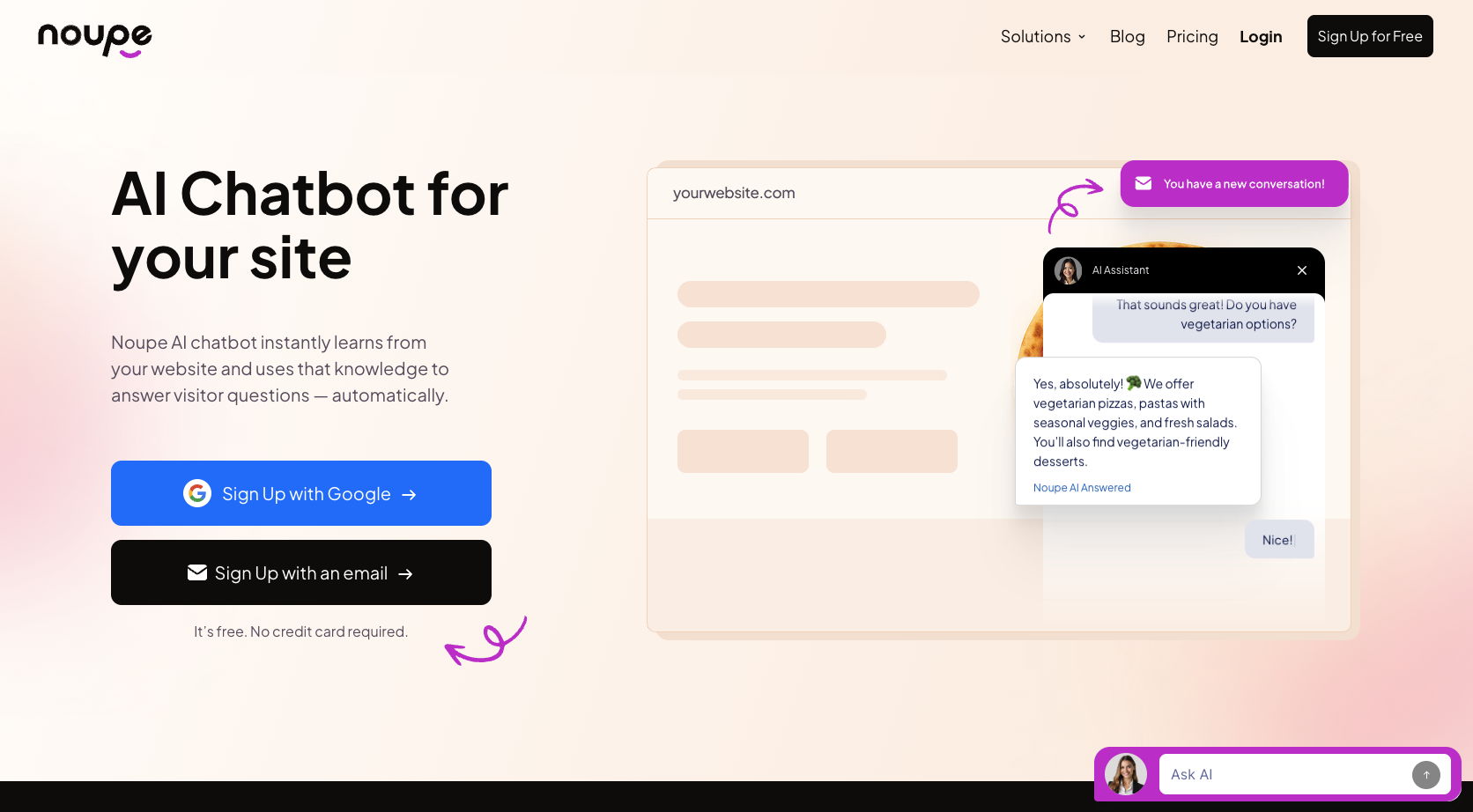
The system is incredibly straightforward, with no coding necessary, but you still have the freedom to customize everything from the look of your chatbot widget, to the first messages the bot sends. Plus, every conversation your bot has gets delivered to your inbox so you can follow-up with context.
On top of that, the system automatically detects the language your customer is using and responds in kind, so it’s great for a global audience.
Key Features:
- Automatically learns from website content
- No code setup, with a single embed code for publishing
- Custom knowledgebase support
- Plenty of customization options
- Real-time conversation to inbox delivery
- Multilingual responses
Pros:
- Fast, affordable, and easy to launch
- Ideal for making your content stretch further
- True multilingual expertise
- Works with virtually any website
- Easy to test and train
Cons:
- Not the best reporting tools
- Misses some omnichannel capabilities
Pricing: The free plan gives you 100 conversations per month. Basic plans start at $20 for 1000 conversations, or $40 for 7,500 conversations.
2. Tidio
Best for: Small to mid-sized ecommerce teams that want chat support software with live chat, AI, and ticketing included.
Developer: Tidio
Tidio is one of those chatbot development platforms everyone knows about at this point. It’s great for smaller or mid-sized businesses in the e-commerce industry, and it lets you maintain a good balance between automated chat support, and human conversations.
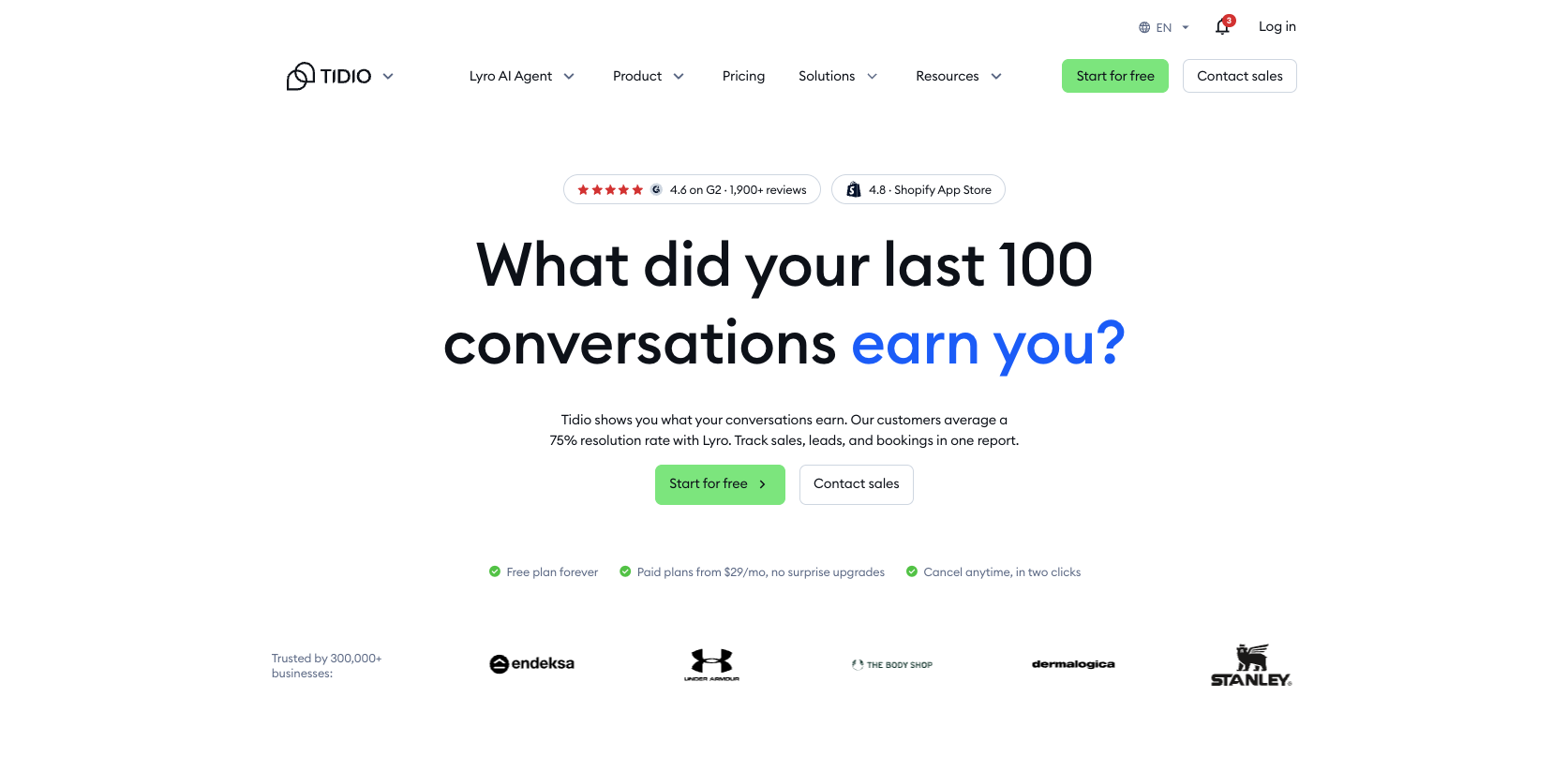
As LiveChat alternatives go, this one gives some of the best support to human agents too, with canned responses, transcripts, and conversation tags included. There are tools for tracking visitors, and collecting other customer data and opt-ions for campaigns. You can also manage Shopify orders without leaving a shared inbox.
Tidio supports multiple languages, and you can customize the widget with your own pricing. I also like the live typing preview, which gives you an idea of what customers are about to say, so you have a head-start on any objections or complaints.
Key Features:
- Live chat and AI chat in one
- Ticketing support
- Canned responses, tags and transcripts
- Visitor tracking
- Live typing preview
- Shopify support
- Social messaging
Pros:
- Ideal for ecommerce with the Shopify integration
- Plenty of customization options
- Generous free plan for beginners
- Easy setup for smaller teams
- Useful for most chatbot use cases
Cons:
- Advanced features are locked behind expensive plans
- Basic analytics only
- Restricted integrations
Pricing: There’s a free plan available, then the Lyro AI Agent and Tidio Helpdesk bundles depend on your number of conversations per month.
3. LiveAgent
Best for: Teams that want affordable help desk chat solutions, plus a handful of channels.
Developer: Quality Unit
LiveAgent is the type of LiveChat alternative I’d choose for companies that aren’t entirely ready for full AI customer service, but still need something to help them interact with website visitors. It’s chat widget is incredibly fast, which is helpful when you’re dealing with customers in the middle of a peak sale, and everyone wants an answer immediately.
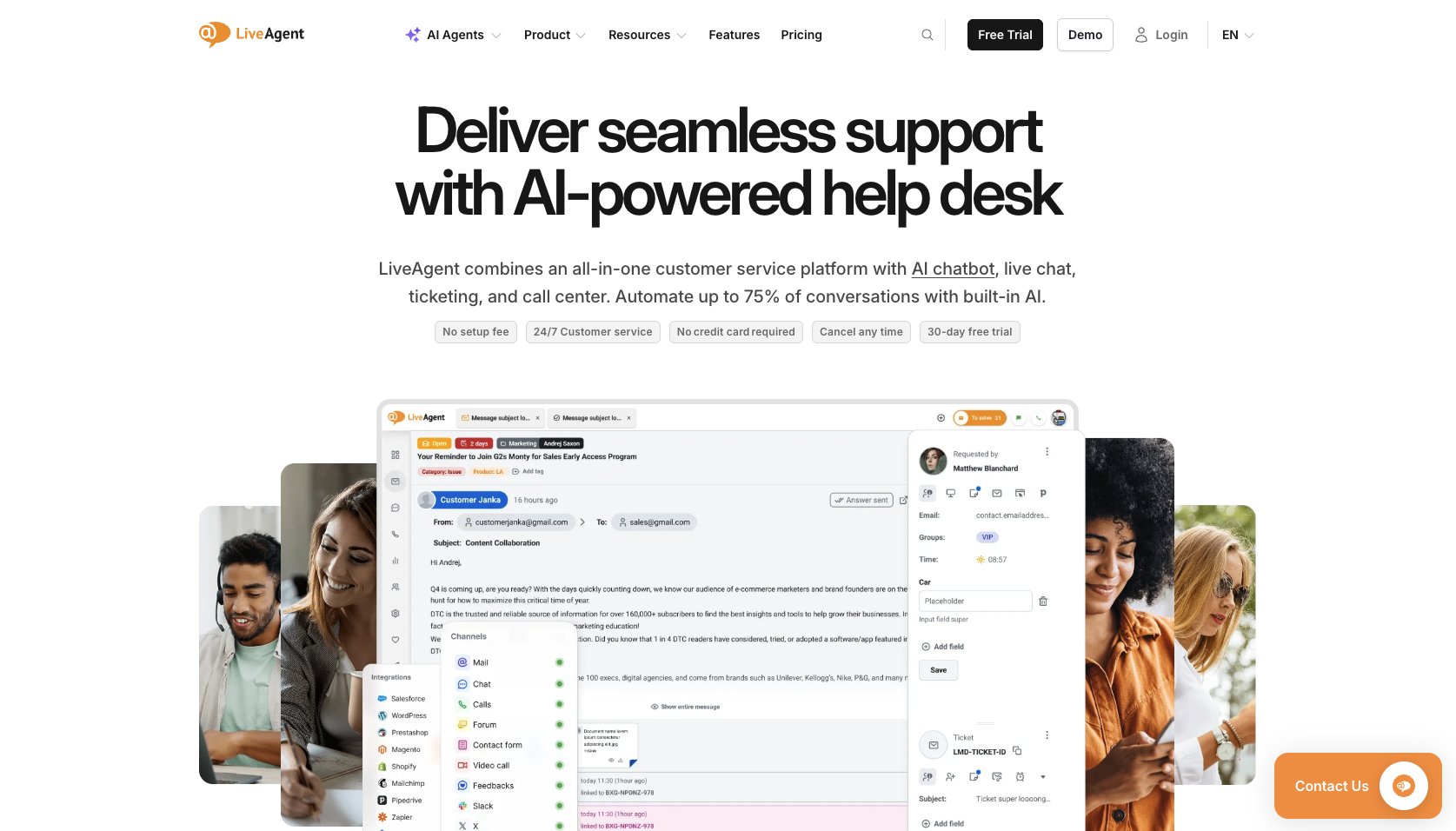
You can use LiveAgent to create proactive chat flows, so customers automatically get a specific message when they head to a certain page or do something specific. You also get real-time typing insights to help your human agents, and the broader helpdesk and ticketing system is built in.
The biggest win is usually how affordable this system is for smaller users, and the AI answer assistant and chatbots are genuinely useful. Still, it lacks hefty customization options, and the interface feels a bit outdated at this point.
Key Features:
- Omnichannel inbox and ticket management
- Support for voice, and chat
- AI answer agent and AI chatbot alongside live chat
- Knowledge base
- Multilingual support
- Proactive chat management
- Real-time typing previews
- Custom automation rules
- Basic performance tracking
Pros:
- Reasonably affordable pricing for beginners
- Chat and tickets managed together
- Robust automation options
- Good telephony features
- Various integration options
Cons:
- Old-fashioned interface
- Slightly complex initial setup
- Extra channels increase costs
Pricing: Starts at $15 per month per agent for most of the core features. Medium starts at $29, Large at $49, and Enterprise at $69.
4. Crisp
Best for: Teams that want shared inbox, website chat, basic CRM, automation, and AI without per-agent pricing pain.
Developer: Crisp IM SARL
Crisp sells itself as a unified messaging platform, with more of an omnichannel outlook than Livechat, even if it doesn’t have the voice capabilities of LiveAgent. It can communicate with visitors across web chat, email, social media, WhatsApp, SMS, and more, and embed into virtually any website builder you can think of.
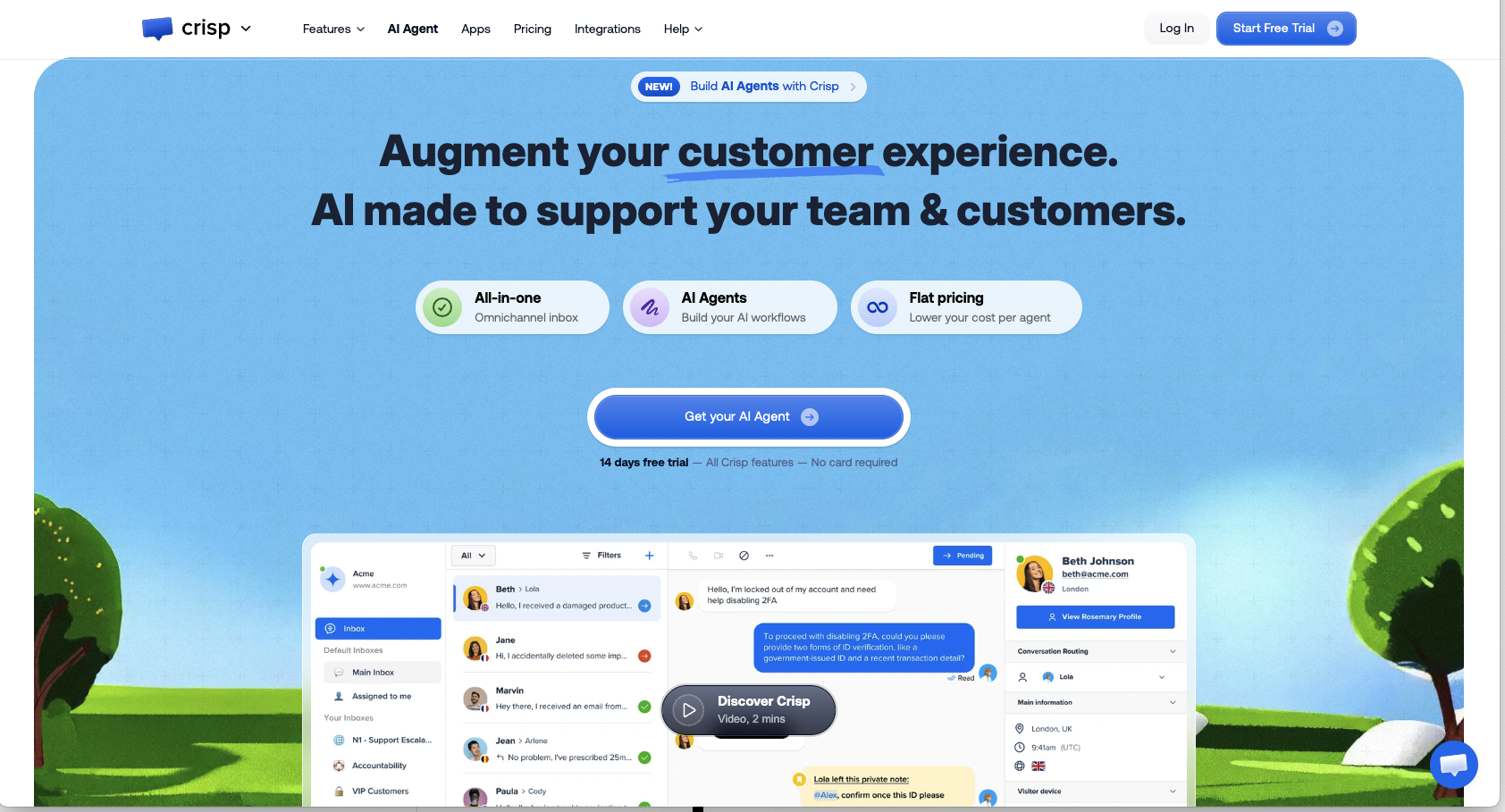
The platform also has a lot of great capabilities for just about any chatbot use case. You can create proactive messaging workflows, take a sneak peek at what customers are writing, track visitors, and customize canned responses.
Everything is no-code, so it’s easy to get setup, and the free tier is very generous considering all the coverage you get. I also like that the shared inbox really does pull every conversation into one place, so you’re not losing context from one channel to the next.
Key features:
- Omnichannel shared inbox
- Chat across social media, email, web chat, SMS and more
- AI and automation included
- Live website tracking
- Sneak peeks into what visitors are typing
- Lightweight CRM functionality
- Canned responses and internal notes
- Conversation routing and triage
Pros:
- Budget-friendly for mid-sized businesses
- Strong omnichannel coverage
- Reliable AI functionality and automation
- Easy to set up with an intuitive dashboard
- Decent collaboration tools
Cons:
- Slight learning curve
- Limited chatbot analytics
- Clunky mobile app
Pricing: There’s a free plan available. Mini is $45/month, Essentials is $95/month, and Plus is $295/month, per workspace.
5. Freshchat
Best for: Teams already using Freshworks
Developer: Freshworks
I doubt I’ll surprise anyone by saying that Freshchat is one of the better LiveChat alternatives if you’re already using Freshworks. It’s the obvious tool if you want your chat system to be connected to your CRM, customer service software, and sales and marketing tools.
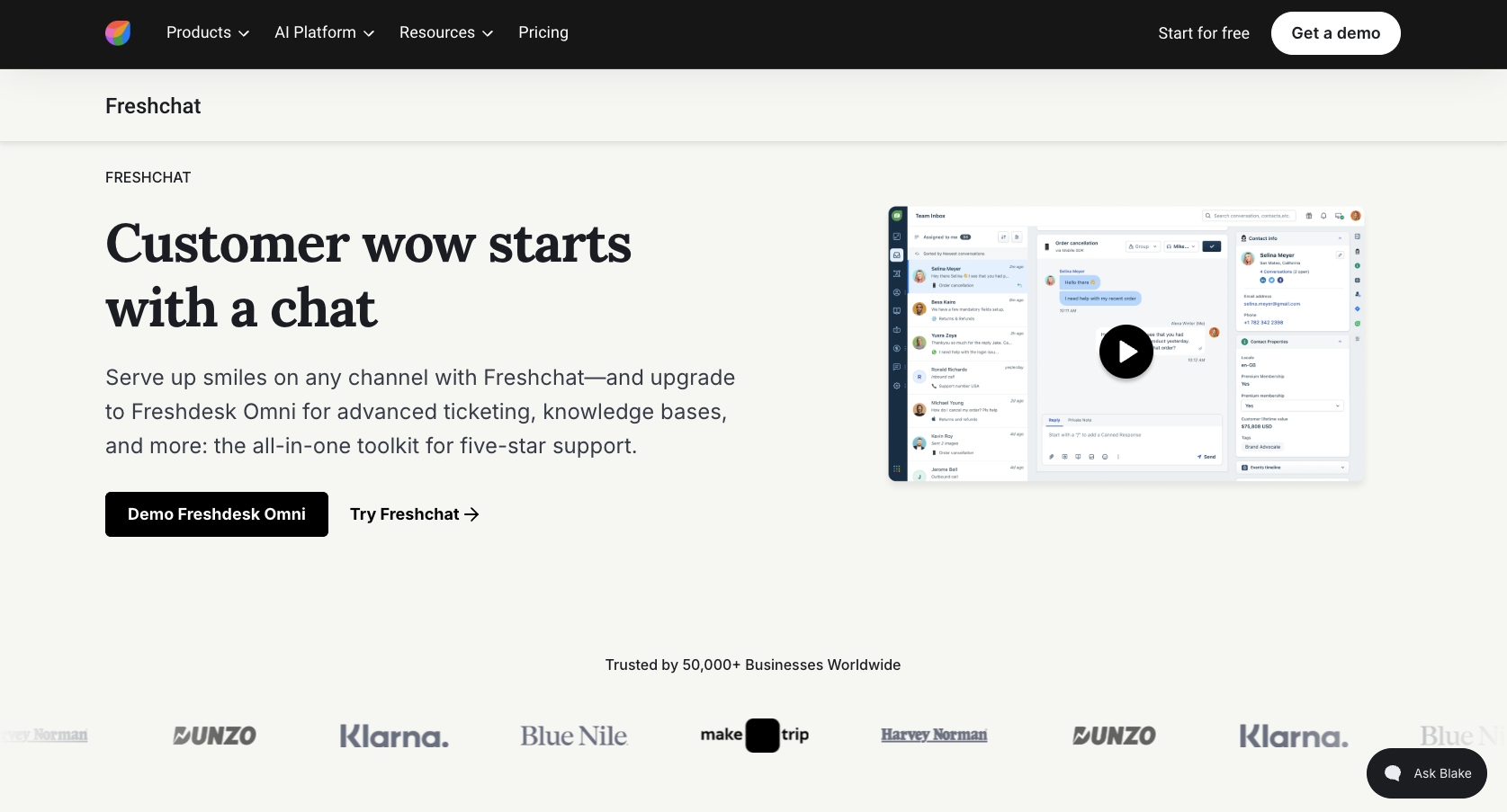
One very good thing about it is how easy it is to get setup, the whole onboarding process is very streamlined, and I actually appreciate the fact that they fill data fields with dummy data, so you know what you need to add.
Plus, even on the free plan, you get website live chat, email, a unified workspace for up to 10 of your agents, and a knowledgebase. When you upgrade you can add in WhatsApp coverage, role based access, multilingual bots and advanced routing rules. Just keep in mind that extra things, like Freddy Copilot, cost more.
Key features:
- Complete omnichannel inbox
- Live chat and AI-powered chatbots
- Email, WhatsApp, Facebook Messenger and more
- Agent productivity tools like proactive messaging
- Data-driven analytics
- Over 400 integration options
- Freddy AI Agent (optional add-on)
Pros:
- Very generous free plan for up to 10 agents
- Works well with Freshworks
- True omnichannel inbox
- Valuable AI and automation tools
- Mobile accessibility
Cons:
- Can be expensive at scale
- Freddy AI costs extra
- The learning curve can be a bit higher
Pricing: Free for up to 10 agents. Growth is $19/agent/month, Pro is $49, and Enterprise is $79. Growth, Pro, and Enterprise include 500 Freddy AI Agent trial sessions once per account.
6. Intercom
Best for: SaaS teams, product-led companies, and support teams ready to pay for serious AI.
Developer: Intercom, Inc.
Intercom seems like the LiveChat alternative most worth considering when chat support software is a part of the product experience. It’s a more comprehensive tool than LiveChat, bringing support, marketing, and automation together in the same place.
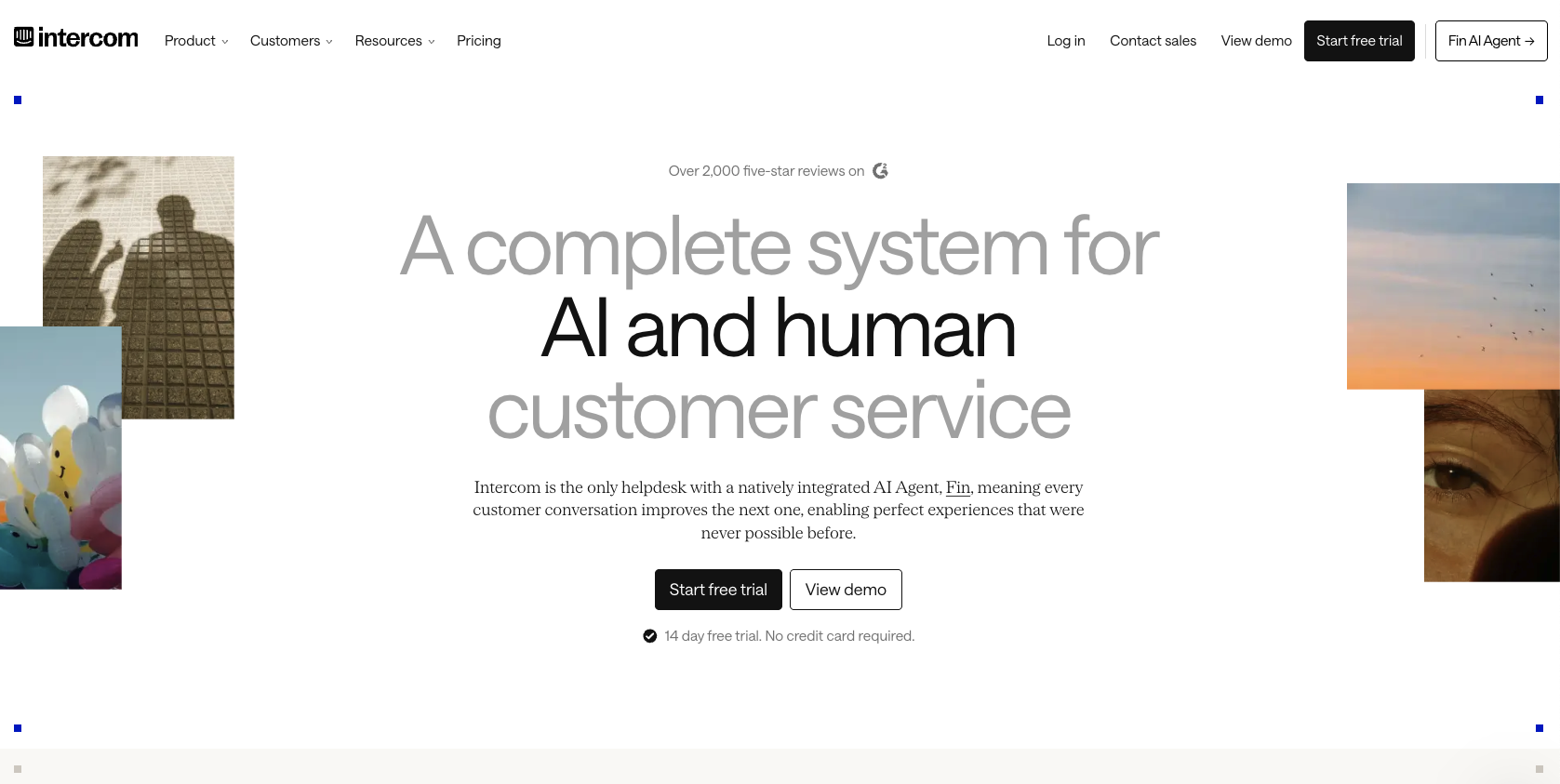
You can use the system to send onboarding nudges to customers, manage support conversations, surface help center answers, take in tickets, and even give useful context to human agents when they need to take over a discussion.
Since it’s an omnichannel tool, you can switch between chat, email, and other channels easily, and there’s very useful routing logic, thanks to Fin’s support. The biggest issue is the chatbot pricing here, as the costs really do add up fast for bigger companies.
Key Features:
- Fully unified omnichannel inbox
- AI copilot for team members
- Built-in ticketing
- Visual no-code workflows
- Comprehensive knowledgebase
- Proactive outbound messaging
- Automated onboarding and tours
- Customer data profiles
- Advanced analytics
Pros:
- Extensive AI support
- Great onboarding tools for SaaS companies
- Good for inbound and outbound communications
- Better analytics than most
- Helpful Copilot
Cons:
- Pricing gets expensive fast
- Too complicated for basic chat
- Limited ticketing features
Pricing: Essential starts at $29/seat/month, Advanced at $85, and Expert at $132. Fin is $0.99 per outcome.
7. Zendesk
Best for: Bigger teams that need proper help desk chat solutions, not another support sidecar.
Developer: Zendesk, Inc.
Zendesk is a more heavy-duty LiveChat alternative than mot of the options we’ve covered so far. It’s less for small companies experimenting with chatbot ideas, and more for larger organizations that have already figured out how they want customer support and engagement to run.
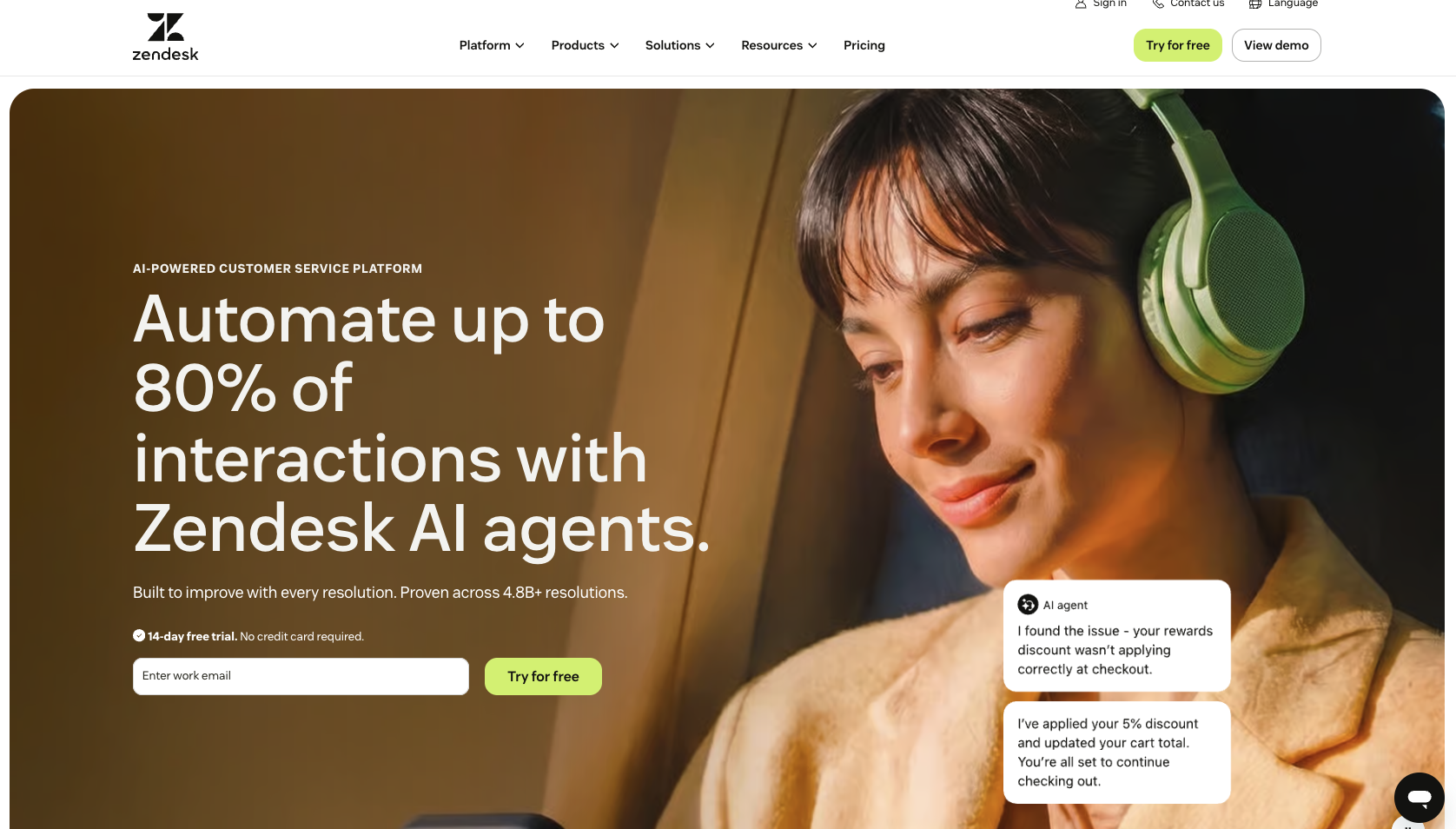
The system is fully integrated with Zendesk’s knowledge base tools, automation workflows, and ticketing, and it’s fully customizable. You can change everything to make sure your bot matches your brand’s voice and look.
There’s a full omnichannel routing system, an Action builder for specific tasks, and live chat, AI messaging, and telephony in one. You also get some seriously impressive features on the higher plans, like quick reports, an app builder, an admin copilot, and an IVR phone tree. Zendesk is one of the best live chat support options here, but its depth also makes it more complex.
Key features:
- Centralized ticket management
- AI and automation tools with custom AI agents
- Omnichannel messaging, live chat, and voice
- Extensive analytics and reporting
- Action builder
- Knowledgebase
- Skills-based and intelligent routing
- Integrations with dozens of apps
Pros:
- True omnichannel consolidation
- Lots of customization options
- Perfect for enterprise scalability
- Massive selection of integrations
- Strong channel coverage
Cons:
- Too much for simple site chat
- Add-ons raise the bill quickly
- Steeper learning curve than some
Pricing: Support Team starts at $19/agent/month. Suite Team is $55/agent/month, and Suite Professional is $115/agent/month, paid yearly.
8. Tawk.to
Best for: Businesses that need free chat support software and don’t mind paying separately for extra.
Developer: tawk.to
Tawk.to is one of the more unusual LiveChat alternatives here, because the central product is actually free. You get unlimited agents, chat volume and sites, without having to pay a penny. That’s really not normal in this category, so it explains why a lot of small businesses try it first.
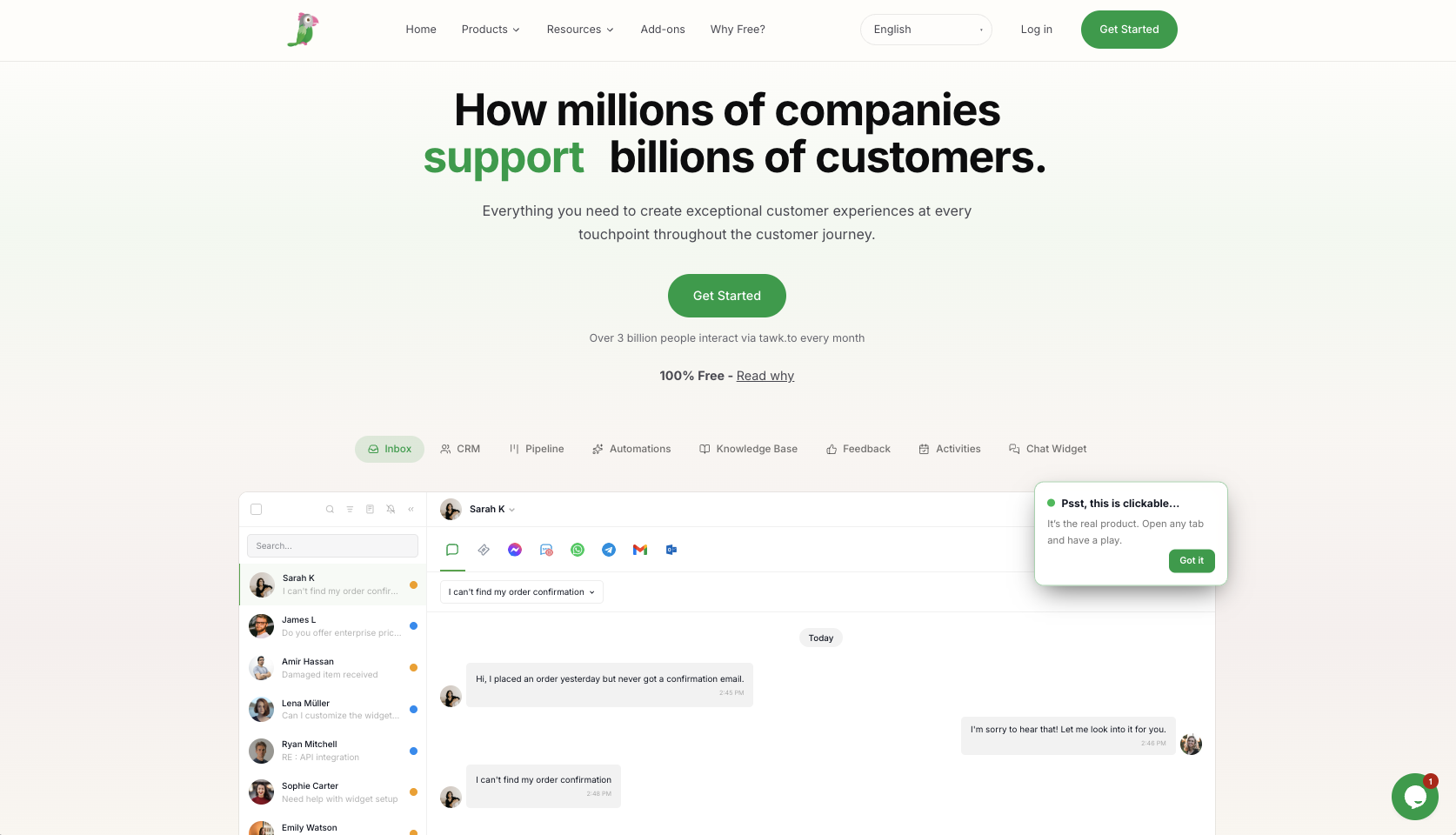
The widget supports live chat and AI chat, and live chat lets agents see which webpages visitors are actually viewing, while using canned response to speed things along. There are extra tools bundled in with the chat app tool, like a lightweight CRM, and a knowledgebase.
Unfortunately, you do have to maintain Tawk.to’s branding when you’re using the free plan, and you need to pay extra to get AI assist, or premium support. There aren’t a huge number of integrations available for this tool either, and training the bot on your own language isn’t easy.
Key Features:
- Live chat, AI chat, and ticketing in one
- Multilingual support
- CRM and knowledgebase
- Canned responses and visitor tracking
- Paid AI Assist
- Hired agents available
- Some customization for chat widgets
- File sharing and team tagging
Pros:
- Best pricing for people with no budget
- Lots of tools, like canned responses and real-time visitor monitoring
- Easy to setup for beginners
- Optional add-ons for extra features
- Mobile accessibility
Cons:
- Basic customization
- Limited integrations
- Not the best analytics
Pricing: Core software is free. Hired agents start at $1/hour. Branding removal and AI Assist are paid add-ons.
9. Help Scout
Best for: Email-first teams that want customer support chat tools without the “ticket factory” feeling.
Developer: Help Scout
If most of your customer conversations happen via email, Help Scout is probably a good choice. It’s made for small to mid-sized businesses that want a simple way to unify email messages with live chat (via Beacon), and knowledge base content.
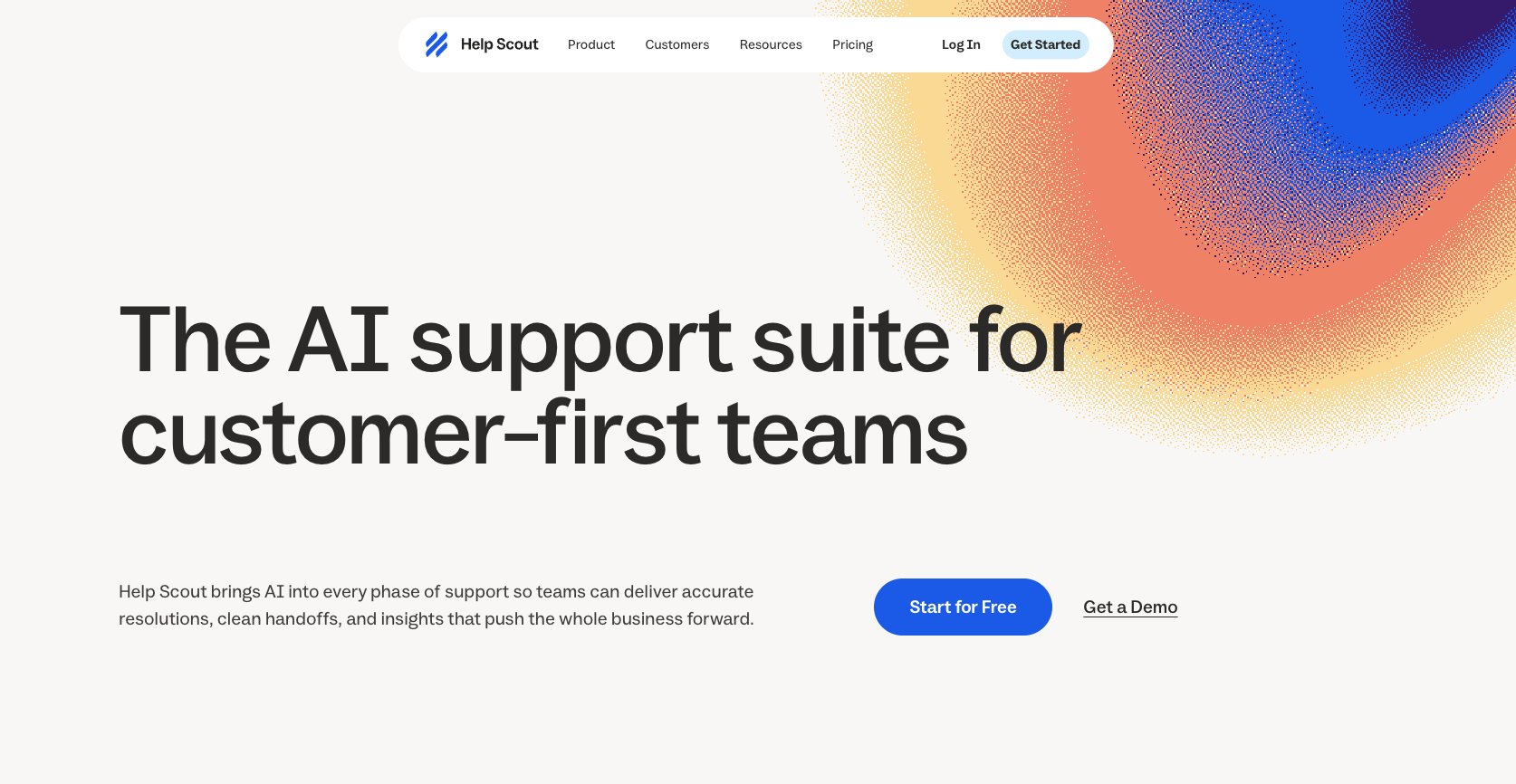
Beacon can show customers help articles, send them contact forms, and draw details straight from your knowledgebase. It can also handle social channels like WhatsApp and Facebook Messenger. I like the team collaboration tools too. There’s private notes, and collision detection to stop multiple agents from replying at once.
HelpScout has been upgrading its AI lately too, with resolution-based billing for AI Answers and monthly caps, which helps you keep your budget under control.
Key features:
- Fully shared inbox
- Beacon widget with proactive live chat
- Docs for knowledgebase management
- Channel management
- Collaboration tools (tags, saved replies, notes and collision detection)
- AI Assist and Summarize
- AI Answers (for knowledgebases)
- Customer profiles
- Analytics dashboard
Pros:
- Easy to use for beginners
- Team collaboration tools included
- Helpful knowledgebase
- AI spend controls for budgeting
- Social media coverage
Cons:
- Very basic reporting
- Not the best mobile app
- Limited customization
Pricing: Standard is $25/user/month. Plus is $45/user/month. Pro is $75/user/month. AI Answers uses resolution-based pricing.
10. Re:amaze
Best for: Ecommerce teams that need live chat, bots, social channels, and order context in one place.
Developer: Re:amaze
I know we’ve already mentioned a few strong chatbot options for ecommerce companies, but Re:amaze has a unique angle. The AI chatbots you build can help you with order management, welcome messages, proactive messages, and even detecting customer intent.
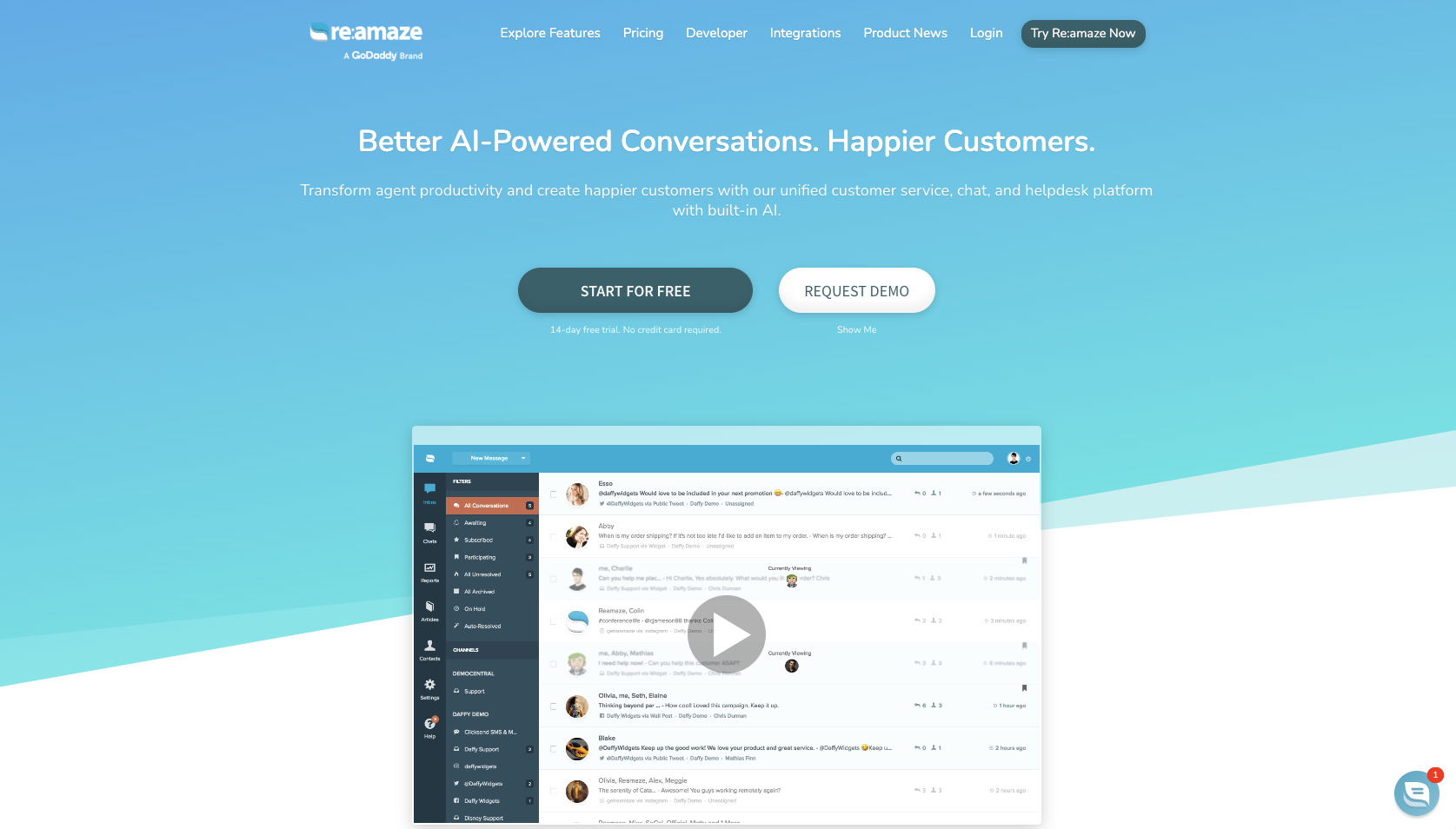
You can design your own AI agents, create botts that handle FAQs across live chat, email inboxes, and social channels, and integrate everything with Shopify, WooCommerce, or BigCommerce, so AI bots can actually see a customer’s order history.
Re:amaze is easy to use for beginners, and the multi-channel inbox is genuinely helpful, particularly when you’re trying to juggle a lot of social channels at once. It’s a stronger fit for busy stores than it is for companies in search of basic help desk chat solutions, though.
Key features:
- Live chat, AI chat and automation in one
- Strong knowledgebase
- Order bot, welcome bot and custom AI agents
- Multi-brand support
- Unified shared inbox
- Direct ecommerce integrations
- SMS and voice integrations
Pros:
- Designed specifically for ecommerce
- Excellent multi-channel inbox
- Good live chat and chatbot functionality
- Easy to use design
- Can handle some voice use cases
Cons:
- Costs scale very quickly
- Automation is only basic
- Occasional UI headaches
Pricing: Basic is $29/team member/month, Pro is $49, Plus is $69. AI Agent includes limited monthly resolutions per user, then $0.85 per extra resolution.
Which LiveChat Alternative Should You Choose?
Choosing a LiveChat alternative is never as simple as it seems. If you’ve grown past LiveChat, I’d recommend basing your next pick on the chatbot use cases that matter most to you.
If you need a serious support operation, Zendesk is the safe bet. If you run ecommerce and want order-aware chat, Tidio and Re:amaze are fantastic. For a budget-friendly option, tawk.to is hard to argue with. For support teams focused on email, Help Scout is great, and Intercom is the one worth testing if you’re SaaS focused.
For most smaller teams though, I’d start with something that genuinely helps with support and engagement from the beginning. Noupe is the best LiveChat alternative on this list because it makes life easier for teams and customers. It reads your website, answers from the content you already have, handles different languages, and sends conversations to your inbox so you can see what visitors keep missing.
If your website is always busy with traffic, but visitors often need answers to basic questions before they’re ready to buy, try Noupe first. You can start with the free plan today, and see what it does for your customer experience strategy.