- Noupe is the website-first AI support tool for small teams that want a simple, multilingual chatbot trained on their own content.
- Tidio is the ecommerce chat platform for Shopify and WooCommerce teams that need AI support, live chat, and proactive sales flows.
- Kayako is the automation-focused customer service platform for teams that want AI to resolve routine tasks such as refunds, order updates, and account changes.
- Crisp is the multichannel shared inbox for teams that want chat, email, social messaging, AI, and internal collaboration under workspace-based pricing.
- Intercom Fin is the AI customer communication platform for SaaS and product-led teams that need in-app support, account context, workflows, and human handoffs.
- Freshdesk Omni is the omnichannel help desk for growing service teams that need chat, email, voice, ticketing, routing, SLAs, and AI in one workspace.
- LiveChat is the human-first live chat solution for teams that want a customizable website widget, mobile agent tools, and proactive customer engagement.
- Zendesk is the enterprise support platform for larger teams that need advanced ticketing, AI governance, skills-based routing, telephony, and broad integrations.
Olark definitely isn’t a bad product, particularly if you’re looking for a quick and easy way to chat with customers. It gives companies a simple widget they can drop into any site, with predictable per-agent pricing, and searchable logs.
Still, there are plenty of reasons companies end up searching for Olark competitors. For instance, Olark seems affordable at first, but add-on costs for Powerups like live chat translation, deeper analytics, or co-browsing can quickly make it more expensive.
Plus, Olark doesn’t offer many of the advanced automation capabilities businesses need when they decide it’s time to upgrade their intelligent customer service strategy.
If you’re rethinking your chatbot use cases this year, and think it might be time to invest in stronger software, here’s how I’d rank the alternatives to Olark in 2026.
What to look for in an Olark Alternative
The best Olark competitors really depend on what you need from AI or live chat software. If you need a refresh on what conversational AI chat tools can actually do in 2026, it might be worth checking out our “What is a chatbot” guide first, once you’ve done that, think about:
- Pricing models: Olark is pretty affordable for small teams with basic needs, but the costs quickly rise when you scale. Think beyond the initial costs when you’re considering chatbot pricing options. Some companies, for instance, use usage-based or flat pricing, others use outcome based pricing models.
- Team needs: Some teams need nothing more than a simple chatbot to handle day-to-day interactions. Others need deeper AI capabilities, omnichannel functionality, skills-based routing, multi-stage automation, plus advanced reporting.
- Integrations: Olark does integrate with a few popular tools like Slack or Salesforce, but you may need more connections with ticketing tools, billing software, booking systems, or ecommerce platforms.
- Control options: Most of the better AI chatbot platforms give you more control over trusted sources of information. You can even customize your bot’s tone of voice, support multiple languages, or set a clear handoff point for a human.
- Scalability: Growing teams need clearer permissions, stronger reporting, spending controls, and usable conversation history. Your system should be able to grow with you when you decide it’s time to move beyond basic live chat.
8 best Olark alternatives for live chat, AI, and support
We’ve picked eight winners for this list, all solving different problems. Tools like Noupe are brilliant if you’re looking for straightforward and affordable website-first AI support. On the other hand, Zendesk might be a great option if you want to create a chatbot that can handle enterprise customer service, while something like Tidio works well for ecommerce support.
| Tool | Best for | What separates it from Olark | Current starting price |
|---|---|---|---|
| Noupe | Website-first AI chat support | Learn your content, supports multiple languages, and includes a shared invoice. | Free for 100 conversations; Basic $20/month |
| Tidio | Ecommerce teams | Easy alignment with Shopify tools, proactive chat flows, and AI and live chat at once. | Free option; paid chat from about $24/month, with Lyro priced separately |
| Kayako | Autonomous support | In-depth automation capabilities, unified customer history and outcome based pricing | From $1 per AI-resolved ticket |
| Crisp | Shared inbox collaboration | Decent knowledge-base sync, omnichannel capabilities, and quick setup | Free; Mini $45/workspace/month |
| Intercom/Fin | SaaS and in-app support | Outcome-based pricing, smooth AI to human handoffs, minimal training needs | Essential currently from $19/seat/month, plus $0.99 per Fin outcome |
| Freshdesk Omni | Omnichannel service teams | Fully unified workspace, collision detection, and omnichannel support | Growth $29/agent/month annually |
| LiveChat | Human-first website chat | Fast AI answers, multi-tasking capabilities, useful transcripts | Starter $19/person/month annually; ChatBot from $52/month |
| Zendesk | Enterprise support | Comprehensive ticketing, routing, agent copilot, and deflection tools | Suite Team from $55/agent/month |
1. Noupe: Best for website-first AI support
Best for: Small teams looking for an Olark alternative trained on their existing content, capable of multilingual conversations, plus ideal for collaboration.
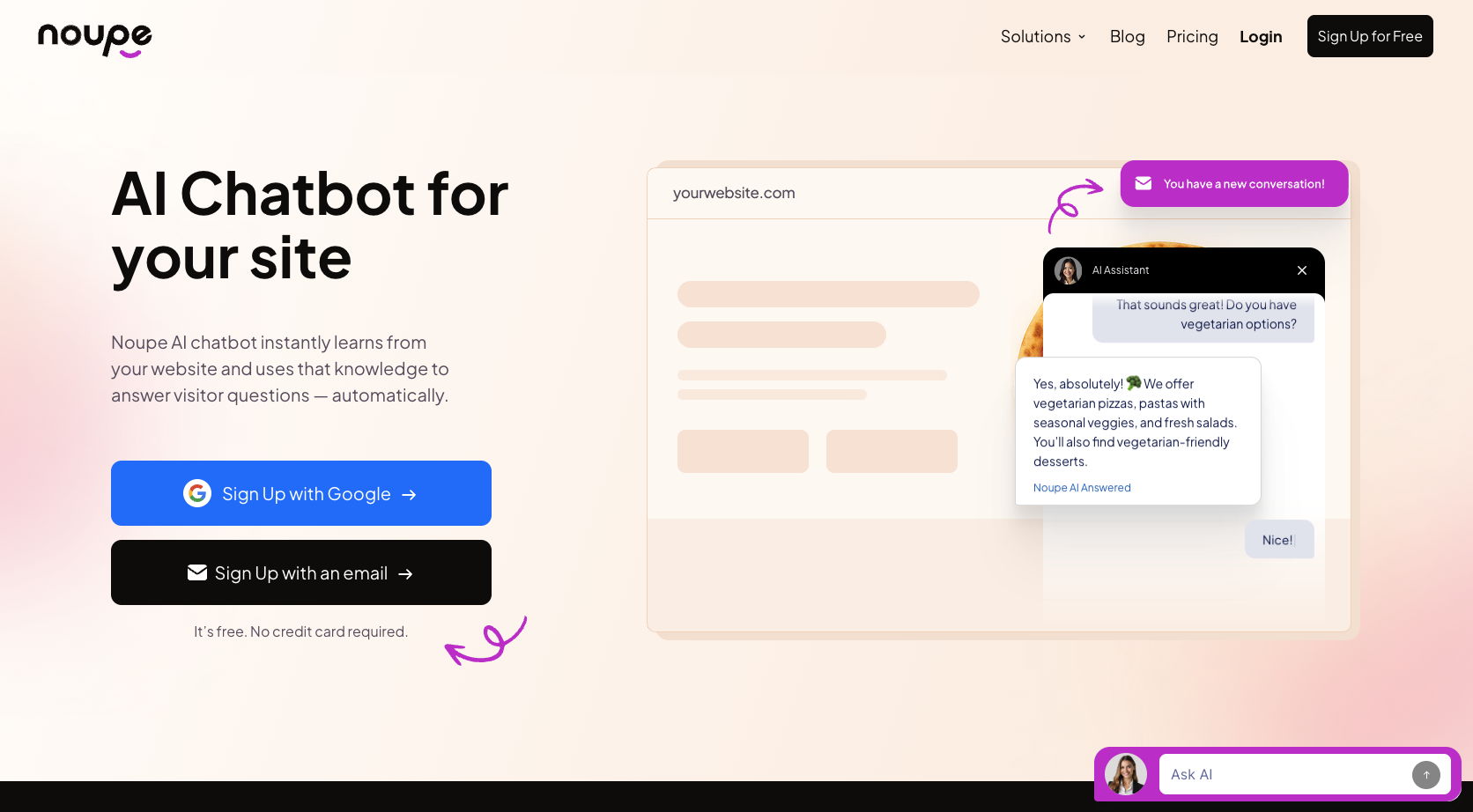
Noupe is one of the simplest support chat alternatives for companies that like the ease of use that Olark offers, but need more control. It makes creating a bot for your website incredibly easy, pulling information from your approved knowledge bases, and public pages. You can add documents or approved Q&A sets, and the system automatically updates when you add new details to your site.
There’s no coding needed to set this system up, all you need to do is add an embed code to your website, and the widget controls let you handle greeting changes, avatars, placement, plus even your chatbot’s appearance. There are more advanced conversational AI platforms out there, but Noupe could be the ideal option if all you need is a lightweight solution for AI-led customer service.
It’s also one of the more affordable options on this list, and it comes with a unified inbox that makes it easier for human employees to pick up where an AI tool left off. That’s useful when reports say only about 15% of customers ever get a seamless handoff from AI to human agents.
Key features:
- Automatic website learning and custom knowledge
- Instant setup without coding
- Plenty of customization options
- Real-time conversation delivery to a unified inbox
- Automated multi-language support
Pricing: Free initial plan for 100 conversations per month, then paid plans starting at $20 per month for up to 1,000 monthly conversations.
Pros:
- Quick to train and deploy
- Fantastic multilingual capabilities
- Automatic learning
- Free entry tier for beginners
- Unified inbox for support teams
Cons:
- No advanced ticketing or workforce tools
- Fewer integration options than some alternatives
2. Tidio: Best for e-commerce chat and automation
Best for: Ecommerce teams that want live chat software, quick AI answers, helpful ticketing, plus proactive sales flows.
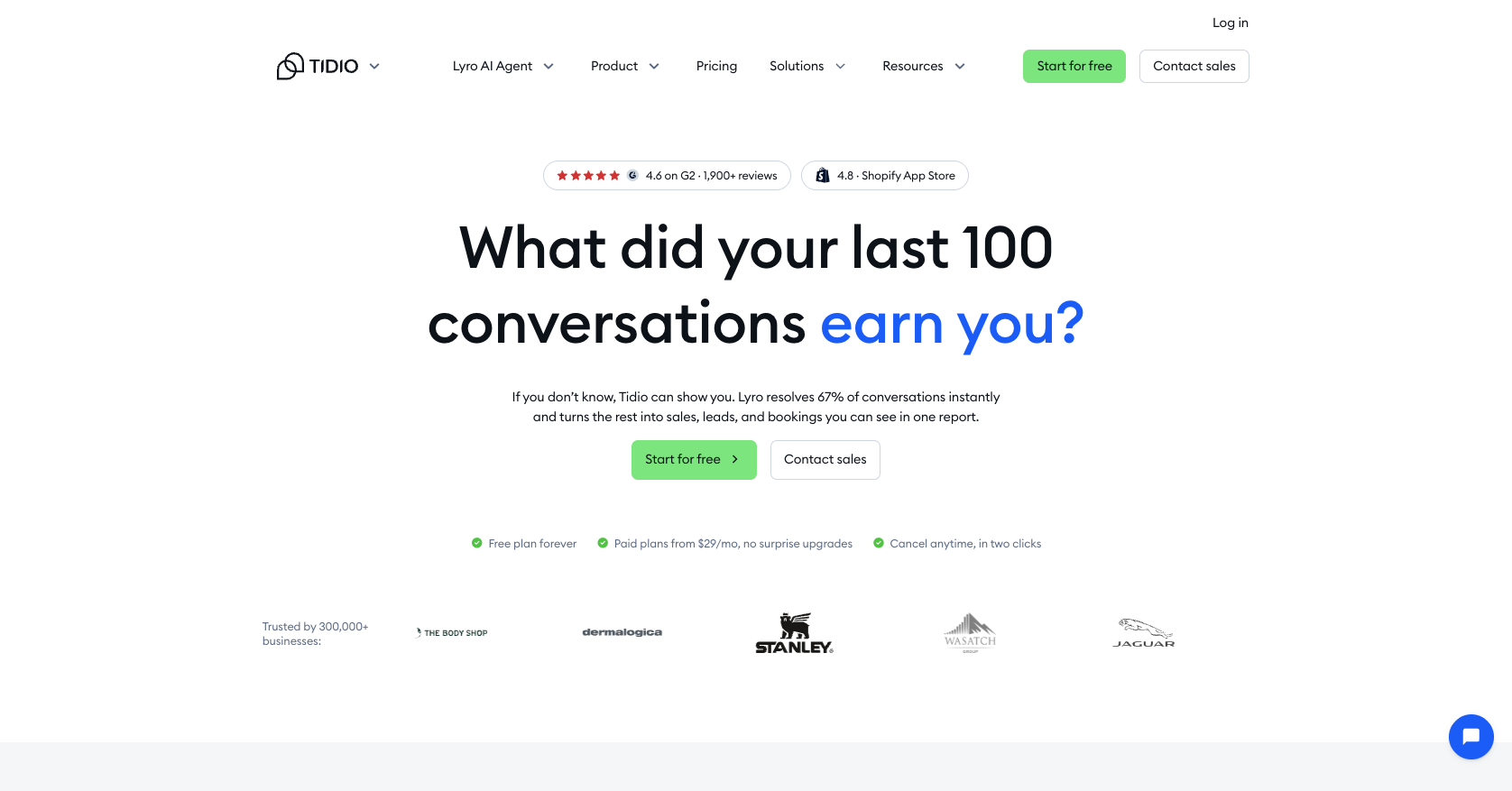
Tidio is one of the better Olark chat alternatives for ecommerce teams that need help with both service and selling work. Like Olark, it’s quick to setup, the interface is straightforward and intuitive, and there’s a pretty affordable entry-level plan too.
One of the best things about Tidio is how well it integrates with ecommerce platforms like Shopify and WooCommerce, so you’ve got a complete system for order management and visitor tracking. You can even set up proactive workflows for things like lead capture.
Lyro is the central AI bot that handles open-ended conversations with customers using your approved content, then there are Flows which you can use to run rule-based prompts for cart recovery or checkout support. Human agents can work in the same inbox too, and take over whenever the conversation gets complicated.
Still, Tidio does have a few downsides. It’s not meant to be a comprehensive ticketing tool, so there aren’t a lot of features for things like advanced routing or multi-tier escalation. Plus, the reporting tools are pretty basic compared to something like Zendesk.
Key Features:
- Lyro AI agent for conversational support
- Customizable flows
- AI copilot for human support
- Omnichannel inbox
- Integrations with common ecommerce tools
- Visitor tracking and basic reporting
Pricing: Free plan for up to 50 conversations. Starter plan begins at $24.17 per month, (although only 50 AI conversations are included).
Pros:
- Easy to setup and use for beginners
- Strong integrations with ecommerce
- Helpful no-code automated workflow builder
- Omnichannel inbox
- Good multi language support
Cons:
- The pricing can get a little bit complicated
- Customization is limited
3. Kayako: Best for autonomous support actions
Best for: Teams that want an Olark alternative that’s better for completing routine customer service tasks across different channels.
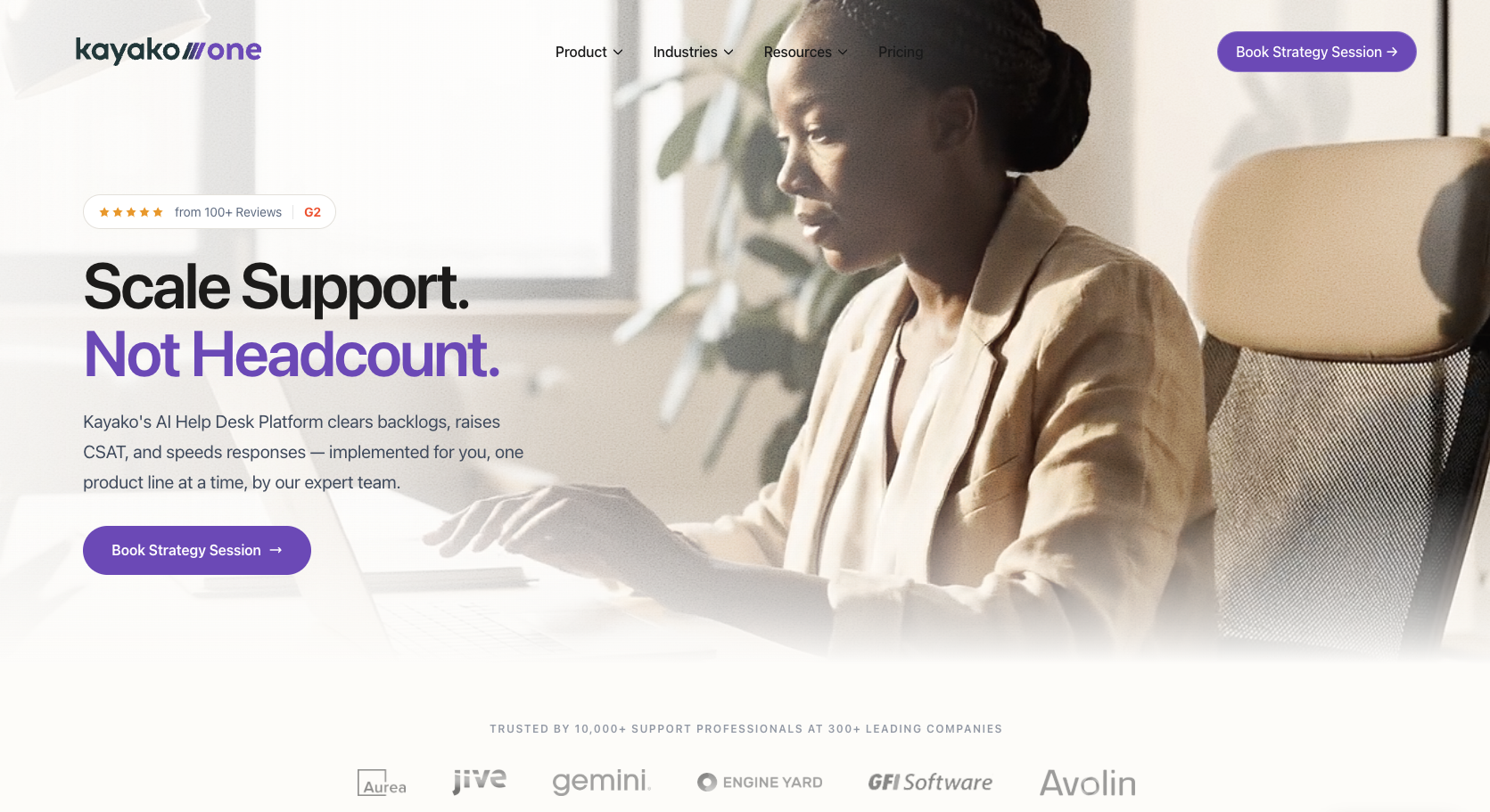
Kayako is a good choice for companies that have already discovered the benefits of chatbots, and now want to make sure their automation capabilities can stretch further. Like many Olark chatbot alternatives today, Kayako works across multiple channels, combining live chat, social, and email interactions into a single customer history.
It’s a good option if Olark pricing has been bothering you too, since there are no per-seat limits, and you can choose between paying a flat-rate or using an outcome-based billing model. With Kayako, you get live chat and AI chatbots in one place, and the Agent Kay tool can connect with a lot of different platforms, including Shopify, HubSpot, Slack, Stripe, Salesforce, or custom APIs.
You can use the bot to process refunds, update orders, send out return labels, or reset accounts without having to get a human employee involved. There are also some helpful triaging tools for prioritizing conversations, and you can customize the bot’s knowledge base.
There is a bit more setup work involved with this tool than you’d expect from something like Noupe. Actions need permissions and clean limits, for instance. It’s also not intended for very small sites, but it’s still a good choice if you want something focused on automation.
Key features:
- Autonomous resolution across multiple channels
- Unified customer timelines and profiles
- Intelligent AI triage capabilities
- Customizable knowledge base
- Useful integrations with business tools
Pricing: Agent Kay will cost you about $1 per resolved ticket, while a full Kayako One subscription is charged according to your specific needs.
Pros:
- Reliable outcome-based pricing
- Relatively easy to use compared to other tools
- Extremely helpful unified inbox
- Built-in live chat for human agents
- Handy triage tools
Cons:
- Expensive for a lower-traffic website
- Needs careful workflow planning
4. Crisp: Best for shared inboxes and workspace pricing
Best for: Companies that need customer engagement chat tools, email, social messaging, AI, plus internal collaboration in one place.
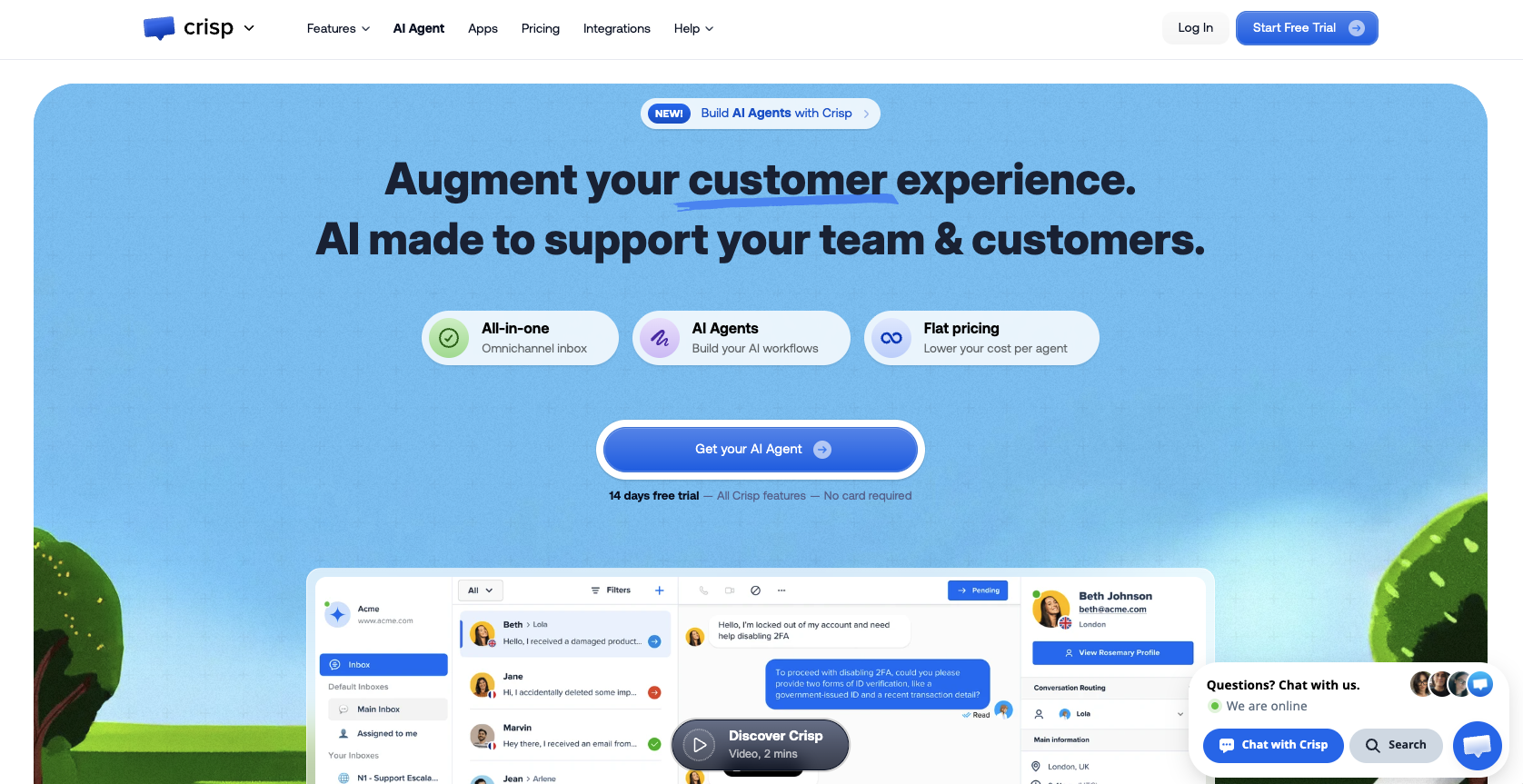
Crisp is an Olark alternative focused mainly on multichannel messaging. You get a combined inbox for all the conversations you have with customers across chat, email, plus social media, and like Olark, it’s very easy to set up.
Crisp is quite unique from a pricing perspective because plans are charged per workspace instead of per agent, which can be helpful for smaller companies. Hugo, the main AI tool can now detect topics for you, support better escalation flows, or even assign customers to segments.
The overall toolkit gives you a separate inbox for automated conversations, comprehensive multilingual support, and straightforward automation capabilities, although advanced multi-step logic isn’t really an option here.
It is worth saying, also that while Crisp’s initial costs are low, there are limits on how much AI you can use on lower plans, and add-on costs can quickly creep up when you consider extra agent seats, or advanced plugins.
Key features:
- Fast responses with “Magic Reply”
- Comprehensive AI data hub
- Intelligent search bars for websites
- Useful conversation summaries
- Routing, and workflows included
Pricing: Free plan for live chat only, paid plans start at $45 per month, though you’ll need to pay extra for additional AI usage credits.
Pros:
- Affordable workspace-based pricing
- Useful collaboration tools
- Omnichannel shared inbox for all kinds of chat
- Live website tracking and typing insights
- Lightweight CRM capabilities included
Cons:
- Basic analytics on the cheaper plans
- AI usage creates extra variable costs
5. Intercom (Fin): Best for product-led and in-app support
Best for: SaaS teams in need of AI chatbot platforms that support conversations with account context, ticketing, in-app messaging, and workflows.
If you want to go beyond basic live chat software, Intercom (now Fin), is one of the more popular options on the market. It gives companies an intelligent assistant that can handle more than 45 languages, and work across service, sales, or ecommerce workflows.
You can plug Fin into your product, and use it to answer customer questions, book meetings, qualify prospects, read screenshots, or run procedures like subscription cancellations. There are even data connectors to help the tool use information from external systems.
Fin also offers an outcome-based pricing structure, which makes sense now that about 39% of enterprise companies expect outcome-based pricing to become the standard for AI agents. Plus, Fin is extremely accurate, and it has a unified inbox with strong segmentation built-in.
The trickiest part is probably the pricing, because high spikes in contact volume, or customers who end up going quiet can sometimes trigger unexpected fees. Plus, this tool does work best for companies that already use Intercom for helpdesk tasks.
Key features:
- Fully autonomous resolution across multiple channels
- Customizable procedures with step-by-step logic
- Advanced RAG engine for accuracy
- Multilingual support (45+ languages)
- Unified inbox with great AI-human handoff
- Useful insights and testing tools
Pricing: Essential starts at $29 per seat, and standard Fin resolutions cost around $0.99 each, though qualified sales leads cost $9.99 each.
Pros:
- Excellent autonomous resolution
- In-depth product and account context
- Useful inbox and collaboration tools
- Fantastic multilingual support
- Good accuracy levels according to tests
Cons:
- Billing can be unpredictable at times
- Better suited to companies that already use Intercom
6. Freshdesk Omni: Best for Omnichannel Service Teams
Best for: Growing customer service teams that need CRM-integrated chat capabilities, intelligent routing, skill-based assignments and logs.
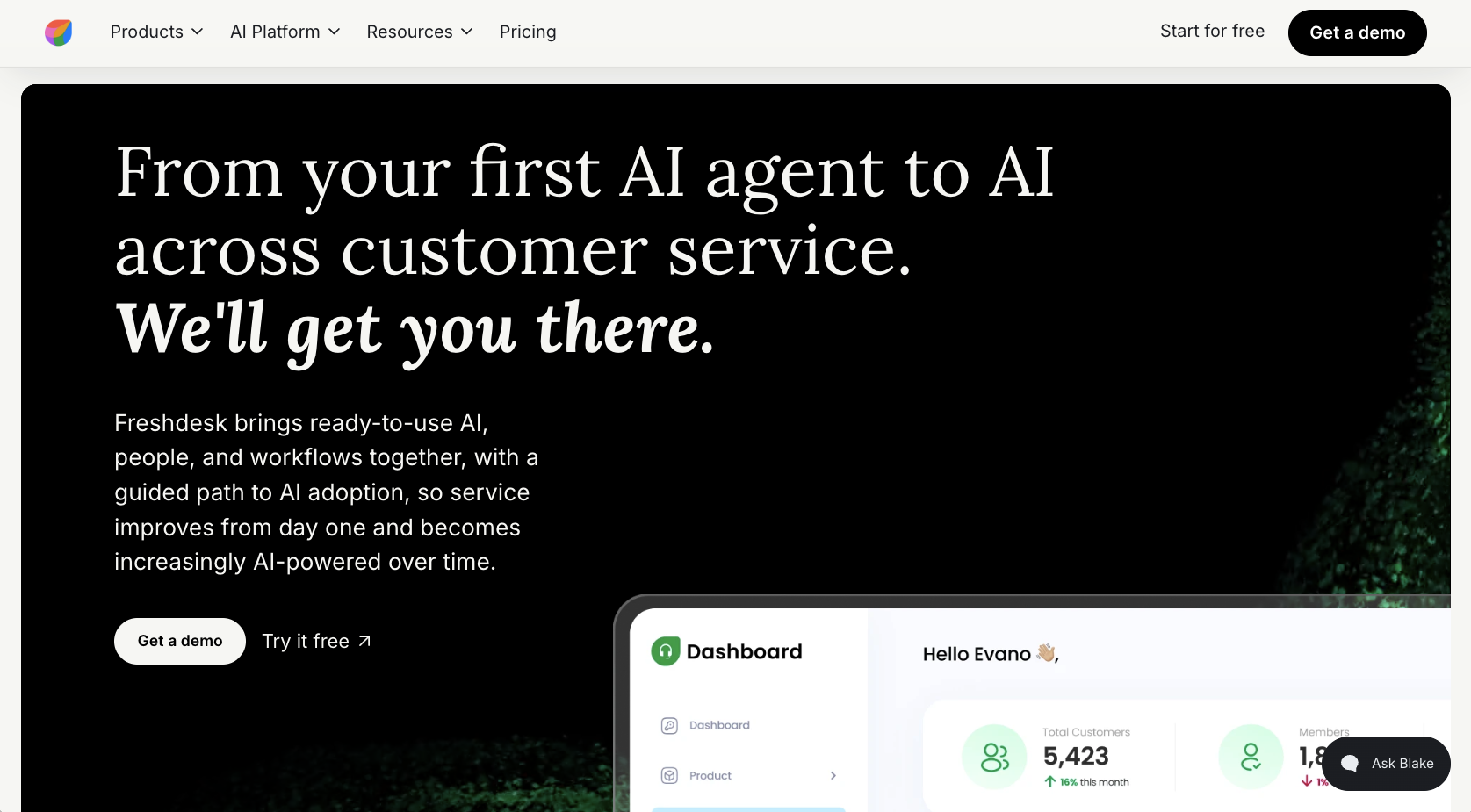
Freshdesk is one of the better Olark alternatives for companies that need a chatbot builder with comprehensive CRM integration capabilities. The Omni toolkit gives you chat, email, voice, ticketing, SLAs, plus Freddy AI, all in a unified command center.
Although it’s a little more complex than other Olark chat style tools, it’s still very easy to use, with an intuitive interface, and minimal setup overhead for teams. There’s also plenty of strong automation features, from end-to-end SLA tracking, to collision detection and auto assignments.
Freshdesk regularly updates its ecosystem too. In 2026, the company introduced conversational insights, so you can ask your bot questions about service data and get fast tips on how to improve. There’s also reusable authentication presets for custom AI actions.
Still, it’s worth remembering that the costs can add up fast when you integrate Freddy AI-add-ons and phone integrations, plus the reporting options are pretty basic, unless you’re willing to upgrade to a higher-tier plan.
Key features:
- Complete unified inbox, with phone support
- Single reply editor for quick responses
- Comprehensive AI agent for automated resolution
- Omnichannel routing and cross-channel automations
- Copilot for human agent support
- Advanced omnichannel knowledge base
Pricing: The Growth plan starts at $29 per agent each month, while Extra Freddy sessions can cost around $49 per 100 discussions.
Pros:
- Genuinely effective omnichannel routing
- AI agent, copilot, and workflow actions
- Integrated telephony capabilities
- Ease of use for beginners, and a fast set-up
- CRM support through Freshworks
Cons:
- Extra fees quickly add up
- Limited customization options
7. LiveChat: Best for a human-first chat experience
Best for: Teams looking for an Olark alternative with better mobile apps, agent tools, and live chat workflows.
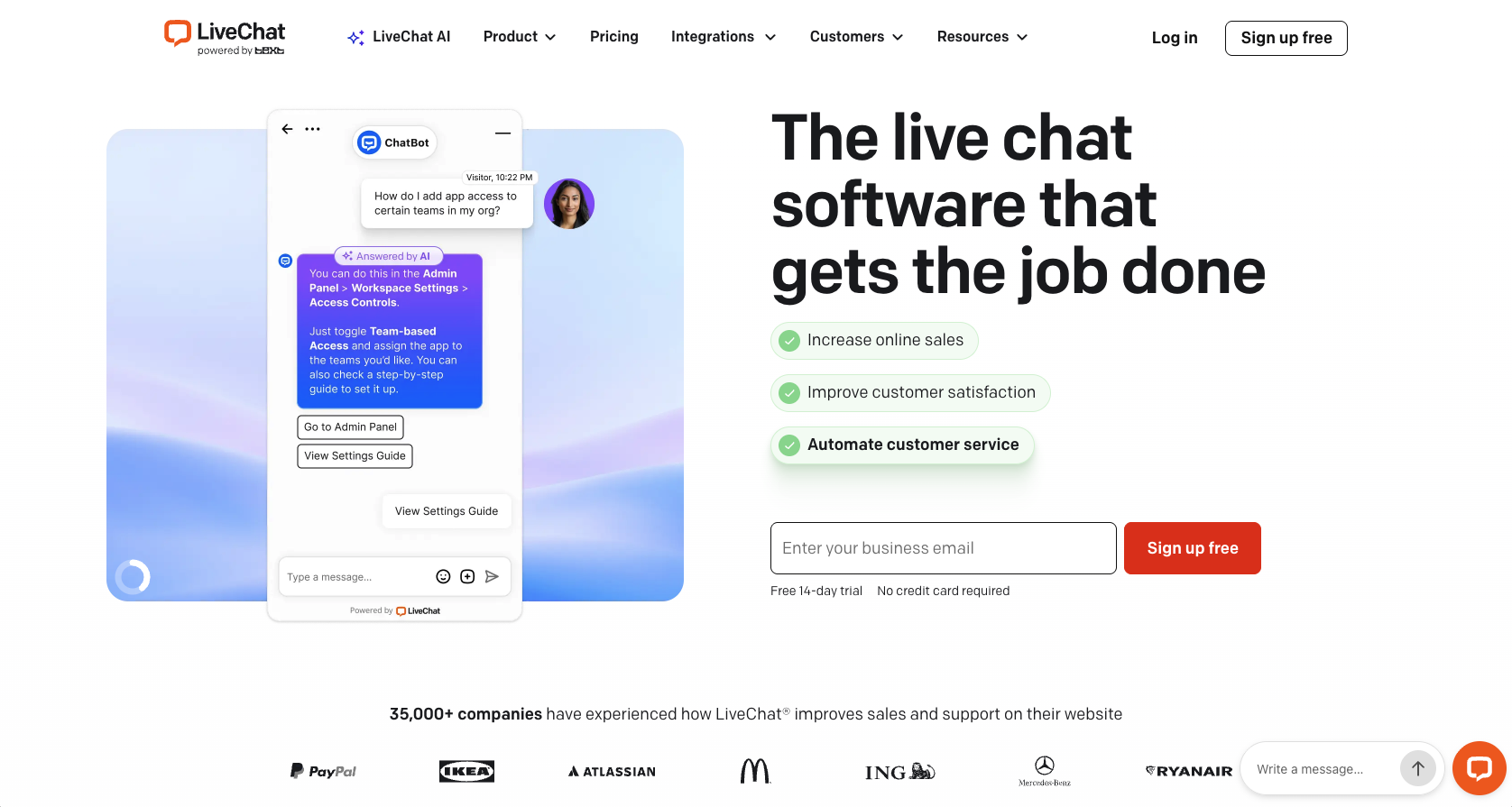
If you’re less worried about investing in new chatbot ideas, and more interested in improving your live chat capabilities, this could be the perfect tool for you. Your agents get browser, desktop or mobile apps, and the widget supports everything from visitor monitoring, to CRM data capture, proactive campaigns, plus pre-chat surveys.
There’s an omnichannel inbox for your team members that combines web chat, email, SMS, and Messenger, plus WhatsApp on certain plans. You can also use the app marketplace to take advantage of helpful integrations with ticketing tools or CRMs.
In a lot of Olark reviews, customers also mention that LiveChat includes a lot of the extra features (like broad customization) you’d have to pay extra for with Olark come free with LiveChat’s plans. Still, it’s worth remembering that automation is a separate purchase. You’ll need to pay extra when you decide you want a bot to handle some of your customer conversations for you.
Key features:
- Customizable live chat widget
- Native mobile apps for your hybrid teams
- Omnichannel coverage for message-based conversations
- App marketplace with plenty of integrations
- Basic reporting tools already included
Pricing: The Starter plan begins at $19 per month when you’re paying annually, but the chatbot functionality is sold separately.
Pros:
- Straightforward migration from Olark chat
- Good agent experience across desktop and mobile
- Customizable widget already built-in
- Good channel coverage, including WhatsApp
- Helpful canned responses
Cons:
- AI automation tools are sold separately
- Seat-based billing means pricing can increase fast
8. Zendesk: Best for enterprise support and AI governance
Best for: Larger service teams in need of ticketing, routing, telephony, comprehensive governance, and controlled AI for multiple channels.
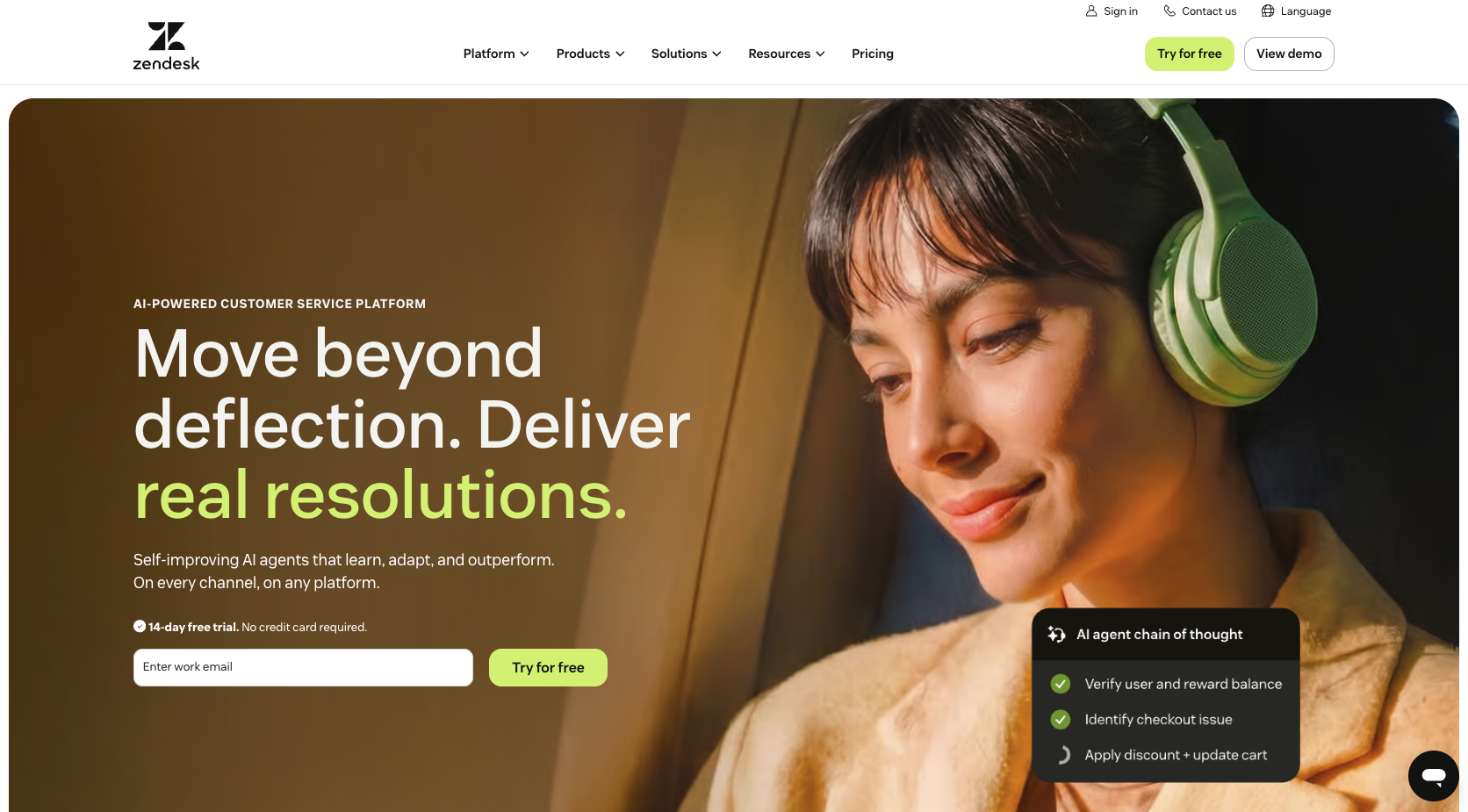
Zendesk is in a different category to most of these Olark chat alternatives. Although it does offer live chat capabilities, you also get AI agents, action builders, omnichannel routing, phone integrations, plus skills-based routing. There’s even different copilots for both admin users and everyday team members.
Zendesk is heavily focused on the future of AI chatbots and intelligent customer service. In 2026, the company introduced agentic reasoning, external API actions (for certain plans), as well as multi-step procedures for all kinds of workflows.
The unified workspace is great for keeping AI bots and human employees in the same work base, and Zendesk even gives employees tools like AI summarization to help save time. However, this is a more enterprise-grade toolkit, with expensive add-ons that can be too much for smaller teams. Plus, Zendesk’s AI tools generally work best when you’re already using Zendesk for ticketing tasks.
On the plus side, Zendesk does support more than 1,500 integrations for complicated tech stacks, and it has some of the best ticketing tools of anything on this list.
Key features:
- Over 1,500 integrations with business tools
- Enterprise ticketing with escalation context
- SLA controls, routing, and reporting capabilities
- Omnichannel inbox with phone conversations included
- Flexible and customizable AI agents
- Copilot support for teams
Pricing: The Suite Team plan starts at about $55 per agent per month, while the Professional option starts at $115 if you pay annually, Advanced AI add-ons start at $50 per agent per month, with automated resolutions costing between $1.50 and $2 each.
Pros:
- Excellent SLA management, routing and analytics
- Comprehensive employee support tools
- Fantastic ticket management with high deflection rates
- Fast setup and seamless workplace integrations
- Advanced automation capabilities
Cons:
- Complicated setup and management
- Expensive compared to most Olark alternatives
Which Olark alternative is right for your team?
All of these Olark competitors are valuable in different ways. If you’re looking for simple generative AI chatbots for customer service, you might choose something like Kayako, Tidio, or Krisp. LiveChat is better if you want an alternative to Olark that still focuses primarily on human-led conversations, along with better mobile tools and reporting.
Zendesk and Freshdesk Omni make more sense if your business is growing, and you need extra support with intelligent routing, triage, and back-end conversation management.
Noupe, on the other hand, is a great pick if you have a website that’s already packed with the answers your customers need, and you just need a quicker way to get that information to the right people. It’s fully customizable, extremely easy to use, multilingual, and incredibly affordable, especially for smaller businesses.
My advice would be to choose two or three Olark alternatives and run them through the same demo test. Use a misspelling. Ask a follow-up that depends on the previous answer. Switch languages halfway through. Request something the bot shouldn’t handle, then see whether the human receives the full thread.
I’d also update one source page during the trial. A useful chatbot should stop repeating the old answer without someone rebuilding half the bot.
If you want to get started, you can try a demo of Noupe today, without spending a penny.